 rndaom
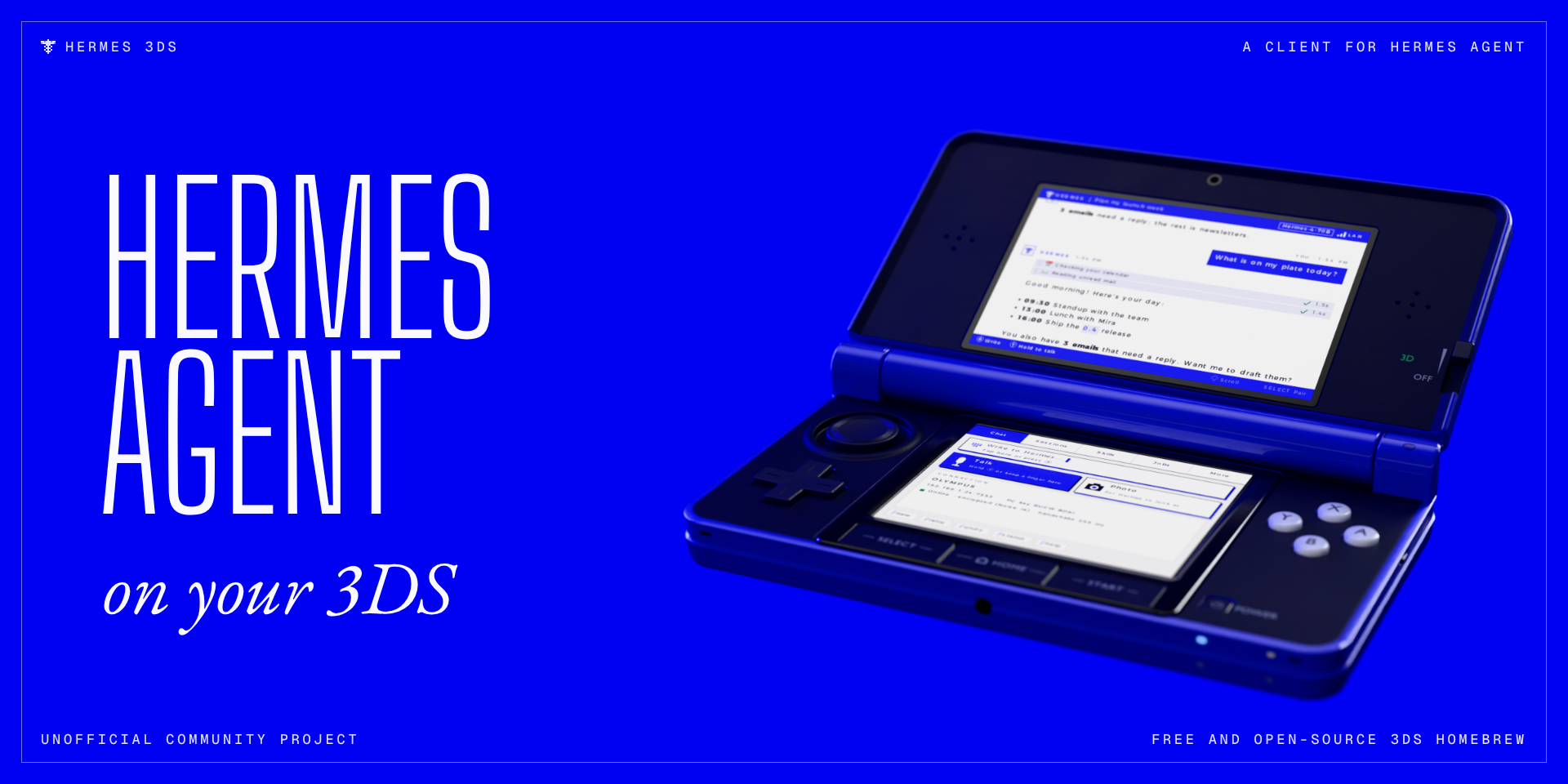
Nintendo 3DS platform for Hermes Agent
3ds-platform is the gateway side of Hermes 3DS: a homebrew app that
lets you talk to your Hermes Agent from a Nintendo 3DS. The plugin adds a 3ds messaging platform to the Hermes
gateway; the app on the console connects to it over an end-to-end encrypted channel (Noise IK).
Unofficial community project. Not affiliated with, endorsed by or sponsored by Nous Research or Nintendo.
On the 3DS you get streaming replies with formatting and emoji, tool activity, approvals and clarify questions,
sessions, skills, scheduled jobs, a model picker and slash commands, pictures, documents and audio sent by
Hermes, voice messages, camera photos and spoken replies. The app itself, its install steps and screenshots are
in the main README.
Install
hermes plugins install 3ds-platform
hermes plugins enable 3ds-platform
Turn the platform on in ~/.hermes/config.yaml, together with streaming (off by default in Hermes):
platforms:
  3ds:
    enabled: true
streaming:
  enabled: true
Restart the gateway (hermes gateway restart), then pair the console once, at home: run hermes 3ds pair,
open Hermes on the 3DS, pick your computer and type the code it shows. hermes 3ds devices lists paired
consoles and hermes 3ds unpair <name> removes one.
Settings
All optional. Set them under platforms.3ds in config.yaml or as environment variables.
| Setting | Variable | Default | What it does |
|---|---|---|---|
| port | THREEDS_PORT | 7333 | TCP port the 3DS connects to |
| (variable only) | THREEDS_HOME_CHANNEL | none | Chat id (dev:<fingerprint>, see hermes 3ds devices) for cron delivery |
| away | THREEDS_AWAY | off | Away-from-home access through Tailscale Funnel: on, auto (no warning when Tailscale is missing) or off; unset means off unless hermes 3ds away on was run (see below) |
| away_port | THREEDS_AWAY_PORT | 7339 | Loopback port the Funnel forwards to |
Optional extras: ffmpeg on PATH for audio and spoken replies, and piper-tts in Hermes' environment for
replies that start speaking while the model is still writing (tts.streaming.provider: piper-stream).
What it does on your computer
Read this before installing.
- Listens on your network. A TCP listener on port 7333 for the 3DS, and a UDP responder on port 7334 that
answers discovery broadcasts from the 3DS on the same network. When a 3DS asks for it, the plugin may also
connect back to that console's private (LAN) address. Only consoles you paired can open a session; pairing
needs a one-time code and is accepted from the local network only. - Away from home (Tailscale Funnel), off by default. After you run
hermes 3ds away on(or set
away: on), and with Tailscale installed and signed in, the plugin asks Tailscale to publish a Funnel: a
public internet address that forwards to a loopback-only listener on port 7339. Only paired consoles get past
the handshake there.hermes 3ds awayshows the state;hermes 3ds away offremoves the Funnel and keeps
away mode off, andaway: offin the config means the plugin never touches Tailscale. Details: docs/away-from-home.md. - Runs programs.
tailscale(for the Funnel, only once you turn away mode on),ffmpeg(to convert
audio files and spoken replies for the 3DS), and your desktop's file opener (xdg-openoropen) when you
tap Open on PC for a file in the chat. - Downloads pictures. When a reply contains an image link, the plugin downloads that image to shrink it for
the 3DS screen. - Stores keys. Its own data folder (Hermes' plugin data directory for
3ds) holds the computer's long-term
key (server_key, readable by your user only) and the list of paired consoles (devices.json). Outside
that folder it reads only Hermes' own config and state (sessions, skills, jobs, models), files Hermes sends to
the chat, and the Piper voice when spoken replies are set up. - No telemetry. Apart from Tailscale (away mode) and image links in replies, it contacts no outside
service, and nothing is reported anywhere.
A paired 3DS has the same power over your agent as you have in any other Hermes chat, approvals included. If one
is lost, unpair it.
Licence
See LICENSE in the repository.
README from the reviewed commit 3182c0b; it updates when the author re-pins.