 cineglobe
AirPods Approvals for Hermes
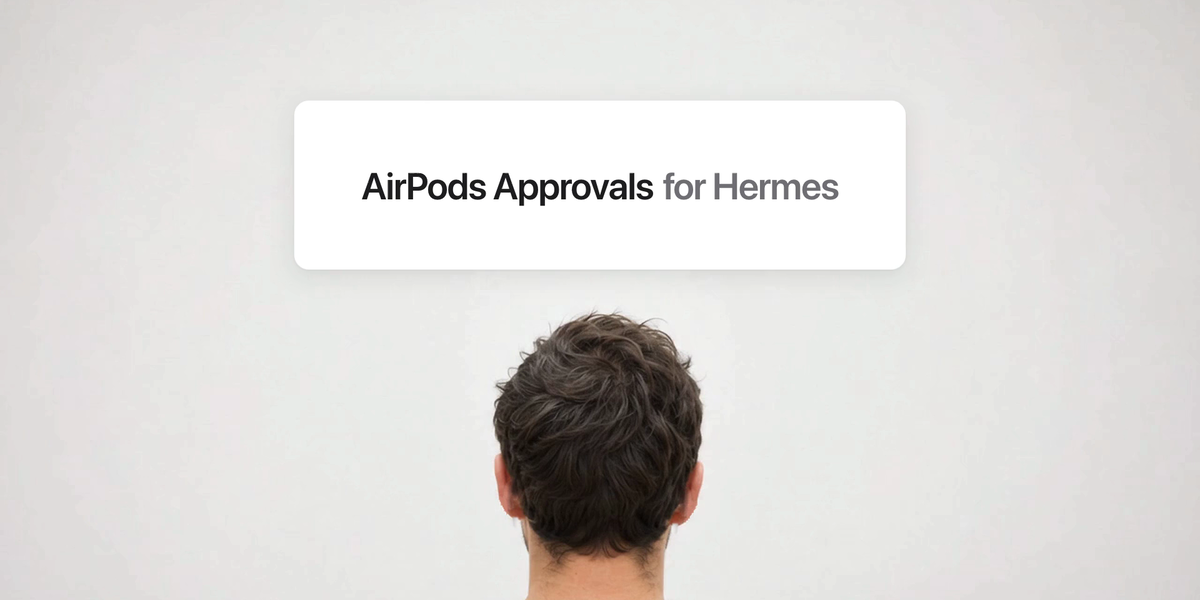
Watch the 10-second film: a request read aloud, a shake, denied. The footage is AI-generated; the sounds are the plugin's own tones.
When your Hermes agent needs a yes or no, it asks in your AirPods and you answer with your head. Nod to approve. Shake to deny. The answer drives the real Hermes approval, so you can step away from the screen and keep work moving.
How it feels
- A chime, then a short question like "Can I clear out the old build folder?"
- A soft tone starts. It's listening.
- Hit three quick beats. Each one taps: a shake taps low in the ear you turned towards, and a nod taps from above and below. The taps get louder as you go.
- A confirmation sound, and the agent carries on.
Slow movement only taps. Miss the rhythm and a soft sound tells you the count started over.
What it does
| | |
| --- | --- |
| Approvals | Nod approves once. Shake denies. The buttons on screen keep working. |
| Questions with two choices | Nod picks the first, shake picks the second. |
| Questions with a list | Options are read one at a time. Nod picks, shake moves on. |
| Open questions | Read aloud, then answered on screen. |
On a Gemini Live call, the call's voice asks, so you don't hear it twice. This plugin stays quiet on that session and only opens the gesture window once the voice has finished, then tells the call how you answered so it can confirm it. Questions on that session are left to the call. The two plugins talk through window events in Desktop, and nothing extra leaves the Mac.
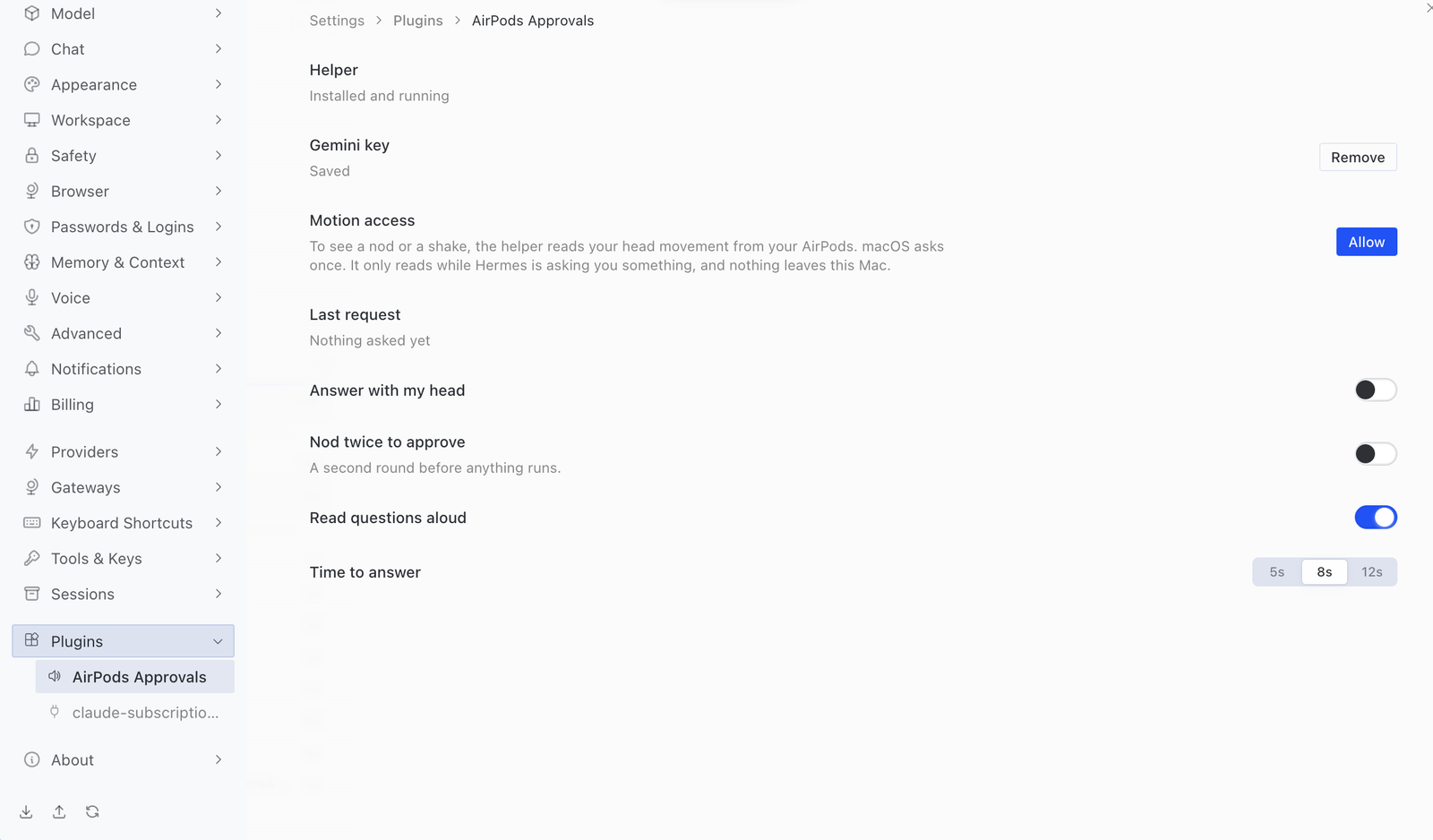
Settings are in Settings → Plugins → AirPods Approvals, including Try it, which practises the gesture without touching Hermes.
Why a misread can't approve something by accident
A glance is as fast as a shake, so speed alone isn't safe. Gestures are recognised by rhythm, measured from real recordings (docs/GESTURES.md).
- Listening starts only after the question has finished and your head has settled. A nod that began early counts for nothing.
- A gesture needs three alternating beats, each within 0.41 seconds of the last, mostly on one axis.
- A nod only ever sends
once, neversessionoralways. - Before answering, the plugin checks that the same request is still waiting, with the same command.
- A timeout, AirPods coming out, or the helper stopping sends nothing. The prompt stays on screen and Hermes' own timeout denies it.
- Turn on Nod twice to approve for a second round before anything runs. It's off by default.
- The short question is written by Gemini from the command, told to mention anything destructive, irreversible or that sends data away, and to treat the command as data. Replies over 25 words, without a question, or mentioning nods, shakes, approving or denying are thrown away, and the exact wording is read instead: "Hermes needs your approval. The command is: …". The exact command always stays on screen.
- What a nod or shake means is fixed in the helper, so nothing spoken can change it.
It reduces misreads rather than removing them. If you nod along to something during the listening window, that could count. For commands you'd never want run by accident, leave Hermes' prompts on screen and turn this off, or turn on Nod twice to approve.
Requirements
- A Mac with Hermes Desktop, and AirPods that report head motion (AirPods Pro, AirPods Max, AirPods 3 and later). macOS only: head tracking is an Apple API.
- macOS 14 or later, with the Xcode Command Line Tools to build the helper.
- A Gemini API key, from aistudio.google.com/apikey.
- Hermes 0.22.5 or later.
Install
Install it from Capabilities → Plugins in Hermes Desktop (choose This device if Desktop is connected to a remote Hermes), or on the Mac:
hermes plugins install cineglobe/hermes-airpods-approvals --enable
Then open Settings → Plugins → AirPods Approvals and press Install. Terminal opens and builds the helper app from its Swift source, which ships with the plugin, then starts it, and the plugin connects by itself. Nothing is downloaded, and the app is signed for your Mac only, so it needs no notarisation. Building needs Apple's Command Line Tools; if they're missing, macOS offers to install them.
The same page then walks through the rest, one step at a time: a Gemini key (free from Google AI Studio), Motion access (it says why first, then macOS asks), your AirPods, and a practice round.
Why a helper?
Head motion comes from Apple's CMHeadphoneMotionManager, which a Desktop plugin can't reach. macOS also only allows it from a real app started by Launch Services, so the helper is a small app with no window, Dock icon or menu bar item. It's built on your own Mac because the Hermes catalog doesn't accept compiled binaries.
Desktop starts it when it opens, and it quits by itself within 20 seconds of Desktop closing or the plugin being turned off.
The voice
Prompts are read by Gemini (gemini-3.8-flash-tts). The key goes from the settings page straight to the helper, which keeps it in your login Keychain. Desktop never stores it. If Gemini can't be reached or runs out of quota, nothing is read out: a short cancel sound plays and the request stays on screen.
What it sends, reads and runs
- Network: the helper sends each approval's description and command to
generativelanguage.googleapis.comto write the short question (gemini-flash-lite-latest), and each prompt to be spoken. Nothing else. - Sent to Gemini: the sentence being read: the approval's description and command, or the question and its choices. Hermes redacts secrets in commands first, but treat what's spoken as sent to Google. On Gemini's free tier, Google may use content to improve its products.
- Credentials: your Gemini key, kept in the login Keychain by the helper and sent only to Google.
- Head motion: read only while a question is open, handled on the Mac and never stored or sent anywhere. Only the answer leaves the helper.
- Background process: the helper runs only while Hermes Desktop is open with the plugin on.
- Local connection: the helper listens on
127.0.0.1:47291. Both sides prove they hold a pairing token, and anything that isn't Hermes Desktop's page is refused by origin. The token sits in a file only your user can read. Pairing is only possible for a minute after the helper is opened, which is what Connect does. - Prompts stay private: audio plays only through Bluetooth headphones, never the Mac's speakers.
- Telemetry: none.
Uninstall
Turn the plugin off or quit Desktop, and the helper quits. Then delete ~/Applications/Hermes AirPods.app and ~/Library/Application Support/Hermes AirPods, remove Hermes AirPods Gemini key in Keychain Access, and run hermes plugins remove airpods-approvals.
Development
scripts/test.sh                 # JS and Swift tests
python3 scripts/build.py        # regenerate desktop/plugin.js from src/
hermes plugins validate .
src/engine.mjs                       what's asked, and when an answer may reach Hermes
src/desktop.js                       Desktop plugin shell and settings
desktop/helper/Sources/AirPodsCore   gesture detection and session rules, tested against real recordings
desktop/helper/Sources/HermesAirPods motion, sound, Gemini speech, Keychain and the local connection
MIT licensed. AirPods is a trademark of Apple Inc. This project isn't affiliated with Apple or Nous Research.
README from the reviewed commit ce280b1; it updates when the author re-pins.