 Abarajithan
Cron Bulletin
A unified Hermes plugin that adds a central Cron Bulletin page to Hermes Desktop without changing Hermes core.
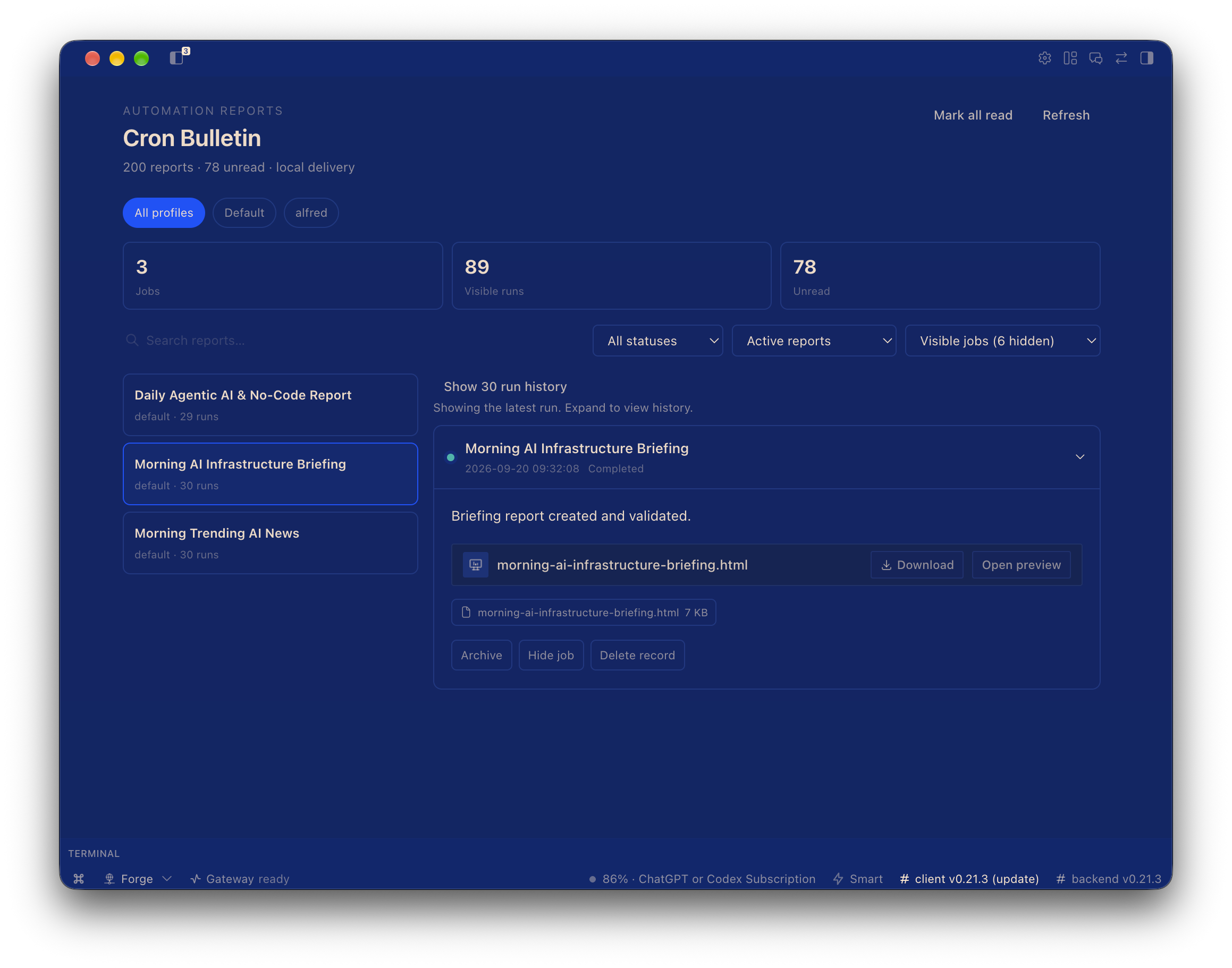
The inbox groups reports by job and profile, defaults to All profiles, and keeps
the latest run visible while older runs remain available in expandable history.
How reports arrive
Cron jobs remain ordinary Hermes cron jobs. Configure them with local delivery:
deliver: local
Hermes already persists each run to $HERMES_HOME/cron/output/<job-id>/*.md. The plugin indexes those files, so no Telegram, Discord, Slack, or other messaging delivery is needed.
Reports may contain plain text, Markdown, and MEDIA:/absolute/path directives. Referenced files are accepted only when they resolve to a regular file under the job's own $HERMES_HOME/cron/output/<job-id>/ directory, the plugin's $HERMES_HOME/cron/bulletin-assets/ directory, $HERMES_HOME/images/, or the job workdir — the rest of the profile home (.env, credentials) is never readable through the asset route. Write generated artifacts to the job output directory, the plugin's bulletin-assets/ directory, or the job workdir. Paths returned by the list API are opaque; raw server paths are not exposed.
Desktop
Open Cron Bulletin from the sidebar or command palette. The page provides:
- Newest-first report feed
- Text search and status filtering
- Completed/failed indicators
- Native Markdown and media rendering
- Attachment metadata
- Persistent read/unread state
- Hidden jobs automatically resurface when a run fails
- Manual refresh plus 15-second polling
Files
dashboard/plugin_api.py— scoped report and attachment REST APIdesktop/plugin.js— native Desktop pagetests/— Python and JavaScript behavior tests
Verification
PYTHONPATH=~/.hermes/hermes-agent python -m pytest tests/test_plugin_api.py -q
node --test tests/plugin.test.mjs
hermes --profile teknium plugins validate ~/.hermes/profiles/teknium/plugins/cron-bulletin
README from the reviewed commit 42afc81; it updates when the author re-pins.