done-bell

❖ Communityv0.1.0★ 5

Ring when a Hermes turn finishes so you can leave the window. OS notification, optional chime, and a busy/done chip. Optional "needs you" when approval is waiting. No API keys.

Open in Hermes Desktop
hermes plugins install done-bell

What it adds

Tools 1

done_bell_status

Hooks 4

on_session_endpre_approval_requestpost_approval_responseagent_loop_stopped

README

From the reviewed commit 3fa519a ↗; it updates when the author re-pins.

done-bell

Hermes plugin: ring when a turn finishes so you can leave the window.

OS notification (when away), optional chime, status chip (busy / done / needs you). No API keys. Does not send chat, write code, or touch user files.

Lives under plugins/done-bell/ so it stays separate from debug-desk.

Repo: https://github.com/aydnOktay/hermes-done-bell-

Install (dev)

hermes plugins install C:\Users\aydin\Desktop\nous-puling\plugins\done-bell
hermes plugins enable done-bell

Copy the pane (Hermes 0.21 installer may skip it):

New-Item -ItemType Directory -Force -Path "$env:LOCALAPPDATA\hermes\desktop-plugins\done-bell" | Out-Null
Copy-Item "$env:LOCALAPPDATA\hermes\plugins\done-bell\desktop\plugin.js" "$env:LOCALAPPDATA\hermes\desktop-plugins\done-bell\plugin.js" -Force

Restart Hermes. Status bar chip: busy while working, done when idle.

  1. Send a chat, switch to another window
  2. When the turn finishes you get an OS notify + chime
  3. If Hermes waits for approval, the chip says needs you

Slash: /bell /bell mute /bell unmute

Pane: done bell — toggles and Test bell.

State: $HERMES_HOME/plugin-data/done-bell/bell.json

v1 rules

  • Unique Python modules (bell_store, not store)
  • Desktop watches host.state.busyBySession (gateway turns)
  • CLI/TUI also ring via on_session_end (no double OS toast on gateway)
  • Commands in approval hooks are not stored (secrets)
debug-desk❖ Community★ 10

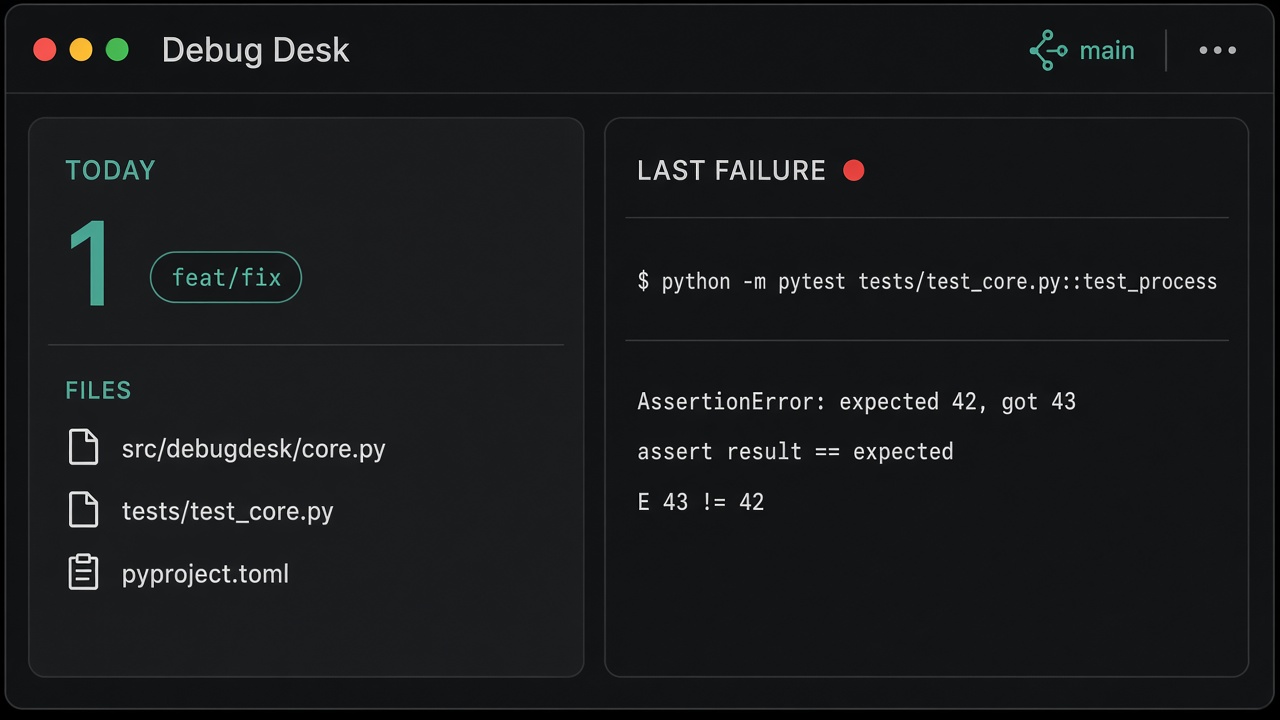
Today's git digest in the current repo, plus the last failed terminal command the Hermes agent ran. Desktop pane, status chip, optional local LLM summary. Does not watch OS or editor terminals.

Desktop
needs-you❖ Community★ 7

Hermes is waiting — full Desktop page for pending approvals. Queue, chip, OS notify. Redacted previews only. No API keys.

Desktop
file-tray❖ Community★ 6

Session file tray — paths the Hermes agent touched via read_file, write_file, or patch. Desktop pane and /files. No API keys.

Desktop
sketch-pad❖ Community★ 5

Draw a shape on a Desktop pad and attach the PNG to the next Hermes chat message. For "what is this shape" when you have no photo.

Desktop
command-tray❖ Community★ 3

Session command tray — shell commands the Hermes agent ran via the terminal tool (success and failure). Desktop pane and /commands. No API keys. Disclosure — records terminal commands with exit code, workdir and a 160-char redacted output preview to $HERMES_HOME/plugin-data/command-tray/state.json; the Desktop pane inserts text through Hermes Desktop's internal hermes:composer-insert event (not a public SDK API) with clipboard fallback; no network.

Desktop
lib-docs❖ Community★ 3

Look up current library docs from public npm and PyPI (no API keys). Resolve a package, fetch README and metadata, keep recent lookups on Desktop. Disclosure — HTTPS to registry.npmjs.org, pypi.org and cdn.jsdelivr.net (npm READMEs) only; package name and version leave the machine; recent lookups are stored under $HERMES_HOME/plugin-data/lib-docs; the Desktop pane inserts text through Hermes Desktop's internal hermes:composer-insert event (not a public SDK API).

Tools

← Back to the catalog · catalog built Oct 17, 2026