All plugins

emotion-chip

The agent decides how to say it. Your agent writes its own delivery into the text it speaks, a small bracket score such as [sigh], [whisper: it passed.], [pause] or [warm, amused], and Emotion Chip renders exactly that for ElevenLabs v4 or Fish Audio (s2.1-pro, Drama 3), each in its own dialect, adding nothing the agent did not write. Registers the emotion-chip speech provider, a delivery guide in the system prompt, the emotion-chip-voice skill and the /chip command (status, why, quiet, register). CC0 emotion data and pre-registered evaluations ship in the repository. Disclosure — with backend: eleven it sends your ElevenLabs API key, the rendered text, the model id, voice id, voice settings, an optional seed and, on v4 models, up to three earlier request ids from the same session (kept in memory for two hours) to api.elevenlabs.io over HTTPS; these are paid requests billed to your ElevenLabs account. The key is read at each call through the profile's secret scope and never stored. With the default backend: fish it sends nothing itself: it hands the rendered text to the Fish Audio plugin in the same process (which must be installed, enabled and signed in), and that plugin sends it to Fish Audio under its own disclosure and bills your Fish account; the chip reaches it through Hermes's speech-provider registry and imports its tag adapter. With guide_mode: generate (the default) it registers the emotion-chip-voice skill, and while it is the speech provider it adds a delivery guide of up to 4,000 characters to the system prompt; when another speech provider is selected, its tool_request middleware rewrites text_to_speech text containing a bracket for that provider (the Fish dialect, or the ElevenLabs dialect on a v3/v4 model; for any other provider, including Hermes's default Edge and ElevenLabs on older models, standalone bracketed words are removed as cues, a [Step 2] too, while the words inside spans, numeric references such as [1] and code such as items[index] stay), leaves command providers alone and records nothing. With signals on (off by default) it adds a dated situation line of up to 200 characters to the turn and, after a tool error, to other tools' results. It reads Hermes's tts configuration (read-only) to pick the dialect, model and voice. It writes under the profile's plugin-data/emotion-chip/ only the generated skill and, unless delivery_log is off, delivery.jsonl (time, session id, sender id, platform, model, dialect, rendering group, cue words, parameters, kinds of drops and character count, never the spoken text), moved to delivery.1.jsonl at 5 MB so at most about 10 MB is kept; Hermes keeps its per-session state (task counters and timestamps, session keys, the messaging sender id and platform, the last situation and register lines, the quiet switch; the 50 most recent sessions) in the plugin's own namespaced folder under plugin-data/. Audio goes to the path Hermes supplies. No background processes, no shell commands, no telemetry.

100yenadminVoicev0.1.0Updated 2 hours ago

About

The agent decides how to say it. Your agent writes its own delivery into the text it speaks, a small bracket score such as [sigh], [whisper: it passed.], [pause] or [warm, amused], and Emotion Chip renders exactly that for ElevenLabs v4 or Fish Audio (s2.1-pro, Drama 3), each in its own dialect, adding nothing the agent did not write. Registers the emotion-chip speech provider, a delivery guide in the system prompt, the emotion-chip-voice skill and the /chip command (status, why, quiet, register). CC0 emotion data and pre-registered evaluations ship in the repository. Disclosure — with backend: eleven it sends your ElevenLabs API key, the rendered text, the model id, voice id, voice settings, an optional seed and, on v4 models, up to three earlier request ids from the same session (kept in memory for two hours) to api.elevenlabs.io over HTTPS; these are paid requests billed to your ElevenLabs account. The key is read at each call through the profile's secret scope and never stored. With the default backend: fish it sends nothing itself: it hands the rendered text to the Fish Audio plugin in the same process (which must be installed, enabled and signed in), and that plugin sends it to Fish Audio under its own disclosure and bills your Fish account; the chip reaches it through Hermes's speech-provider registry and imports its tag adapter. With guide_mode: generate (the default) it registers the emotion-chip-voice skill, and while it is the speech provider it adds a delivery guide of up to 4,000 characters to the system prompt; when another speech provider is selected, its tool_request middleware rewrites text_to_speech text containing a bracket for that provider (the Fish dialect, or the ElevenLabs dialect on a v3/v4 model; for any other provider, including Hermes's default Edge and ElevenLabs on older models, standalone bracketed words are removed as cues, a [Step 2] too, while the words inside spans, numeric references such as [1] and code such as items[index] stay), leaves command providers alone and records nothing. With signals on (off by default) it adds a dated situation line of up to 200 characters to the turn and, after a tool error, to other tools' results. It reads Hermes's tts configuration (read-only) to pick the dialect, model and voice. It writes under the profile's plugin-data/emotion-chip/ only the generated skill and, unless delivery_log is off, delivery.jsonl (time, session id, sender id, platform, model, dialect, rendering group, cue words, parameters, kinds of drops and character count, never the spoken text), moved to delivery.1.jsonl at 5 MB so at most about 10 MB is kept; Hermes keeps its per-session state (task counters and timestamps, session keys, the messaging sender id and platform, the last situation and register lines, the quiet switch; the 50 most recent sessions) in the plugin's own namespaced folder under plugin-data/. Audio goes to the path Hermes supplies. No background processes, no shell commands, no telemetry.

Hermes Emotion Chip

The agent decides how to say it. Hermes Emotion Chip renders the delivery the agent chose; it measures nothing
about feelings.

A Hermes Agent plugin that lets the agent write its own delivery cues,
a small bracket score such as [sigh], [whisper: it passed.], [pause] or [warm, amused], in the text it speaks.
The plugin renders that score for ElevenLabs v4 and Fish Audio (s2.1-pro and Drama 3), each in its own
dialect and at its documented ceiling. It never adds, upgrades or invents an emotion the agent did not write, and
plain speech is always a valid choice.

[sigh] An entire day lost to one character. [pause] Glad you found it.

Install

Requires Hermes 0.22.2 or newer.

hermes plugins install emotion-chip --enable                         # from the Hermes plugin catalog, once listed
hermes plugins install 100yenadmin/ai-emotion-chip/plugin --enable   # straight from the repository

Then make the Emotion Chip the speech provider and pick a backend.

ElevenLabs (quick start)

  1. Put your key in the profile's .env (or Desktop ▸ Settings ▸ Keys):
    ELEVENLABS_API_KEY=... (get one).

  2. Choose a voice in the ElevenLabs voice library and copy its voice id.

  3. Configure:

    hermes config set tts.provider emotion-chip
    hermes config set plugins.entries.emotion-chip.settings.backend eleven
    hermes config set plugins.entries.emotion-chip.settings.eleven_voice_id <voice id>
    
  4. Restart the gateway (hermes gateway restart), then check with /chip status and ask the agent to say something
    out loud.

Fish Audio

Install, enable and sign in to the Fish Audio plugin
(hermes plugins install fish-audio --enable, then hermes fish login and hermes fish doctor). The chip hands Fish the rendered text in
the same process, so Fish's key, voice and model settings stay where they are:

tts:
  provider: emotion-chip
  fish-audio:
    voice: <a Fish voice id>
    model: s2.1-pro        # optional; Fish's model setting wins over the chip's fish_model

backend: fish is the default.

Settings

Under plugins.entries.emotion-chip.settings (also in Desktop ▸ Settings ▸ Plugins):

| Setting | Default | What it does |
|---|---|---|
| backend | fish | fish or eleven. |
| fish_model | s2.1-pro | The Fish model to request when neither Fish's tts.fish-audio.model nor the call names one. |
| eleven_model | eleven_v4 | eleven_v4, eleven_v4_turbo or eleven_v3; a supported tts.elevenlabs.model_id takes precedence. |
| eleven_voice_id | empty | Voice to use unless the call names one. It outranks tts.elevenlabs.voice_id. A voice is required. |
| eleven_style, eleven_speed, eleven_seed | unset | Optional ElevenLabs voice settings; omitted from requests when unset. |
| guide_mode | generate | generate adds the delivery guide to the system prompt and the emotion-chip-voice skill. defer leaves guidance to you. |
| signals | off | facts gives the agent dated task facts (tool errors in a row, retries, session length); facts+affordance adds "stopping and reporting is fine". |
| delivery_log | true | A local log of cue words, dialect, parameters and drops. It never stores the spoken text. |

Use

The agent writes the score in the text of its text_to_speech call:

[[register: steady]] The deploy failed again. [frustrated] The migration times out on the same table. [pause] I'll stop retrying and look at the lock.

The plugin translates the syntax for the selected backend: ElevenLabs tags, Fish S2 tags, or Drama 3's paired tags.
Everything the agent writes is kept, crying, sobbing and screaming included, unless the model cannot perform it.
On the chip's own provider path /chip why shows every drop and why, and the delivery log keeps the kind of each drop.

| Command | What it does |
|---|---|
| /chip status | Settings, the backend's model and dialect, the ElevenLabs voice when selected, and this session's id |
| /chip why | The last render in this session: the agent's own cue words, what was dropped and why, the parameters |
| /chip quiet [on\|off] | Drop laughs, sighs and other sounds; cues and speech stay. One switch for the whole profile. |
| /chip register [clear] | Show or clear the register the agent last wrote in this session |

Coverage

  • Full cues reach the voice on the text_to_speech tool path.
  • Spoken replies, read-aloud and voice mode speak the reply text, without cues: a cue written in a reply would also
    show in the chat, so the guide asks for cues in the tool text. Hermes has no seam yet that splits displayed text from
    spoken text.
  • Hermes's GPT-Live voice chat mode speaks through OpenAI's live voice model, not a speech provider, so the plugin
    does not reach it.

Disclosure

  • Network. With backend: eleven, the plugin sends your ElevenLabs API key, the rendered text, the model id, voice
    id, voice settings, an optional seed and, on v4 models, up to three earlier request ids from the same session to
    api.elevenlabs.io over HTTPS. These are paid requests billed to your ElevenLabs account. With backend: fish the
    plugin sends nothing itself: it hands the rendered text to the Fish Audio plugin in the same process, which sends it
    to Fish Audio under that plugin's own disclosure and bills your Fish account.
  • Dependency. The Fish backend needs the Fish Audio plugin installed, enabled and signed in; the chip uses Hermes's
    speech-provider registry to reach it and imports its tag adapter.
  • Credentials. The ElevenLabs key is read at each call through the profile's secret scope. The plugin stores no
    credentials.
  • Prompt and skill. With guide_mode: generate (the default) the plugin registers the emotion-chip-voice
    skill, and while the chip is the speech provider it also adds a delivery guide of up to 4,000 characters to the
    system prompt. With generate, when another speech provider is selected, its tool_request middleware rewrites
    text_to_speech text that carries cues for that provider: Fish Audio's dialect for fish-audio, the ElevenLabs dialect for
    elevenlabs with a v3 or v4 model, and plain text with the cues removed for any other provider. A command provider
    (your own script) is left alone. This compatibility path records nothing in /chip why or the delivery log.
  • Local files. Under the profile's plugin-data/emotion-chip/: the generated skill and, unless delivery_log is
    off, delivery.jsonl (time, session id, sender id, platform, model, dialect, rendering group, cue words,
    parameters, kinds of drops and character count, never the spoken text). At 5 MB the log moves to
    delivery.1.jsonl, replacing the previous copy, so at most about 10 MB is kept. Hermes keeps the plugin's
    per-session state in its own namespaced folder under plugin-data/: task counters and timestamps, the map from
    Hermes session keys to session ids, the messaging sender id and platform, the last situation and register lines,
    and the quiet switch, for the 50 most recent sessions. Audio goes to the path Hermes supplies.
  • No background processes, no shell commands, no telemetry.

Grounding

The cue vocabulary follows Anthropic's research on emotion concepts in Claude,
Emotion Concepts and their Function in a Large Language Model
(2026), and Claude's constitution: express functional emotions where
appropriate, don't mask them, use discretion, don't overclaim. We state that research at the strength it supports: the
probes were measured on one model, a cue records the delivery the agent chose rather than a measured internal state,
and introspection is not validated for this use.

emotion_chip/data/ is CC0 research data with attribution: 171 emotion concepts, rendering groups, sounds and dialect
tables.

Evaluation

Every bar is pre-registered, with dated amendments and recorded deviations:
EVAL-PREREG.md. The first complete text
run passed its mechanical gate on Claude Opus 5.5 and gpt-6.1-sol, 684 replies each:
evidence. The blind listening test is
next.

Caveats

  • Cues can shape the agent's words as well as its voice. We measure that with sycophancy and harshness checks; see the
    pre-registration.
  • Synthesis calls are paid requests to ElevenLabs or Fish Audio, billed to your accounts.
  • The plugin adds no safety behaviour of its own. In emotional-support conversations the agent's judgment and the
    model's safeguards apply unchanged; the chip only renders the delivery the agent wrote.

License

Code: Apache-2.0 (LICENSE). Data in emotion_chip/data/: CC0-1.0 (LICENSE-DATA).

README from the reviewed commit f4afab1; it updates when the author re-pins.
More by 100yenadmin

8 plugins by 100yenadmin in the catalog.

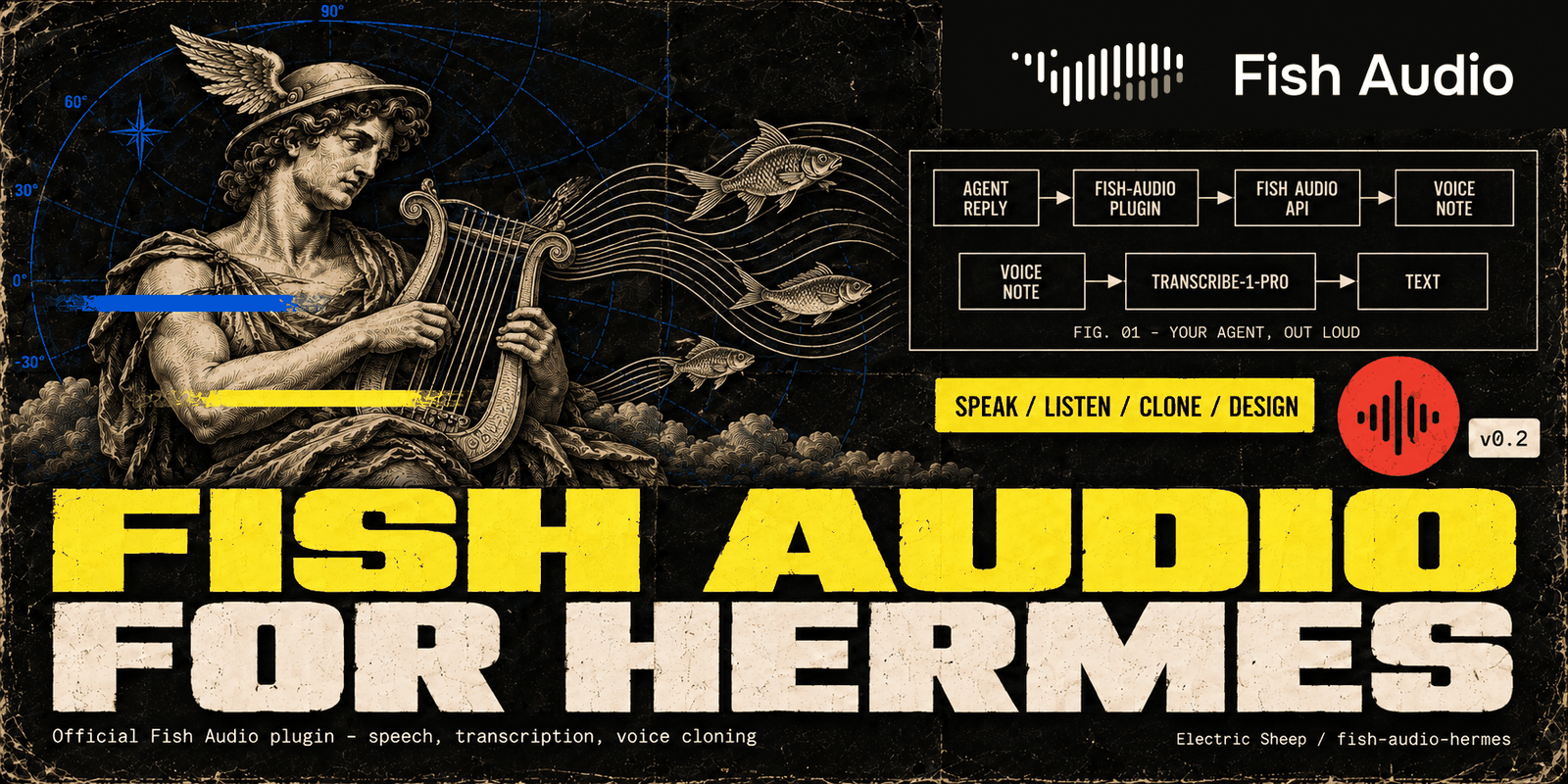
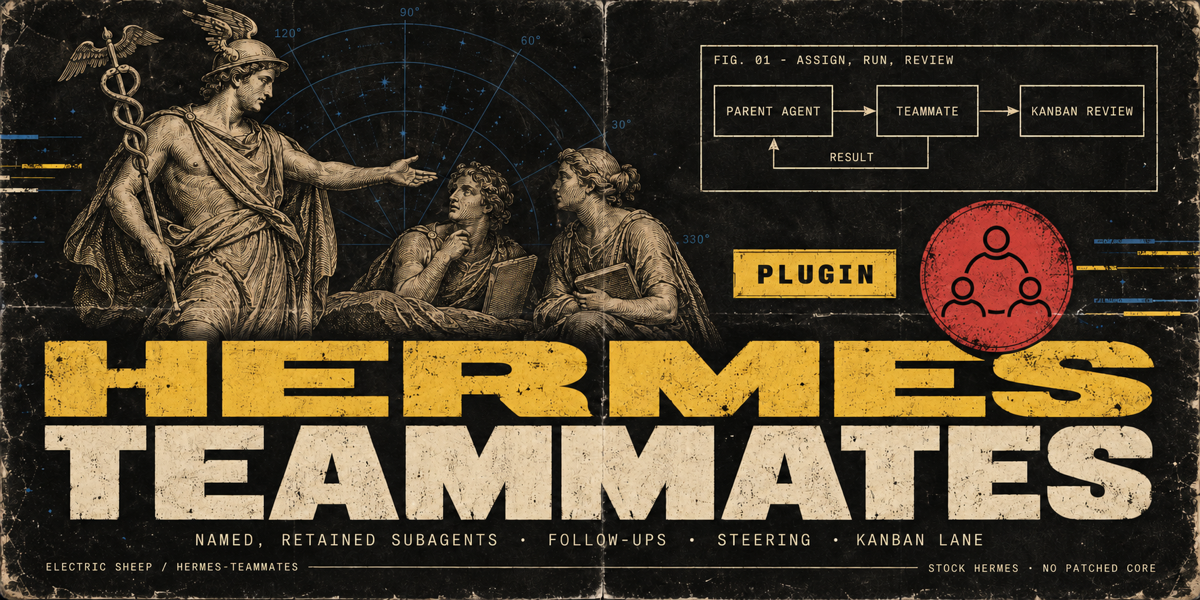
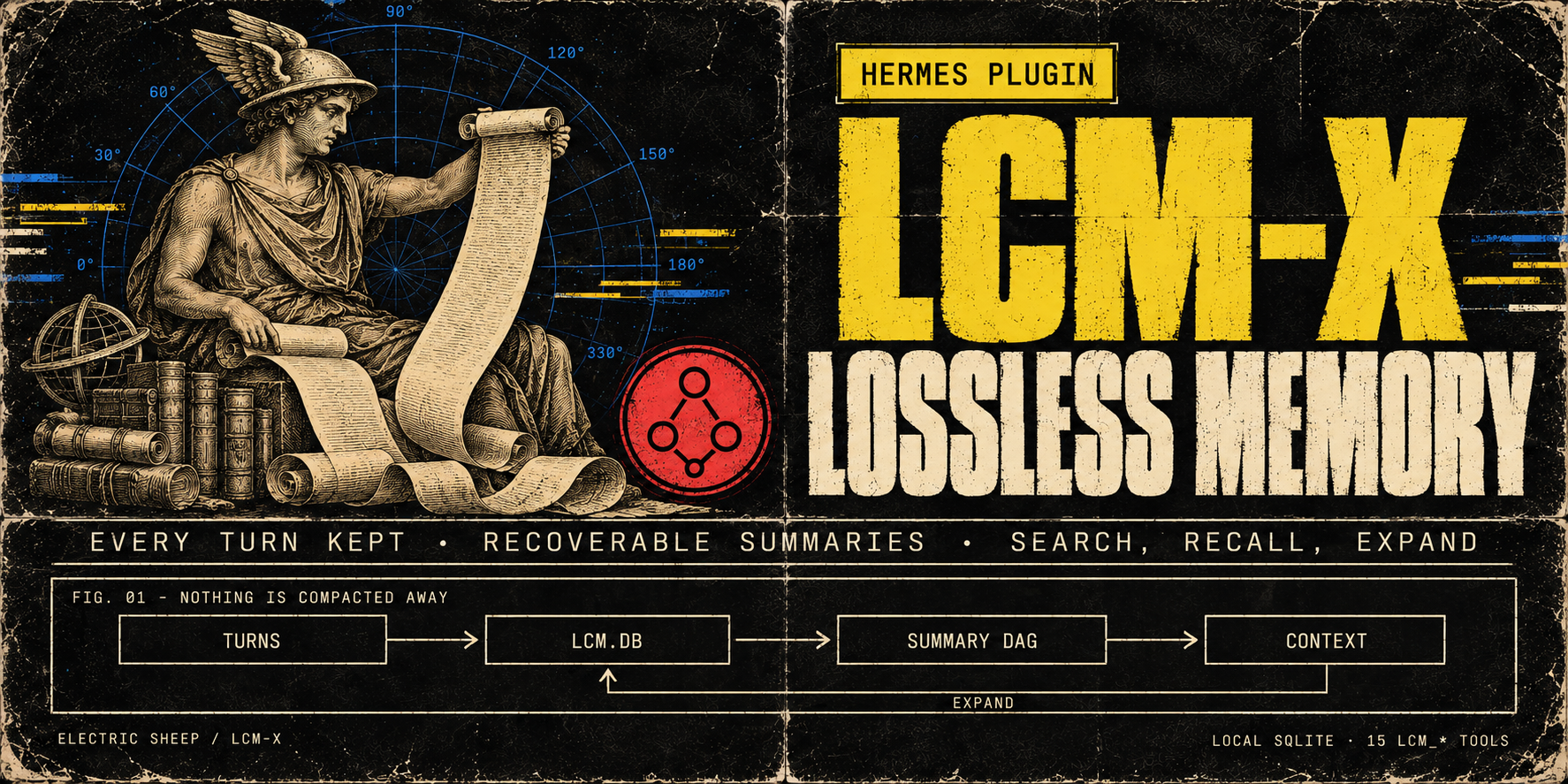
100yenadminhermes-lcm-xLossless memory for long sessions: LCM-X keeps every turn in a local store instead of compacting it away, and the agent can search and expand it. The store is local SQLite (lcm.db) with a recoverable DAG of summaries over it and 16 lcm_* tools for search, recall and expansion (lcm_memory only with LCM_ENTITIES_ENABLED=1). Select it with context.engine: lcm-x. Upgrading from hermes-lcm (breaking in v0.24.0): stop Hermes, then in plugins.enabled replace hermes-lcm with hermes-lcm-x and run exactly one LCM copy (the install script prints the steps; the old engine name lcm still resolves with a deprecation warning); lcm.db and the lcm: config block are unchanged. Summaries use the model Hermes is configured with. Disclosure — local semantic recall is on by default once its dependency companion is installed (hermes plugins install electricsheephq/lcm-x/companions/hermes-lcm-x-local-embeddings --ref <the LCM-X commit>; it carries fastembed): summaries and message chunks are embedded in-process with BAAI/bge-small-en-v1.5 after a one-time model download, in the background, and stay on the machine. Without the companion, recall answers from full text and lcm_doctor prints the install command; on hosts with 2 or fewer effective CPUs the default answers from full text unless LCM_EMBEDDINGS_ENABLED=true; LCM_EMBEDDINGS_ENABLED=false turns semantic recall off. Cloud embedding providers (Voyage via VOYAGE_API_KEY, an OpenAI-compatible endpoint, or a local Ollama) send message text to that provider and run only with LCM_EMBEDDINGS_ENABLED=true and an explicit model. For known cloud providers the provider-bound copy is privacy-transformed by default (LCM_EMBEDDING_PRIVACY_ENABLED=false opts out), while lcm.db keeps the raw text. Every turn (user, assistant and tool output) is stored in plaintext in lcm.db (secret redaction at rest is opt-in); on gateway platforms the sender's platform user ID is recorded with each user message by default (LCM_SENDER_CAPTURE=0 turns it off), and oversized tool outputs are by default written as plaintext files under HERMES_HOME/lcm-large-outputs and replaced in the model's context by recoverable references. The engine also reads Hermes' state.db read-only for session lineage, reads private AIAgent attributes via the call stack on Hermes builds without subagent hooks, and runs git on its own install directory for lcm_status/lcm_doctor; tiktoken may fetch its BPE file on first use.Communitymemory114100yenadminfish-audioLifelike voices for your agent: Fish Audio's expressive text-to-speech in 80+ languages, plus transcription, voice cloning and a voice library. The official Fish Audio plugin: Fish's Drama 3 model with word-level direction, speech-to-text, Fish Audio's community voice library, voice cloning and voice design, with a Voices page in Hermes Desktop. Fish Audio becomes a Hermes speech and transcription provider for voice replies, read-aloud, voice notes and Desktop dictation, with sentence-by-sentence streaming in CLI voice mode and Desktop, and word-by-word live dictation captions on Hermes 0.21.6+ (stt.streaming: true). Adds the fish_speak, fish_voices and fish_transcribe tools, /fish and hermes fish commands, and four skills. Disclosure — sends your Fish API key and the text, audio (with file names) and voice titles, tags, descriptions, cover images and design instructions you ask it to process to api.fish.audio, or to the base_url you configure, and reads your Fish wallet for balances and model choice; with live dictation on, microphone audio streams to Fish's native realtime speech-to-text at api.fish.audio (transcribe-stream-1, Preview) while you speak, billed $0.36 per hour of open session, per second, including silence; a session opens with the first audio and closes once Fish confirms the last words (the plugin stops waiting after 15 seconds), or 30 seconds after the last audio of a cancelled recording; the live_transcription: compat setting uses Fish's older realtime endpoint instead, billed per committed phrase rounded up to a second; synthesis, transcription, cloning and voice design are paid requests billed to your Fish account, except the free s2.1-pro-free model (free through 30 November 2026), whose requests Fish may use to improve its models. The key comes from the profile's secret scope (Hermes stores it in the profile .env; a single-profile install may also read FISH_API_KEY from the environment). Generated audio and subtitles are written to Hermes's audio cache; clone samples and recordings it uploads must be regular audio files, and Hermes config, secret and credential paths are refused. Cloning and deleting voices from chat or the model tools go through Hermes's approval gate and follow your approval settings. The Desktop Voices page and a Fish Audio settings page add gateway routes under /api/plugins/fish-audio/, behind the Hermes dashboard's existing authentication. On the Voices page, previews, clones and voice designs are billed; cloning a voice or saving a designed one creates a voice in your Fish account; cloning and deleting are confirmed on the page (a speaker-consent box, a typed voice name) instead of through Hermes's approval gate; and Use sets the profile's Fish voice, and its speech provider when none is set. The settings page and /fish alias can set or reset the profile's Fish model and voice and save up to 50 voice names in the profile's config. Preview and design audio files are deleted from the gateway once returned; a design's audio is held in gateway memory so you can save it, until it is saved, a later design or save finds it over an hour old, or the gateway stops; clone uploads are deleted after the clone, or by the next upload once idle for 15 minutes. With a key set, Desktop reads your Fish wallet when an agent is selected and about every five minutes, for the status-bar credit; favourites stay in Desktop's plugin storage on that computer, and fetched previews stay in the window's memory until it closes. Includes a report-a-problem skill: the agent drafts a bug report and files it to this plugin's repository as a public GitHub issue or comment with your gh login only after you approve the exact text; reports leave out keys, credit amounts and your own voice ids, and security problems go to the repository's private advisory form instead. No telemetry.Communityvoice70100yenadminhermes-teammatesGive your agent a team: named subagents with their own instructions, tools and model, which it assigns work to, checks on and steers mid-task. The operator defines the roster; the agent follows up with a digest of earlier results and can work a Kanban teammates lane with a review handoff. Launches subagents only through the public ctx.subagent_lifecycle API. Stock Hermes; no patched core. Disclosure — adds six tools (teammates_roster, teammate_assign, teammate_check, teammate_wait, teammate_message, teammate_stop) and a /teammates command; the model picks only a teammate name, and the operator's config decides what it means. Teammates run as in-process Hermes subagents using credentials selected by Hermes from the parent, delegation settings or an operator-configured teammate route where supported. Toolsets narrow the parent's tools at toolset granularity only (the file toolset includes write_file and patch); Hermes can add inherited MCP toolsets back unless delegation.inherit_mcp_toolsets is false. A teammate with invalid settings refuses to launch. A delegated child cannot start teammates. Steering uses the lifecycle steer where Hermes provides it, otherwise delegate_task's steer action with the turn-bound parent. Under plugins.isolation: host every tool except the roster refuses. Optionally the roster is read from an operator-named YAML file (roster_file, relative to the profile home or absolute, so several profiles can share one); the plugin never writes it. It keeps a per-profile SQLite run ledger in its plugin-data folder (goals, statuses, clipped summaries, role hashes and available token receipts; no full transcripts). It does not read credential stores. Where supported in-process, subagent_start and post_api_request hooks collect token receipts for mapped child sessions. For a card assigned to its non-profile lane, it claims the card through the Kanban DB, heartbeats the claim and its worker, then moves the card to review without a reviewer, or blocks it on failure, a stop or an unavailable result; it never completes a card. On Hermes builds with plugin prompt sections it adds one short paragraph (under 600 characters) about the Kanban lane to new top-level session prompts. The paragraph is rendered from its settings, carries no conversation content, and is left out without a usable teammate, for delegated children and under host isolation. It runs one in-process monitor thread per run to retain finished results and, for lane runs, keep the claim alive; no network calls, child processes or self-updates of its own. Completion-notice code exists but never injects on current Hermes because the host cannot bind notices to the receiving session; use teammate_wait instead. Includes a report-a-problem skill: the agent drafts a bug report and files it to this repository with gh only after the user approves the draft.Communityautomation62100yenadminplan-modeClaude Code-style plan mode for Hermes: the agent explores and writes a plan, and edits nothing else until you approve it. It works on every interactive Hermes surface: /plan or /planmode on blocks mutating Hermes tools dispatched through pre_tool_call (writes outside .hermes/plans, terminal, code execution, delegation, MCP) while the agent explores, asks clarifying questions and writes a plan. The agent shows the complete plan, submits it with plan_mode(submit) and one approval card asks: approve and auto-accept edits, approve and review each file edit (when Hermes approvals are on, every write_file and patch then gets Hermes' approval prompt with its path and a preview), or keep planning; Other sends feedback, and the revised plan says what changed since the last revision. Once approved, it implements in the same turn and tracks todo_list progress. To change the plan yourself, keep planning, run /planmode edit, save, then /planmode show and /planmode approve; the text you were shown is saved as an approved snapshot, so later edits to the file do not change the approval. The classic profile (plan_profile: classic), approval_card: false and surfaces without a card use Hermes' own approval prompt (gateway buttons, the TUI/Desktop card, the CLI panel or /approve). When yolo or approvals.mode: off would auto-approve, it asks through clarify instead, so a person still decides. By default plans are compact and decision-complete, the lean profile asks at most three targeted questions, and the agent does not commit unless asked (plan_style, plan_profile, allow_commits and plan_skill settings). Classic CLI enforced on every supported Hermes; gateway, TUI and Desktop from Hermes v2026.9.24 (0.21.5), and refused on older builds; 0.21.6 recommended. On the interactive classic CLI, Hermes' inline diff shows a new plan file in full, so the agent does not retype it (write_once). A report-a-problem skill drafts a bug report and files it with gh only after you approve the draft. Disclosure — plan-mode does not enforce Codex app-server exec/applyPatch or TUI /background and btw side agents. A plan is approved only on its approval card (a clarify question only the plugin issues and checks), through Hermes' own approval prompt, or with /planmode approve. It reads nine groups of internal Hermes seams for session identity, workspace, profile, skills.inline_shell and the classic CLI's inline diff, each guarded with a documented fallback. It creates .hermes/plans under the session working directory, reads plan files there, saves the approved text of an edited plan as a new file under .hermes/plans/approved, and keeps per-session state in plugin state. It adds a turn note while planning or executing, a ≤200-char system-prompt hint, and a one-line footer to short replies on chat platforms. When a turn ends while a submitted plan still awaits approval and no approval card was answered, it adds one line to that reply on any surface, whatever its length, saying how to approve (unless footer is off). When you pick "Always" on a plan approval or a per-edit review, Hermes core writes a plugin_rule:plan-mode entry to command_allowlist in config.yaml; each entry is keyed to one plan revision, so it cannot approve another plan. With allow_gateway_injection: true it queues one message to start work after a typed /planmode approve. On TUI, Desktop and hermes serve sessions (lean profile, plan_once) it reads the visible reply text from post_api_request while planning and saves its <proposed_plan> block as the plan file. On the interactive classic CLI (lean, write_once) it checks that Hermes printed a newly written plan file in full, then tells the agent not to retype it. Its report-a-problem skill has the agent file to the plugin repository with gh only after the user approves the exact saved draft. The plugin itself makes no network calls, launches no subprocesses and has no self-updater.Communitytools51