 badiyee85
This plugin has no README in the catalog yet.
All plugins
ha-sidebar-navigator
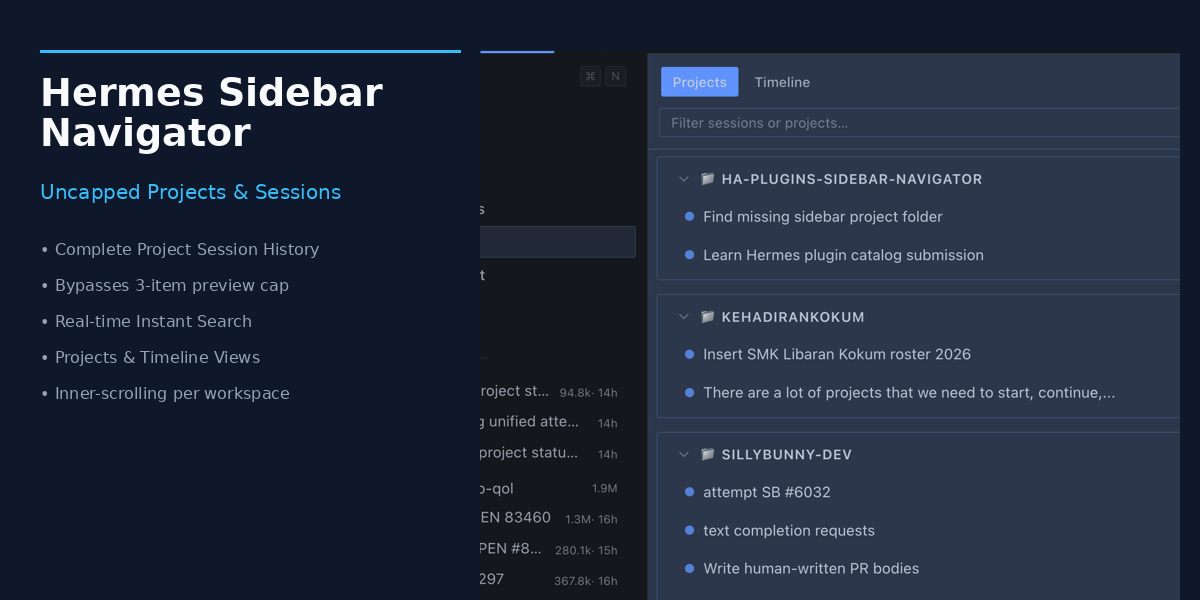
Full-power sidebar navigator & uncapped project/session explorer for Hermes Desktop. Bypasses the 3-session overview cap with searchable, scrollable project trees and timeline view. Disclosure — browses and acts on sessions of every Hermes profile and connection you pick (rename, archive, delete with confirmation, branch, move to a project, create, including bulk archive/delete/move of selected sessions; renaming or exporting a session that is not open briefly resumes it on that backend and closes it again), exports a session's full transcript as a downloaded JSON file on request, and keeps its own pins, colours, unread marks, tags and saved views in its plugin storage, mirroring pin and colour changes to the Desktop sidebar for the profile the window is showing.
About
Full-power sidebar navigator & uncapped project/session explorer for Hermes Desktop. Bypasses the 3-session overview cap with searchable, scrollable project trees and timeline view. Disclosure — browses and acts on sessions of every Hermes profile and connection you pick (rename, archive, delete with confirmation, branch, move to a project, create, including bulk archive/delete/move of selected sessions; renaming or exporting a session that is not open briefly resumes it on that backend and closes it again), exports a session's full transcript as a downloaded JSON file on request, and keeps its own pins, colours, unread marks, tags and saved views in its plugin storage, mirroring pin and colour changes to the Desktop sidebar for the profile the window is showing.