 jangomango76
Wallpaper for Hermes Desktop
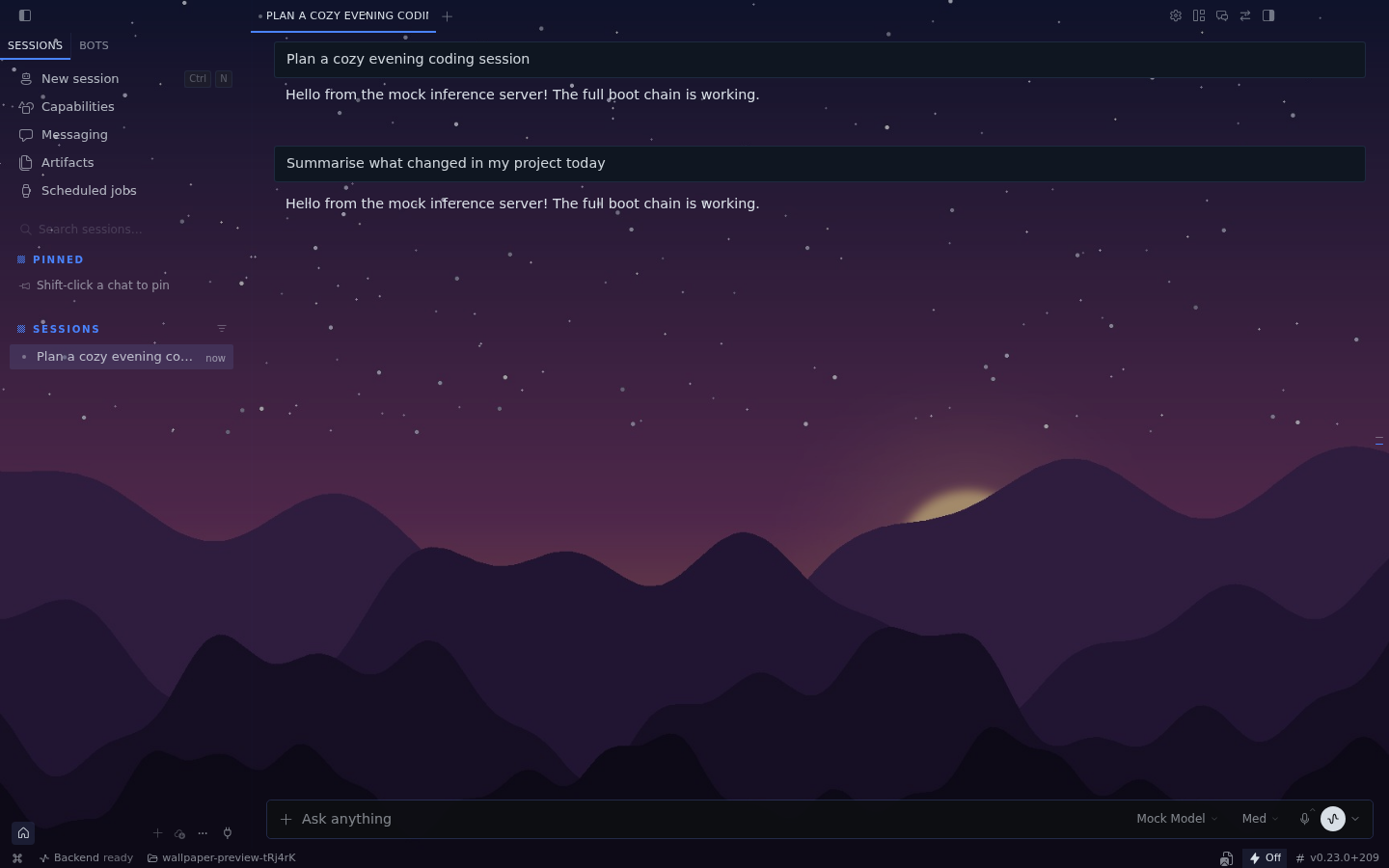
Put any image, GIF or short video from your drive behind the whole Hermes Desktop
window — sidebar, chat, title bar and status bar — and tune how it looks.
Features
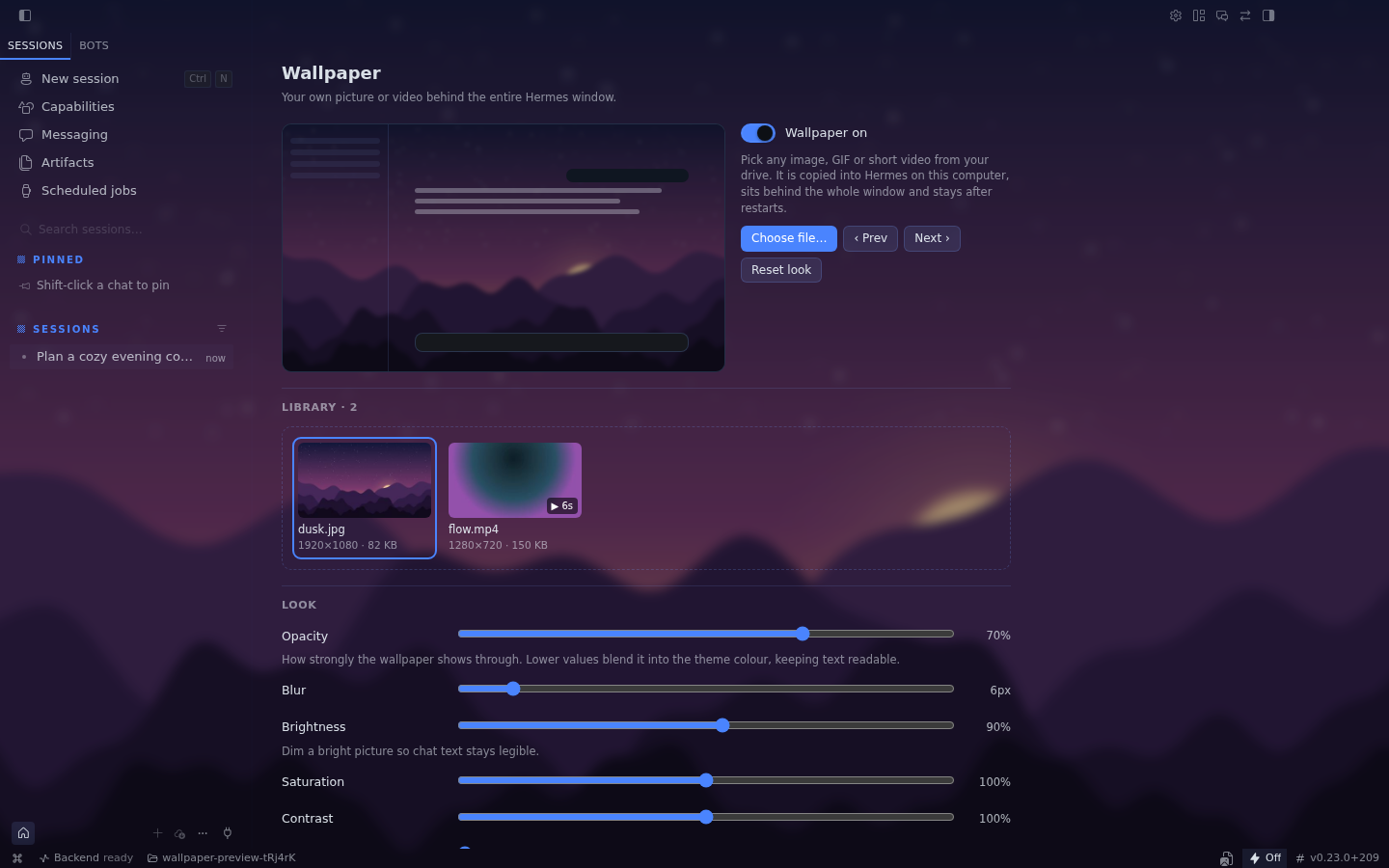
- Pick a file the normal way. Choose file… opens your OS file dialog; you can
also drop files onto the library on the settings page. Images (PNG, JPEG, WebP,
AVIF, GIF, SVG, …) and videos (MP4/H.264, WebM, Ogg) are supported. - Behind everything. The wallpaper sits under the entire app. Menus, dialogs and
other raised surfaces stay solid so they remain readable. - Look: opacity, blur, brightness, saturation, contrast and vignette.
- Layout: fill, fit, stretch, center or tile; anchor (center/top/bottom/left/right);
zoom; mirror. - Video: playback speed, pause while Hermes is minimized, pause while another app
is focused, and a still frame when the OS asks for reduced motion. Videos are always
muted. - Library & slideshow: keep several backgrounds, switch with a click or Prev/Next,
or rotate them every 1/5/15/60 minutes (optionally shuffled). - Live preview in the settings, so you can tune it while the settings card covers
the real background. Double-click a slider to reset it.
| Quick controls in the status bar | Full settings |
|---|---|
|  |
 |
Install
hermes plugins install hermes-wallpaper
Then turn it on in the Desktop app (Settings → Plugins, or the install dialog does it
for you). It is a Desktop-only plugin: there is nothing to enable on the agent side.
Requires Hermes 0.22.1 or newer.
Where to find it
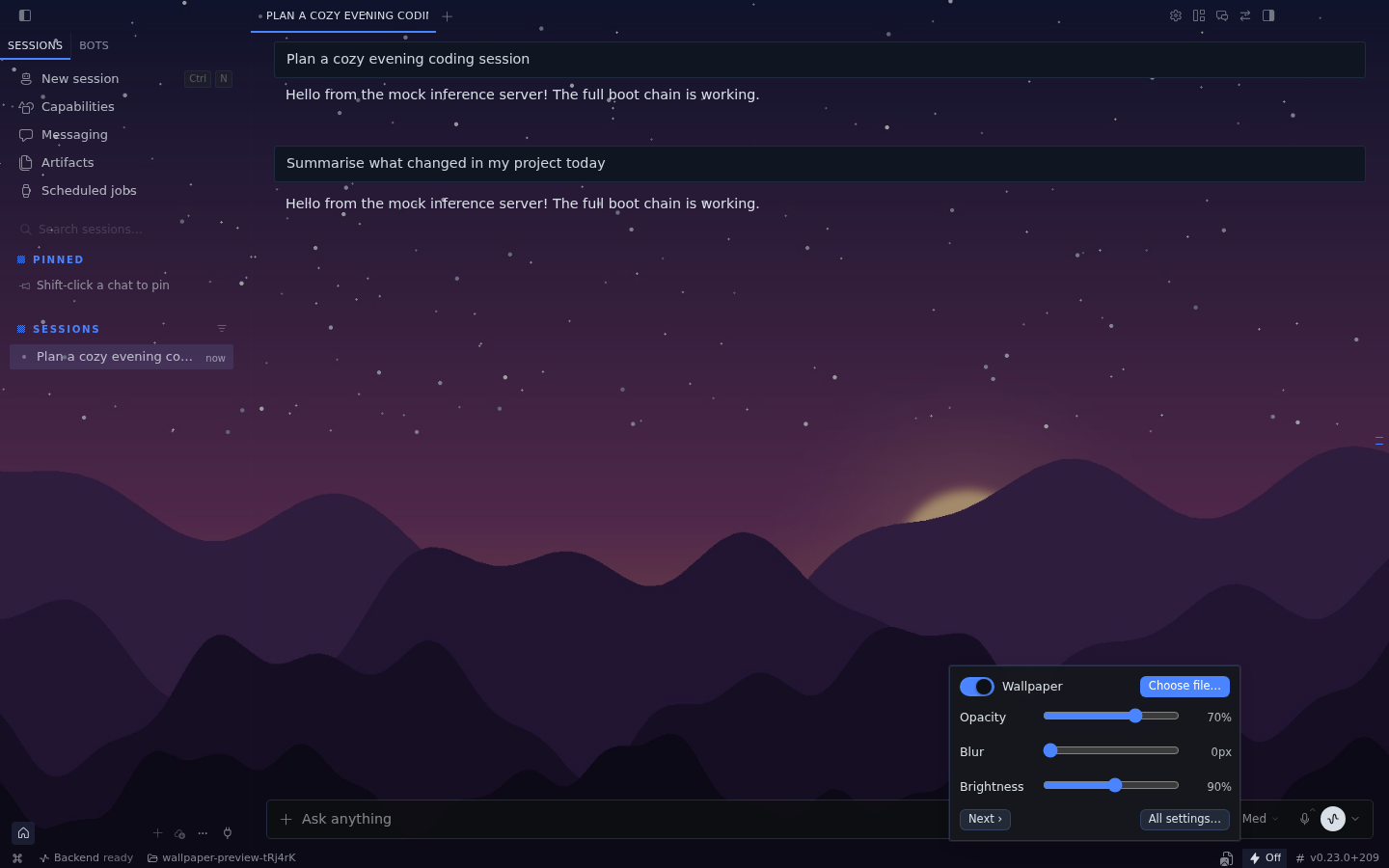
- Status bar (bottom right): the image icon opens quick controls — on/off,
Choose file…, opacity, blur, brightness, All settings…. Right-click the status bar
to hide the icon if you don't want it. - Command palette (⌘K / Ctrl+K): Wallpaper: Choose image or video…,
Wallpaper: Turn on/off, Wallpaper: Next, Wallpaper: Settings. - Settings → Plugins → Wallpaper, the bottom of Settings → Appearance, and the
/wallpaperpage.
Privacy and what the plugin touches
- No network, no backend, no agent tools. The plugin is a single
desktop/plugin.jsthat only imports@hermes/plugin-sdkandreact. - Your files stay on your computer. A picked file is copied into the plugin's own
IndexedDB database (hermes-wallpaper) inside the Desktop app's local profile, so it
survives restarts even if you move or delete the original. Remove a file from the
library (✕ on its card) to delete the copy. Large videos take the same amount of disk
space; the plugin warns above 400 MB. - Settings are stored with the SDK's
ctx.storage(keys under
hermes.plugin.hermes-wallpaper.). - How it paints behind the UI. While a wallpaper is showing, the plugin adds its own
fixed element (#hermes-wallpaper-layer,z-index: -1) and one<style>tag, and
sets its own attributedata-hermes-wallpaperon<html>. Under that attribute the
style applies the same transparent-surface rules Desktop's built-in glass mode uses:
the surface CSS variables (--ui-chat-surface-background,--ui-sidebar-surface-background,
--ui-editor-surface-background) become transparent, the two full-window shell painters
([data-contrib-shell],[data-slot='sidebar-wrapper']) drop their fill, and surfaces
Desktop marksdata-glass-opaque/data-glass-raisedstay filled. Nothing else in the
app is queried, clicked, hidden or rewritten. Turning the wallpaper off, or disabling the
plugin, removes the attribute, the element and the style tag.
Known limits
- Video support is whatever Chromium in Electron plays: MP4 (H.264) and WebM work;
HEVC/ProRes.movfiles (e.g. many iPhone recordings) usually do not. Such files are
rejected with a message instead of leaving a broken background. - Files live in the Desktop app on that computer. Using Hermes Desktop on a second
machine means picking the wallpaper there as well. - Desktop's own glass/translucency mode and this plugin both make the surfaces
transparent; with both on, the wallpaper replaces the see-through effect.
Development
desktop/plugin.jsis plain ESM loaded uncompiled — no build step.- Validate like catalog CI does:
hermes plugins validate . --install-deps. - End-to-end test (isolated Desktop with a mock LLM, real file chooser, image + MP4 +
WebM, reload persistence, off switch):HERMES_AGENT_DIR=/path/to/hermes-agent tests/run-e2e.sh
(needsxvfb-runandffmpeg; printsE2E PASS).
License
MIT — see LICENSE.
README from the reviewed commit 839ab7a; it updates when the author re-pins.