NousResearch
This plugin has no README in the catalog yet.
All plugins
Certified
nvidia-broadcast
NVIDIA Broadcast control through its local MCP gateway: camera, microphone and speaker effects, Studio Voice profiles, device selection, camera resolution, and effects on local media files. Requires NVIDIA Broadcast 2.3 or newer on Windows (2.2 and older have no gateway); the install is refused when the app is absent, and the tools appear while NVIDIA Broadcast is running in the user's desktop session. Disclosure: the tools change live audio and video effects on this machine; nothing leaves loopback.
About
NVIDIA Broadcast control through its local MCP gateway: camera, microphone and speaker effects, Studio Voice profiles, device selection, camera resolution, and effects on local media files. Requires NVIDIA Broadcast 2.3 or newer on Windows (2.2 and older have no gateway); the install is refused when the app is absent, and the tools appear while NVIDIA Broadcast is running in the user's desktop session. Disclosure: the tools change live audio and video effects on this machine; nothing leaves loopback.
More by NousResearch
28 plugins by NousResearch in the catalog.
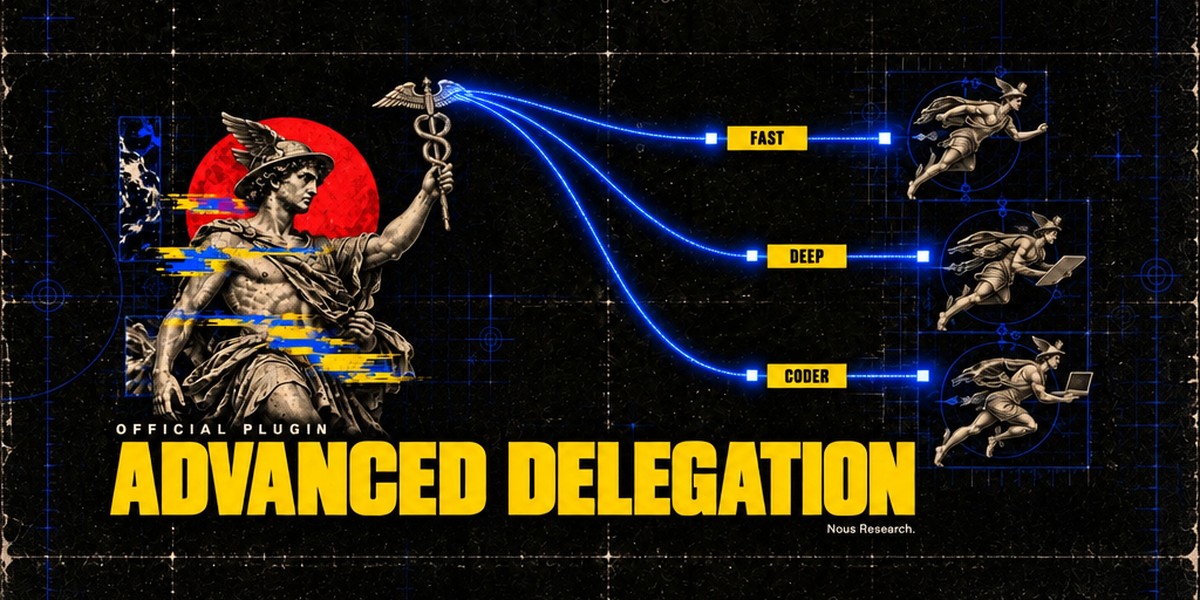
NousResearchaccent-pickerOKLCH accent colour picker for the Hermes Desktop status bar: drag it and the whole theme retints live, with palette commands to reset to the theme default or copy the current colour. A theme-authoring tool; the colour is scratch state and is never persisted. Desktop-only (desktop/plugin.js inside the plugin SDK surface); no agent tools, hooks, middleware or env vars.OfficialDesktop app609NousResearchadvanced-delegationTwo extra delegation modes for `delegate_task`, next to the built-in default. Model routes (`delegation.backend: model_map`): the agent picks a named model route per subagent from a list you define (e.g. fast, deep, local). Profile routes (`delegation.backend: profile_routes`): the agent runs a subagent as one of your Hermes profiles, with that profile's own model, credentials, skills and SOUL.md. Only route names and their one-line descriptions reach the model. Adds `hermes delegation config` (pick the mode and edit its routes; `--show` prints the setup) and the `/delegation` slash command (save a mode for the next session, or `--now` to apply it to the current chat). Needs Hermes 0.22.5 or newer, the first release with pluggable delegation providers; Hermes 0.22.0 to 0.22.4 refuses to install it, and on a core older than 0.22.0 it installs, logs one warning and does nothing. A model route can set `daybreak: true` to run its model with OpenAI's Daybreak trusted-access program; it is sent only from your own CLI, TUI or Desktop chats, on `openai-codex`, for models your Codex catalog lists, and a route that breaks a rule is refused. Disclosure — no Python dependencies and no network or model calls of its own, except that a Daybreak route checks the Codex catalog through core's cached lookup with your existing Codex login; subagents run through core's `delegate_task` on the routes you configured. Writes only `delegation.backend` and `delegation.backends.*` (model_map / profile_routes) in the active profile's config.yaml, through core's config writer. A model route's optional `api_key` is stored in config.yaml in plain text (`provider:` keeps keys in .env / auth.json). Listing a profile under profile routes lets this profile's subagents use that profile's credentials, SOUL.md and terminal policy.Officialtools609NousResearchagent-importers`hermes import-agent`: import an OpenClaw (~/.openclaw, or legacy ~/.clawdbot / ~/.moltbot), Claude Code (~/.claude), Codex CLI (~/.codex), Cursor (~/.cursor), Grok Bot (a self-export the Bot writes from a prompt the importer prints) or OpenBot desktop (its openbot.db) setup into Hermes in one command; always previews first and asks before applying. Claude Code / Codex / Cursor: instructions, Cursor rules and memories become memory entries, Bash permission rules become command allow/deny lists, MCP servers land in config.yaml, skills are copied, and `--sync` re-imports sources that changed. OpenClaw (core's former `hermes claw migrate`; the plugin keeps that spelling, `hermes claw cleanup` and the openclaw-migration skill): persona, memories, skills, model and messaging settings, MCP servers and agent behaviour. Formerly built into Hermes core; `hermes setup` offers to install it when it finds one of these agents, and profiles with a registered sync source are migrated automatically. Disclosure — no Python dependencies, no network calls and no model calls. Claude Code / Codex / Cursor: reads those agents' local config trees (never their credential files; secret-looking MCP env vars and headers are stripped and listed) and writes only into the active profile (memories/MEMORY.md with a backup, config.yaml, skills/ and import-sync.json). OpenClaw: reads the OpenClaw dir (openclaw.json, its .env, workspace files such as SOUL.md / MEMORY.md / USER.md, skills); API keys and bot tokens come over only with --migrate-secrets (allowlisted names, shown in the preview). It writes into the active profile (config.yaml, .env, SOUL.md, memories/, skills/openclaw-imports/, a migration/openclaw/<time>/ report with item backups, and a backups/pre-migration-*.zip restore point), plus a workspace dir only when --workspace-target names one. It runs local pgrep / systemctl / tasklist checks to warn when OpenClaw or a Hermes gateway is still running, and `hermes claw cleanup` renames the OpenClaw dir to *.pre-migration after a confirmation. Grok Bot / OpenBot: instructions become SOUL.md, memories and user facts become memory entries, skills land in skills/<source>-imports/, scheduled routines become paused cron jobs (--activate-routines to start them) and event routines a notes file; credential-looking export keys refuse the file, and secret MCP env vars and headers are stripped and listed. OpenBot's database is opened read-only (or read from a scratch copy that is deleted after the read).Officialtools609NousResearchblenderOfficial Blender Lab MCP server over stdio, pinned to upstream v1.0.3, with a Blender workflow skill. Needs Git and uv; Blender 5.1+ is not needed at install. The skill opens Blender itself when a task needs it and, after you agree, installs Blender and Blender Lab's MCP add-on. First startup downloads Python dependencies; prepare the uv environment before connecting. Disclosure — tools execute arbitrary Python in Blender with your privileges; the skill starts Blender with online access for that session only (your saved preference is unchanged), and the add-on's local server on port 9876 has no password, so any program on this computer can use it while Blender is open; only after you agree does the skill download Blender from download.blender.org (about 400 MB, about 1.5 GB unpacked), check it against blender.org's sha256 list and install it in your own folder without administrator rights (Linux ~/.local/opt, macOS ~/Applications, Windows %LOCALAPPDATA%\Programs\Blender Foundation; never over an existing Blender), and download the v1.0.3 add-on, check its hash and install or enable it; first start downloads the pinned Blender Lab MCP server and its Python dependencies with uv. Server discovery does not prove scene readiness.Officialtools609