Nous
Hermes
Hermes
Marketplace
Community
Portal
Install Hermes
Install Hermes
Nous
Hermes
Community
Portal
Install Hermes
Install Hermes
All plugins
Bihruze
GitHub profile
1 plugin in the catalog
Plugins by Bihruze
1 plugins by Bihruze in the catalog, most-starred first.
Bihruze
hermeneus
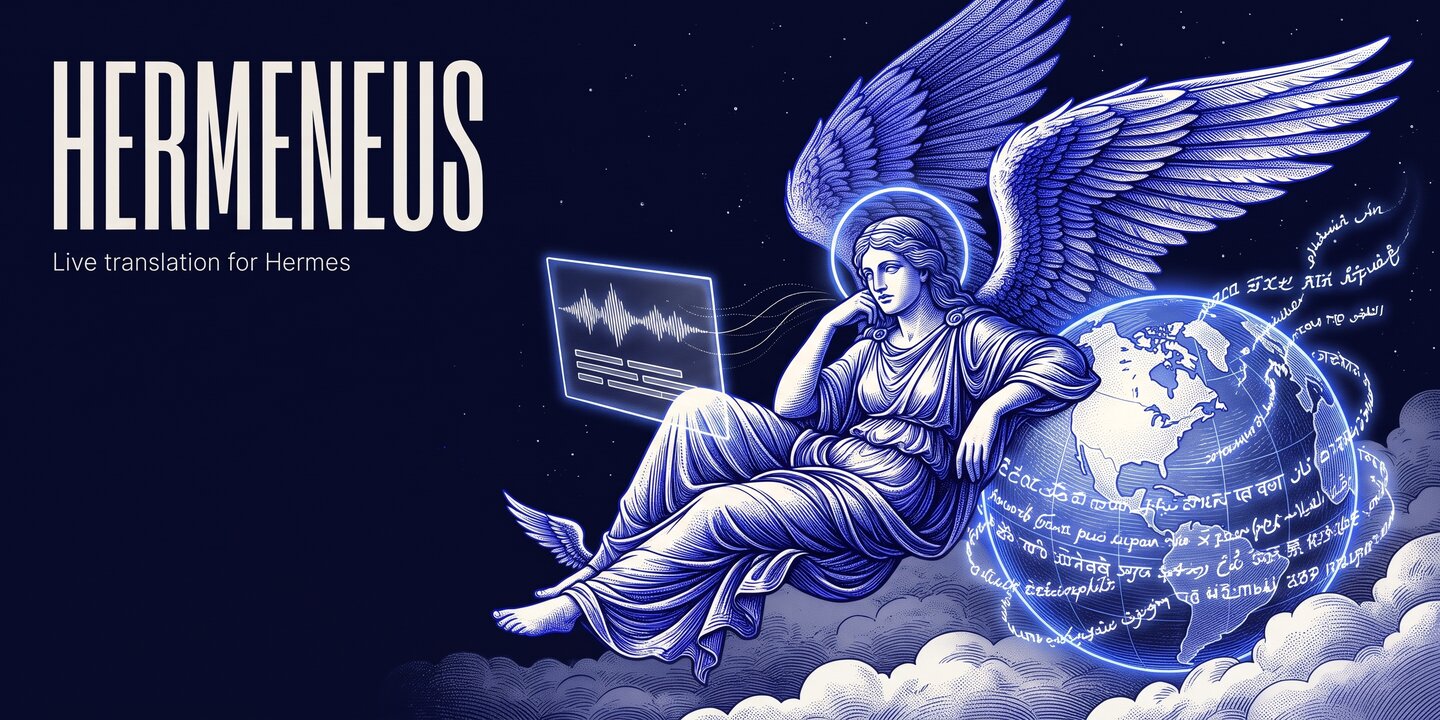
Live translation for Hermes. Hermeneus captures the audio playing on your Mac, so it works with any app that plays sound. Examples are YouTube, Twitch and X Spaces in the browser, Discord, meeting apps and podcast apps. Verified on real audio: YouTube live in Google Chrome. Captures the audio playing on your Mac (one app, or all system audio except Hermeneus) through a Core Audio process tap on macOS 14.2+, transcribes it with ElevenLabs Scribe v3 Live, translates each line with your own Hermes model and shows live subtitles in a Desktop pane, a floating overlay above other apps, the terminal (hermes hermeneus run), /translate, or an opt-in 127.0.0.1 page for OBS; spoken translation with ElevenLabs Flash v2.5 is opt-in, and language, mode, voice, output and source change while a session runs. Listening covers 100 languages and speaking covers 32. Disclosure: streams the captured audio to ElevenLabs (wss://api.elevenlabs.io) with your ELEVENLABS_API_KEY while a session runs (it stops sending after about 10 s of digital silence and resumes with the first sound), and sends the translated text there too when spoken translation is on; lists your account's voices with GET https://api.elevenlabs.io/v2/voices (voices command and the pane's voice picker); sends each committed line plus up to 3 earlier lines (context_segments, 0 to 10) to your configured model through ctx.llm under its own auxiliary task, live_translate (doctor --test-model sends one tiny extra request); /translate start and /translate set --source are refused from chat platforms unless allow_remote_start is on (default off); needs the macOS System Audio Recording permission for the app that runs Hermes (Microphone for the fallback); the setup's Allow system audio and Check again, the doctor, and the pane's Doctor tab every time it opens, play a 440 Hz test tone for about half a second through a short-lived player subprocess, on BlackHole or VB-Cable when installed, otherwise quietly on the default output while the tap mutes it (--no-audio-check skips it); the process tap runs one capture worker subprocess per session with a minimal environment, stopped with the session, on unload and at exit; the floating overlay is a separate Python process while it is open, with the same minimal environment, and keeps six files under plugin-data/hermeneus/overlay/: lock, settings.json, theme.json, positions.json, positions.json.lock (empty, locked while positions.json is written) and overlay.log; positions.json is written through a short-lived .positions-*.tmp file in the same folder, by the overlay and by the process that serves the pane's overlay routes; the pane's first-run setup writes plugin-data/hermeneus/setup.json (the last audio check result, no audio, no key) and audio-check.running while that check captures (removed when it ends); settings.json, theme.json and setup.json are each written to a short-lived .tmp file beside them and renamed over the file at once; settings you change (in the pane, in Settings or with hermes hermeneus overlay-page) are saved by Hermes in its config.yaml; one session at a time on its own thread, reached through a Unix domain socket (mode 0600) under its plugin-data; no TCP port unless you turn on the overlay page, which listens on 127.0.0.1:47821 (overlay_page_port) only, behind a per-session token and a Host check; runs /usr/sbin/system_profiler SPAudioDataType and /bin/ps (read only, absolute paths, argument lists, minimal environment) to check audio routes and name the app in the permission message, and /usr/bin/open with the System Settings privacy address (x-apple.systempreferences:...Privacy_ScreenCapture) when you press Open System Settings in the setup, which changes nothing; the fallback reads a virtual device (BlackHole 2ch or VB-Cable) that you install yourself, never bundled or downloaded; subtitles stay in memory (last 200 lines) and no audio or transcript is written to disk; no telemetry. Platform status: macOS is tested on real audio; Windows support is implemented and reviewed against documentation, not yet run on a Windows machine, so this entry lists macOS only (Windows preview: docs/windows.md).
Community
voice
 GitHub profile