Nous
Hermes
Hermes
Marketplace
Community
Portal
Install Hermes
Install Hermes
Nous
Hermes
Community
Portal
Install Hermes
Install Hermes
All plugins
Lyfae
GitHub profile
1 plugin in the catalog
Plugins by Lyfae
1 plugins by Lyfae in the catalog, most-starred first.
Lyfae
retouch
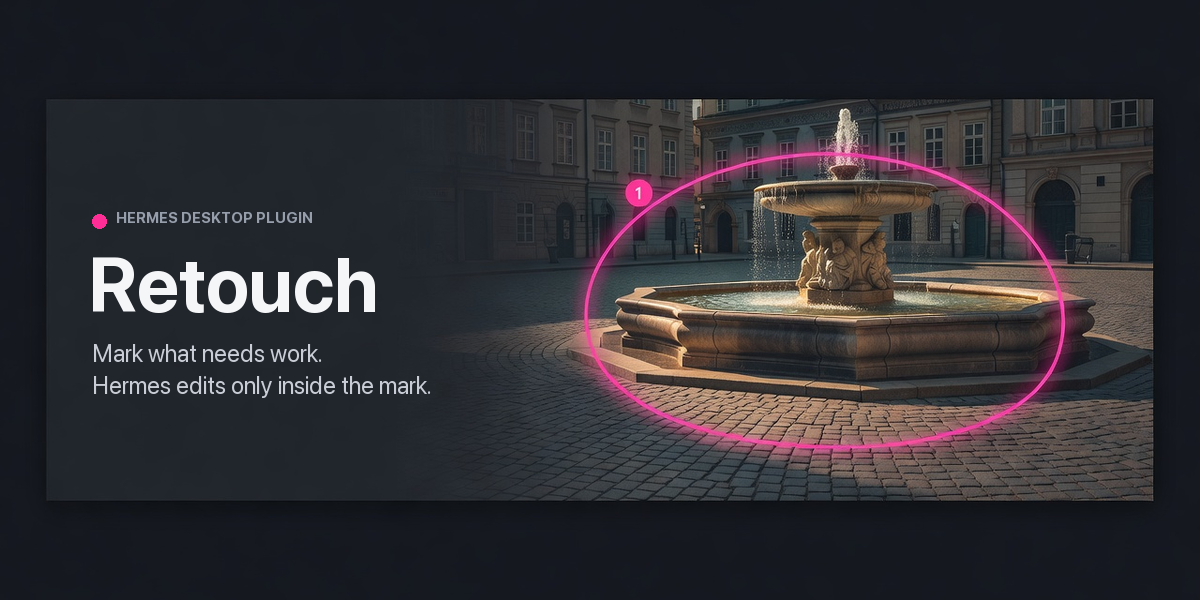
Mark the parts of any image that need work in a Hermes Desktop pane, leave a note on each, and Hermes fixes only those areas. Each mark has its own thread; every edit is a new version, checked pixel by pixel and refused if anything outside its mark changed; only you can accept a mark. Tonal and privacy edits need no image provider, removals and replacements use the image_generate provider you configured. Saves new files, never the original. Disclosure — images you open are copied into this profile's plugin-data/retouch folder. Send starts hidden Hermes sessions, one per group of overlapping marks and up to three at a time, with your usual tools, settings and approvals; they use model credits and stay in your session history. Your chat model's provider, or that of the model picked beside Send, receives a downscaled overview of the image, a close-up of each mark and before/after strips. The generate method sends a crop around the mark to your image_generate provider and downloads the result (https only, public addresses only, at most 40 MB). Text inside a picture is treated as picture content by instruction, which is not a barrier, so treat an untrusted picture of text like pasted text. Untouched pasted scratch projects are deleted about a day later. The plugin itself makes no other network calls, runs no shell commands, stores no credentials and sends no telemetry; exports strip GPS and embedded text metadata.
Community
Desktop app
 GitHub profile