 GSC Magic
 plugin for Hermes Agent and OpenClaw
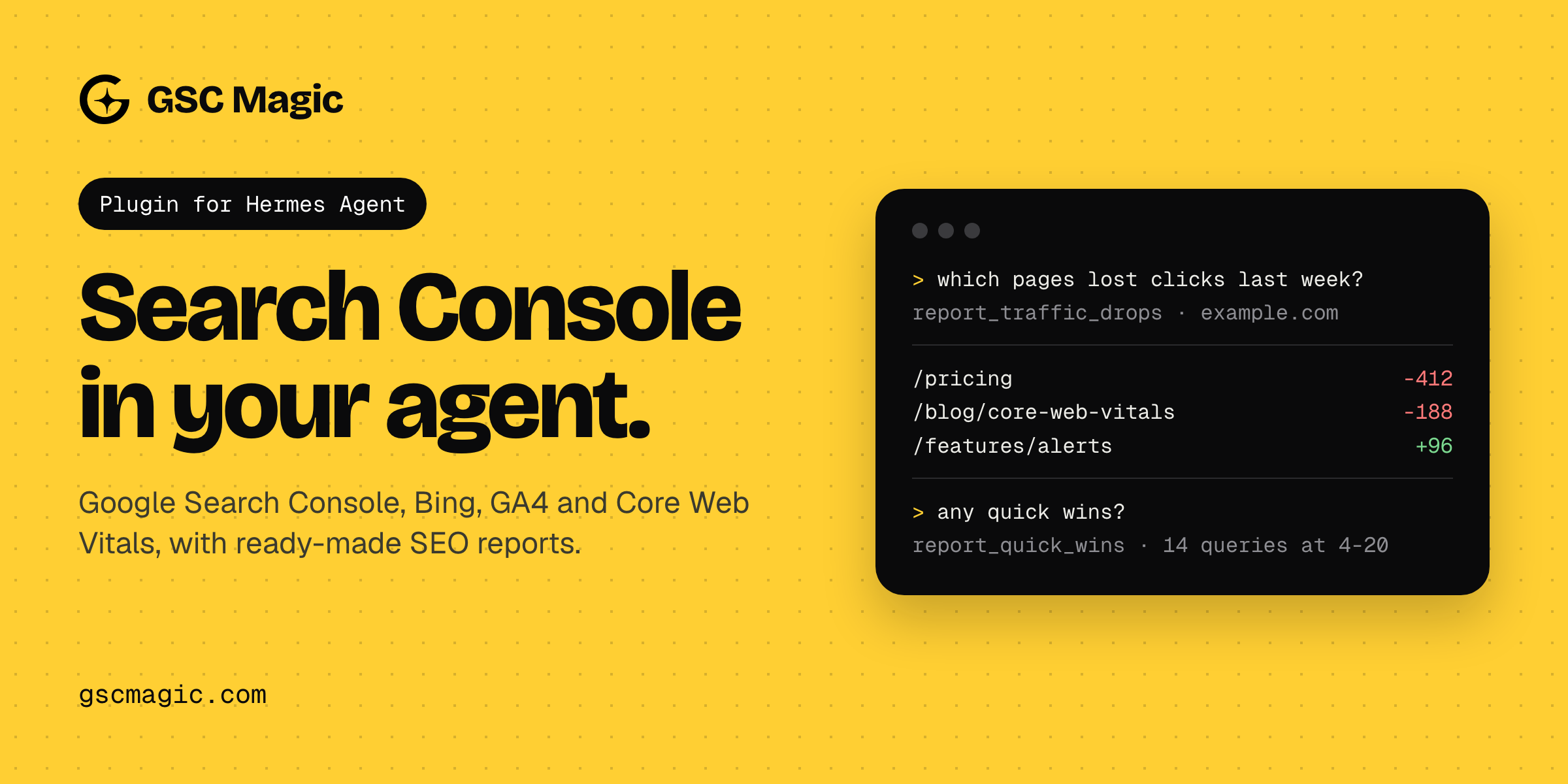
Your own Google Search Console, Bing Webmaster Tools, Google Analytics 4, IndexNow and Core Web Vitals
data inside Hermes Agent or
OpenClaw, through the hosted GSC Magic
MCP server. OpenClaw users: see OpenClaw below.
Ask things like:
- "Which queries on example.com are stuck in positions 4 to 20 with lots of impressions?"
- "Why did organic clicks drop last week? Show me the pages that lost the most."
- "Which pages compete for the same keyword?"
- "Are the URLs in my sitemap actually indexed?"
- "How much traffic do ChatGPT and Perplexity send me according to GA4?"
Besides raw Search Console queries, the server has finished SEO reports (quick wins, traffic drops,
content decay, cannibalization, CTR outliers, brand vs non-brand, index health, Google vs Bing),
six ready-made prompts and PNG charts.
What is in this package
This is an Agent Plugins v1 package with configuration only, no code:
plugin.json: the manifest. It marks the serveruntrusted, so Hermes asks before every tool the
server does not mark read-only.mcp.json: one MCP server,gsc-magic, that runs the pinned
mcp-remote@0.15.2throughnpxand connects it to
https://mcp.gscmagic.com/mcpwith OAuth sign-in.skills/gsc-magic/SKILL.md: how to use the tools well (start with discovery, prefer the reports,
respect write mode and data lag).
Install
hermes plugins install gsc-magic --enable
Or straight from this repository:
hermes plugins install https://github.com/lumizone/gsc-magic-agent-plugin.git --enable
Requirements: Hermes Agent 0.21.6 or newer, Node.js 20.18.1 or newer with npx on the PATH, and a
GSC Magic account (free plan available at https://app.gscmagic.com/login?mode=signup).
Sign in
The first time Hermes connects to the server, mcp-remote opens your browser on the GSC Magic sign-in
page. Sign in with Google or e-mail and allow access. If this is a new account, the dashboard asks which
Search Console properties to import; only imported properties are visible to the agent.
Hermes waits about a minute for a new MCP connection. If you need longer to sign in (a new account,
two-factor authentication), the attempt is dropped and the next use opens the sign-in page again.
Creating the account first at https://app.gscmagic.com avoids that, and so does letting Hermes run
the sign-in itself. Hermes's own OAuth client then replaces this package's mcp-remote server, and the
skill keeps working:
hermes mcp add gsc-magic --url https://mcp.gscmagic.com/mcp --auth oauth
Bing data needs your Bing Webmaster API key and GA4 data needs a property linked to the site, both set
in the dashboard under Sources (https://app.gscmagic.com/sources).
On a headless machine, use an access token in a header instead (an entry in config.yaml replaces
this package's server):
# ~/.hermes/config.yaml
mcp_servers:
  gsc-magic:
    url: "https://mcp.gscmagic.com/mcp"
    headers:
      Authorization: "Bearer gsm_..."   # create one at https://app.gscmagic.com/connect
OpenClaw
OpenClaw reads this package as an Agent Plugins bundle: it loads the gsc-magic skill and the
gsc-magic MCP server from mcp.json.
openclaw plugins install clawhub:gsc-magic
OpenClaw gives a new MCP connection about 30 seconds and a tool call 60 seconds by default. The
browser sign-in through mcp-remote has to fit in the first window, and a few GSC Magic tools
(psi_run_audit, gsc_inspect_urls_batch, report_index_health) can run longer than the second.
For everyday use, let OpenClaw run the sign-in itself with a longer call timeout. A server you add
yourself replaces the package's server of the same name, and the skill keeps working:
openclaw mcp set gsc-magic '{"url":"https://mcp.gscmagic.com/mcp","transport":"streamable-http","auth":"oauth","requestTimeoutMs":180000}'
openclaw mcp login gsc-magic
login prints a link; open it, sign in to GSC Magic and allow access. On a machine without a browser,
open the link elsewhere and finish with openclaw mcp login gsc-magic --code <code>.
OpenClaw does not read the untrusted marker in plugin.json. Write tools still only work on paid
GSC Magic plans with write mode turned on in the dashboard, and the skill tells the agent to ask before
using one.
Plans
Free: 1 site, 200 tool calls a month (10 a day), 14 days of stored history. Pro ($19 a month) and
Agency ($34 a month): no call limit, more sites, 16 months of history, write tools, alerts.
Details: https://gscmagic.com/pricing
Disclosure
- Network: every tool call goes to GSC Magic's hosted server (
mcp.gscmagic.com), which calls
Google Search Console, Bing Webmaster Tools, Google Analytics 4, IndexNow, CrUX and PageSpeed Insights
with the user's own connected accounts. GSC Magic logs each tool call (tool name, site, client
name, status, duration, time) for 30 days so the user can see it in the dashboard; other tool
arguments and results are not stored in that log. - Remote tool set: the tools are served by that server at runtime. The pinned commit of this
package covers the configuration and skill only, not the server's code. - Writes: read-only by default. Write tools (
gsc_submit_sitemap,gsc_delete_sitemap,
gsc_add_site,gsc_delete_site,bing_submit_urls,bing_submit_sitemap,indexnow_submitand
other Bing site settings) work only on paid plans and only after the user turns on write mode in the
dashboard. The package marks the serveruntrusted, so Hermes asks before each of them and refuses
them in unattended runs. - Usage limits: tool calls count toward the user's GSC Magic plan.
- Local process and credentials:
npxdownloads and runsmcp-remote@0.15.2from npm. On first
use it starts a local callback server on a localhost port, opens the browser, and stores the OAuth
tokens for GSC Magic under~/.mcp-auth. Without a stored token, an unattended run fails when
Hermes's connect timeout expires (about a minute) instead of hanging. - No telemetry from this package, no bundled credentials, no background processes beyond the MCP
server process Hermes starts, no self-updater.
Privacy policy: https://app.gscmagic.com/privacy · Terms: https://app.gscmagic.com/terms ·
Contact: contact@gscmagic.com
License
MIT for the contents of this repository. GSC Magic itself is a hosted service.
README from the reviewed commit fd566d8; it updates when the author re-pins.