All plugins

Telegram Business

Observe-with-approval Telegram Business Mode (secretary bot): Hermes drafts replies to your customers' messages and DMs each draft to you with Send, Edit and Discard buttons; nothing reaches a customer until you tap Send. A Hermes Labs plugin: built by Nous Research, not supported. Disclosure — each customer message is sent to your active Hermes model to draft the reply, and drafts and connection records are stored locally in <HERMES_HOME>/telegram-business/state.db.

NousResearch153PlatformUpdated 14 days ago

About

Observe-with-approval Telegram Business Mode (secretary bot): Hermes drafts replies to your customers' messages and DMs each draft to you with Send, Edit and Discard buttons; nothing reaches a customer until you tap Send. A Hermes Labs plugin: built by Nous Research, not supported. Disclosure — each customer message is sent to your active Hermes model to draft the reply, and drafts and connection records are stored locally in <HERMES_HOME>/telegram-business/state.db.

hermes-telegram-business

Part of Hermes Labs Plugins: built by Nous Research, not supported. Formerly in hermes-official-plugins and before that NousResearch/hermes-telegram-business (archived); this directory carries its full history.

Observe-with-approval Telegram Business Mode (secretary bot) for Hermes Agent.

Connect your Telegram Business account to your Hermes bot and it becomes your secretary: every incoming customer message gets an LLM-drafted reply delivered to your DM with inline buttons — nothing reaches the customer until you tap Send.

Customer → your Business account (via Business Mode)
            ↓ debounce 8s, draft once
Bot → your DM
       💬 Carol wrote:
         > Hey, are you free Friday afternoon?

       📝 Suggested reply:
       Friday afternoon works — anywhere between 2 and 5pm?

       [✓ Send]   [✎ Edit]   [✕ Discard]
            ↓
Send    → delivered to the customer via your Business connection
Edit    → your next DM text becomes the outgoing message
Discard → dropped, the customer sees nothing

Safety properties

  • No auto-send exists. Every reply requires an owner button tap, even when can_reply is granted.
  • Owner-only buttons. Callbacks are authorized against the connection's owner_user_id; anyone else gets ⛔.
  • Drafts expire after 24h (configurable). Stale buttons no-op.
  • Without can_reply, the Send button is hidden — you're told to copy/paste manually instead of getting a button that silently fails.
  • Typing bursts coalesce — new messages within the debounce window supersede the prior draft, one draft per coherent thought.

Requirements

  • Hermes Agent with plugin Telegram-handler support (ctx.register_telegram_handler, hermes-agent PR #59159 / v0.18+)
  • A Telegram Business subscription on your personal account
  • Your Hermes Telegram bot with Business Mode toggled on in @BotFather
  • python-telegram-bot ≥ 21.1 (already installed with the Hermes Telegram platform)

Install

hermes plugins install hermes-telegram-business

Restart the gateway (hermes gateway restart). Then:

  1. @BotFather → your bot → Business Mode → enable.
  2. Telegram → Settings → Business → Chatbots → add your bot → pick which chats it can see, and whether it can reply on your behalf (needed for the Send button).
  3. Message your bot /biz to confirm the connection is live.

Owner controls

| Command | Effect |
|---|---|
| /biz | status dashboard |
| /biz pause / /biz resume | global drafting kill switch |
| /biz off <chat_id> / /biz on <chat_id> | per-customer-chat mute |

Configuration

Optional block in ~/.hermes/config.yaml:

plugins:
  entries:
    telegram-business:
      debounce_seconds: 8        # coalesce typing bursts
      draft_ttl_hours: 24        # stale-draft expiry
      max_customer_text_chars: 4000
      owner_persona: >
        You are drafting replies for a freelance photographer.
        Friendly, brief, always suggest a concrete next step.

Drafting uses your active Hermes model through the host-owned plugin LLM surface (ctx.llm) — no separate API key.

State

Plugin-owned SQLite at ~/.hermes/telegram-business/state.db (two tables: connections + drafts). Hermes' core state is never touched. Delete the file to reset.

v1 limits

  • Text only — customer media (photos, voice, documents) is skipped; captions do trigger drafts.
  • No conversation history — each customer message is drafted in isolation. The Edit button absorbs the gap.
  • No persona learning from edits — your overrides go to the customer but don't train future drafts.

Tests

python3 -m pytest

37 tests covering connection lifecycle, draft supersession, debounce coalescing, all three button paths, edit capture, owner-scoped callback authorization, and /biz subcommands. No network, no live Telegram.

Credits

Based on the design and implementation from hermes-agent#30055, replatformed as a standalone plugin. Related earlier community proposals: #26654 by @evgyur (earliest submission), #35342 by @MilekhinAV, #46728 by @kxnkxv.

License

MIT

README from the reviewed commit 0480b2e; it updates when the author re-pins.

More by NousResearch

26 plugins by NousResearch in the catalog.

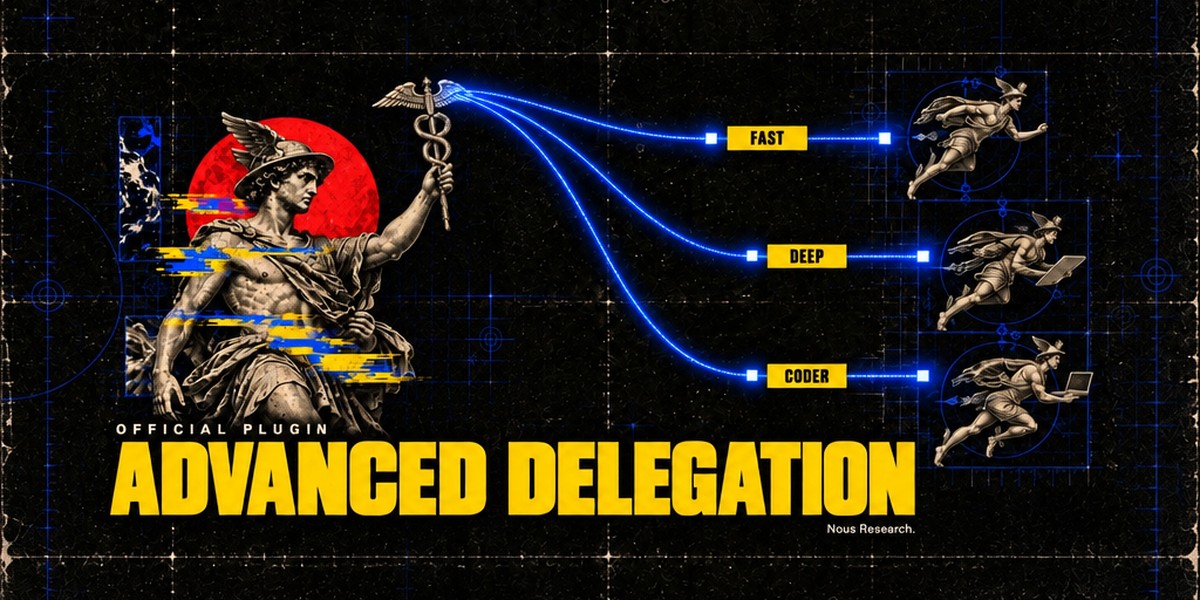
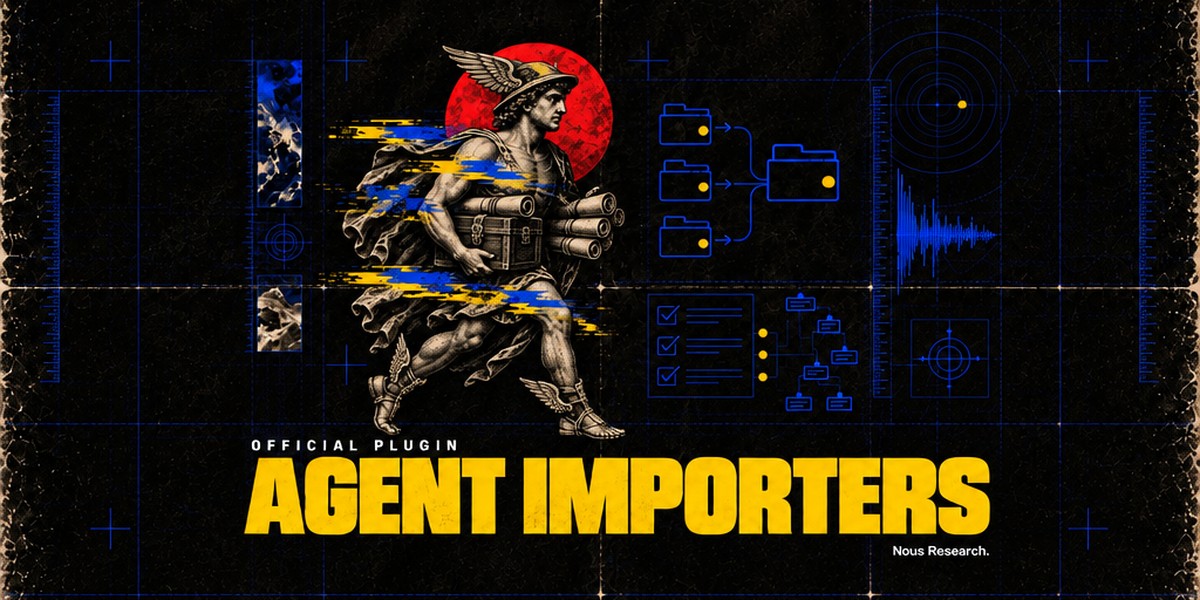
NousResearchaccent-pickerOKLCH accent colour picker for the Hermes Desktop status bar: drag it and the whole theme retints live, with palette commands to reset to the theme default or copy the current colour. A theme-authoring tool; the colour is scratch state and is never persisted. Desktop-only (desktop/plugin.js inside the plugin SDK surface); no agent tools, hooks, middleware or env vars.OfficialDesktop app592NousResearchadvanced-delegationTwo extra delegation modes for `delegate_task`, next to the built-in default. Model routes (`delegation.backend: model_map`): the agent picks a named model route per subagent from a list you define (e.g. fast, deep, local). Profile routes (`delegation.backend: profile_routes`): the agent runs a subagent as one of your Hermes profiles, with that profile's own model, credentials, skills and SOUL.md. Only route names and their one-line descriptions reach the model. Adds `hermes delegation config` (pick the mode and edit its routes; `--show` prints the setup) and the `/delegation` slash command (save a mode for the next session, or `--now` to apply it to the current chat). Needs Hermes 0.22.5 or newer, the first release with pluggable delegation providers; Hermes 0.22.0 to 0.22.4 refuses to install it, and on a core older than 0.22.0 it installs, logs one warning and does nothing. Disclosure — no Python dependencies and no network or model calls of its own; subagents run through core's `delegate_task` on the routes you configured. Writes only `delegation.backend` and `delegation.backends.*` (model_map / profile_routes) in the active profile's config.yaml, through core's config writer. A model route's optional `api_key` is stored in config.yaml in plain text (`provider:` keeps keys in .env / auth.json). Listing a profile under profile routes lets this profile's subagents use that profile's credentials, SOUL.md and terminal policy.Officialtools592NousResearchagent-importers`hermes import-agent`: import an OpenClaw (~/.openclaw, or legacy ~/.clawdbot / ~/.moltbot), Claude Code (~/.claude), Codex CLI (~/.codex), Cursor (~/.cursor), Grok Bot (a self-export the Bot writes from a prompt the importer prints) or OpenBot desktop (its openbot.db) setup into Hermes in one command; always previews first and asks before applying. Claude Code / Codex / Cursor: instructions, Cursor rules and memories become memory entries, Bash permission rules become command allow/deny lists, MCP servers land in config.yaml, skills are copied, and `--sync` re-imports sources that changed. OpenClaw (core's former `hermes claw migrate`; the plugin keeps that spelling, `hermes claw cleanup` and the openclaw-migration skill): persona, memories, skills, model and messaging settings, MCP servers and agent behaviour. Formerly built into Hermes core; `hermes setup` offers to install it when it finds one of these agents, and profiles with a registered sync source are migrated automatically. Disclosure — no Python dependencies, no network calls and no model calls. Claude Code / Codex / Cursor: reads those agents' local config trees (never their credential files; secret-looking MCP env vars and headers are stripped and listed) and writes only into the active profile (memories/MEMORY.md with a backup, config.yaml, skills/ and import-sync.json). OpenClaw: reads the OpenClaw dir (openclaw.json, its .env, workspace files such as SOUL.md / MEMORY.md / USER.md, skills); API keys and bot tokens come over only with --migrate-secrets (allowlisted names, shown in the preview). It writes into the active profile (config.yaml, .env, SOUL.md, memories/, skills/openclaw-imports/, a migration/openclaw/<time>/ report with item backups, and a backups/pre-migration-*.zip restore point), plus a workspace dir only when --workspace-target names one. It runs local pgrep / systemctl / tasklist checks to warn when OpenClaw or a Hermes gateway is still running, and `hermes claw cleanup` renames the OpenClaw dir to *.pre-migration after a confirmation. Grok Bot / OpenBot: instructions become SOUL.md, memories and user facts become memory entries, skills land in skills/<source>-imports/, scheduled routines become paused cron jobs (--activate-routines to start them) and event routines a notes file; credential-looking export keys refuse the file, and secret MCP env vars and headers are stripped and listed. OpenBot's database is opened read-only (or read from a scratch copy that is deleted after the read).Officialtools592NousResearchblenderOfficial Blender Lab MCP server over stdio, pinned to upstream v1.0.3, with a Blender workflow skill. Needs Git and uv; Blender 5.1+ is not needed at install. The skill opens Blender itself when a task needs it and, after you agree, installs Blender and Blender Lab's MCP add-on. First startup downloads Python dependencies; prepare the uv environment before connecting. Disclosure — tools execute arbitrary Python in Blender with your privileges; the skill starts Blender with online access for that session only (your saved preference is unchanged), and the add-on's local server on port 9876 has no password, so any program on this computer can use it while Blender is open; only after you agree does the skill download Blender from download.blender.org (about 400 MB, about 1.5 GB unpacked), check it against blender.org's sha256 list and install it in your own folder without administrator rights (Linux ~/.local/opt, macOS ~/Applications, Windows %LOCALAPPDATA%\Programs\Blender Foundation; never over an existing Blender), and download the v1.0.3 add-on, check its hash and install or enable it; first start downloads the pinned Blender Lab MCP server and its Python dependencies with uv. Server discovery does not prove scene readiness.Officialtools592