 Femtech-web
Capalis
Describe a job once. Capalis sets it up, runs it, and checks it really happened.
Say what you want in plain words, using the names your team already uses:
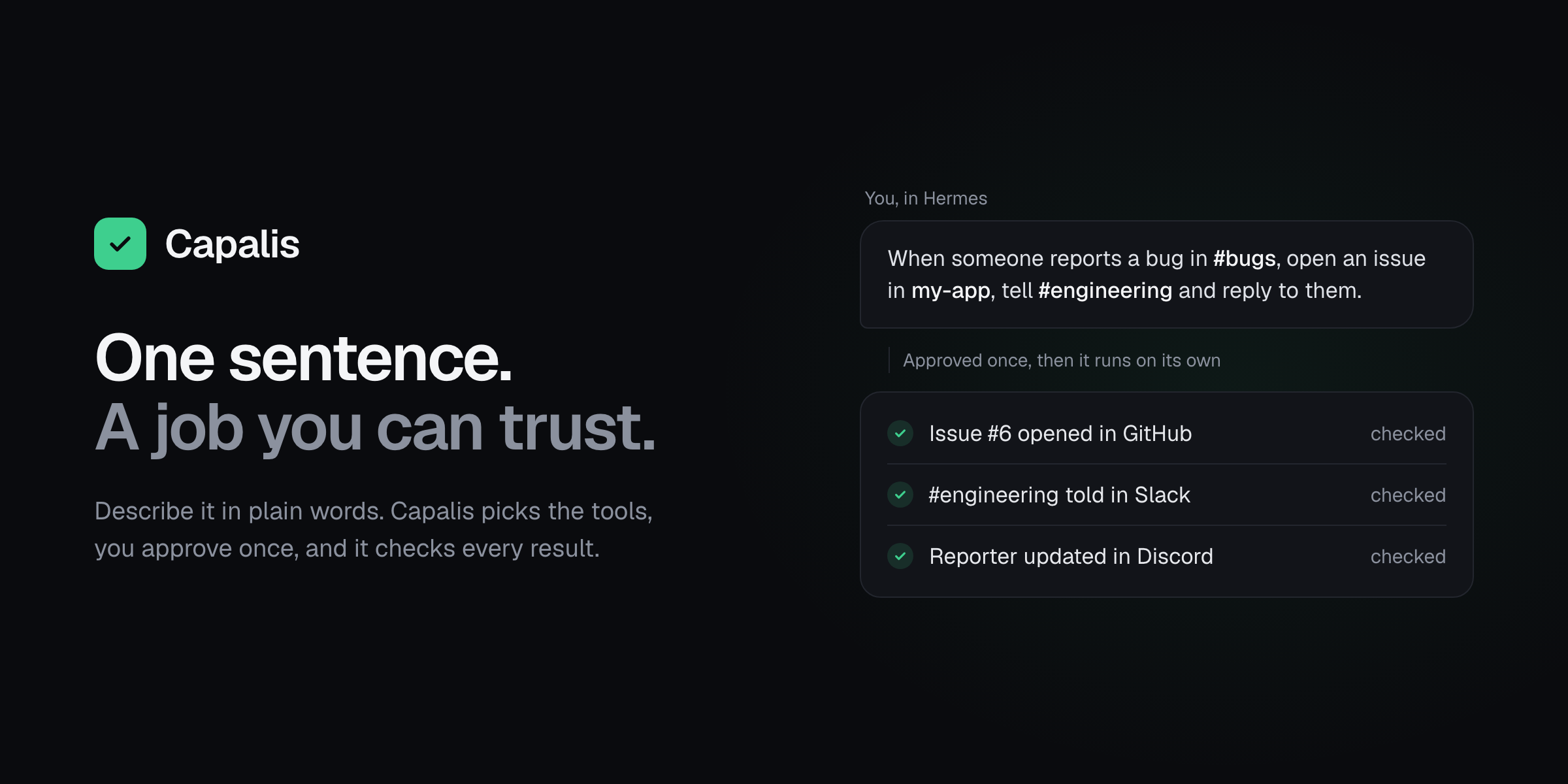
When someone posts a bug in Discord #bugs, open an issue in my-app, tell #engineering in Slack, and keep the reporter updated until it's closed.
Capalis finds #bugs, my-app and #engineering by name and picks the right tool for each step. It turns your sentence into a Recipe, does a practice run that sends nothing, and waits for you.
You approve that exact version with a button, from your phone on Telegram if you like. From then on it runs by itself:
- A report becomes one issue.
- The team is told.
- The reporter gets a reply, and hears back again when the issue is closed.
Every write is read back from where it landed before it counts as done. Nothing is done twice. If a token, a permission or a tool changes, the Recipe stops itself and waits for you.
Ready-made jobs:
- bug reports from Discord or Slack, with replies to the reporter;
- a site watch that checks a page on a schedule and tells Slack when it's down.
You can describe others from the same pieces, including Hermes's own web search and page reader, once you've seen a test and approved them.
Setup
- Connect Hermes to your chat apps:
hermes gateway setup, thenhermes gateway install. - In Settings → Plugins → Capalis, add a GitHub token and the same bot tokens Hermes uses. Set Approvers and Alerts channel to
telegram:<your Telegram user id>. - Describe a job in any Hermes chat, then type
/capalis setup. It shows what's ready, with the exact fix for anything that isn't, including the one Hermes command each report channel needs. - Type
/capalis approve, and tap Approve. On Telegram, that's 1.
Step by step, including how to get each token: owner's guide. Teammates who only report bugs need one page.
Commands
| Command | What it does |
| --- | --- |
| /capalis | Status |
| /capalis setup | Readiness check, with fixes |
| /capalis show <recipe> | What a Recipe does, step by step |
| /capalis approve [recipe] | Approve with a button |
| /capalis runs | Recent runs |
| /capalis evidence <run> | Every step of a run, with its checks |
| /capalis export <run> | A Markdown and JSON record for a reviewer |
| /capalis pause [recipe] · resume · revoke <recipe> · cancel <run> | Stop things |
| /capalis contract test\|approve\|revoke <tool> | Bring in Hermes's web search or page reader |
| /capalis prefer recommend\|compare\|ask | How options are presented to you |
The model can propose, practise and pause. Only you can approve, resume, revoke, confirm or resolve.
Disclosure
-
Network:
api.github.com,slack.com,discord.comandapi.telegram.org, with your tokens;- a Slack webhook, if you set one;
- credential-free HTTPS
GETs to the pages an approved Recipe names, at public addresses only. Localhost, private networks and cloud metadata are refused when the Recipe is built, before each request, and when connecting.
There is no telemetry.
-
Other Hermes tools: only
web_searchandweb_extract, under a contract you tested and approved, called throughctx.dispatch_tool. Never during a practice run. -
Storage: one SQLite file in
plugin-data/capalis/, holding Recipes, approvals, runs and redacted payloads, plus evidence exports inplugin-data/capalis/exports/. Credentials are read only through Hermes (get_secret). Capalis never reads.envor other tools' files. -
Messages: Capalis consumes the messages in channels a Recipe listens to, so the agent doesn't answer them. It sends alerts and approval requests to the Alerts channel you set.
-
Background work: a thread in the Hermes gateway advances waiting runs, fires schedules, checks for changes and sends alerts every 30 seconds. No shell commands, subprocesses or self-updating.
MIT licensed. Architecture, security model, tests and live proof.
README from the reviewed commit 13b2dde; it updates when the author re-pins.


