 karmsheel
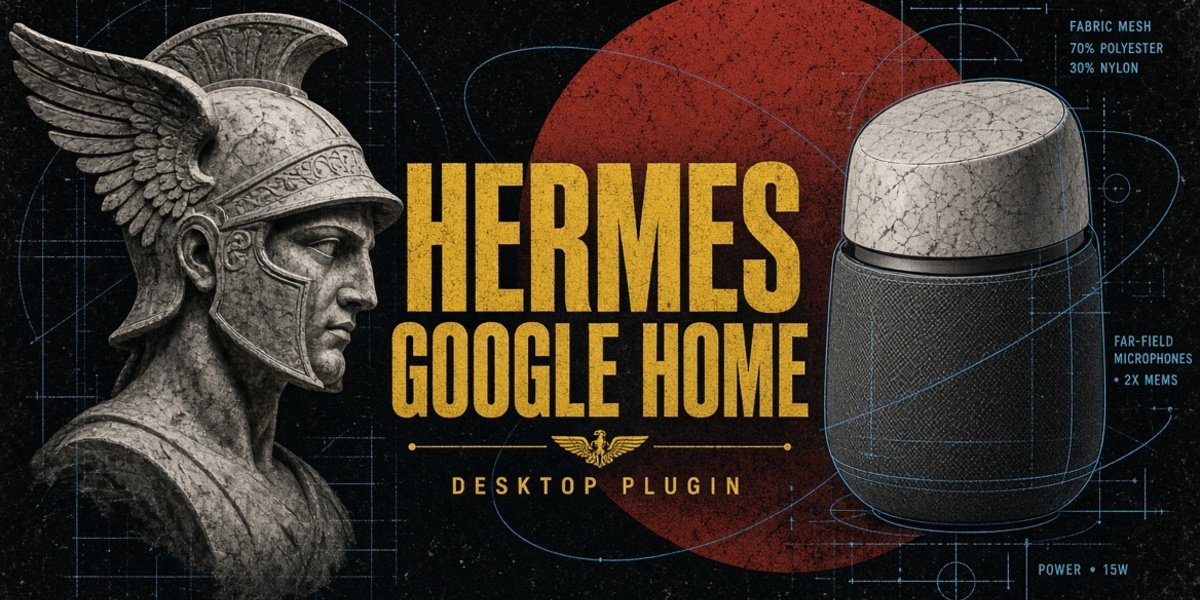
Hermes ⇄ Google Home
Put a Google Home Mini — or any Cast-only Google Home / Nest speaker — on the
other end of a Hermes Agent profile's conversation: you talk into the computer's
microphone, the profile answers, and the speaker says it out loud.
The speaker is the mouth and the host microphone is the ear. Every spoken reply
is synthesized by Hermes and cast over the Cast v2 protocol, after mDNS
discovery and a TLS 8009 handshake. The speaker's own microphone is not
reachable by third parties and is not used.
This directory is the installable plugin. It contains all three pieces:
- the platform adapter (Python, standard library only):
kind: platform,
five tools, two hooks, andhermes googlehomeCLI commands; - the Desktop extension (
desktop/plugin.js): a page, a sidebar row, a
status-bar chip with volume and mute, palette commands, and push-to-talk; - the Desktop backend (
dashboard/plugin_api.py): a small router the
gateway mounts at/api/plugins/googlehome, which proxies the adapter's
loopback API so the page never readscontrol.jsonor holds its token.
Full documentation — architecture, protocol notes, troubleshooting — is in the
repository README and
docs/REVERSE_ENGINEERING.md.
Install
From the plugin catalog:
hermes plugins install googlehome --enable
From a checkout or a local directory:
hermes plugins install file:///path/to/google-home/googlehome --enable
Then bind a speaker and the profile that answers:
hermes config set platforms.googlehome.enabled true
hermes config set platforms.googlehome.extra.device 192.168.1.42   # empty = first speaker found
hermes config set gateway.profile_routes '[{"platform":"googlehome","profile":"coder"}]'
hermes gateway restart
The route is the authority: gateway.profile_routes decides which profile runs
the turn and whose TTS credentials voice the reply. The plugin's own profile
setting is only a fallback for an install with no route.
The speaker must be on the same network as this machine. Verify the path once:
hermes googlehome check      # discovery, Cast handshake, and media fetch
hermes googlehome devices    # Cast devices on the LAN
Desktop extension
The Desktop never reads the plugin directory; its half is a copy:
New-Item -ItemType Directory -Force "$env:LOCALAPPDATA\hermes\desktop-plugins\googlehome"
Copy-Item .\googlehome\desktop\plugin.js "$env:LOCALAPPDATA\hermes\desktop-plugins\googlehome\plugin.js"
Reload it from the Desktop (Ctrl+K → Reload desktop plugins). The folder
name must equal the plugin id, googlehome.
The backend half needs no copy: it ships with the agent plugin and is mounted
by the gateway (restart the gateway after installing). The page talks to it
with ctx.rest; if it is missing, the page says the backend is not loaded and
the gateway log names the import failure.
Firewall
The speaker fetches the audio itself, so it must be able to reach this machine.
Pin the media port and open it:
hermes config set platforms.googlehome.extra.media_port 8766
hermes googlehome firewall          # Windows, adds the rule (UAC prompt)
Symptom of a missing rule: the cast starts, then the speaker goes quiet while
media.stats.requests in hermes googlehome status stays at 0.
What it adds
| Tool | Purpose |
|---|---|
googlehome_speak | say something on the speaker |
googlehome_notify | announce a one-line task outcome (done / blocked / failed) |
googlehome_status | device, reachability, volume, bound profile, last error |
googlehome_volume | set the device volume, 0–100 |
googlehome_devices | list Cast devices on the LAN |
Two hooks: post_llm_call speaks the final answer of a conversation that opted
into a speaker in the composer, and post_tool_call records that the turn has
already spoken so nothing is heard twice.
CLI: hermes googlehome check | devices | speak | notify | status | cron | firewall.
Desktop: a Google Home page with push-to-talk and the same exchange as
text, a status-bar speaker chip (volume, mute, hide the composer picker),
palette commands, and a per-conversation Speaker picker in the composer.
Settings
platforms.googlehome.extra.* or Capabilities → Plugins → Google Home in
the Desktop (config_schema):
| Key | Default | Meaning |
|---|---|---|
device | "" | speaker IP or friendly name; empty = first audio-only Cast device |
profile | "" | legacy fallback when no gateway.profile_routes entry exists |
volume | 0 | speech volume 0–100; 0 leaves the device volume alone |
max_chars | 1400 | characters spoken per reply |
cron_max_chars | 400 | characters of a cron delivery that are spoken |
tts_provider | "" | override the profile's tts.provider |
speech_backend | auto | auto | hermes | sapi | edge |
speech_voice | "" | voice name for sapi or edge |
speak_replies | true | cast every reply |
muted | false | silence everything spoken, until unmuted |
speak_cron | true | cast cron deliveries addressed to the speaker |
control_port | 8765 | loopback port for the Desktop extension |
media_port | 0 | audio server port; 0 = ephemeral |
proxy | false | forward speech to a primary bridge in another profile |
What it touches
Disclosure, for a network you care about:
- Your speaker, on the LAN. Cast v2 over TLS 8009 after mDNS discovery. The
speaker fetches the spoken MP3 from this machine. - A media server on every interface. It serves only the clip directory,
without authentication — the speaker has no way to send a credential. Pin the
port and scope it with the firewall rule above. - A loopback control API.
127.0.0.1only. Every request needs the
per-installX-Hermes-Token(header only), the Host header must name the
bound loopback port, and no CORS grant is sent. It can start turns, accept
recorded audio, set volume, mute, and stop playback. The Desktop page reaches
it through the/api/plugins/googlehomebackend, never directly. - Subprocesses for speech. Windows SAPI runs through
powershell(offline);
edge-ttsis used only when that backend is chosen and calls Microsoft's
cloud. - No credentials and no telemetry. No environment variables, no third-party
accounts, no usage reporting. The only secret stored is the local control
token, inHERMES_HOME.
Requirements
- Hermes Agent
>=0.21.5(declared inplugin.yamlasrequires_hermes). - Python standard library only for the agent half — no Cast SDK, no protobuf
package, no third-party dependency. YAML is read with thehermes_yamlthat
core ships. The Desktop backend uses FastAPI, which the Hermes plugin host
already provides. - A speech backend: Hermes TTS with a working provider, the offline Windows SAPI
engine, oredge-tts. A missing backend is reported in the UI, never raised
into the chat.
Tests
From the repository root:
python -m unittest discover -s tests -t .
node tests/desktop/test_desktop_plugin.mjs
The Cast protocol is verified against a TLS mock device, so the suite runs
without a physical speaker.
License
MIT — see LICENSE.
README from the reviewed commit 36917f2; it updates when the author re-pins.