 bingochen87
Hermes Novel Reader
A distraction-free reading pane for the Hermes desktop app — for the minutes you spend waiting on the agent.
Drop a folder of .txt / .md novels in — through the host's own folder picker — and the pane keeps your place per book: chapter detection, four reading themes, page turns from the keyboard, and a bookmark that survives quitting the app.
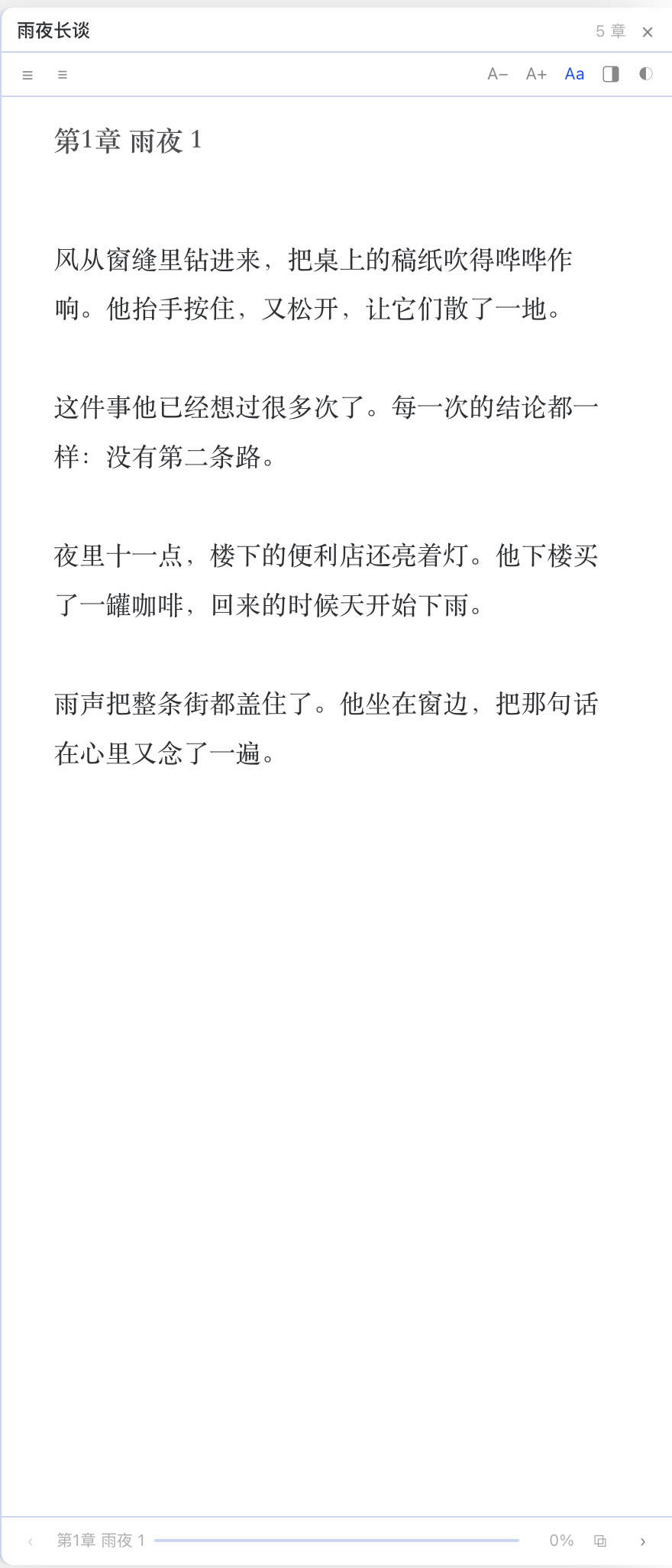
┌───────────────────────────────┬──────────────────┐
│  chat with the agent          │ 雨夜长谈   5 章  │
│                               │ ☰  ≡   A− A+ Aa ◐│
│  ⠋ thinking …                 │ 第3章 雨夜 3     │
│                               │                  │
│                               │ 风从窗缝里钻进来…│
│                               │                  │
│                               │ ‹ 第3章  ▬▬▬ 42% ›│
└───────────────────────────────┴──────────────────┘
Access & data
- Reads only the folder you grant — every file goes through
ctx.files, the
host's plugin file door: the app's own picker grants a folder, the reader lists
it and reads paths relative to it, and the app's main process refuses anything
outside. No bridge fallback, no typed paths, no walking the disk. Nothing is
written outside the plugin's own storage. - Remembers locally — the folder grant (kept by the app), your typography
settings and one progress mark per book live in Hermes plugin storage, so
reopening a book resumes where you stopped. - No network — no telemetry, no update checks, no remote fonts or images.
Screenshots
Floating panel beside the conversation (title-bar button → float):
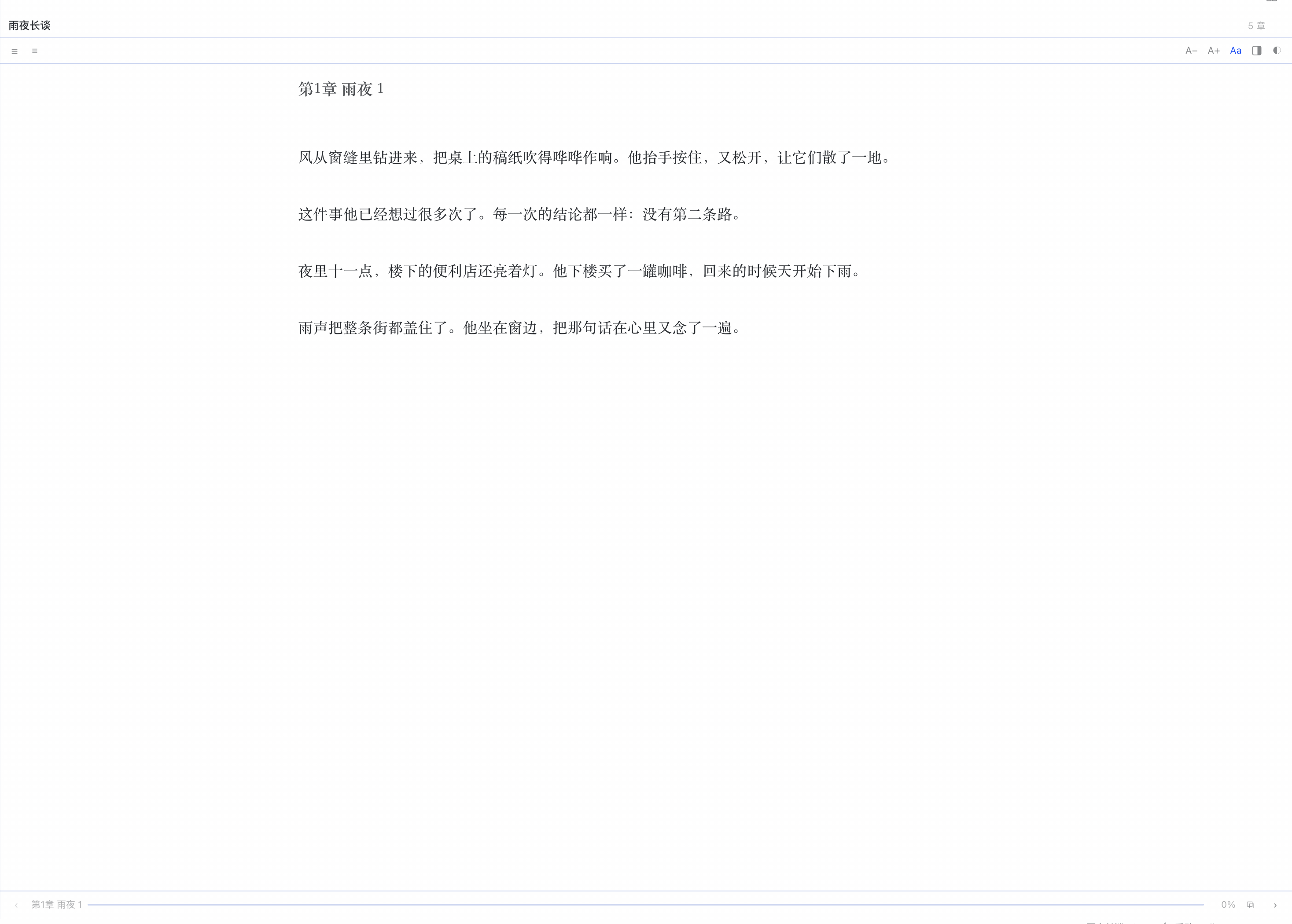
The same reader as a full page (/novel, the sidebar row, or the status-bar chip):
Features
- Chapter detection —
第N章/第N节/Chapter N/序章/楔子/番外…, with dot-leader table-of-contents lines and leading目录lists filtered out. A file with no headings is chunked into parts, so a 5 MB dump still pages instead of freezing the UI. - Encoding that works — reads UTF-8, and falls back to GB18030 (GBK/GB2312) when the bytes are not valid UTF-8. Most Chinese
.txtnovels still ship in GBK. - Remembers where you stopped — per-book chapter + scroll ratio, written as you read and on unload.
- A folder, then a book — grant a folder once and pick from the list; the grant survives restarts and is revocable in Capabilities → Plugins → Folder access.
- Four reading themes — app-native, paper, eye-care green, night. Serif/sans toggle, 13–26 px, adjustable line height.
- Page turns —
Space/→/j,←/k, plus hover-only‹ ›gutters at the reading margins. Clicking the text itself never moves the page, so selection and carets behave. Crossing a chapter edge advances the chapter. - Table of contents — filterable, jumps and closes itself.
- Two ways to sit beside the chat — a floating panel, or a docked column, switched from the reader's own toolbar (or the title-bar book button follows whichever you chose).
- Four ways in — the book button in the title bar, a full-page reader at
/novelwith a Reading sidebar row, an always-present status-bar chip showing雨夜长谈 · 42%, and ⌘K. Copy the bookmark《雨夜长谈》 · 第3章 · 42%from the reader's footer. - Bilingual UI — English, 简体, 繁體 (follows the app's locale).
Install
Requires a Hermes desktop build that ships the plugin file door (ctx.files). On a build without it the reader still loads, but its empty state says so and offers no picker rather than a button that cannot work.
git clone https://github.com/bingochen87/hermes-novel-reader.git
cd hermes-novel-reader
bash scripts/install.sh
The installer copies desktop/plugin.js to $HERMES_HOME/desktop-plugins/novel-reader/plugin.js (~/.hermes by default). The app watches that folder: the pane appears within a few seconds, and every later save hot-reloads in place. If it does not show up, run ⌘K → Reload desktop plugins.
Then click Choose folder… and grant the folder your books live in.
Where is it? Click the book button in the title bar (top right) and the reader opens beside the chat — Esc or the panel's × closes it. Or use the Reading row in the sidebar / the status-bar chip / ⌘K for the full-page reader.
Float or dock? The reader's toolbar has a mode button next to the theme glyph: ▭| (docked to the sidebar) or a floating-windows icon. Your choice persists, and the title-bar button follows it:
| Mode | What the title-bar button does | Caveat |
|---|---|---|
| float (default) | slides the 440 px panel over the right edge; chat stays put | covers the right part of the chat instead of squeezing it |
| dock | reveals the contributed column in the app's right-edge region | that region is one toggle shared with files / review / terminal, so they come along if you keep them open — right-click their tab → Minimize (setGroupMinimized, same as the tab's Hide button) folds them to strips; ⌃` brings the terminal back |
Switching float → dock closes the panel, switching dock → float closes the region: one reading surface at a time.
The contributed layout pane is the fourth option, for people who keep the app's right-edge region open. That region is a single toggle shared with files, review and terminal, which is why the reader owns a panel of its own instead of hijacking it.
Keyboard
| Key | Action |
| --- | --- |
| Space / PageDown / → / j | next page (next chapter at the end) |
| Shift+Space / PageUp / ← / k | previous page (previous chapter at the top) |
| Home / End | start / end of chapter |
| + / − | text size |
| t | next theme |
| Esc | back to the library |
Page gutters: hovering the left or right margin of the reading area reveals a ‹ / › button; clicking it turns the page. The reading text itself has no click behaviour. The reading surface needs focus first (click once) for keyboard paging.
How it works
desktop/plugin.js is a single plain-ESM file — no build step, no repo patch, no app source changes. It contributes:
| Surface | Contribution |
| --- | --- |
| Title bar | book button that opens the reader in your chosen mode |
| Floating panel | 440 px, docked right, sized between the title bar and the status bar |
| Docked column | the layout pane, revealed through the app's right-edge region |
| Layout pane | docked to the right of the workspace, 380 px (joins the right-edge region) |
| Full page | /novel route — same reader, full width, centred text column |
| Sidebar nav | Novel row that navigates to that page |
| Status bar | permanent chip: book + percent, or the reader's name before a book is open |
| ⌘K palette | “open reader” and “open a book folder” |
Filesystem access is ctx.files only — requestFolder() for the grant, list(id, path) for the folder, readDataUrl(id, path) for a book (a data URL, because 5 MB novels exceed the 4 MiB text-read limit), and folders() at boot to recover the grant the app already remembers. The plugin is read-only: it lists a folder and reads files, and writes nothing outside its own plugin storage (hermes.plugin.novel-reader.*). There is deliberately no window.hermesDesktop fallback and no single-file picker; when ctx.files is absent the UI hides the picker and says why.
Development
The pure logic (chapter splitting, progress maths, decoding, path helpers) lives in src/core.js with no imports, so it is unit-tested directly and then inlined into the shipped file by build.mjs — the disk-plugin loader only resolves @hermes/plugin-sdk, react, and react/jsx-runtime, so a runtime import of a sibling module is not possible.
npm run build    # src/plugin.js + src/core.js → desktop/plugin.js
npm test         # unit tests + artifact checks (node --test)
npm run check    # fail if desktop/plugin.js is stale
npm run verify   # build + test + check
No dependencies, no lockfile, Node 20+.
Layout:
src/core.js        pure helpers (chapter split, progress, decode) — unit tested
src/plugin.js      UI + plugin wiring (jsx() calls, no JSX syntax, no build)
build.mjs          inlines core into desktop/plugin.js
desktop/plugin.js  the installable artifact + catalog entrypoint (committed)
test/              node --test suites
Limitations
.txtand.mdonly. EPUB/MOBI need a container parser (zip + XHTML) and are out of scope for now.- One folder deep. Subfolders are not browsed; pick the folder that holds the books.
- A folder, not a file.
ctx.filesgrants folders; opening one loose file needs a host hook that does not exist yet, so the picker is folder-only. - Chapter heuristics are heuristics. A heading is a short line that starts with a chapter token and carries no sentence punctuation. Books with unusual markers land in part-chunked mode, which still reads and pages fine.
- Progress is stored per profile, in the app's local storage for the plugin (
pos:<file>), so it does not travel between machines.
Roadmap
- EPUB support (
epub.jsinside a<SandboxedFrame>) - Subfolder navigation + a “recently read” shelf
- Reading statistics (time per session) — the honest version of “how much did I slack off”
License
MIT
README from the reviewed commit 3c5cf9b; it updates when the author re-pins.


