All plugins

screenpipe

Ambient retro-recall from the user's local Screenpipe screen+audio corpus — fail-silent pre-turn context injection, search/timeline/status tools, /recall. Disclosure — auto-recall is on by default: before a turn it searches your local Screenpipe server (http://localhost:3030 unless you change `api_url`) and adds up to 600 characters of matching OCR'd screen text and audio transcripts to the prompt, so captured screen and audio content is sent to your model provider; the search and timeline tools return more of it on request. Set `enabled: false` in the plugin config to keep only the tools and `/recall`.

vdimarcoMemoryv1.0.0Updated 4 hours ago

About

Ambient retro-recall from the user's local Screenpipe screen+audio corpus — fail-silent pre-turn context injection, search/timeline/status tools, /recall. Disclosure — auto-recall is on by default: before a turn it searches your local Screenpipe server (http://localhost:3030 unless you change `api_url`) and adds up to 600 characters of matching OCR'd screen text and audio transcripts to the prompt, so captured screen and audio content is sent to your model provider; the search and timeline tools return more of it on request. Set `enabled: false` in the plugin config to keep only the tools and `/recall`.

hermes-screenpipe

Ambient retro-recall for Hermes, from your local
Screenpipe corpus (OCR screen text + audio transcripts).

A skill can call an API — this plugin does what skills cannot: inject relevant captured context
before the model sees each turn, expose durable first-class tools, and keep a durable SQLite
cache (via plugin_db()) that survives plugin updates.

Demo flow: you're on a call, show a terminal error, close it. Later: "what was that
connection error?"
— the agent answers with the exact text and timestamp, without you pasting
anything.

What it does

| Surface | What you get |
|---|---|
| pre_llm_call hook (fail-silent, ≤1.5 s network budget) | Relevant [HH:MM app] excerpt snippets injected into the current turn — only when the message is recall-ish enough, Screenpipe has a real match, and the per-session cooldown allows it. Injected text is prefixed Captured screen/audio context (untrusted, may be irrelevant): so the model treats it as data, never instructions. |
| screenpipe_search tool | Explicit search over the last N hours: {results: [{timestamp, app_name, text}]}. |
| screenpipe_around tool | Activity summary + nearest captures around a timestamp. |
| screenpipe_status tool | Liveness, current capture status, session injection counts, effective config. |
| /recall <query> slash command | The search path, formatted for humans, with screenpipe://frame/<id> deep links when available. |

Everything degrades silently: Screenpipe down/hanging → the hook returns None in under 2 s and
tools return {"error": ...} — a user's turn is never blocked.

Install

hermes plugins install vdimarco/hermes-screenpipe
hermes plugins enable screenpipe

Screenpipe setup: install the Screenpipe app and let it capture; the
plugin talks to its local REST API at http://localhost:3030. An API key is optional — set
SCREENPIPE_API_KEY (you'll be prompted at install) only if your Screenpipe requires auth; the
plugin never reads any credential store itself, it goes through Hermes' secret scope.

Configuration (Desktop → Settings → Plugins, or config.yaml)

| key | default | meaning |
|---|---|---|
| api_url | http://localhost:3030 | Screenpipe REST base URL (SCREENPIPE_API_URL env overrides) |
| injection_char_budget | 600 | Max chars of captured context injected per turn |
| history_hours | 24 | Default lookback window (72 h auto for "earlier/yesterday/last time"-style asks) |
| cooldown_seconds | 120 | Minimum seconds between injections per session |
| min_query_words | 4 | Messages shorter than this never trigger injection |
| enabled | true | Killswitch for injection (tools always stay available) |

Development

python -m pytest -q
hermes plugins doctor /path/to/hermes-screenpipe
hermes plugins validate /path/to/hermes-screenpipe --install-deps

Design spec + implementation plan: docs/superpowers/.

Roadmap (post-hackathon)

Desktop timeline pane, /export clip tool, memory-provider slot, cross-device sync queries.

README from the reviewed commit 1df1a38; it updates when the author re-pins.
More by vdimarco

4 plugins by vdimarco in the catalog.

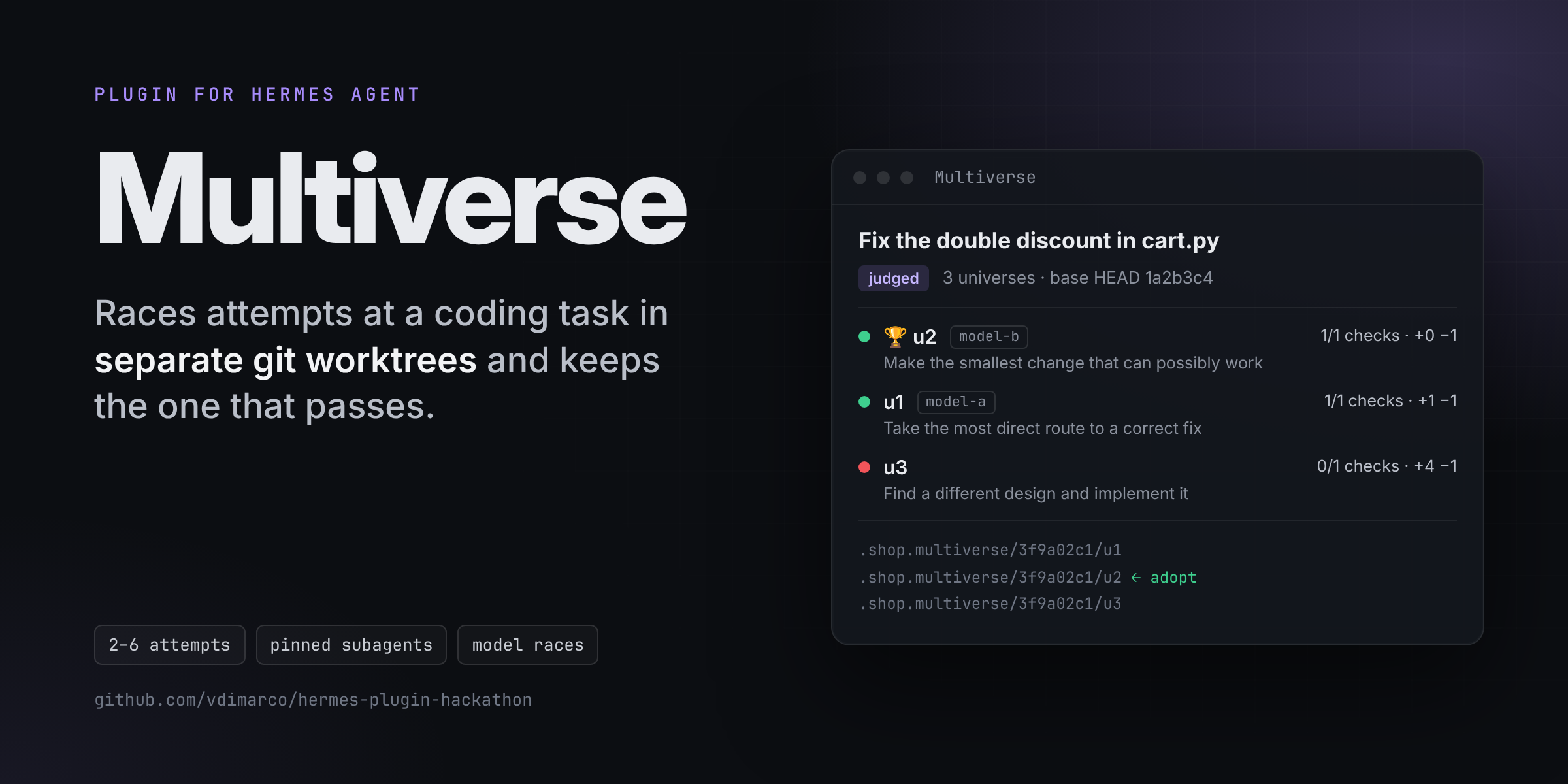
vdimarcoagent-music-jamConduct a live synthesized band, play along on keys or MIDI, and export your performance. Disclosure — `jam_start` runs a local web server on 127.0.0.1 (random port, bearer token in the launch link) for the life of the session; each direction sends the music state and your text to your configured Hermes model, and from tool calls launches up to eight toolless subagent sessions per direction (`use_subagents`, on by default), which uses model credits.Communitytoolsvdimarcodelegation-scoutDelegation backend that routes each subagent by task shape and learns from recorded per-route outcomes — a delegation backend `scout` with auto/quick/deep task params, a post_tool_call outcome observer, and a scout_stats tool.CommunityautomationvdimarcomultiverseBest-of-N for coding agents, with real checks. multiverse_race makes one git worktree per attempt (2 to 6) from the same base (HEAD, or the uncommitted working tree through git stash create), starts one delegate_task subagent per worktree with its own approach, pins each subagent to its worktree (pre_tool_call rewrites terminal workdir, file paths and V4A patch paths, and blocks access to the other worktrees and nested delegation), runs the same check commands in every worktree, ranks them by checks passed and then by the smallest real diff, and multiverse_adopt applies the winner with git apply. With delegation.backend: multiverse, each attempt can use its own model and provider. Hermes Desktop: a live race board pane (each attempt's status and tool-call count, then checks passed, diff and the winner), a status-bar chip while racing, and a toast when judging ends. Disclosure — no network calls of its own, no credentials, no telemetry, no background threads. Runs git (rev-parse, stash create, worktree add/remove/prune, add -A inside the worktrees, diff, apply), mkdir, rm -f of its own .patch files and rmdir, plus your check commands, through the Hermes terminal tool, so approvals and the configured terminal backend apply. Creates worktrees next to the repository in .<repo>.multiverse/<run id>/. Starts subagents through delegate_task, which uses your configured model(s) and costs tokens per attempt. Stores run metadata (goal, checks, worktree paths, scores, the last 1500 characters of each subagent summary) in its plugin state under HERMES_HOME/plugin-data. Sends plugin.multiverse.run snapshots (goal, checks, per-attempt label, model, approach, status, tool-call count, scores and diff stats; no subagent text) to Desktop windows attached to the same Hermes process, at most once a second while attempts run; the desktop half keeps the last 10 runs in Desktop plugin storage.Communitytools

Developer Mode

Explore built-in Hermes toolsets and actions.

HermesAgent

Developer?

Create a Hermes extension for Desktop or agent workflows.

Developer Section


