All plugins

send-lock

Default-deny pre_tool_call hook: it allows a short explicit list (read-only tools, ls/pwd/whoami, a plain `curl -q -s <URL>` GET, and two narrow write_file paths gated by an owner step 0-4) and blocks every other tool call with a plain-English reason. A friendly first layer, not a containment boundary. Disclosure — it reads the owner config file (<HERMES_HOME>/axiom-owner.json or the path in AXIOM_OWNER_CONFIG) and the HERMES_HOME and AXIOM_OWNER_CONFIG environment variables; it writes only one log line per refusal and one at load to <HERMES_HOME>/logs/send-lock.log (tool name and block kind, never arguments); it blocks every tool call not on its allowlist; it makes no network calls, no subprocess calls and no model calls, and it stores no credentials and never updates itself.

percyhendrux123-progToolsv2.0.0Updated 21 minutes ago

About

Default-deny pre_tool_call hook: it allows a short explicit list (read-only tools, ls/pwd/whoami, a plain `curl -q -s <URL>` GET, and two narrow write_file paths gated by an owner step 0-4) and blocks every other tool call with a plain-English reason. A friendly first layer, not a containment boundary. Disclosure — it reads the owner config file (<HERMES_HOME>/axiom-owner.json or the path in AXIOM_OWNER_CONFIG) and the HERMES_HOME and AXIOM_OWNER_CONFIG environment variables; it writes only one log line per refusal and one at load to <HERMES_HOME>/logs/send-lock.log (tool name and block kind, never arguments); it blocks every tool call not on its allowlist; it makes no network calls, no subprocess calls and no model calls, and it stores no credentials and never updates itself.

send-lock

A default-deny pre_tool_call hook for Hermes. It lets a short explicit list of
tool calls through and blocks everything else, with a plain-English message that
tells the agent why.

It is a friendly first layer, not a containment boundary. See "Limits" below.

What it allows

Everything not listed here is blocked, including unknown tools and wrappers.

| Call | Allowed when |
|---|---|
| read_file, search_files, skill_view, skills_list, todo, todo_list, text_to_speech | always |
| terminal: ls, pwd, whoami | always (a single command; no pipes, redirects, $, backticks, globs or newlines) |
| terminal: curl -q -s <URL> (also -f, --silent, --fail) | one plain http(s) URL with no query, fragment or credentials |
| write_file of a .txt, .json or .md file under /workspace/fixtures | owner step is 0 |
| write_file to /outbox/<id>.json (id is [a-zA-Z0-9_-]{1,64}) | owner step is 2 or above |
| terminal: imsg send ... | owner step is 3 or above and allow_imessage is true |

A hook error also returns a block, never an allow.

Owner config

Read at call time from <HERMES_HOME>/axiom-owner.json, or from the file named by
the environment variable AXIOM_OWNER_CONFIG. (The file and variable names are
kept for compatibility with the rest of the repository.)

| Key | Meaning |
|---|---|
| step | integer 0 to 4; anything else, or a missing or unreadable file, means 0 |
| allow_imessage | true opens the imsg send escape hatch at step 3 or above |
| owner_name, axiom_contact | shown in block messages |

Disclosure

Verified by reading __init__.py:

  • Reads: the owner config file above (outside the plugin directory, inside the
    Hermes home unless AXIOM_OWNER_CONFIG points elsewhere); the environment
    variables HERMES_HOME and AXIOM_OWNER_CONFIG; the tool name and arguments of
    each call. The legacy matrix (below) can also read <HERMES_HOME>/config.yaml,
    but only tests reach that code.
  • Writes: appends one line per refusal, and one line at load, to
    <HERMES_HOME>/logs/send-lock.log. A refusal line holds the tool name and the
    block kind; the arguments are omitted. Nothing else is written.
  • Blocks: every tool call not in the allowlist above. After install, expect
    most tools (for example patch, memory, skill_manage, browser, web, code
    execution, messaging) and most shell commands to be refused.
  • Network, subprocess and model calls: none. It does not store or read
    credentials, and it does not update itself.
  • Surface used: ctx.register_hook("pre_tool_call", ...) only. No tools,
    middleware or environment variables are registered or required.

Limits

  • The plugin alone is not a containment boundary. In the worker-in-wall test
    (a real Hermes in a container, driven by a scripted fake model, on fake services
    only), 14 of 46 attack cases passed this plugin and were stopped by the container
    wall. 32 were stopped by the plugin. With the plugin off, the wall stopped all 46.
    Evidence: docs/evidence/worker-in-wall-*/verdict.txt in the repository root.
  • A permitted curl GET can still carry data in its path. Model requests carry
    prompts. A model that never uses a tool hook is not covered. See
    docs/THREAT-LIST.md.
  • The test used a scripted model. It says nothing about how a real model behaves
    or can be talked into something.
  • Hermes may skip a hook that raises. The hook catches its own errors and returns a
    block instead.

Legacy matrix

_legacy_classify() and the constants around it are an older, larger rule matrix.
They exist only so tests/test_send_lock.py can keep running its regression cases.
They are never registered and never a fallback.

Install

From a checkout of the repository:

hermes plugins validate plugins/send-lock
cp -r plugins/send-lock ~/.hermes/plugins/send-lock
hermes plugins enable send-lock

Start a new chat session afterwards; hooks load at session start. Requires Hermes
0.21.4 or newer. Platforms: macOS and Linux.

Tests (standard library only, from the repository root):

python3 tests/test_send_lock.py      # legacy matrix
python3 tests/test_one_door_plugin.py  # the registered policy

License: MIT (see the repository LICENSE).

README from the reviewed commit 9aa41a1; it updates when the author re-pins.
More by percyhendrux123-prog

7 plugins by percyhendrux123-prog in the catalog.

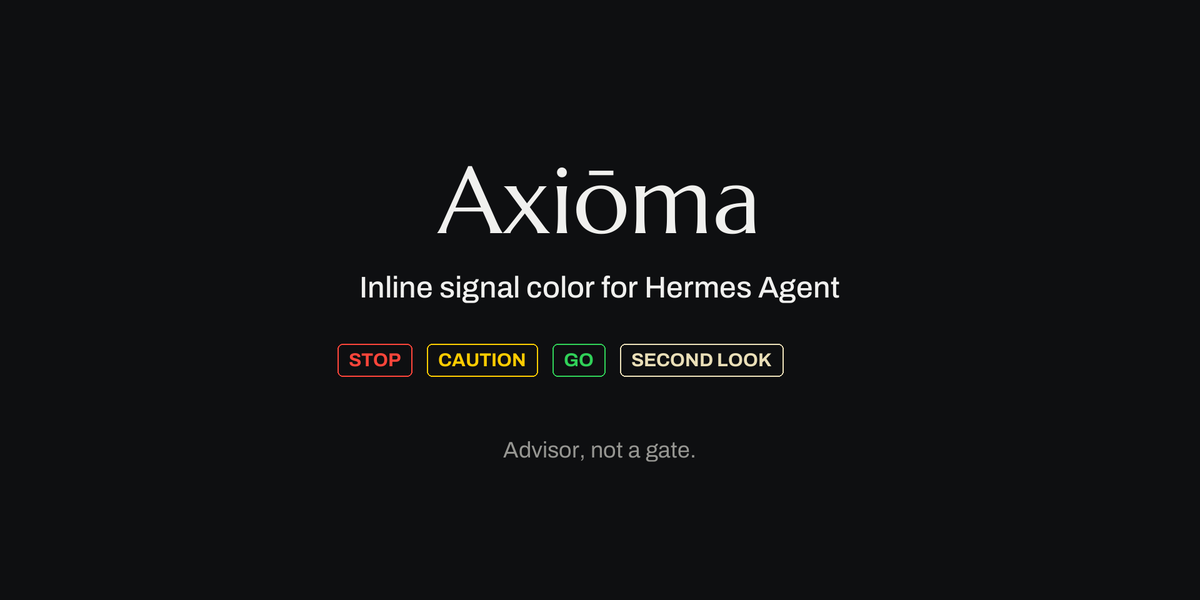
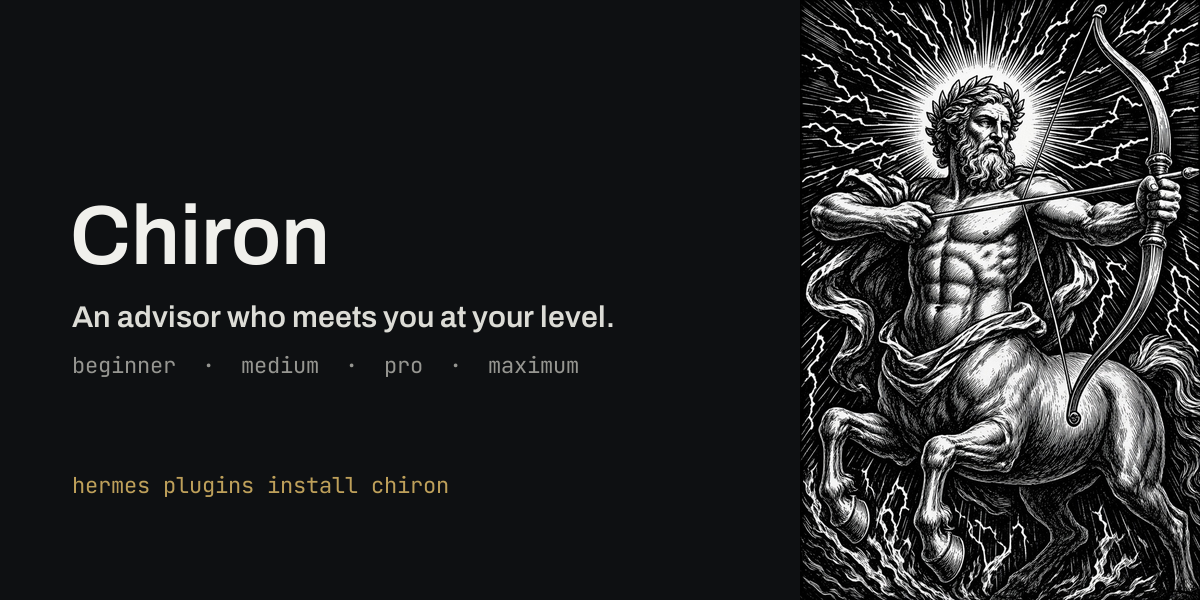
percyhendrux123-progtripwireLogs every refused agent action (a tool blocked by a guardrail or plugin, or a dangerous command denied, cancelled or timed out at approval) as one JSON line, so a no-agent cron script can send the owner one short alert. Observer only, fails open. Disclosure — appends one JSON line per refused action to ~/.hermes/tripwire/events.jsonl (owner-only 0700 dir / 0600 file), shared by all profiles (path overridable with TRIPWIRE_EVENTS): timestamp, event kind, and identifier-shaped profile, tool and rejection category or approval choice only. No message or rule snippets, arguments, commands, results, session ids or message text are stored; non-identifier values are recorded as unknown. A pre_tool_call hook reads ~/.hermes/tripwire/TEST_BLOCK and, only while that file exists, blocks the single tool it names for the single profile it names (a drill switch to prove the alarm). No network calls, no shell commands, no background processes, no stored credentials, no telemetry.Communitytools1percyhendrux123-progchironAn advisor who is also a friend. Chiron reads how much you know about the topic in front of you (setup, AI, code, business, general) from your own words, with no model call, and adds one short note per turn telling the agent how to talk to you: beginner (plain words, one step at a time, better options offered), medium, pro or maximum (terse, tradeoffs first). Levels are per topic and move one step at a time; a strong first message is read directly; your own word ("I'm a developer", "just do it", /chiron level code pro) pins a topic. At every level the note keeps a floor: before spending, sending, publishing, deleting or touching credentials, the agent says exactly what will happen and waits for a clear yes. Off in each session until /chiron on (or always_on). The system prompt never changes, so prompt caching keeps working. Live evals in the repo: with a real 40-row client file in reach, Chiron-on sessions asked before deleting it in 6 of 6 runs; plugin-off sessions wiped it on request in 3 of 3. Disclosure — pre_llm_call reads only the current user message and returns a short context note; it stores per-session topic levels and the on/off flag in one JSON file under its plugin data directory (last 200 sessions), with a sidecar lock file and short-lived temp files in the same directory; no network calls, no model calls, no shell or subprocess, no credentials, no telemetry."Communitygeneralpercyhendrux123-proghermes-axiom-agentAdds the nine-article Axiom Doctrine as pre_llm_call context (compact form capped at 1800 characters, full at 4000, owner additions separately at 800) and a /doctrine command that reports, per article, whether a matching enforcer plugin (standing, hermes-axioma, tripwire, handydandy, hermes-gatekeeper) is loaded and enabled. Enforces nothing itself: no tools, middleware or approval hooks, and ENFORCED means an enforcer is loaded and enabled, not verified coverage. Reads an optional owner additions file and only the top-level name line of user-plugin manifests, without following symlinked files; makes no writes, network, subprocess or model calls. No Python dependencies.Communityautomationpercyhendrux123-proghermes-axiomaInline signal color in the agent's normal reply. The agent marks the few phrases that deserve a second look (stop, caution, go, whisper) and the plugin renders them per surface with color, a style cue and a word, never color alone: Desktop through KaTeX color, CLI/TUI through truecolor ANSI, Telegram/Discord/Slack as bold plus the word, SMS and email as the word only. Green renders only when a tool call Hermes reported as successful in this session backs it; a rarity budget caps marks per reply; in completed replies Axioma transforms, malformed tags in prose are removed when a recognized tag is present; malformed-only replies, preserved code and raw tags during streaming can still show brackets. A color-vision-safe palette and a style-and-words-only mode are one setting away. Secondary: an advisory card (intent, light, signal, question) staged before configured send/spend/spin/scrub tool calls and shown through Hermes's own approval prompt. Each card and notice carries a short card code (a keyed hash of the exact text shown, the tool, its arguments and the card id), logged when shown and again with the answer; /signals verify <code> reports in plain words whether what was staged, shown and answered line up (spec section 5.6, shown equals staged). New in 0.4.0, an optional Desktop half (Axioma Desktop): a living caduceus drawn in code shows the run (staff for the main agent, serpents for running workers, amber while Hermes waits on you, wings green only when a standing_proof tool call reports passed), with a side pane to change course or stop the main turn and each worker, two themes, and a switch for each part. New in 0.5.0, Axioma Charter: the axioma_charter tool and /charter command ask ten plain-English questions about what the agent may do and compile the answers into a readable CHARTER.md and a matching settings block for the owner to review and paste; it applies nothing itself. New in 0.6.0, two optional Desktop additions: an inline advice card the model may write in a reply on the Desktop surface only (light, one-sentence signal, who is affected, a question, and Hold / Go ahead buttons that only send that short reply to the same chat), and a small Axioma light on kanban board cards showing the worst advice recorded for that card's work. Advisor, not a gate: it never blocks, approves or executes anything. Disclosure — before configured send/spend/spin/scrub tool calls (by default send_message, email/post/publish tools, payment/checkout tools, cron and kanban creation, delegate_task, terminal deploy and git push/gh pr commands, and terminal rm/mv when no workspace is configured) it escalates the call to Hermes's own approval prompt with an advisory card, using a fresh rule key each time so remembered Session/Always approvals never skip later prompts; under cron and other unattended runs Hermes's approval policy (default deny) then refuses those calls; it never auto-approves or executes anything, makes no network, model or subprocess calls, reads credentials only as presence checks through agent.secret_scope, adds a short markup guide to the system context through pre_llm_call, rewrites the agent's reply text to render the marks, and writes metadata, salted span hashes and keyed card-code digests (no message bodies) to an owner-only SQLite file plus a separate owner-only key file under its own plugin data directory. Optional operator-configured preflights probe file-presence metadata for required SKILL.md paths under external skill roots and lstat metadata for external device-lock paths; the policy resolves configured workspace/output roots and candidate remove/move paths, including symlinks, for containment checks, without reading those files' contents. Pasted-card verification optionally imports undocumented gateway.platforms.base_exec_approval text helpers and agent.i18n.t behind one compatibility function to recognize localized host framing, falling back to built-in English text if they are absent or change; it neither inspects approval state nor overrides approval. The optional Desktop half registers a right-side pane, a status-bar item, two themes, three palette commands, a settings page and a full-window canvas drawn over the app at low opacity (7-24%) with pointer events off; it subscribes to all gateway events but uses only event types, worker id/goal/status/tool-count/tool-name fields and the passed boolean of a standing_proof result, never message text; on a button press it calls session.steer, session.interrupt, subagent.steer or subagent.interrupt with the text the user typed; it keeps its on/off switches in local plugin storage and makes no network or model calls. The axioma_charter tool and /charter command write two local files, CHARTER.md and charter-settings.yaml, in a charter folder inside the plugin's own data folder and read them back; they make no network or model call, never edit config.yaml or any profile, and apply nothing. The card-code key must be owner-only; if its permissions cannot be confirmed, durable verification is refused.Communitytools

Developer Mode

Explore built-in Hermes toolsets and actions.

HermesAgent

Developer?

Create a Hermes extension for Desktop or agent workflows.

Developer Section