 otsoa-dubief
tenure
Revocable trust for your Hermes agent: given by default, taken back on a mistake, earned back on evidence.
No extra question for everyday work: files, memory, build, test, git. What the agent writes can be undone, anything
can be flagged. The first mistake on a kind of action puts that kind, and only that kind, on probation: it asks
first, and earns its autonomy back on verified evidence, following a rule preregistered on OSF.
- Trusted at the start: files, memory, subagents and the usual dev tools (npm, python, pytest, cargo, git...)
work as with Hermes alone. Files it changes are saved first and can be undone for 24 hours (/tenure undo). - One mistake, one kind: an undo, a flag, a failed check or a refusal puts that kind on probation (T1, asks
first); approvals earn back T2 (acts, then tells you), verified successes over two sessions T3 (acts on its own,
one in ten spot-checked). - See what you approve, flag one action: a prompt shows the target of a call first and whole, secret values as
•••(the keys it recognises, no guarantee); an action that ran under Tenure's watch has a number for 24 hours (/tenure flag,
/tenure flag 12). - Always asks what leaves the machine (push, publish, deploy, uploads, payments) and what cannot be undone;
after the agent reads outside content (web, mail, downloads), commands ask for the rest of the session. - Field categories: an MCP call that touches a secret or a bank field (IBAN, password, token...), or a field it
cannot read (custom field ids, free SQL, generic REST writes), earns trust apart from its tool and always asks
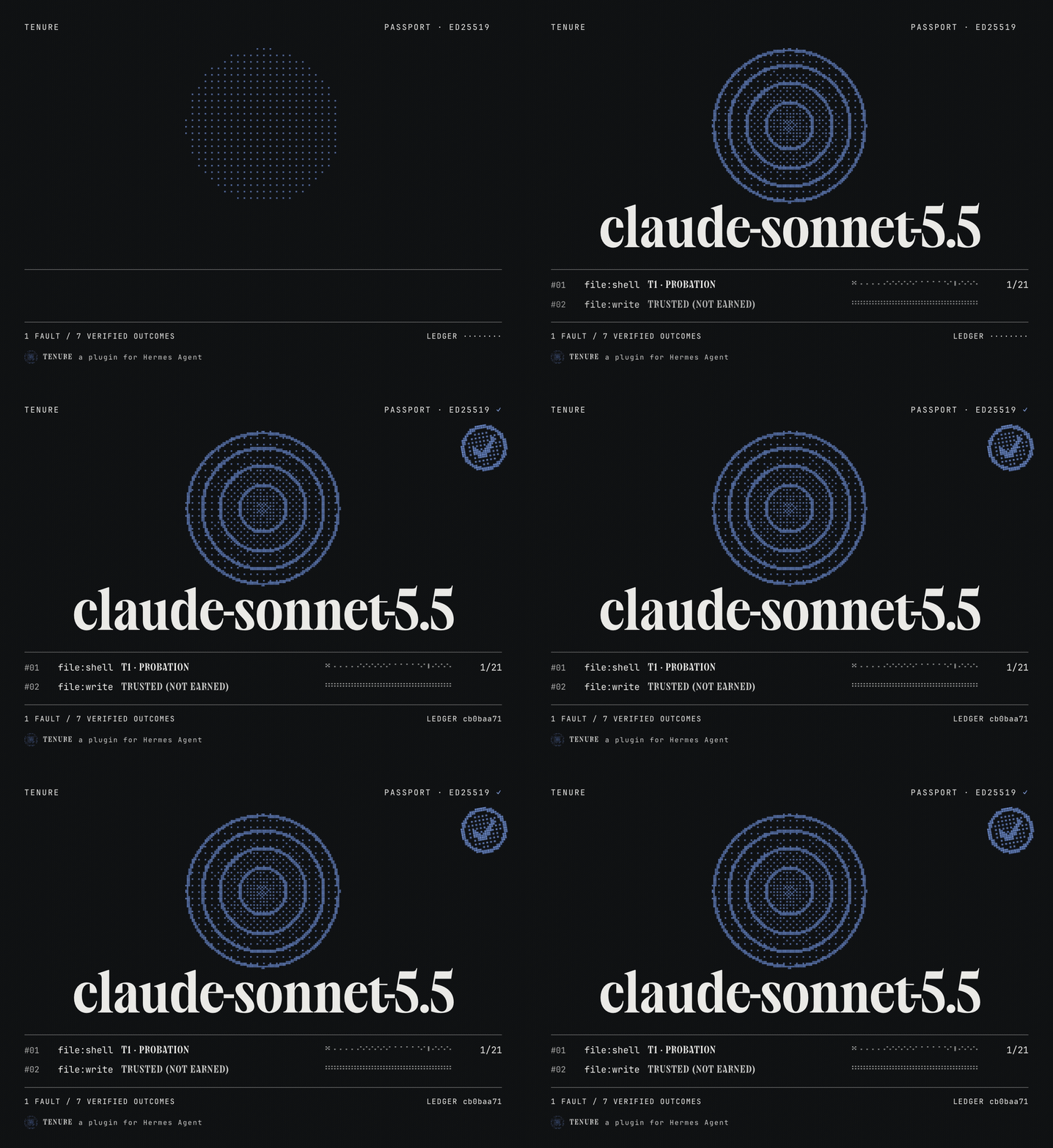
under the default preset. Other categories ship off;fields:turns them on. - Signed autonomy passport, hash-chained and replayable (
hermes tenure verify), a per-model benchmark of
your own work, a switch preview before changing model, a Desktop page and a dashboard tab, five languages. - Local: no network call, no LLM call. Linux, macOS and Windows (on Windows, plain shell file commands ask
instead of acting with an undo).
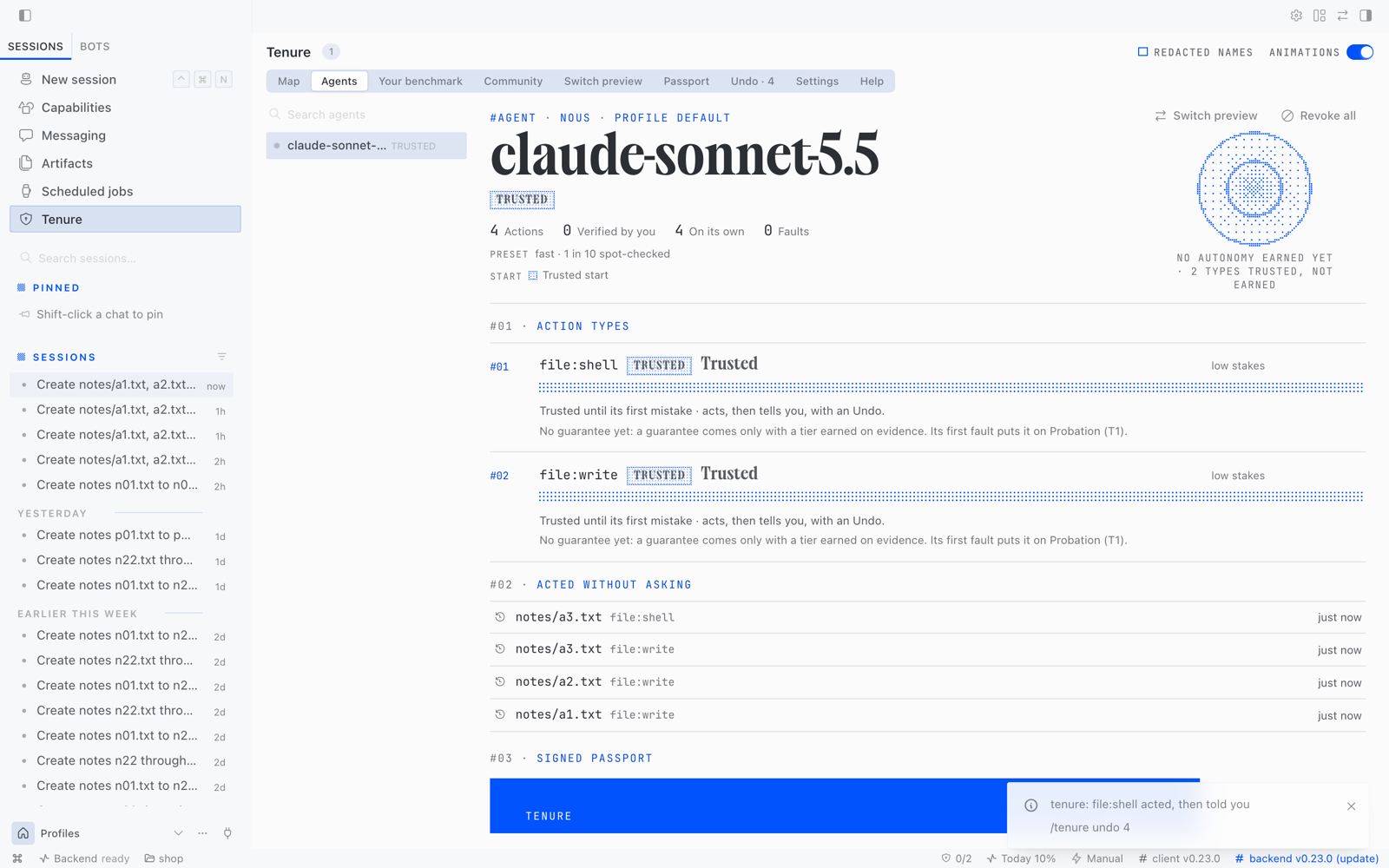
A real Hermes Desktop session, not a mockup.
Install
hermes plugins install tenure
hermes gateway restart        # if a gateway is running
hermes tenure setup           # the three presets side by side
In Hermes Desktop, turn the page on once: Capabilities → Plugins → Tenure.
Full documentation, the study behind the rule and the known limits:
github.com/otsoa-dubief/tenure.
README from the reviewed commit 9c49bc8; it updates when the author re-pins.