All plugins

tether

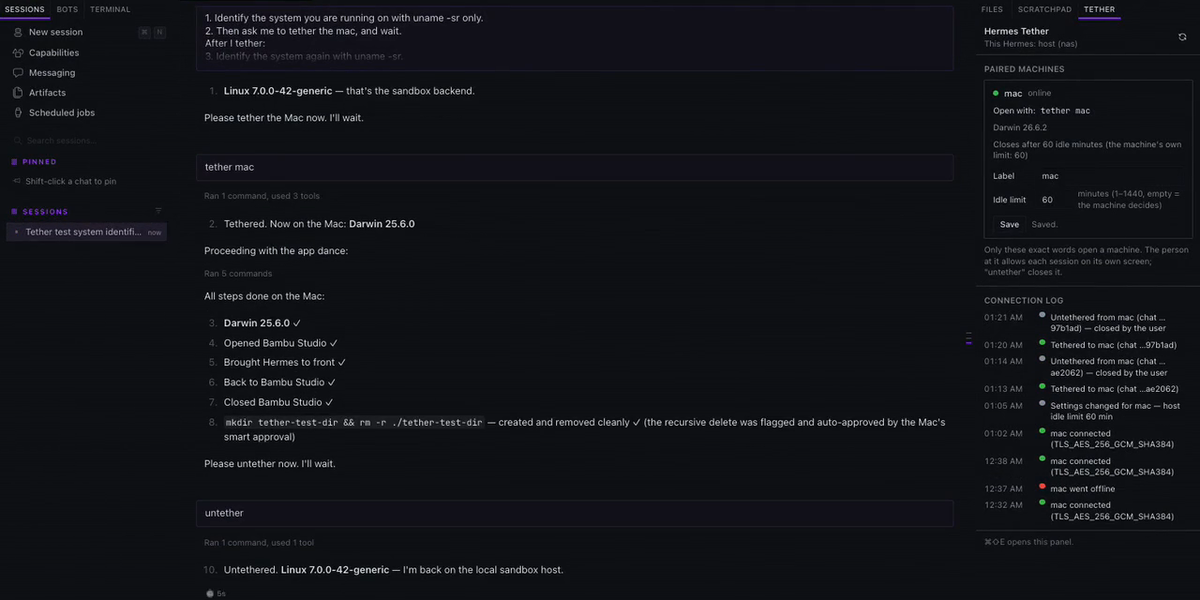
One Hermes agent, many machines: lends a remote Hermes agent the terminal, files, screen and apps of your paired desktop machines (macOS and Windows). Say 'tether <machine>' and the agent's terminal, file and computer-use tools act on that machine under its own Hermes rules and approvals; send 'untether' to bring them home. Each machine dials the host over a pinned, mutual TLS 1.3 link (256-bit suites only), and the person at the machine allows every session on its own screen before anything runs. Includes a Tether panel for Hermes Desktop (paired machines, labels, idle limits, connection log). Disclosure — the host listens on the LAN or tailnet address you configure (default 127.0.0.1) and each paired device connects to it over pinned mutual TLS 1.3; no third-party services, no telemetry; while a machine is tethered, the host session's shell commands, file reads/writes and computer use run on that device after the person there allows the session, judged by the device's own Hermes rules (its hardline/deny floors always; commands the host's approval gate already passed skip the device's own approval prompts); skills opened during a tethered session are copied read-only into a per-session workspace on the device and removed when it closes; background tasks: the link listener (host), the device's connection, an idle sweeper and a settings watcher; stores one Ed25519 key per machine, encrypted at rest, with its passphrase in Hermes's secret store; adds a short per-turn note while a machine is tethered; reads private Hermes approval internals (tools.approval) and fails closed if they change.

Zek-TakaiToolsv0.1.0Updated 2 hours ago

About

One Hermes agent, many machines: lends a remote Hermes agent the terminal, files, screen and apps of your paired desktop machines (macOS and Windows). Say 'tether <machine>' and the agent's terminal, file and computer-use tools act on that machine under its own Hermes rules and approvals; send 'untether' to bring them home. Each machine dials the host over a pinned, mutual TLS 1.3 link (256-bit suites only), and the person at the machine allows every session on its own screen before anything runs. Includes a Tether panel for Hermes Desktop (paired machines, labels, idle limits, connection log). Disclosure — the host listens on the LAN or tailnet address you configure (default 127.0.0.1) and each paired device connects to it over pinned mutual TLS 1.3; no third-party services, no telemetry; while a machine is tethered, the host session's shell commands, file reads/writes and computer use run on that device after the person there allows the session, judged by the device's own Hermes rules (its hardline/deny floors always; commands the host's approval gate already passed skip the device's own approval prompts); skills opened during a tethered session are copied read-only into a per-session workspace on the device and removed when it closes; background tasks: the link listener (host), the device's connection, an idle sweeper and a settings watcher; stores one Ed25519 key per machine, encrypted at rest, with its passphrase in Hermes's secret store; adds a short per-turn note while a machine is tethered; reads private Hermes approval internals (tools.approval) and fails closed if they change.

Hermes Tether

One Hermes agent, many machines. Tether lends one remote Hermes agent the local capabilities of your
paired desktop machines (macOS and Windows): their terminal, their files, their screen and apps. The agent
keeps living on its own host; when you say tether <machine>, its hands move to that machine, under that
machine's own Hermes rules, until you send untether as a message on its own.
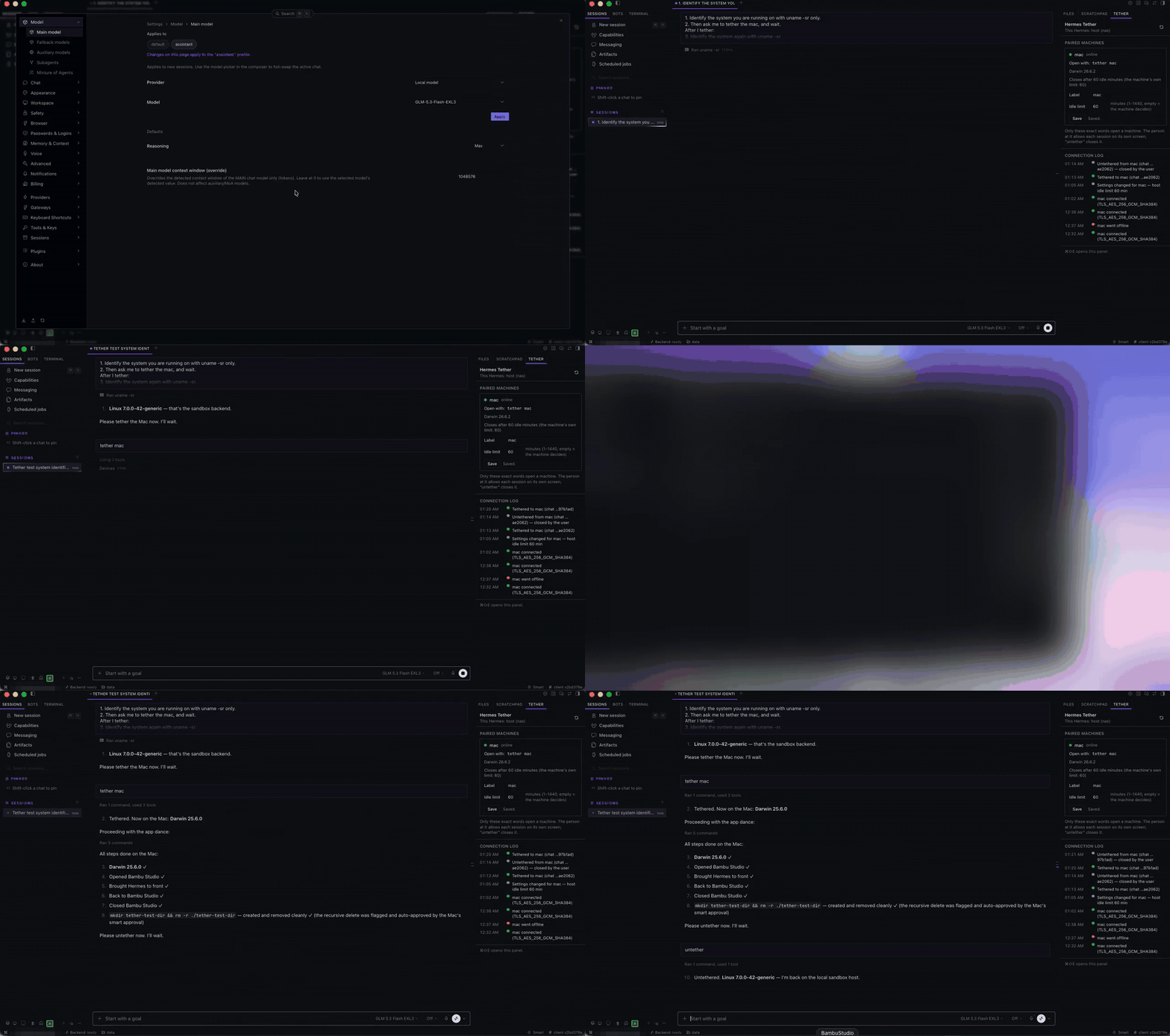
Tether demo

Using it

tether mac      → the Mac asks the person at it to allow this chat; the agent now works on the Mac
… any task …    → terminal, files, apps and screen on the Mac, under the Mac's rules
untether        → back on the host; the Mac empties the session workspace
  • Only your own words open a machine: the message must contain tether <device>.
  • untether is a solo command: send it as the whole message. Inside a longer message it does nothing.
  • The person at the machine allows each session on its own screen. The agent reports a connection
    only after that Allow; No, or no answer within 15 s, means not connected.

Install

Requires Hermes 0.23.0 or newer on the host and on each machine. Install tether on both. For computer
use, also copy plugin/tether_screen from the repository into the same plugins/ folder (it is installed
by hand, not from the catalog) and set computer_use.backend: tether_screen on the host. Set
role: host on the agent's Hermes and role: device on each machine, then pair once: hermes tether pair <name> on the host, hermes tether join "<link>" on the device. On a device, Hermes must run in the
signed-in desktop session, since the consent prompt needs a screen.

Security, disclosure and limits

Pinned, mutual TLS 1.3 link (256-bit suites only) to paired machines; each device dials the host. No
third-party services, no telemetry. Shell commands and file access on a device happen only while tethered,
after its owner allows the session. Background tasks: the link listener (host), the device's connection,
an idle sweeper and a settings watcher. Stored credentials: one Ed25519 key per machine, encrypted at rest,
its passphrase in Hermes's secret store.

Several Hermes Desktops on one backend share it: closing one ends the chat open in the other. Linux devices
are not supported yet (no consent prompt there).

Full documentation (setup, configuration, the Tether panel, security model, design decisions):
README · DESIGN


Author: James Reed. Developed with AI (Claude, Anthropic). MIT licensed.

README from the reviewed commit adc4bfd; it updates when the author re-pins.
More by Zek-Takai

3 plugins by Zek-Takai in the catalog.

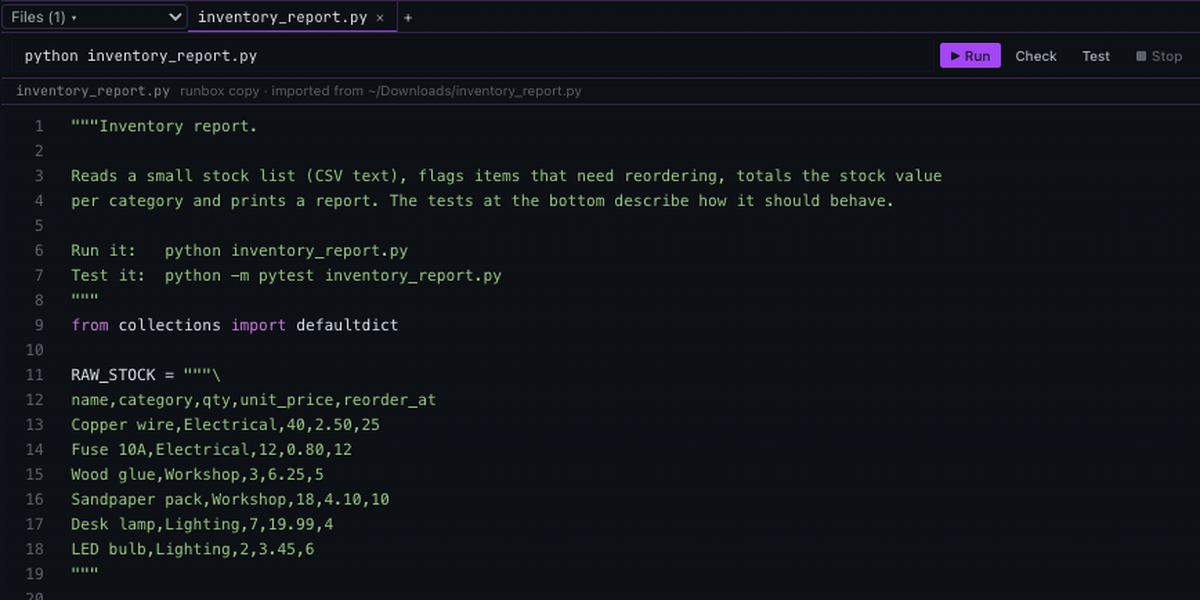
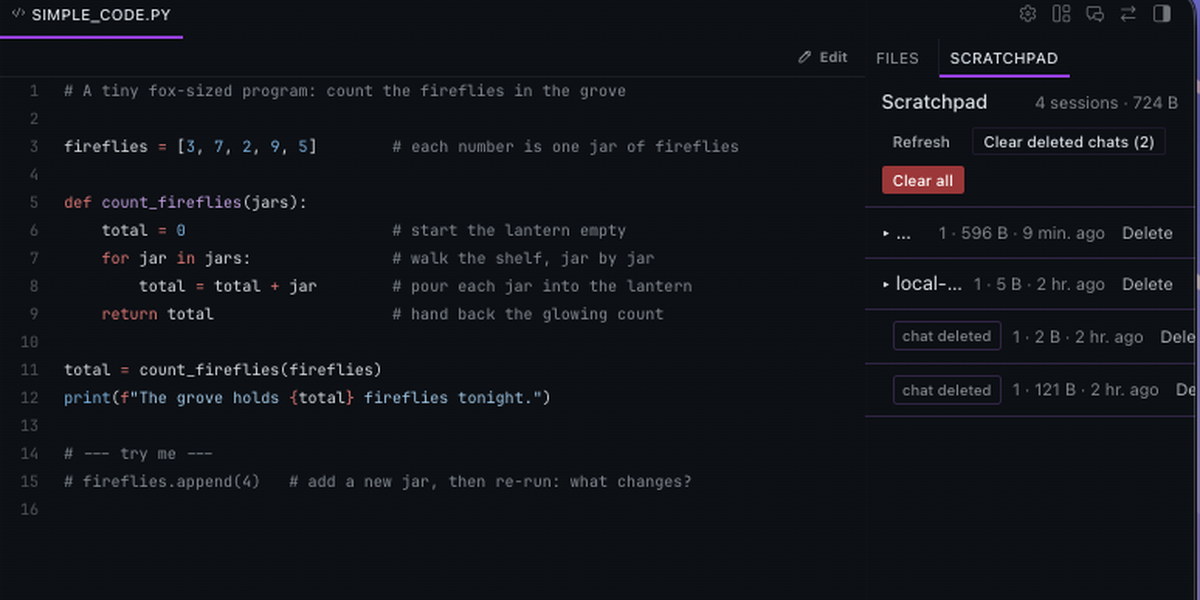
Zek-TakaidevkitOne managed home for agent drafts: a per-session scratchpad of named buffers the agent edits in place instead of writing a new temp file per revision. Buffers live under plugin-data/devkit/, open in the Desktop code viewer, are promoted to real files only through write_file, and are removed when their chat is deleted. A Scratchpad tab beside Files groups chats by date like the chat sidebar; click a chat to open it, click a file to view or edit it in a workspace tab, and delete or clear drafts. Disclosure — adds a short placement rule (about 120 tokens) to each turn's user message; reads state.db read-only once an hour from a background thread to find deleted chats, and also removes folders idle longer than idle_days (default 90) using its own stamps; deletes only its own folders under plugin-data/devkit/; no network calls, credentials or third-party services.CommunitytoolsZek-TakairunboxBuild, run and test Python in an offline container per chat, with results as a plain file:line issue list. The agent syncs files or folders in as copies, then runs run (a shell command), check (ruff error rules) and test (pytest); fixes stay in the box until the user asks for export, which writes changed files back through write_file and reports host files changed since the sync as conflicts. In Hermes Desktop a VS Code-style editor opens beside the chat: file tabs with in-place editing, Run / Check / Test / Stop, and PROBLEMS / OUTPUT / RUNS panels that follow the agent live. Ships the runbox:dev-loop starting-point skill. Disclosure — needs Docker (on macOS a dedicated colima profile 'runbox', started on demand with --activate=false and its own Docker config); pulls the container image pinned by digest and installs a hash-pinned checker toolchain (ruff 0.16.9, pytest 9.1.1 and deps) from PyPI once per image; the work container has no network, hardened flags, and runs commands without Hermes' dangerous-command approval like Hermes' Docker backend; install (PyPI) always asks for approval in a separate installer container; a write_file/patch on an imported original asks for approval (guard_imports); export reads each existing target through read_file before replacing it; a background thread removes idle containers (15 min), stops the VM, and removes boxes of deleted or long-idle chats (reads state.db read-only hourly); adds a short per-turn note (about 80 tokens); no credentials or telemetry.Communitytools

Developer Mode

Explore built-in Hermes toolsets and actions.

HermesAgent

Developer?

Create a Hermes extension for Desktop or agent workflows.

Developer Section