 elomkdn
Vitrail
Live GLSL shaders in the chat, for Hermes Agent.
Ask for a visual. Hermes writes a fragment shader, your GPU compiles it before the model
answers, and the shader animates inside the reply with the sliders and colour pickers the model
declared for it.
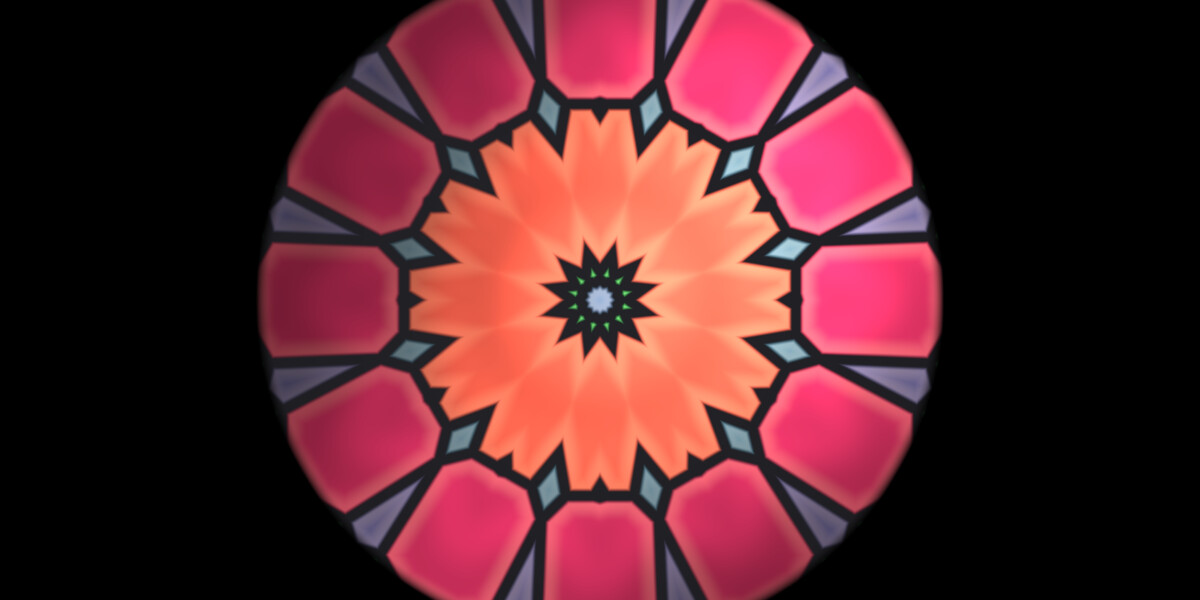
Vitrail is French for a stained-glass window: coloured light, made by hand, one pane at a time.
| In the chat | In the gallery |
|---|---|
| 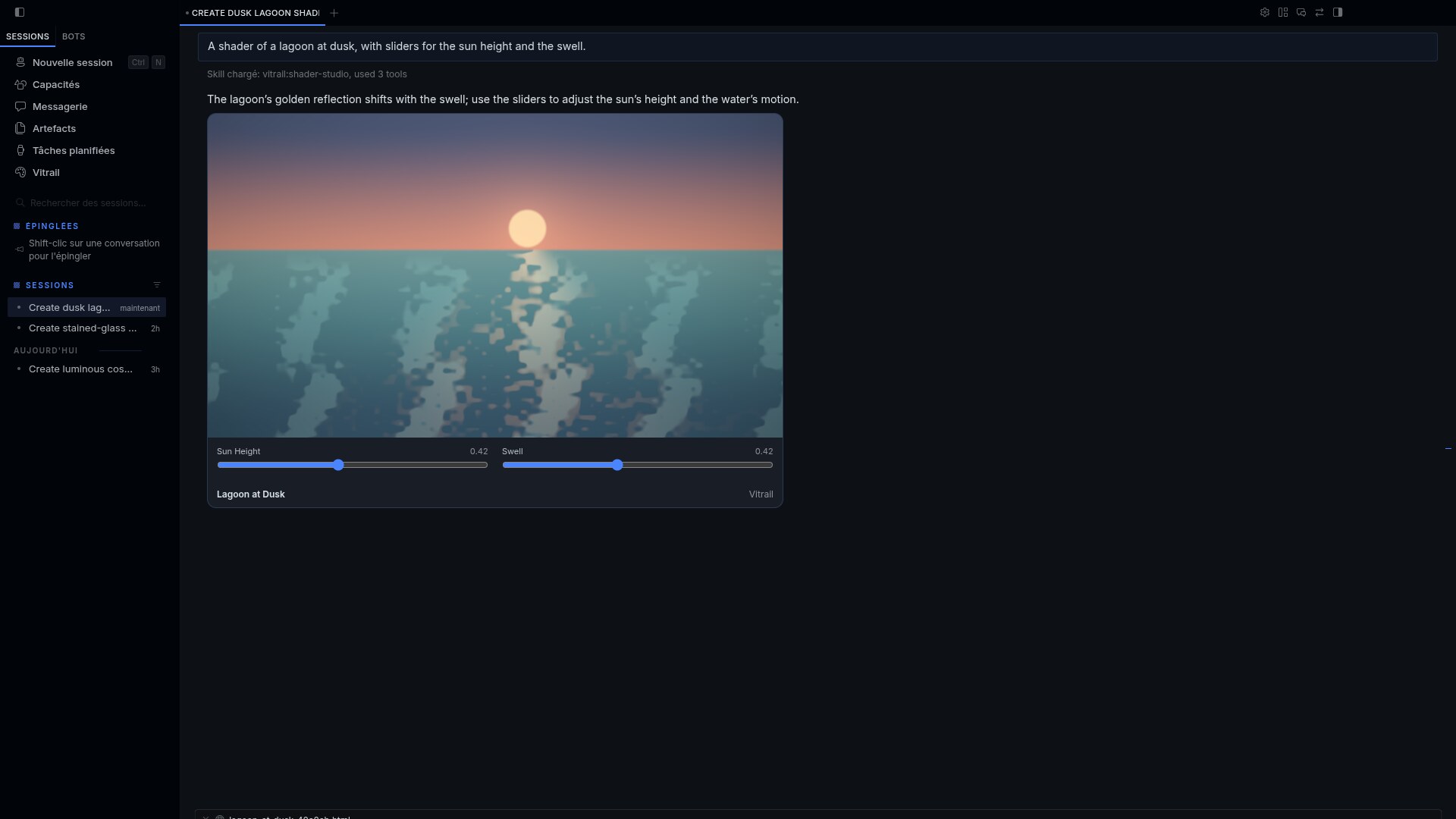 |
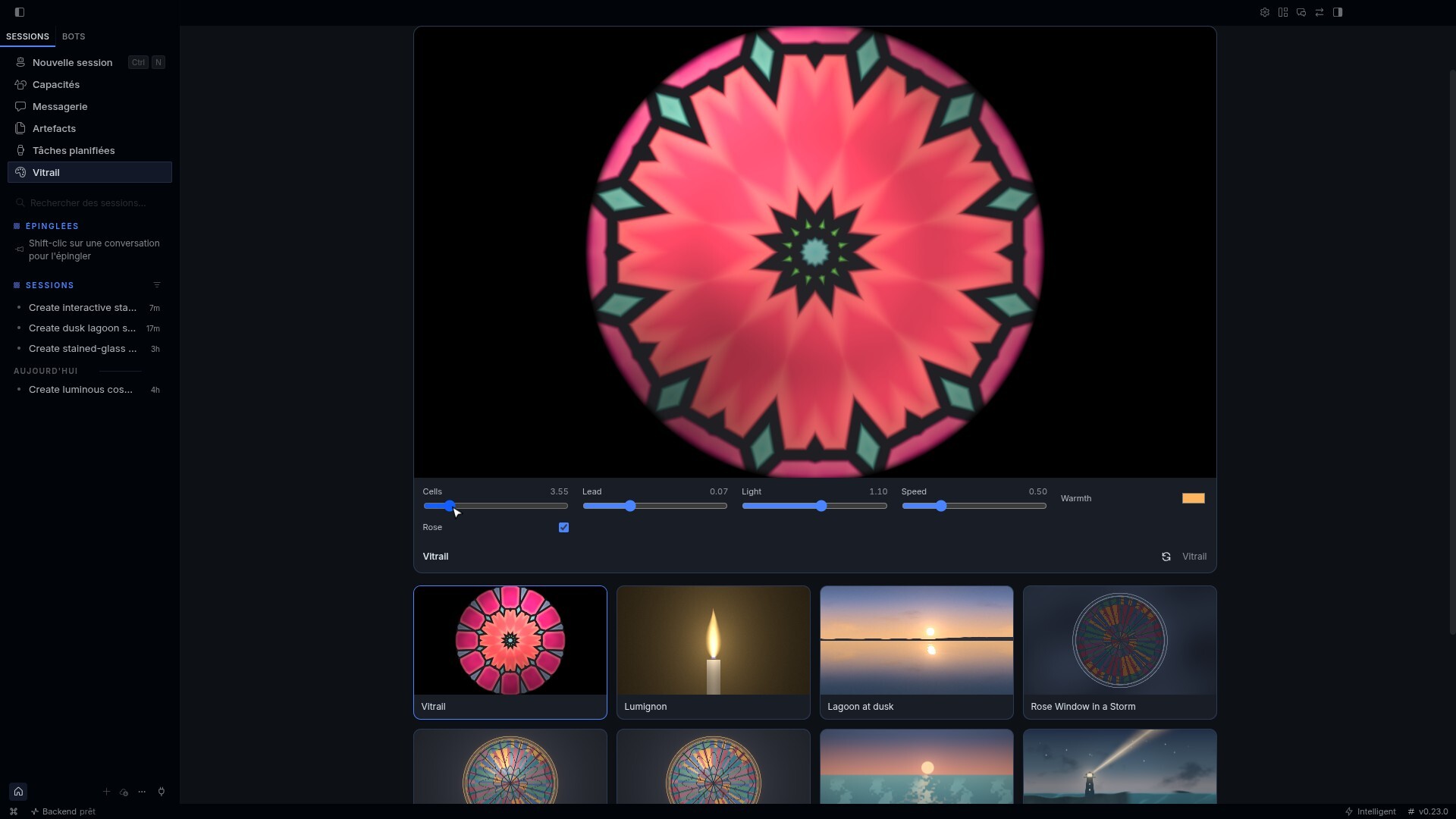 |
What it does
-
A shader is the answer. "A lagoon at dusk", "a candle flame I can blow on", "a loading
background for my app": the reply is a live canvas, not a block of code to paste somewhere. -
The GPU checks the model's work. In Hermes Desktop,
vitrail_renderhands the shader to
the Desktop half, which compiles it with WebGL 2 and reports back while the tool call is still
running. A compile error returns to the model with the driver log and the right line numbers,
so it fixes the source in the same turn. What reaches you already runs. -
The model sees what it made. With the compile verdict comes a still frame of the shader.
A model with a vision tool can look at it before it answers. -
Controls without another prompt. The model annotates uniforms and they become sliders,
colour pickers and switches under the shader:uniform float speed; // @slider 0 2 0.6 uniform vec3 tint; // @color #ffb060 uniform bool grain; // @toggle on -
Every surface gets something. The tool also writes a standalone HTML player. Telegram,
the CLI and the TUI receive that file; open it in any browser and the shader runs, controls
included. Hermes Desktop replaces it with the live card. -
A gallery. The Vitrail page in the Desktop sidebar keeps every shader Hermes rendered for
you. Hover a tile to play it, click to open it, copy its GLSL or export a 1920 × 1080 PNG. -
Heavy shaders stay polite. One WebGL context serves every shader on screen, shaders
off-screen are not drawn, and a shader too heavy for the GPU drops to a lower resolution
instead of stalling the app.
| | | |
|---|---|---|
|  |
 |
 |
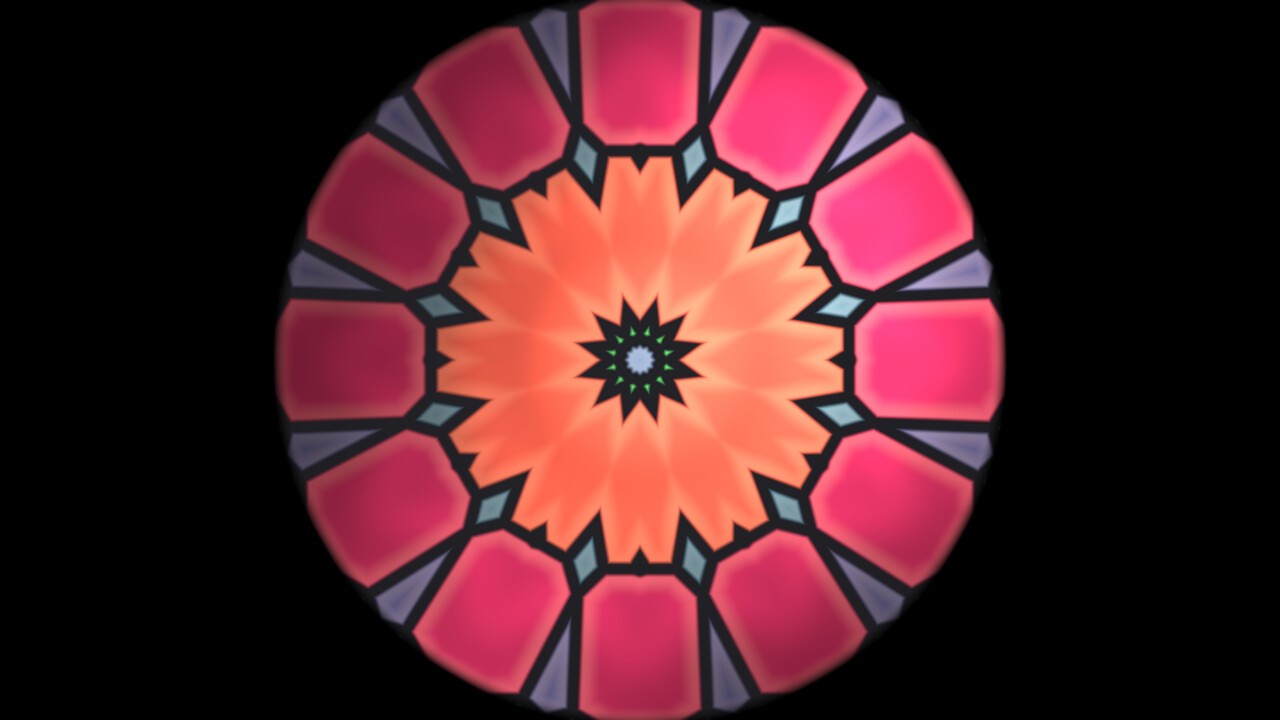
| examples/vitrail.frag | examples/lagoon.frag | examples/lumignon.frag |
Install
hermes plugins install elomkdn/vitrail
hermes plugins enable vitrail
Then, in Hermes Desktop, open Capabilities → Plugins → Vitrail and switch on Desktop
(desktop halves ship off by default; the Agent switch alone only gives you the HTML player). A
Vitrail entry appears in the sidebar. Start a new chat.
Try it
- A shader of a lagoon at dusk, with sliders for the sun and the swell.
- A stained-glass rose window with light moving behind it.
- Make it warmer and slow it down. (Or just move the sliders.)
- An animated background for a login page, dark, with one accent colour I can pick.
- Show me my shaders. / Remix the lagoon one into a storm.
The shader contract
Shaders are GLSL ES 3.00 in the Shadertoy form:
void mainImage(out vec4 fragColor, in vec2 fragCoord) {
  vec2 uv = fragCoord / iResolution.xy;
  fragColor = vec4(uv, 0.5 + 0.5 * sin(iTime), 1.0);
}
Vitrail adds #version, the precision, main() and the built-in uniforms: iResolution,
iTime, iTimeDelta, iFrame and iMouse (drag on the shader). Shaders are procedural: no
textures and no iChannel inputs. The bundled skill vitrail:shader-studio gives the model
recipes for noise, palettes, domain warping and SDF raymarching.
Tools
| Tool | What it does |
|---|---|
| vitrail_render | Checks, saves and shows a shader. Returns the GPU verdict when Desktop is open. |
| vitrail_library | Lists saved shaders, or returns one shader's source and GPU report by id. |
Two hooks (post_tool_call, transform_llm_output) make sure a reply delivers the shader the
tool saved during its turn, even when the model forgets the delivery line. When the model
rendered several versions in one turn and delivered none, the reply gets the final one.
What Vitrail does on your machine
- No network calls. Nothing is fetched or sent anywhere by the plugin.
- No shell commands, no credentials, no telemetry.
- GLSL written by the model runs on your GPU, in the Desktop window, through WebGL 2 (the
same sandbox a web page gets). Shaders have no inputs besides time, pointer and the controls. - Files are written only under the plugin's data folder
(<hermes home>/plugin-data/vitrail/): one folder per shader with its source, a standalone
HTML player, the GPU report, a 640 × 360 JPEG still and the PNGs you export. - The still frame's path is given to the model. If the model opens it with a vision tool,
that image goes to your model provider like any other image. - While a Desktop window is open its Vitrail half calls the plugin's own local route
(/api/plugins/vitrail/hello) once a minute, so the tool knows a GPU is listening and which
transcript surface that Desktop has.
vitrail_renderthen waits up to 6 seconds for the verdict. With no Desktop window it does
not wait and says the shader is not verified.
Requirements and limits
- Hermes Agent 0.23.0 or later, and Hermes Desktop 0.22.5 or later for the live card. Desktop
draws it through a tool media renderer where it has one and through a transcript directive
(::vitrail{id="…"}) where it does not; the Desktop half tells the tool which one to use. - WebGL 2 (any machine that runs Hermes Desktop). Where Desktop falls back to software
rendering, shaders run on the CPU and Vitrail lowers their resolution to stay smooth. - GPU verification needs a Desktop window connected to the same Hermes that runs the agent.
- One pass per shader: no textures, buffers or audio inputs.
Tests
python tests/test_engine.py
The tests cover the static checks, the control annotations, the store, the tool handlers (with
and without a GPU verdict), the delivery hooks and that register() matches plugin.yaml.
Licence
MIT. By Elom.
README from the reviewed commit b8b4dc8; it updates when the author re-pins.


