 matebenyovszky
AgentPlaybooks Tools for Hermes
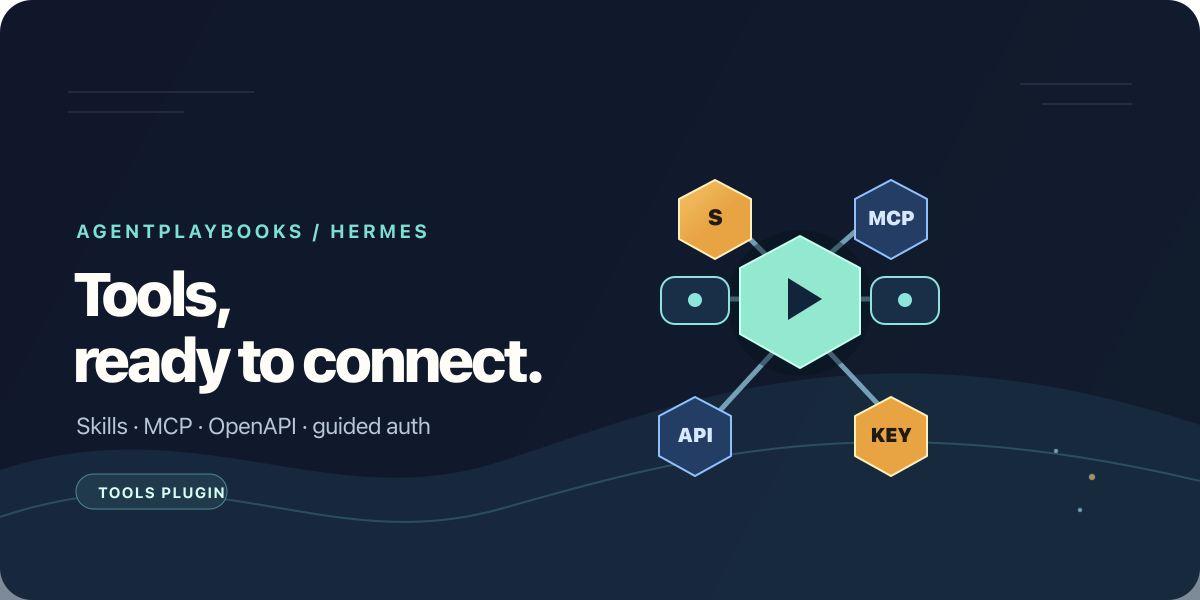
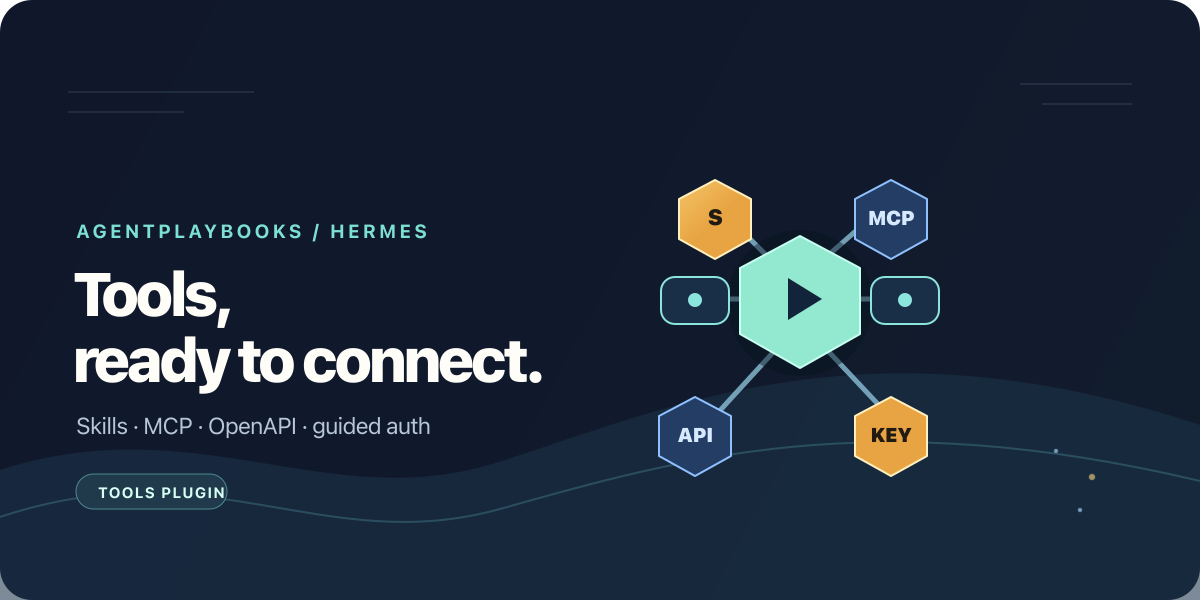
This Agent Plugins package installs the agentplaybooks-tools Hermes skill. It
guides setup of AgentPlaybooks skills, MCP servers, and federated OpenAPI tools
in the selected Hermes profile, including the authentication those connections
need.
The package itself does not copy credentials, edit configuration in the
background, or register tools. It guides you through the AgentPlaybooks CLI and
Hermes profile setup. Review each plan before applying it.
Install
hermes plugins install matebenyovszky/agentplaybooks/packages/hermes-portable/agentplaybooks-tools --no-enable
hermes plugins enable agentplaybooks-tools
npm install -g @agentplaybooks/cli@0.10.0
apb --version
Hermes needs Node.js 20 or newer to run the CLI. Install the CLI separately;
installing this skill does not install npm packages or require a hosted account.
For a remote Hermes gateway, Node.js and apb must be available on the gateway
host/container, and commands must target the profile that runs there. Installing
the skill into a remote profile does not install the CLI on your Mac or gateway.
Guided setup (CLI 0.8.0)
Run these commands on the gateway host/container, in the project directory.
--profile=work selects a named profile beneath the installation home;
--hermes-home=/path selects the installation home explicitly. Use the same
selection for setup, connect, memory setup and diagnostics.
apb login
apb hermes setup <playbook-guid> . --profile=work
apb hermes setup <playbook-guid> . --profile=work --apply
apb hermes doctor <playbook-guid> . --profile=work --check
The preview checks Node.js, Hermes, destination permissions and credential
presence, then lists the playbook files to restore and the profile config to
merge. Restore includes complete skill trees and their bundled resources. Hosted
MCP/OpenAPI definitions stay behind the playbook's single MCP endpoint. Existing conflicts
stop the whole setup. Hosted tools use a single playbook MCP connection; upstream
service keys remain in the AgentPlaybooks vault.
The default connection references APBKS_KEY_AGENTPLAYBOOKS. Configure a
playbook-scoped key in the selected profile's secret environment; apb login
separately authenticates skill downloads with your account key. --tools-only
skips file restoration and account login. Keys are never copied into config.
--apply verifies MCP initialization and tool listing using this process's
key environment, without invoking any tool. A missing/rejected key gives exit
code 2 even if the files were installed: configure the key, restart the gateway
and rerun doctor --check from that environment. A variable declared in the
profile's .env is reported separately; it does not prove the running gateway
loaded it. doctor without --check makes no network calls.
Connect playbook tools to Hermes
To let Hermes call a hosted playbook's MCP tools, including its federated
MCP/OpenAPI services, preview a playbook-scoped connection:
apb login
apb connect <playbook-guid> --target=hermes
After reviewing the plan, apply it:
apb connect <playbook-guid> --target=hermes --apply
The plan reports which key environment variable the connection expects. Set a
playbook-scoped API key in the selected Hermes profile's secret environment.
For an account-wide connection, use apb connect --account --target=hermes
instead and set AGENTPLAYBOOKS_API_KEY.
To install a private playbook's skills into the local project, separately preview
and apply apb pull <playbook-guid> . followed by
apb sync . --target=hermes. The pull restores the skills; sync registers them
in Hermes's profile. Public skills can also be installed directly from a
playbook's /.well-known/skills/ URL.
Authentication and secrets
apb loginauthenticates the CLI to AgentPlaybooks with a user API key. The
key is stored in the CLI credential store, not in a skill or playbook file.apb connect --account --target=hermesconfigures the account MCP connection.
It refers toAGENTPLAYBOOKS_API_KEY; configure that secret in the environment
used by the selected Hermes profile and restart Hermes if needed. An account
key can reach account-wide tools, so prefer a scoped connection when it covers
the required workflow.apb connect <playbook-guid> --target=hermesconfigures a single playbook
connection. Its plan shows the environment variable name (by default
APBKS_KEY_AGENTPLAYBOOKS). Use a playbook-scoped key with only the
permissions the connection needs, and set it in Hermes's profile secret store
or environment, never inconfig.yaml,mcp.json, or the skill.- Federated MCP and OpenAPI credentials belong in the AgentPlaybooks vault.
Hermes can call the playbook's tools without putting those upstream secret
values in the Hermes configuration.
Use apb sync to register skills and merge MCP definitions already present in
the local playbook project into Hermes. Review its plan before applying it.
Safety
apb sync, apb pull, and apb connect show a plan and make no local changes
without --apply. apb pull --apply and apb sync --apply write to the
selected Hermes profile. apb push --apply uploads the reviewed project
configuration to AgentPlaybooks. Secret values are never included in that
upload.
See the CLI guide
and Hermes integration guide
for details.
MIT licensed; see LICENSE.
Hermes connections without idle HTTP traffic
CLI 0.8.1 creates Hermes connections through apb mcp stdio. Hermes communicates
with this local process over stdin/stdout; the relay contacts the AgentPlaybooks
JSON MCP endpoint only for actual requests. Local ping requests never reach
the hosted server. There is no network keepalive, polling or automatic retry.
Keys come from the selected profile's environment, never command arguments.
Existing direct HTTP entries are reported as conflicts, not silently replaced.
To migrate, back up the profile configuration and replace only the chosen entry
with the reviewed stdio definition from apb connect --target=hermes. Keep its
credential variable and endpoint. Restart the gateway/dashboard after migration.
Do not set HTTP keepalive_interval: 0: Hermes 0.22.5 clamps that to five seconds.
README from the reviewed commit b0b9bcc; it updates when the author re-pins.