 ReARCLabs
Bilinc memory provider for Hermes
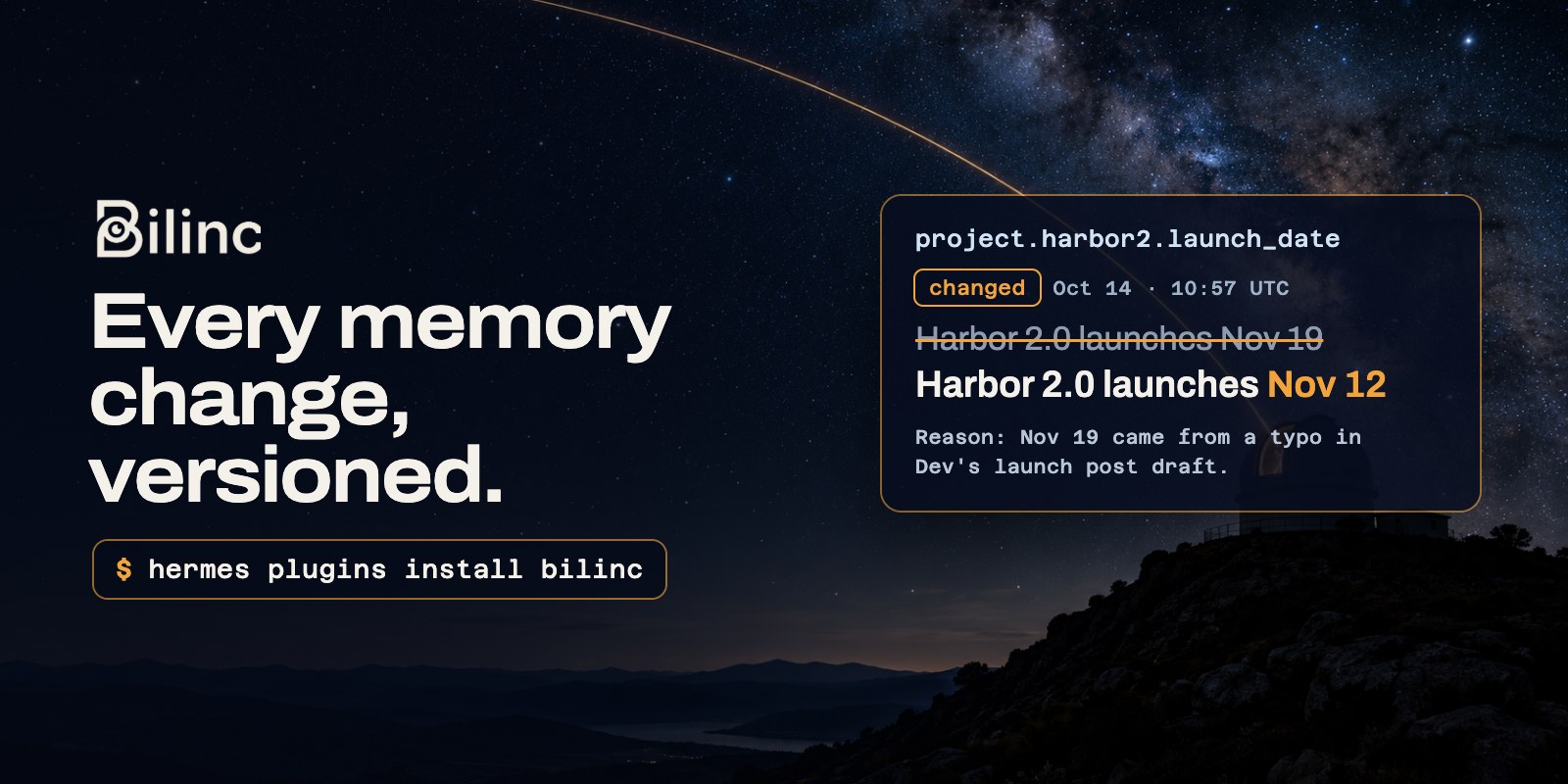
Connects Hermes Agent to Bilinc, hosted long-term memory for AI agents. Every change to a memory is versioned, so you can see what Hermes remembered, when it changed and why.
Quick start
-
Get an API key at https://bilinc.space (free plan, no card required).
-
Install the plugin and paste the key:
hermes plugins install bilinc hermes memory setup bilinc -
Start a new session. Hermes now recalls relevant memories before each turn.
What you get
- Recall before each turn: memories relevant to your message are added to the turn's context.
- Explicit tools:
bilinc_recall,bilinc_remember,bilinc_revise,bilinc_forget. - Built-in memory mirroring: facts saved with Hermes' own memory tool are copied to Bilinc, and updated or removed with it.
- Optional turn capture: off by default; when on, each finished turn is stored as a short-lived session record.
How it looks
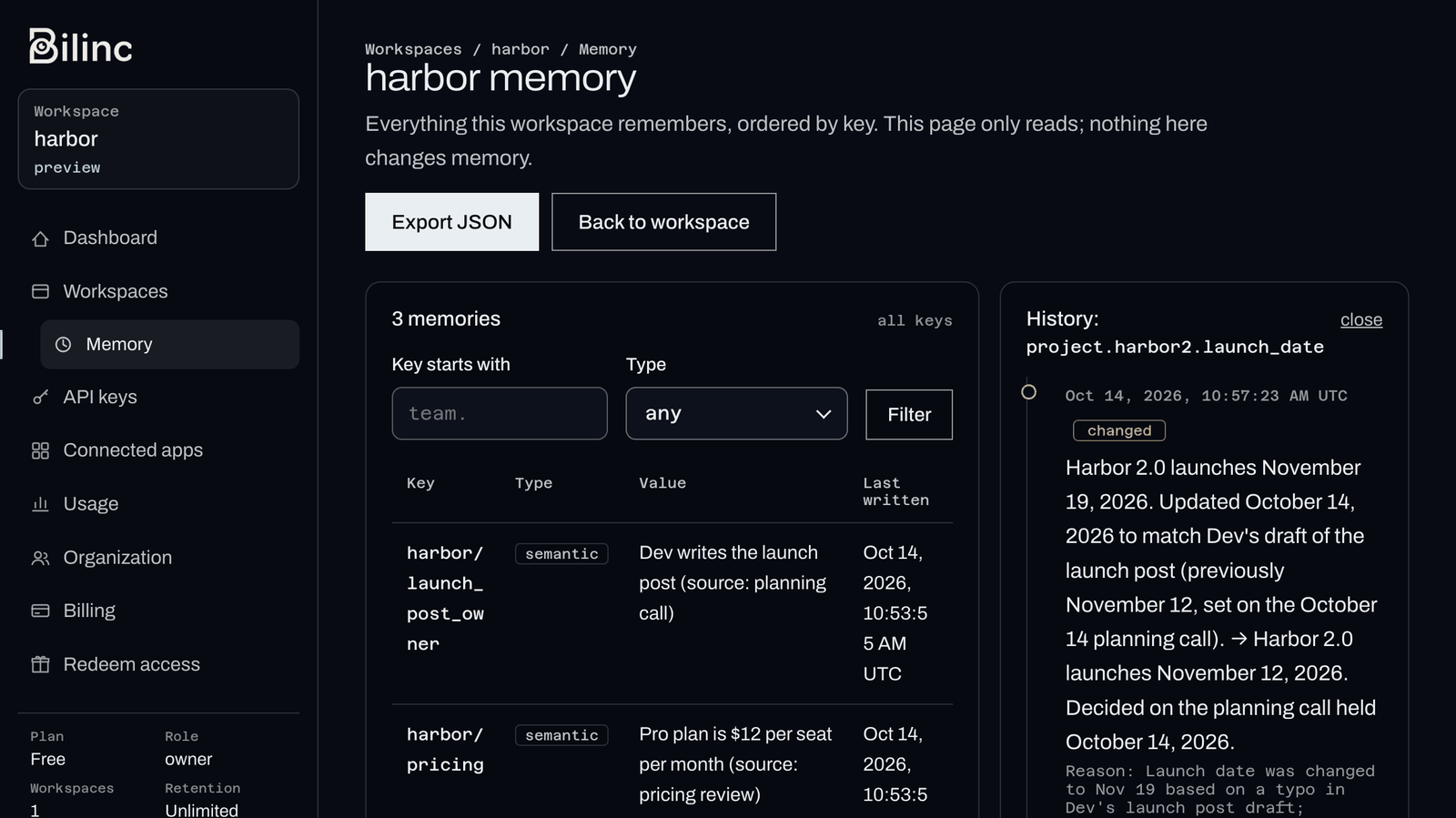
A revise keeps the previous version, a forget removes the memory from recall, and the reason given for each change is kept in the memory's history. In the Bilinc dashboard, open any memory to see that history: what it said before, what it says now, when it changed and why.
Requirements
- Hermes Agent 0.21.6 or newer
- A Bilinc account and API key from https://bilinc.space (free plan available, no card required)
The plugin has no Python dependencies.
Install
hermes plugins install bilinc       # from the plugin catalog
hermes memory setup bilinc          # paste your API key
Or set it by hand: put BILINC_API_KEY=... in your profile's .env and set memory.provider: bilinc in config.yaml. Start a new session to activate it.
Tools
| Tool | What it does |
|---|---|
bilinc_recall | Search memories; results include each memory's key |
bilinc_remember | Store a new memory under a key; never overwrites an existing key |
bilinc_revise | Change an existing memory; Bilinc keeps the previous version |
bilinc_forget | Remove a memory from recall, with a reason kept in the history |
Options
All optional, under memory.bilinc in config.yaml:
| Option | Default | Meaning |
|---|---|---|
auto_recall | true | Recall relevant memories before each turn |
recall_limit | 6 | Memories added per turn (1-20) |
mirror_builtin | true | Copy Hermes built-in memory writes to Bilinc |
capture_turns | false | Store each finished turn as a session record |
capture_ttl_days | 30 | How long captured turns are kept |
hermes config set memory.bilinc.capture_turns true
BILINC_BASE_URL overrides the endpoint (https only; http is accepted for localhost).
Data and privacy
- What runs locally: only the plugin code, inside Hermes. Recall and writes run on background threads in the Hermes process; there is no separate process, local database or telemetry.
- What is sent: over HTTPS to
bilinc.space, under yourBILINC_API_KEY:- the text of your message, as a recall query, before each turn (when
auto_recallis on). Each recall counts as an operation on your Bilinc plan; - the arguments of the Bilinc tools the agent calls;
- facts written with Hermes' built-in memory tool (when
mirror_builtinis on); - each turn's user and assistant text (only when you turn
capture_turnson); - the Hermes session ID with every write, and inside the keys of captured turns (
hermes_session::<session id>::...).
- the text of your message, as a recall query, before each turn (when
- Redaction: secret-looking strings (API keys, bearer tokens,
password=style values) are replaced with[REDACTED]before anything is sent. This is a safety net, not a guarantee; don't put secrets in memory. - Headers: requests carry
User-Agent: bilinc-hermes/<version>andX-Bilinc-Client: hermes-plugin, which Bilinc uses to count requests by client. - Unattended runs: subagents, cron jobs and flush runs only read. They never write automatically.
- Where data is stored: in your Bilinc workspace, isolated from other workspaces. Retention and deletion: https://bilinc.space/privacy. Terms: https://bilinc.space/terms.
If Bilinc is unreachable, the turn continues without memory and recall pauses for a minute. If the key is rejected or a plan limit is reached, automatic recall and writes stop until Hermes restarts and a warning is logged once; the Bilinc tools still report the error to the agent.
Development
git clone https://github.com/NousResearch/hermes-agent ../hermes-agent
HERMES_AGENT_PATH=../hermes-agent python -m pytest tests
hermes plugins validate . --install-deps
Tests use a fake HTTP transport; they need no key and make no network calls.
Support
Issues: https://github.com/ReARCLabs/bilinc-hermes-plugin/issues
License
MIT
README from the reviewed commit 1ad81b4; it updates when the author re-pins.


