GitHub profile
Plugins by nosliwhtes
4 plugins by nosliwhtes in the catalog, most-starred first.
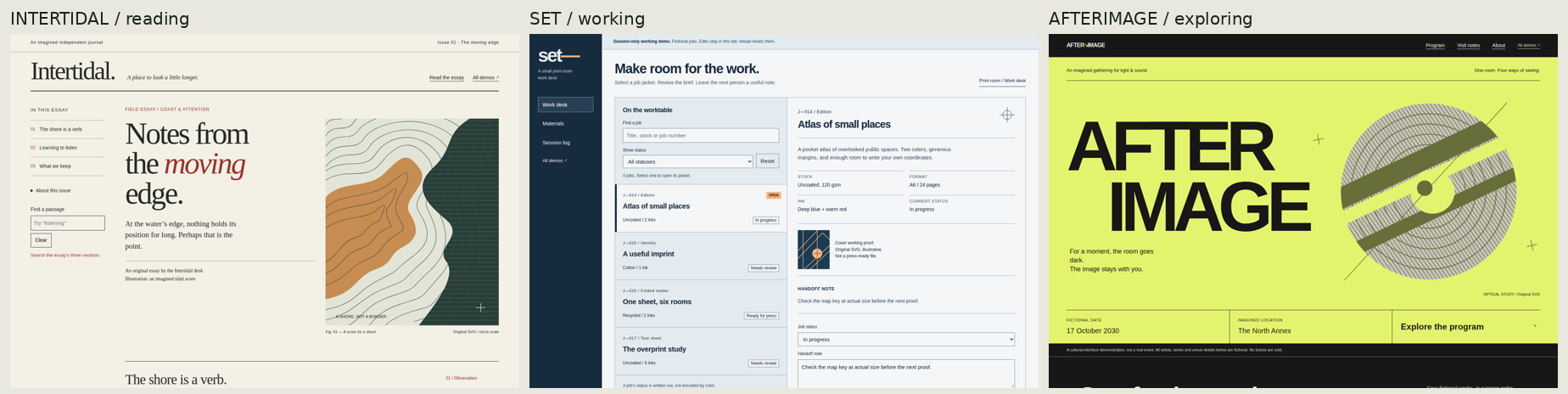
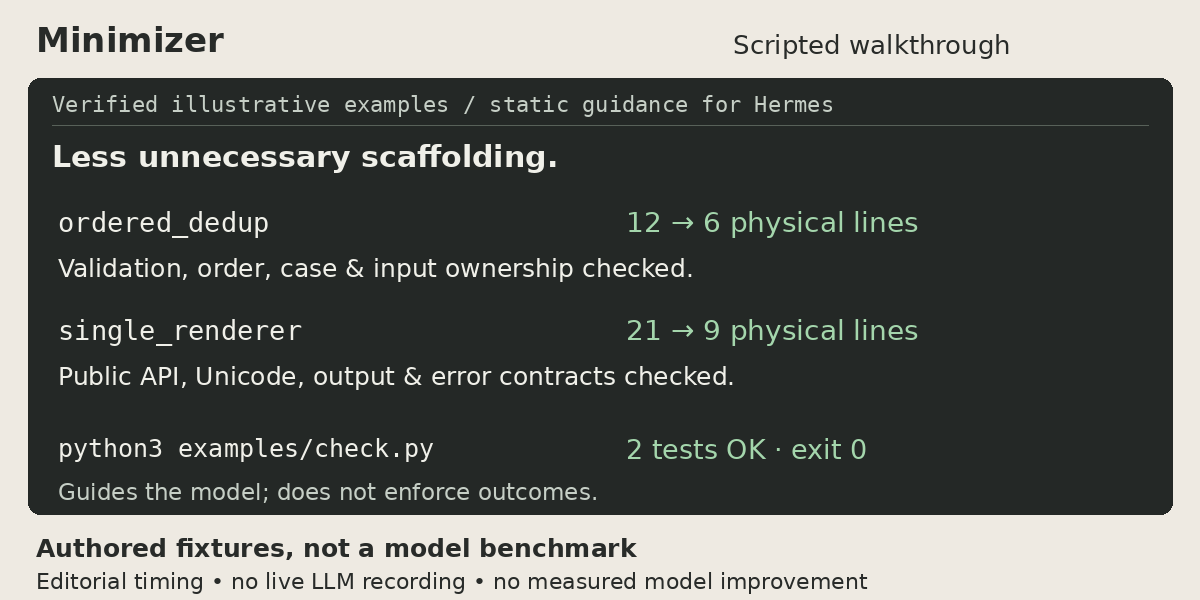
nosliwhteshardlight-uiFrontend design guidance with sixteen original style grammars, twelve craft references, dated modern-web capability recipes, explicit direction context, and stateless tools for bounded source inspection, color contrast, and navigation task paths. Disclosure — the hardlight_inspect tool reads frontend source files (.html, .css, .js, .ts, .jsx, .tsx, .vue, .svelte and similar; at most 500 files and 8 MiB) under any local directory the model names, skipping hidden, symlinked, vendor/build and secret-named paths, and returns their design tokens and findings to the model; the plugin adds a short system-prompt section naming its tools to every session; the tools make no network calls, run no subprocesses and write no files; the optional hardlight browser command, run by hand from a shell, launches a locally installed Chromium against loopback or file:// pages only and writes its report to the output folder you give it.Communitytools1nosliwhteshermes-minimizerYAGNI coding and code-review guidance for Hermes: reduce over-engineering, reuse existing behavior, and preserve requirements. Standard and compact presets, plus a read-only /minimizer command.Communitygeneral1nosliwhtesmarkdown-newSearch the public web, read pages as Markdown, crawl sites, and convert documents in Hermes. No API key required. Disclosure — search queries, submitted URLs and explicitly approved local file uploads go to the public markdown.new service; needs the companion markdown-new CLI (uv tool install from the same repo tag), which the plugin runs as a subprocess with the Hermes process environment.Communityweb1nosliwhtesforgeboxTry-then-commit Git worktree workflow for Hermes Agent. Snapshots dirty repositories and journals tool calls. Best-effort hooks redirect known file paths and command working directories; shell command text is unchanged. This is not an OS sandbox and does not contain shell writes or external side effects. Review and apply changes explicitly with forgebox apply or the dashboard/Desktop panel, or discard the worktree. Requires Git on PATH. Disclosure — redirects the agent's file-tool paths and terminal working directories into a git worktree under <repo>/.forgebox/ while a session is active and blocks file-tool paths outside that repo (shell command text is not rewritten, so this is not a sandbox); applying copies the reviewed worktree changes into your real checkout and can create a git commit, which runs your repository's own git hooks.Communitytools