 Nnadijoshuac
Chalk
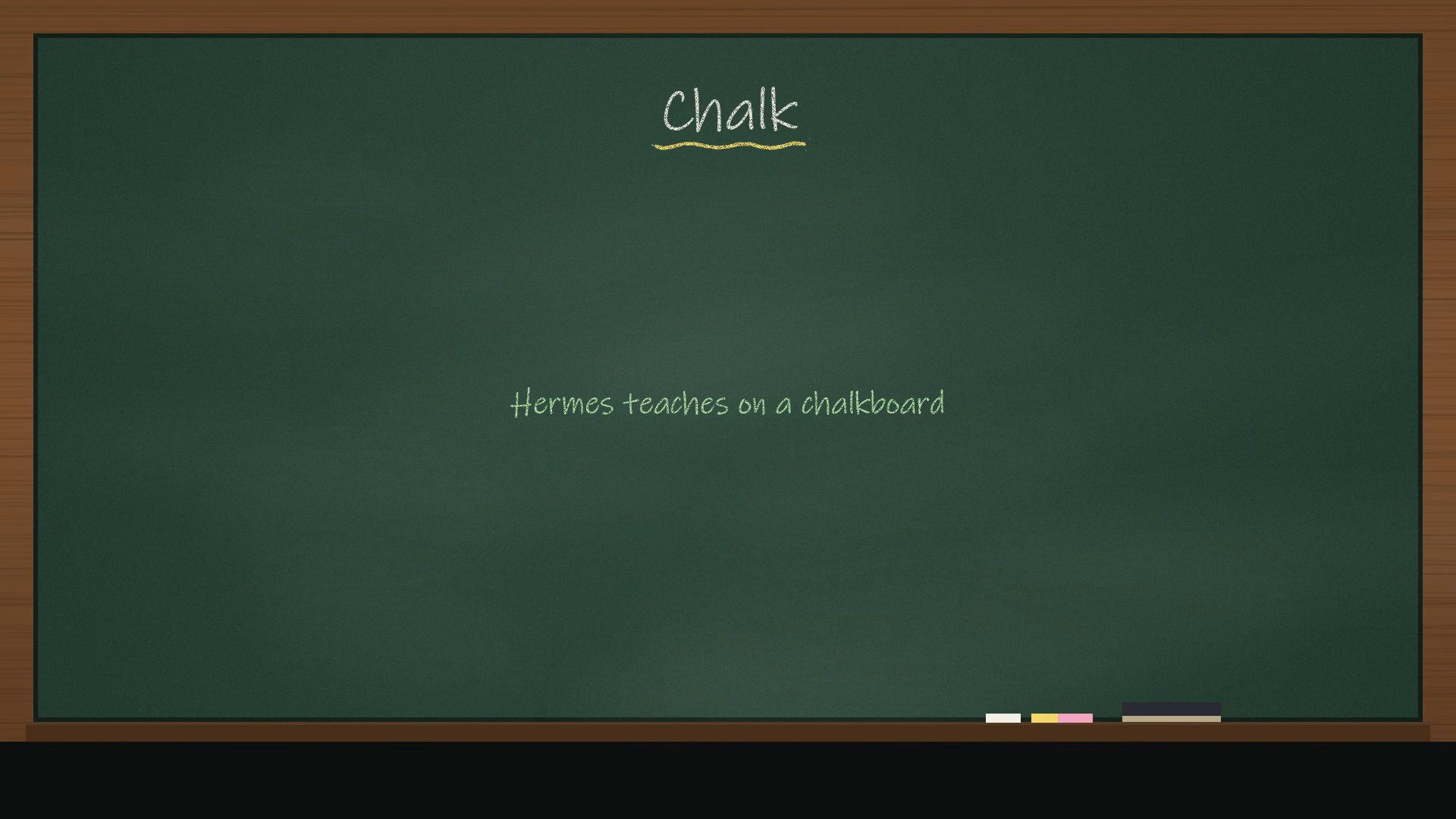
Ask Hermes to explain something and it teaches you on a chalkboard. In Hermes Desktop the board appears in the chat and draws itself in chalk while Hermes explains it out loud. You can replay a lesson or save it as a video.
hermes plugins install chalk
Then ask: "Teach me how attention works in a transformer, on the chalkboard."
What happens
- The agent calls
chalk_teachwith a short lesson plan. Each step pairs one or two spoken sentences with one thing to draw. - Chalk voices each step through your own Hermes text-to-speech setup, so it uses whatever voice and provider you already configured. The free Edge voice is the default.
- Desktop lays out the board and draws it stroke by stroke: boxes, arrows, handwriting, graphs, a circle around the key idea. The drawing keeps pace with the voice, and an eraser wipes the board when it fills up.
- Save video records the lesson and saves it as an MP4 (to
~/Videos/Chalk, or~/Downloads/Chalkif Windows blocks Videos).
Models are bad at coordinates and good at structure, so the agent never places anything. It says what goes on the board (a flow, a list, a comparison, an equation, a graph, a cycle, a tree, a note, a circle or underline on a word) and the board works out where it goes. Small free models produce clean boards this way.
| Block | Draws |
|---|---|
| title | heading with a chalk underline |
| flow | 2–5 boxes joined by arrows |
| list | bullet points |
| compare | two columns in coloured chalk |
| equation | a big formula |
| graph | axes and a curve for y = f(x) (parsed safely, never eval'd) |
| cycle | labels around a loop of arrows |
| tree | one idea branching into parts |
| note | a small handwritten remark |
| mark | circles or underlines words already on the board |
| clear | the eraser wipes the board |
Outside Desktop
On Telegram, the CLI or any other surface, the same lesson arrives as one narration audio file, so nothing breaks.
Settings
| Key | Default | |
|---|---|---|
| voice | "" | voice id passed to your TTS provider |
| narrate | true | off = captions only |
| video_dir | "" | where Save video writes |
Privacy
- Lessons live under
$HERMES_HOME/plugin-data/chalk/lessons/. - The only text that leaves your machine is the narration, and only through the TTS provider you already use.
- No telemetry, no background processes.
Desktop half
The Desktop half (desktop/plugin.js) registers a renderer for chalk_teach results only. Desktop turns on a package's Desktop half only after you enable the plugin.
MIT licence. Built by NNADI Joshua (@NnadiJoshuaC).
README from the reviewed commit 05a66d0; it updates when the author re-pins.


