 JustinPerea
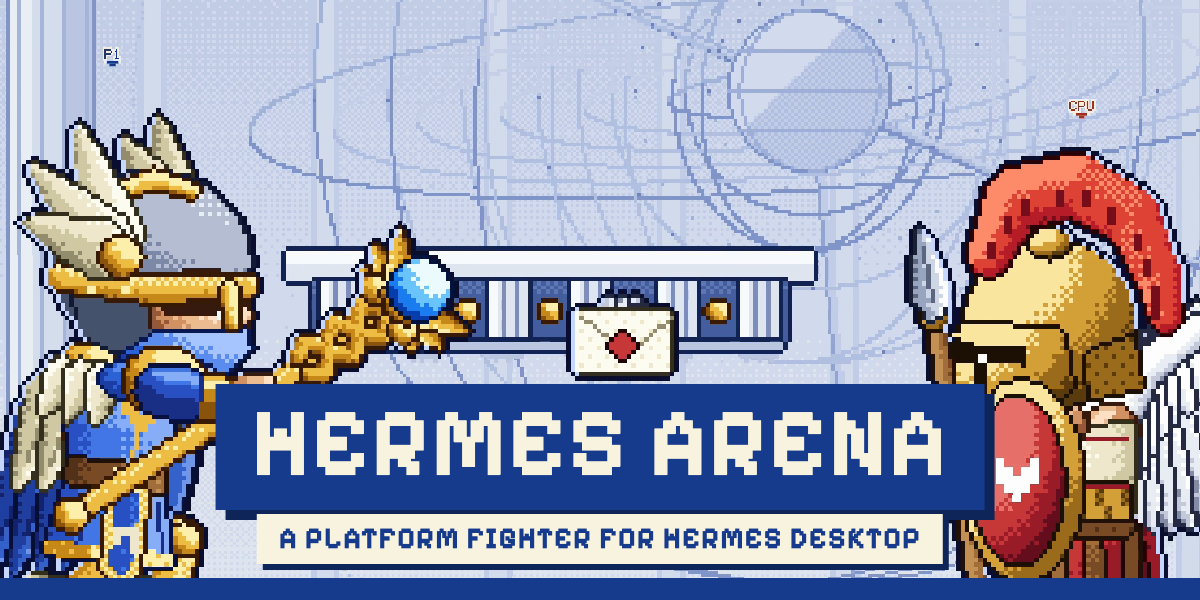
Hermes Arena
A pixel-art platform fighter that runs inside Hermes Desktop. You get four fighters (Hermes, Aethon, Kairos, Iris) and two stages, the Altar of the Agora and the multi-storey Sanctuary of Kyllene. Every sprite and stage is drawn in code, and the plugin ships no image files.
Install
hermes plugins install JustinPerea/Hermes-arena#hermes-plugin
Say yes when it asks whether to enable the plugin (or run hermes plugins enable hermes-arena afterwards), then restart Hermes Desktop. It needs Hermes 0.23.0 or later.
Play
Open Hermes Arena in the sidebar, click the game, and press attack (J). Pick an opponent on the fighter screen:
- Easy, Normal or Hard: a CPU.
- Player 2: a second player on the same keyboard. Player 1 uses W A S D, F, G and Space; player 2 uses the arrows, J, K and N.
- Online: another player on another computer. Find a match pairs you with anyone else who is looking at the same time. To play a particular friend, one of you picks Host a match and gets a five-character room code, and the other picks Join a match and types it. Each player uses the one-player controls and brings their own fighter.
- Dummy: a training target that stands still.
Controllers work too. The full control list is on the page under the stage. The button in the corner of the stage (or F11) plays full screen, and Esc leaves it.
What it does on your computer
- Network. The page loads its three fonts (Pixelify Sans, Silkscreen and Atkinson Hyperlegible) from Google Fonts. Online play connects to the free public PeerJS signaling server (
0.peerjs.com) only to exchange the WebRTC setup messages with the other player. Find a match uses six public room names on that server that every copy of this game looks in. It also asks Google's public STUN server (stun.l.google.com) for a route. After that the two computers talk directly, and no game traffic goes through a server. Nothing touches the network unless you pick Online, apart from the fonts. - Your IP address. A direct connection means the other player's computer can see your IP address. The online screen says so.
- Networks that block direct connections. There is no relay server, so a few strict networks (some offices and mobile carriers) cannot connect.
- Storage. Sound on/off, your last match settings and the Tuning panel values are saved through the plugin's own
ctx.storage. - Nothing else. No shell commands, no files outside the plugin, no credentials, no background processes, no telemetry. Leaving the page stops the game, its timers and any connection.
Source
This folder is built from game/pixel-hermes.html by plugin/build.mjs in the hermes-arena repository. The build wraps the game in a Shadow DOM so the app's styles and the game's cannot reach each other, and it removes every listener, timer and connection when the page closes. plugin/test.cjs checks this in Chrome. The game file also opens on its own in any browser, and two copies (one in Hermes Desktop, one in a browser) can play each other online.
README from the reviewed commit 8c7ba63; it updates when the author re-pins.