 PabloTheThinker
Hermes Studio (Hermes Agent plugin)
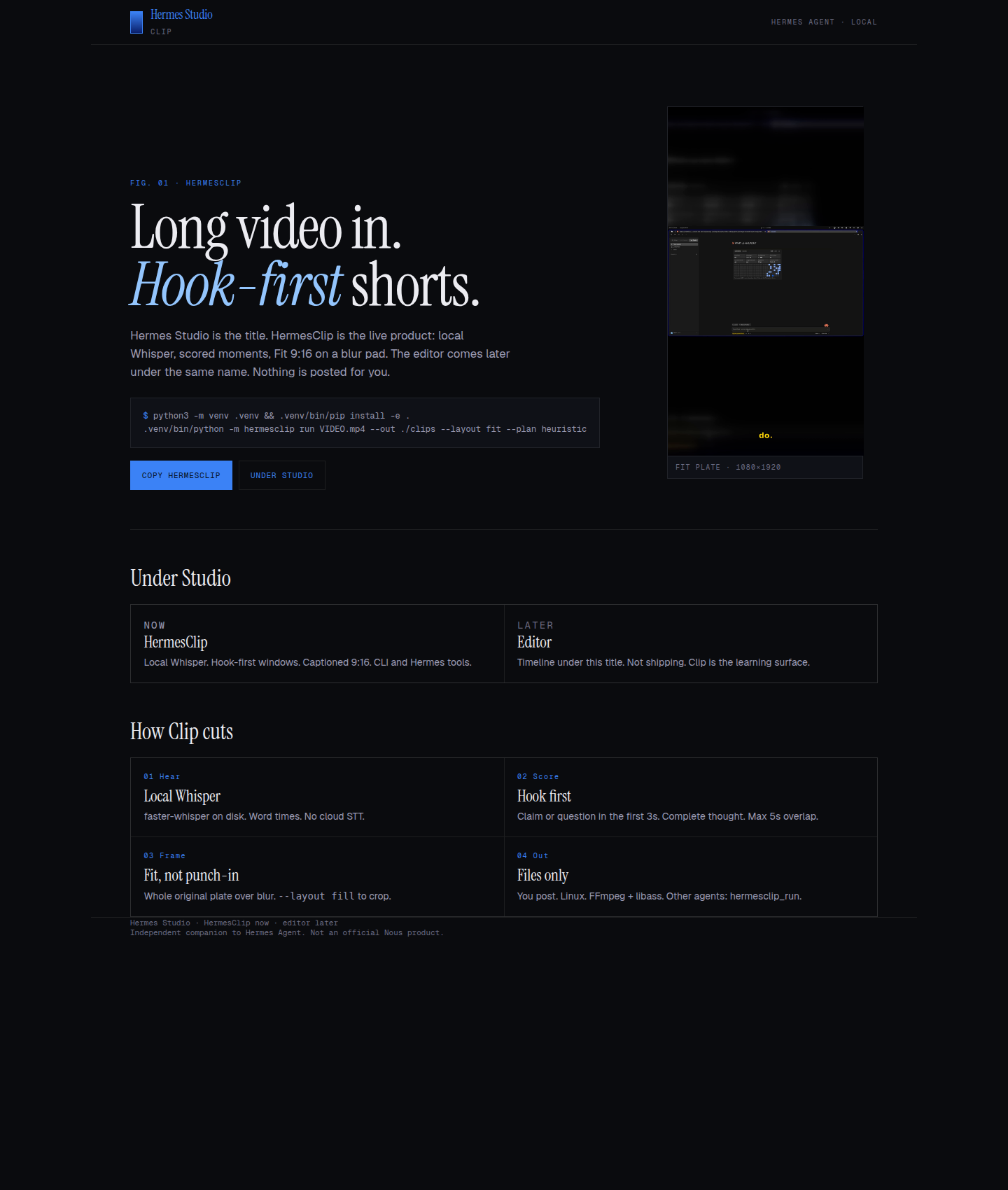
Local video NLE + clip factory for any Hermes Agent. Long video or URL in → captioned shorts, timeline edit, designs, photo tools. Does not post.
Plugin version 0.6.2. Needs the Hermes Studio engine v0.6.2 or newer.
Install
# 1) Studio engine (CLI + desk), pinned to the tagged release
uv tool install --python 3.12 git+https://github.com/PabloTheThinker/hermes-studio@v0.6.2

# 2) This plugin (catalog, once merged)
hermes plugins install hermes-studio
Or from source: hermes plugins install ./hermes_plugin/hermes-studio after cloning this repo.
The chat tools call the hermes-studio CLI. If it is missing, or older than v0.6.2, they return a missing_dependency error with the install command above, instead of a raw traceback.
What you get
| Surface | Capability |
|--------|------------|
| Agent tools | hermes_studio_run (clip/captions/reframe/tighten/transcript), recommend, edit, restyle, name, copy, design, photo, desk, probe, list |
| Chat | Slash command studio (clip, captions, reframe, tighten, transcribe, this, desk) |
| CLI / MCP | hermes-studio CLI and MCP server (engine package) |
Disclosure (catalog rule 13)
- Shell commands: every tool runs the
hermes-studioCLI as a subprocess with an argv list, no shell (hermes-studio <verb> ... --json). It is found onPATH, else a source checkout at$HERMES_STUDIO_HOMEor~/projects/hermes-studio, elsepython -m hermes_studio. Each call has a timeout (30 s to 60 min, by tool), so nothing waits forever under cron or the gateway. - Minimal environment: the engine gets only
PATH,HOME,LANG,TMPDIR,PYTHONPATH(when set) and theHERMES_STUDIO_*settings (plus the variables Windows needs to start Python). No other variables, API keys or tokens from the agent's environment are passed on. - Long-running background process:
hermes_studio_desk(and/studio desk) starts the local Studio desk withsubprocess.Popenas a detached process, always bound to 127.0.0.1 (port 3870 by default). It keeps running after the tool returns; stop it by ending thehermes-studio studioprocess. - Separate engine install: the plugin does not install the engine. Install it with
uv tool install --python 3.12 git+https://github.com/PabloTheThinker/hermes-studio@v0.6.2. If it is missing or older than v0.6.2, every tool returns amissing_dependencyerror with that command. - What a tool call may read: existing video/audio files (images for the photo tool,
.jsonfor plan) in your home folder,/mnt,/media,/srv, the Studio library, or folders you list inHERMES_STUDIO_MEDIA_ROOTS. Other paths are refused (code: refused). - What a tool call may write: new files and folders inside
~/.hermes/clips(the Studio library, edits, photos, agent captions) or folders you list inHERMES_STUDIO_OUT_ROOTS. Existing files are never overwritten; drop/restore only move clips that already sit in~/.hermes/clips. The plugin checks this before any process starts, and the engine enforces it again. - Network: only when you pass a link. It must be public http(s): the host is resolved and loopback, private, link-local (incl. 169.254.169.254), CGNAT, multicast, reserved and unspecified addresses (IPv4, IPv6 and v4-mapped) are refused. yt-dlp runs with every connection checked after DNS, so each redirect hop is checked too, and an FFmpeg child it starts goes through a loopback proxy that applies the same check to every request. oEmbed is read for titles. Otherwise no network calls.
- Optional local Ollama: clip naming can use a local Ollama model (
HERMES_STUDIO_NAMER). No cloud key by default. - Plugin files: caption cues (
agent-cues.json) and the desk log (studio.log) go to<hermes home>/plugin-data/hermes-studio/, so each Hermes profile keeps its own. - Local compute: FFmpeg + Whisper on this machine.
- Credentials: none read or stored. No
.env,auth.jsonor other credential files. - No telemetry. Never posts to social networks; you publish yourself.
License
MIT · Pablo Navarro. See repo NOTICE for BridgeClip-derived framing credit.
README from the reviewed commit e95be94; it updates when the author re-pins.


