 drowzeys
Imagination Studio for Hermes
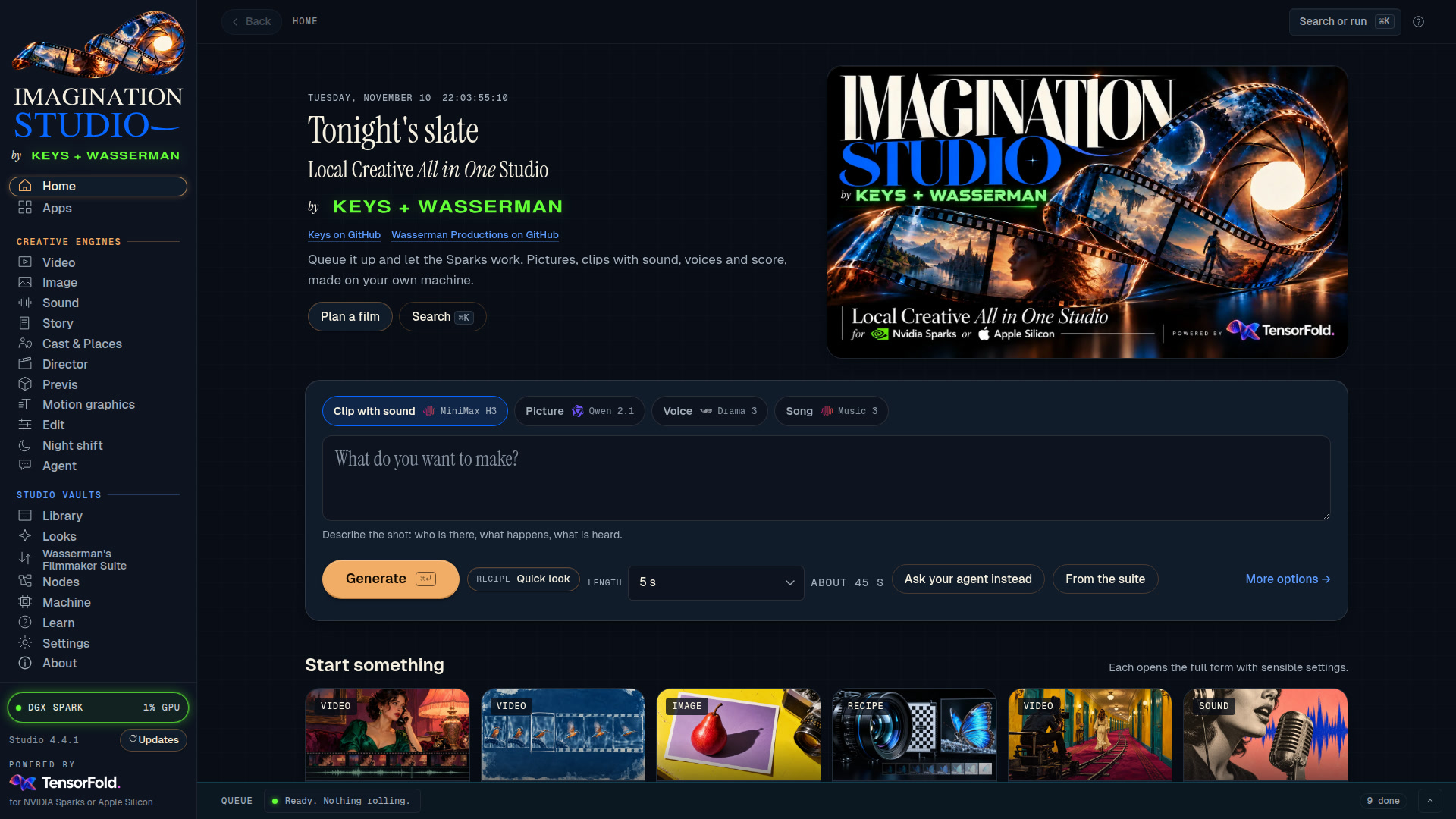
One plugin, a whole film studio. Install it and Hermes can direct a complete generative studio on your own
machine: pictures, video clips with sound, voices, songs, sound effects and music videos. Free and open source
(Apache 2.0), like the Studio itself. No cloud, no credits, no subscription.
Make pictures, video clips with sound, voice lines, songs and sound effects on your own machine, from any Hermes
chat: the terminal, Desktop, or Telegram and the other messaging apps. The plugin connects Hermes Agent to
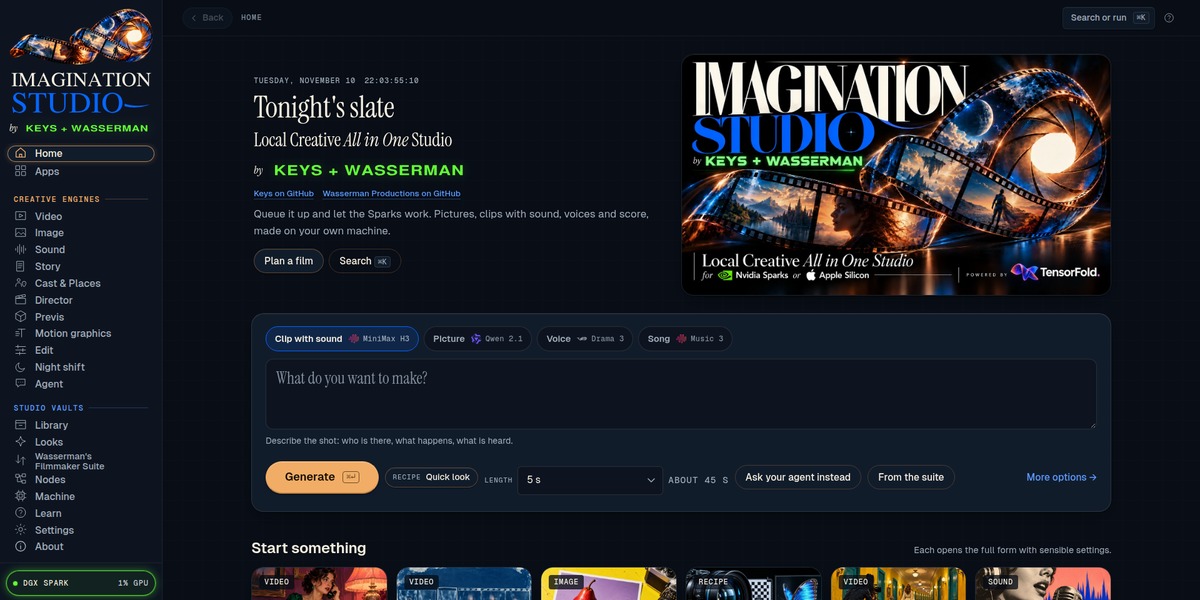
Imagination Studio by keys + Wasserman, a local
AI film studio that runs on NVIDIA DGX Spark, RTX PCs, Windows on ARM and Apple Silicon Macs.
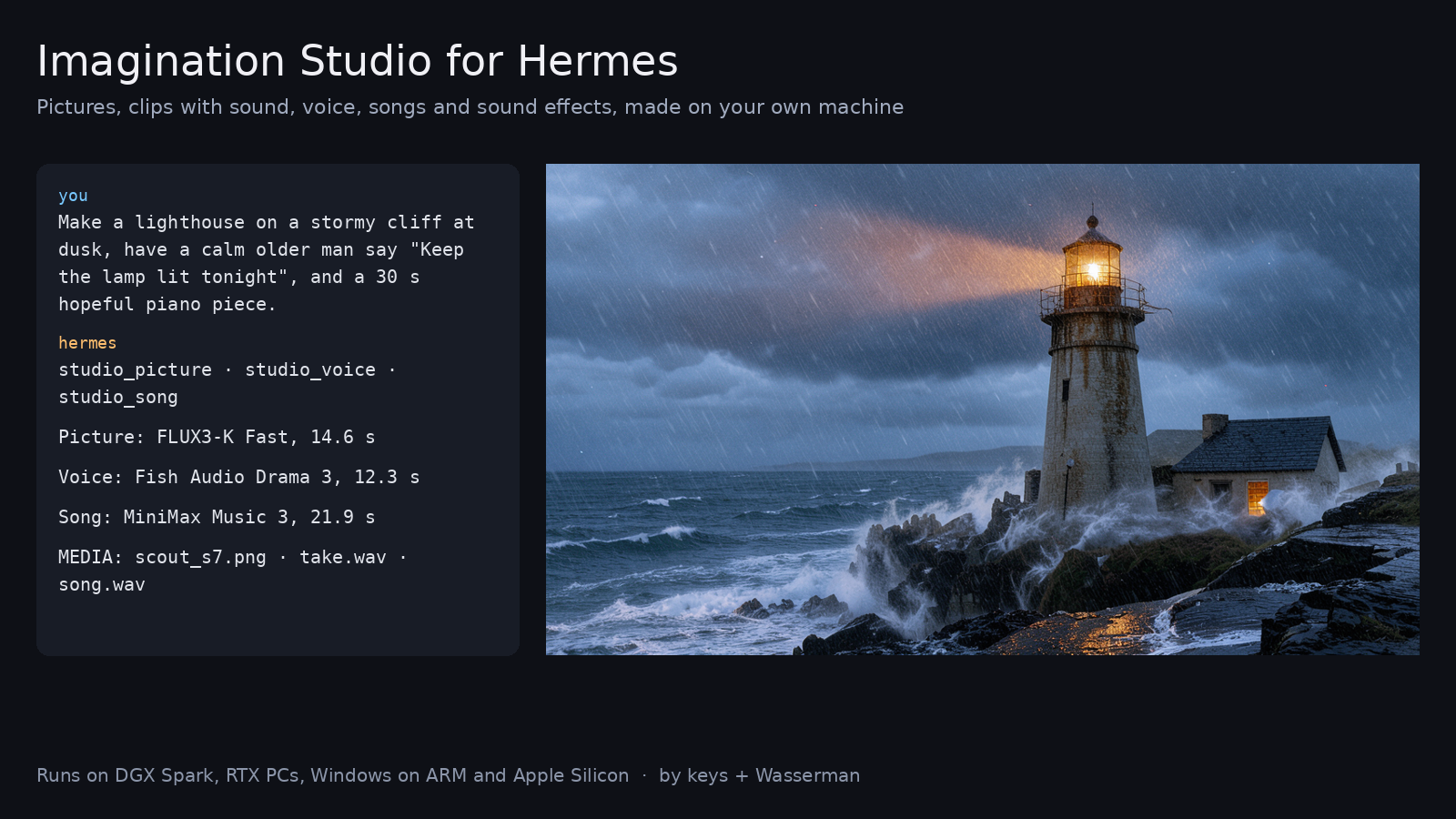
"Make a picture of a lighthouse in a storm, then a five-second clip of it with the sound of the sea, and a
thirty-second piano piece to go under it."
Hermes calls the Studio's tools, the Studio renders everything locally in its own queue, and the files come straight
back into the chat.
You need Imagination Studio too. This plugin is the bridge; the Studio does the rendering. It's free and open
source: download Imagination Studio and run its one-shot setup for your machine (NVIDIA DGX Spark, RTX
PCs, Windows on ARM or Apple Silicon Macs). If Hermes can't reach a Studio, the plugin says so and points here.
See each tool at work
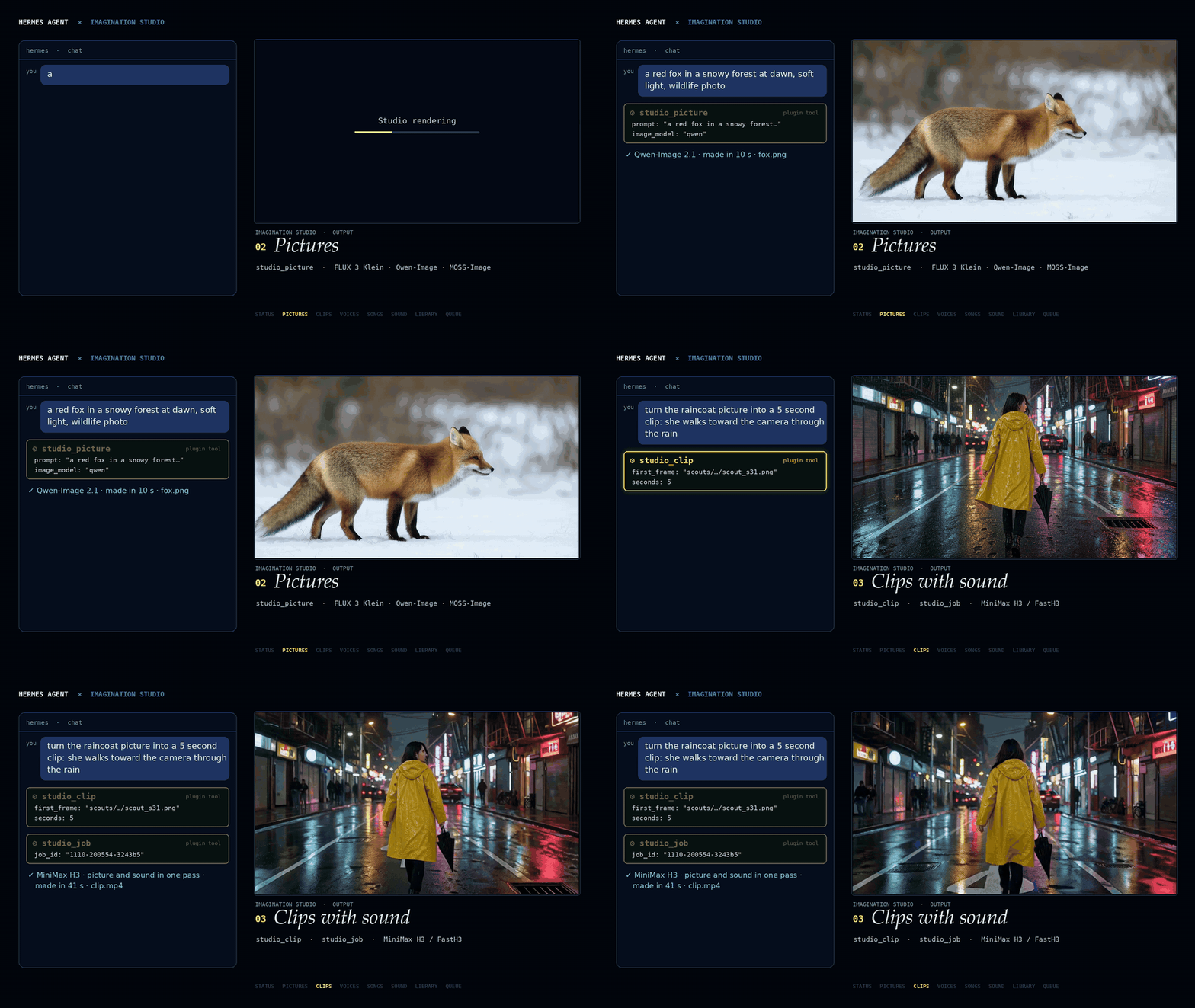
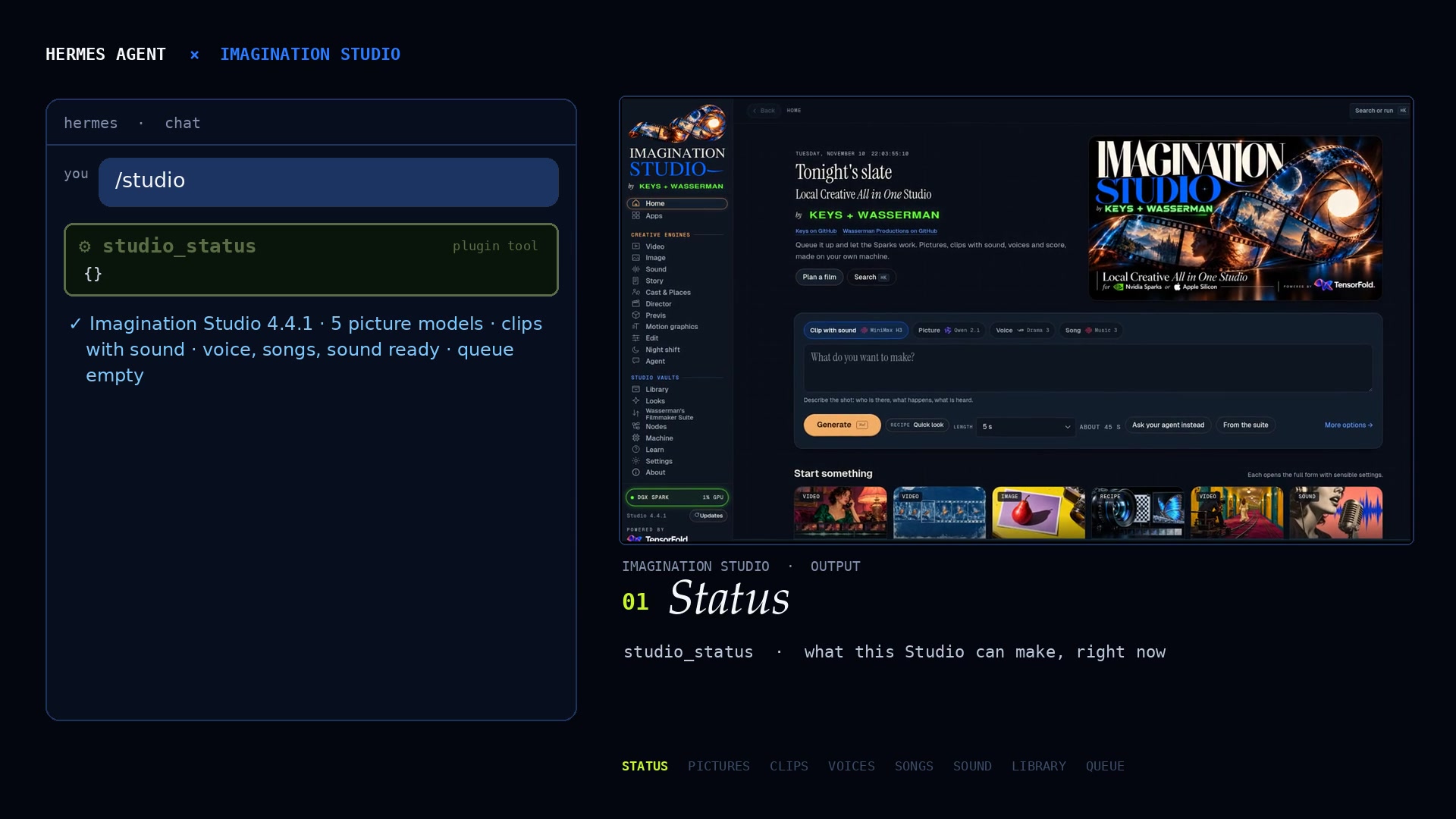
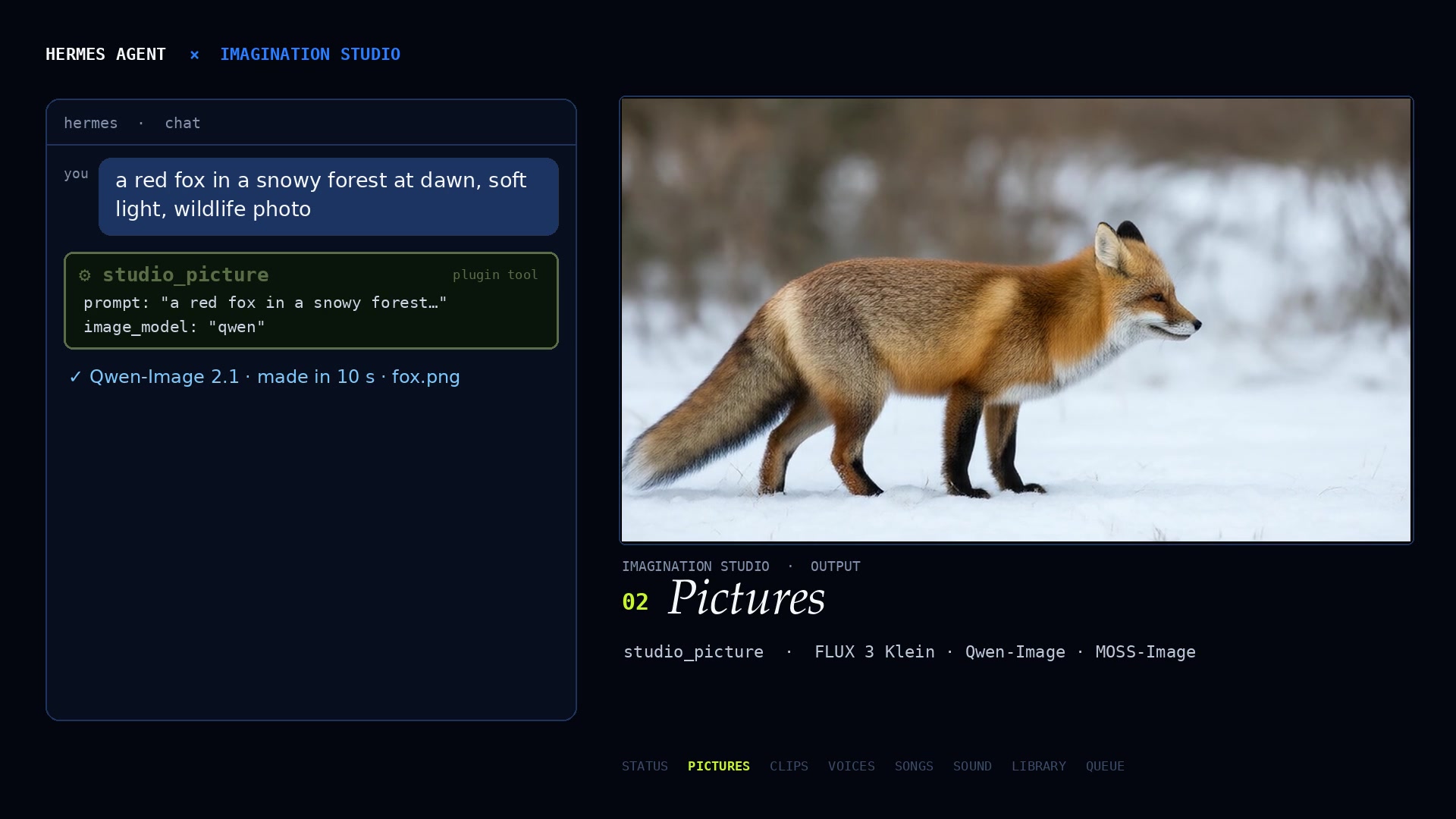
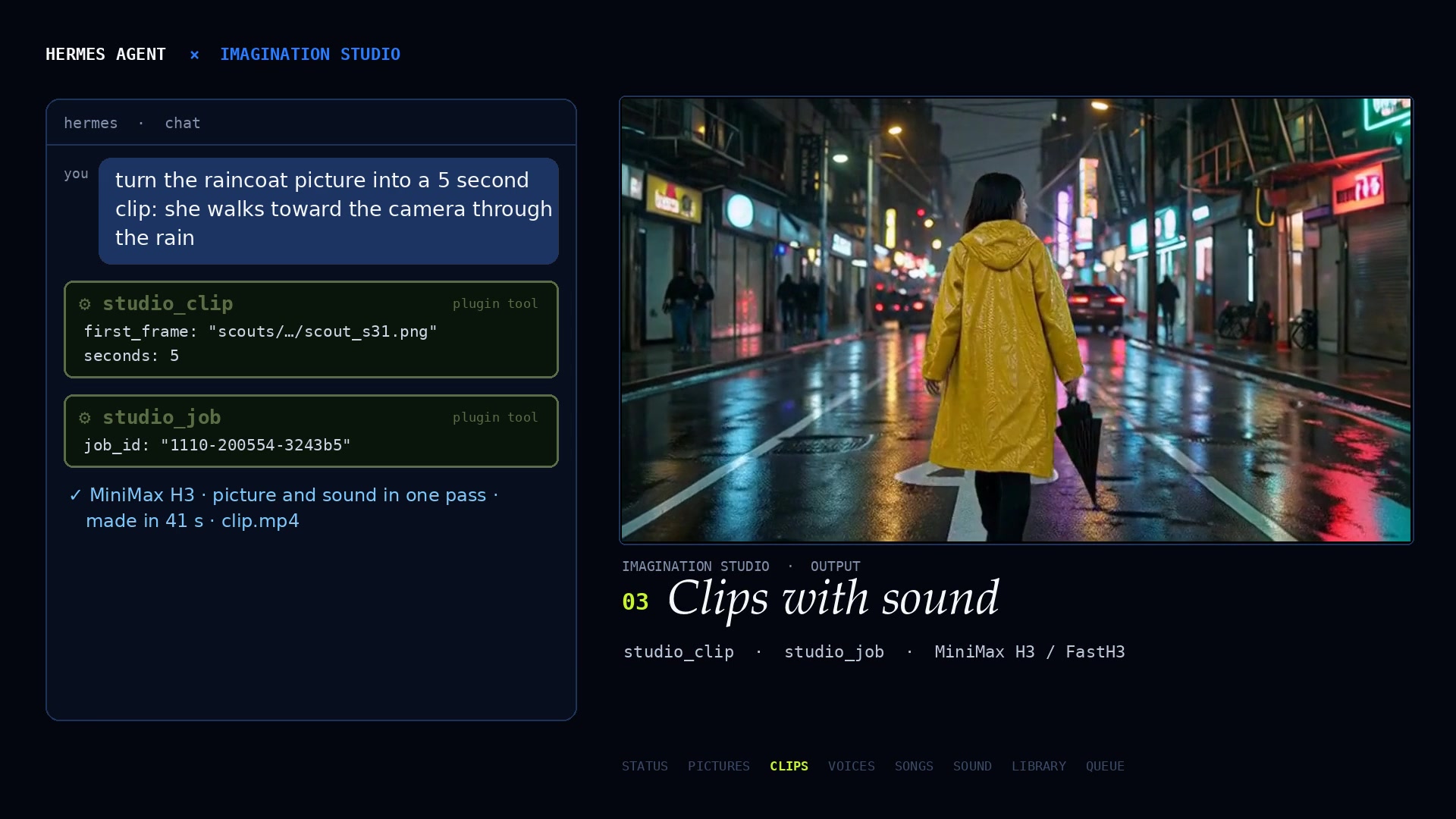
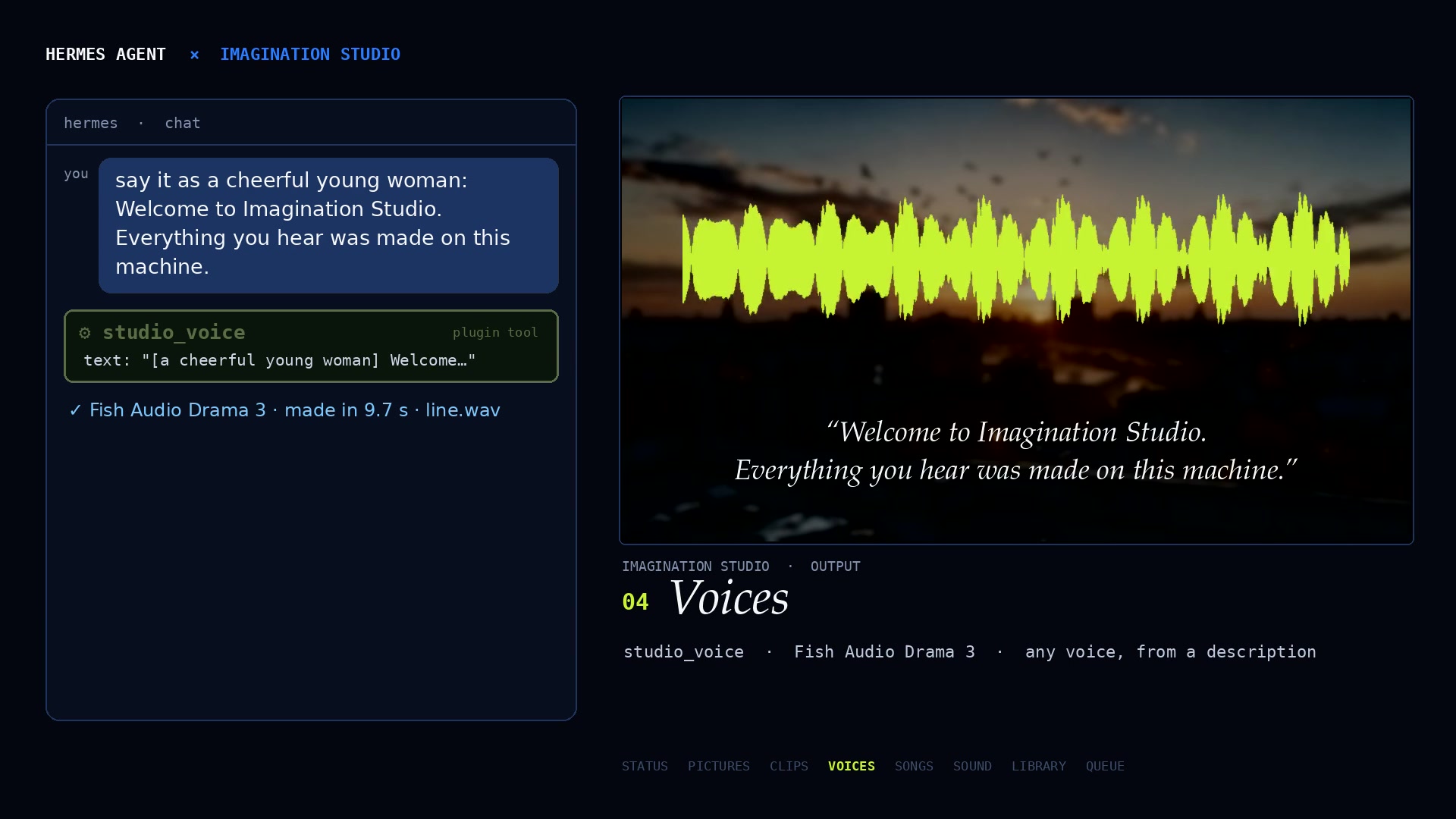
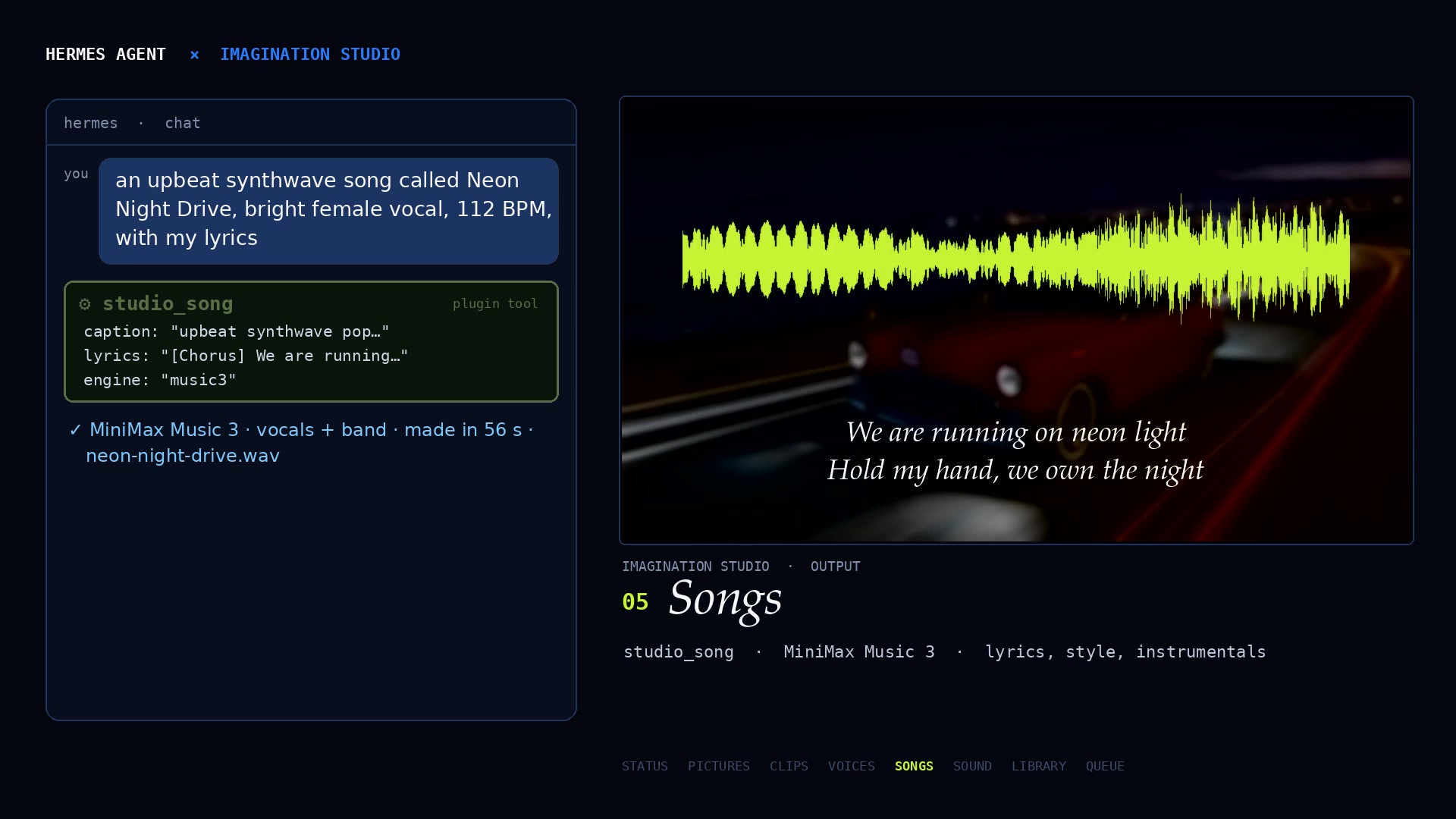
Every frame is a real run: the prompt in Hermes, the plugin tool it called (lit up), and what the Studio made.
Status. /studio calls studio_status: what this Studio can make, right now.
Pictures. studio_picture, here with Qwen-Image (FLUX 3 Klein and MOSS-Image are there too).
Clips with sound. studio_clip turns a picture into a clip; studio_job picks it up when it is ready.
Voices. studio_voice, any voice from a description (Fish Audio Drama 3).
Songs. studio_song, lyrics and a style in, a finished song out (MiniMax Music 3).
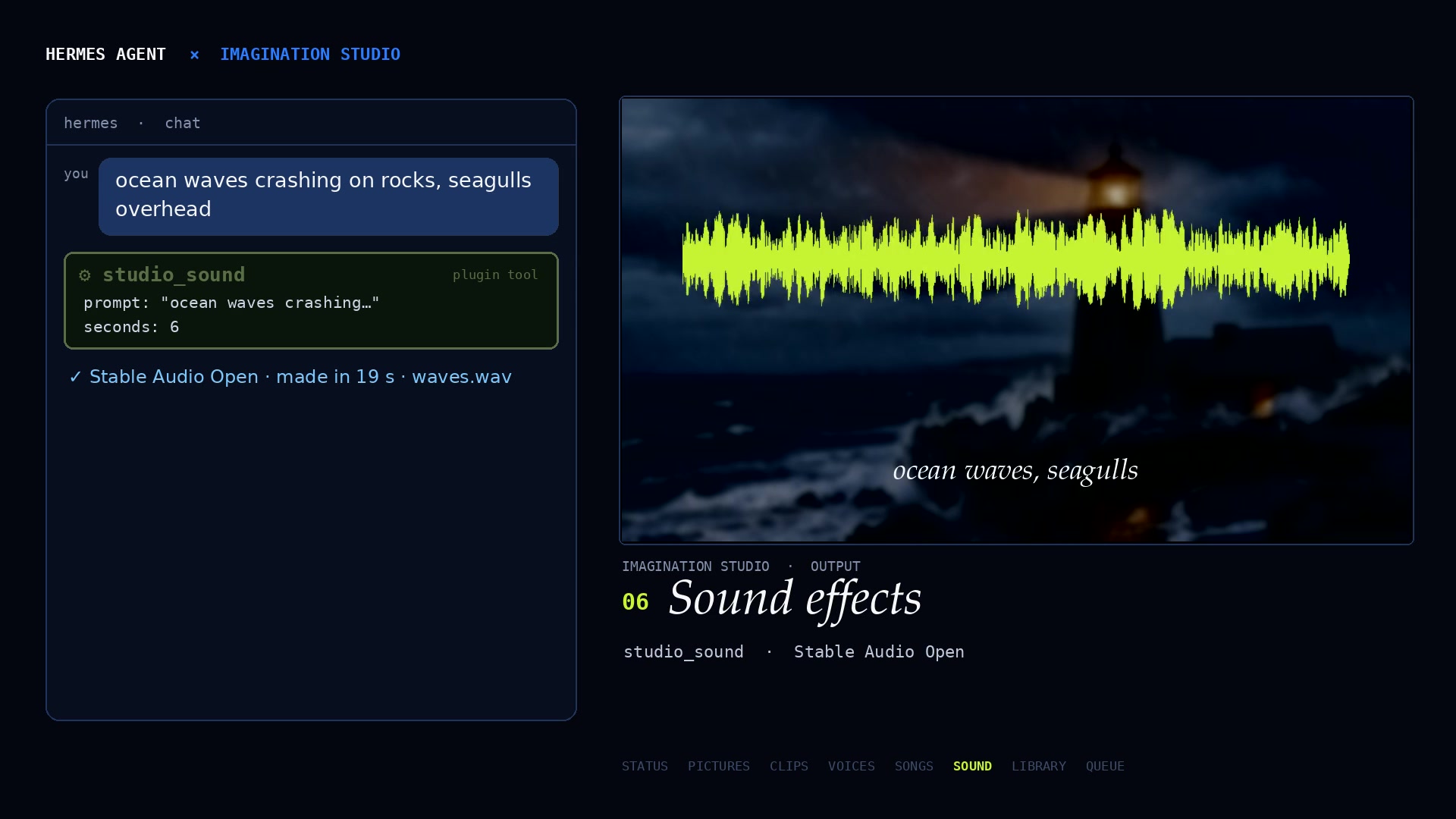
Sound effects. studio_sound, from a few words (Stable Audio Open).
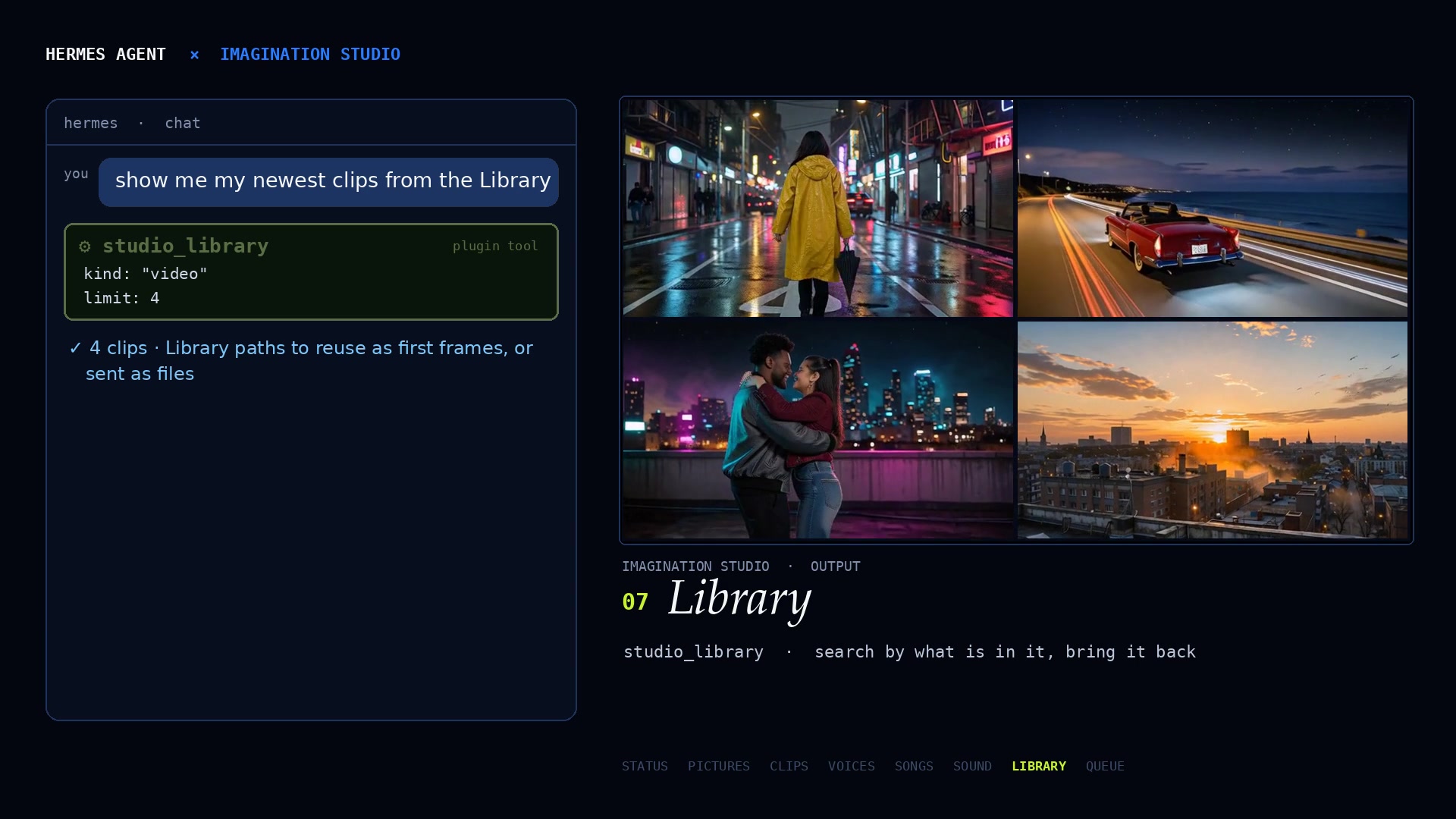
Library. studio_library finds earlier work and brings it back.
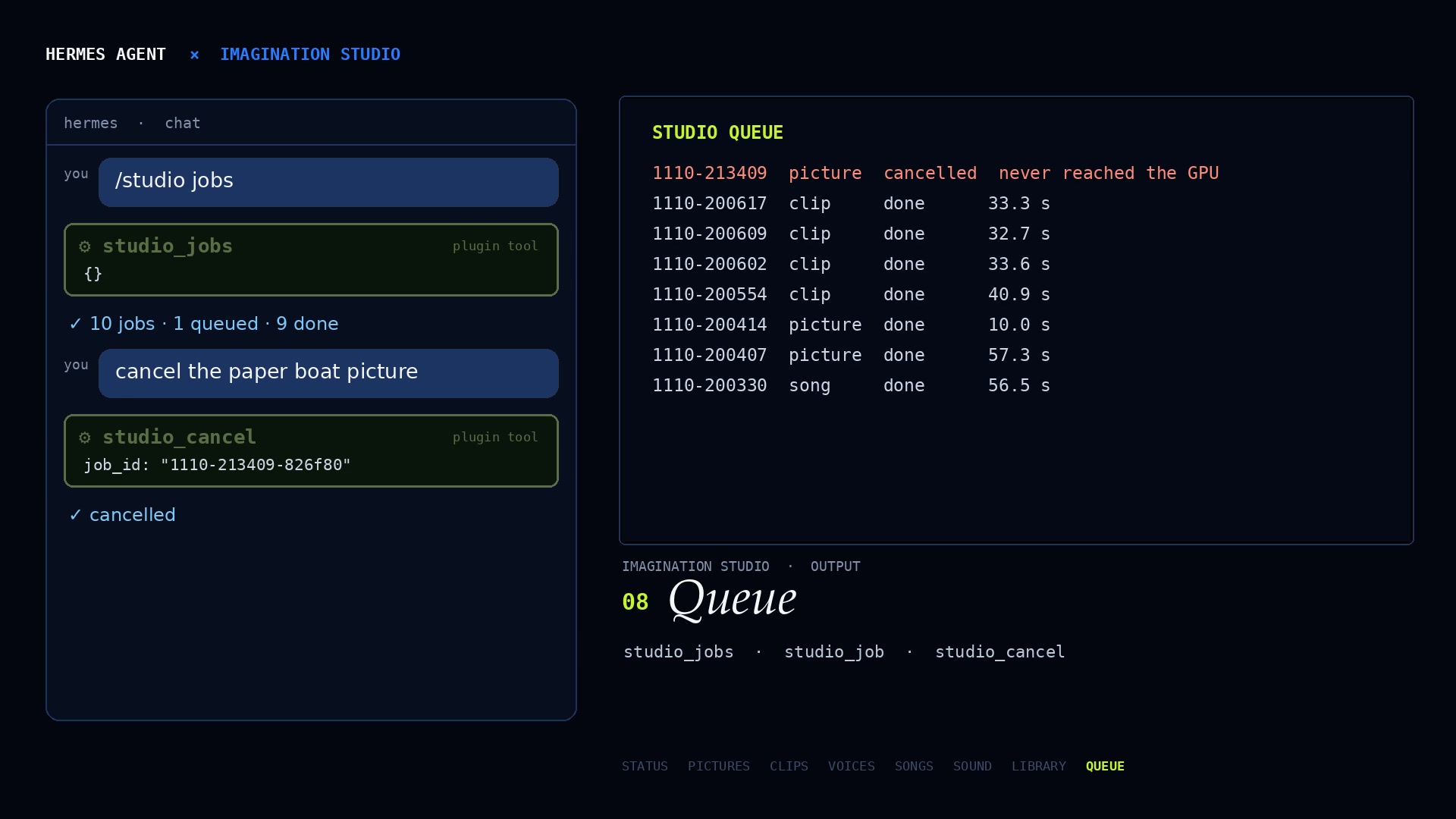
Queue. studio_jobs lists the queue; studio_cancel stops a job before it reaches the GPU.
What Hermes gets
studio_status: what this Studio can make, its licences, its queue, memory and GPU temperature.studio_picture: still pictures from a prompt (FLUX 3 Image Klein, Qwen-Image 2.1, MOSS-Image).studio_clip: a video clip with sound, from text, from a picture or from a picture prompt (MiniMax H3 / FastH3).studio_voice: a spoken line in a described voice (Fish Audio Drama 3).studio_song: a song from a style and lyrics, or an instrumental (MiniMax Music 3, YuE2 where installed).studio_sound: a sound effect from words (Stable Audio Open).studio_job,studio_jobs,studio_cancel: check, pick up and cancel jobs.studio_library: search earlier work by what is in it, or bring a file back.
Plus a /studio command (status, queue, quick jobs, works in Telegram too) and a bundled skill,
imagination-studio:imagination-studio, with prompt advice for each engine.
Long renders don't block the chat: a tool waits up to wait_seconds (default 120), then hands back the job id, and
studio_job picks the files up when they are ready.
Install
-
Get Imagination Studio (free, open source): download it from
github.com/drowzeys/Imagination-Studio-by-keys-Wasserman, run the one-shot setup for your machine (the Studio's
README has the command for DGX Spark, RTX PCs, Windows on ARM and Apple Silicon Macs), and start it. It serves on
http://127.0.0.1:7870. -
Install the plugin:
hermes plugins install imagination-studio --enable # from the catalog # or: hermes plugins install Keys-Wasserman/hermes-imagination-studio --enable -
Ask Hermes for something: "make a 6 second sound of rain on a tin roof".
A Studio on another machine
Point the plugin at it and give it the Studio's access key (from the Studio's Settings page, or
~/ImaginationStudio/access-key on that machine):
hermes config set plugins.entries.imagination-studio.settings.studio_url http://192.168.1.50:7870
and set Studio access key on the plugin's page in Desktop (Settings → Plugins), or put
IMAGINATION_STUDIO_KEY=... in your Hermes .env. The key is read through Hermes's secret route only.
Settings
studio_url(defaulthttp://127.0.0.1:7870): where the Studio runs.studio_key(secret,IMAGINATION_STUDIO_KEY; default none): only for a Studio on another machine.wait_seconds(default120): how long a tool waits for a render, 0 to 600.download(defaulttrue): copy finished files into Hermes so they can be sent as attachments.max_download_mb(default500): the largest file to copy.
Tested
- DGX Spark (NVIDIA GB10, Linux, CUDA): Hermes 0.22.7 against Imagination Studio 4.4.1 on the same machine.
A sound effect from one chat message: 18.6 s, delivered as an attachment. - Mac Studio (Apple Silicon, Metal/MLX): Hermes on the Spark against the Mac's Studio over the network with its
access key. A picture (FLUX3-K Fast, 14.6 s), a voice line (Drama 3, 12.3 s) and a 30 s instrumental
(MiniMax Music 3, 21.9 s) from one message, all delivered; then a clip made from the picture. hermes plugins validateandhermes plugins doctor --cipass (security scan: safe). 39 unit tests (including regression tests for hostile Studio responses: path traversal, forged MEDIA lines, redirects, oversized and slow downloads) run against a
fake Studio:cd tests && python -m pytest.
What it does on your machine (disclosure)
- Network: HTTP calls to the Studio at
studio_urlonly (by default this computer). No other service, no
telemetry. Redirects are never followed, so the access key only ever goes tostudio_url, and the key is sent over
plain http only to this computer or a private network address (an internet address needshttps://). - Files: finished files are copied from the Studio into
HERMES_HOME/plugin-data/imagination-studio/outputs/
(up tomax_download_mbeach, at most 16 per job). File and folder names are sanitised, only plain relative Library
paths are accepted, and nothing is written outside that folder. Nothing is deleted automatically; remove the folder to clear it. - Credentials: the optional Studio key is read with Hermes's
get_secret; the plugin stores none. - Compute: every render runs in the Studio's own queue, which checks memory before each job, runs one heavy job
at a time and pauses GPU work until the machine has cooled. The plugin never loads a model, starts a process or
runs a shell command. - Background work: none (no threads, no subprocesses). A tool call waits at most
wait_secondsfor a render and
stops copying files after 300 s. Each network read times out after 60 to 120 s; a Studio that deliberately trickles
bytes could still hold a call longer, so pointstudio_urlonly at a Studio you run or trust.
Licences of what you make
Each engine in the Studio has its own licence, which studio_status reports and the Studio shows: for example the
Fish Audio Community License for Drama 3, the MiniMax-Music3 Community License, the Stability AI Community License
for Stable Audio Open, and the Qwen and FLUX licences for pictures. Check them before commercial use.
Credits
- Imagination Studio: keys (drowzeys) and Sam Wasserman (Wasserman Productions), who designed the Studio and its
Filmmaker Suite. - The engines the Studio runs: MiniMax (H3 video, MiniMax-Music3), FastVideo / Hao AI Lab (FastH3), Fish Audio
(Drama 3), Black Forest Labs (FLUX 3 Image Klein), the Qwen team (Qwen-Image), OpenMOSS (MOSS-Image), Stability AI
(Stable Audio Open), Ho Kei Cheng and the MMAudio authors, Multimodal Art Projection (YuE2), and Ash Hart and the
TensorFold contributors (the native runtime). The Studio's
CREDITS.md lists everyone. - The trailer: key art, title design, Studio footage and music ("Grid Runner" and "The Miracle") by Sam Wasserman /
Wasserman Productions, used with permission. Every voice, sound effect and Studio clip in it was made through this
plugin. Watch it. - Hermes Agent by Nous Research.
Built for the Nous Research Hermes Agent Plugin Hackathon, November 2026: our submission on X.
Licence
Apache 2.0, the same as Imagination Studio. See LICENSE.
README from the reviewed commit 4aec4c2; it updates when the author re-pins.


