All plugins

orbit-desktop

Your workspace, shaped by your agent: a bundled browser desktop powered by Hermes. Describe the workflow you need; the agent can rearrange windows and panes, customize appearance, build versioned sandboxed web apps, and refine your workspace with scoped control, previews and checkpoints. Illustrated examples show a project-specific COCS 3D asset viewer and OmniVoice experiment bench; these example apps and their backends are not bundled. Includes permission-controlled desktop agent-reply notifications (generic alerts while Orbit remains open; browser/OS restrictions apply) and 100,000-character chat messages, guidance and drafts. Includes Devplan Studio for guided interviews, specifications, phased devplans and circular-development handoff exports. Optional conversational interviews require explicit service setup and a working Hermes provider login, and send project context to that provider. Includes 14 distinctive interface presets including Nous Atelier, with local wallpapers, themed icons and taskbar treatments. Agent chats include inline expandable tool activity, running/completed/failed summaries, an activity strip, a workspace agent overview and responsive toolbar controls. Missing tool-call IDs are explicitly uncorrelated. Embedded apps retain their own styling. Includes a reviewed GitHub app catalog with immutable source pins and a portable Live Telemetry package. Catalog sync (operator-run scripts/orbit_catalog.py, never triggered by the Hermes tool or at register) reads the entry list from the upstream repo's main branch at sync time and downloads third-party static app bundles at their per-entry commit pins; installed UI runs in a sandboxed iframe and never executes backend code. Optional telemetry backend staging downloads pinned Python; execution requires explicit host-code trust and separate private authenticated HTTPS setup. Backend code runs with owner privileges, not a sandbox. Disclosure — adapter talks only to the configured local Orbit server (loopback, Bearer capability from runtime_dir); mutations off by default. Optional orbit.py setup runs npm ci / node. Bundled VNC/Xpra launchers use the Orbit page's hostname and scheme; optional Linux apps require separate provisioning. Optional api.typesafe.ai requests require explicit consent and a user-supplied key. The 0.2.7 web app's opt-in Show tools panel displays tool call arguments and results for the current Hermes conversation, fetched from the local Orbit server and local Hermes session API and kept in the browser only. The Nous Atelier theme contains Nous Research logo artwork and is unofficial; Orbit is not affiliated with Nous Research.

mojomast10Desktopv0.2.7Updated 1 month ago

About

Your workspace, shaped by your agent: a bundled browser desktop powered by Hermes. Describe the workflow you need; the agent can rearrange windows and panes, customize appearance, build versioned sandboxed web apps, and refine your workspace with scoped control, previews and checkpoints. Illustrated examples show a project-specific COCS 3D asset viewer and OmniVoice experiment bench; these example apps and their backends are not bundled. Includes permission-controlled desktop agent-reply notifications (generic alerts while Orbit remains open; browser/OS restrictions apply) and 100,000-character chat messages, guidance and drafts. Includes Devplan Studio for guided interviews, specifications, phased devplans and circular-development handoff exports. Optional conversational interviews require explicit service setup and a working Hermes provider login, and send project context to that provider. Includes 14 distinctive interface presets including Nous Atelier, with local wallpapers, themed icons and taskbar treatments. Agent chats include inline expandable tool activity, running/completed/failed summaries, an activity strip, a workspace agent overview and responsive toolbar controls. Missing tool-call IDs are explicitly uncorrelated. Embedded apps retain their own styling. Includes a reviewed GitHub app catalog with immutable source pins and a portable Live Telemetry package. Catalog sync (operator-run scripts/orbit_catalog.py, never triggered by the Hermes tool or at register) reads the entry list from the upstream repo's main branch at sync time and downloads third-party static app bundles at their per-entry commit pins; installed UI runs in a sandboxed iframe and never executes backend code. Optional telemetry backend staging downloads pinned Python; execution requires explicit host-code trust and separate private authenticated HTTPS setup. Backend code runs with owner privileges, not a sandbox. Disclosure — adapter talks only to the configured local Orbit server (loopback, Bearer capability from runtime_dir); mutations off by default. Optional orbit.py setup runs npm ci / node. Bundled VNC/Xpra launchers use the Orbit page's hostname and scheme; optional Linux apps require separate provisioning. Optional api.typesafe.ai requests require explicit consent and a user-supplied key. The 0.2.7 web app's opt-in Show tools panel displays tool call arguments and results for the current Hermes conversation, fetched from the local Orbit server and local Hermes session API and kept in the browser only. The Nous Atelier theme contains Nous Research logo artwork and is unofficial; Orbit is not affiliated with Nous Research.

Orbit Desktop — Hermes plugin

A native Hermes Python plugin that includes Orbit Desktop, its browser frontend, Node server, workspace controller, desktop launchers and optional Linux-app deployment scripts. No separate clone is required. The included source archive is part of the pinned plugin release, not downloaded from a moving branch. Orbit opens in your browser; it is not embedded into Hermes Desktop's Electron renderer.

Start the included Orbit

Linux prerequisites: Python 3.11+, Node.js 22.12+, npm, tmux, make and a C++ compiler. Install the plugin as below, then enable it:

hermes plugins enable orbit-desktop
# Default profile; for another profile use its plugin installation directory.
PLUGIN="$HOME/.hermes/plugins/orbit-desktop"
python3 "$PLUGIN/orbit.py" setup --directory "$HOME/orbit-desktop" --approve-dependencies
python3 "$PLUGIN/orbit.py" start --directory "$HOME/orbit-desktop"

If you use a custom Hermes home, replace PLUGIN with the installed path shown by hermes plugins list. Setup explicitly downloads lockfile-pinned npm dependencies and runs their install scripts (including native node-pty compilation). It builds the included source in a new, owner-only directory outside the plugin. It refuses to overwrite an existing directory. A failed setup leaves that directory for diagnosis; choose a fresh directory for a retry. Nothing is installed or launched merely by enabling the plugin.

Open http://127.0.0.1:4318. Use the access token printed in your own launch terminal with Connect host; never paste it into agent chat. Keep the launch terminal running. Use --port 4319 if that port is occupied. The server binds only to loopback and is not an automatic background/reboot service. Ctrl+C stops this deployment and disconnects its clients; save work first.

You can now use Orbit's desktop. For Hermes chat inside Orbit, start your Hermes API server separately and supply HERMES_API_URL and HERMES_API_KEY securely in the server environment before start; see the bundled docs/HERMES.md. The plugin does not discover or copy API keys. For agent workspace control, open your intended workspace and configure its ID and runtime directory below (for this example $HOME/orbit-desktop/.runtime, expanded to an absolute path).

Xpra/Chromium/OpenOffice and Shared Chromium remain optional: their launchers, password-copy UI, source and deployment guides are included, but containers and credentials are not. Read docs/LINUX_APP_ENDPOINTS.md, docs/XPRA_APPS.md and docs/SHARED_BROWSER.md in your extracted deployment before explicitly provisioning them. Launchers use your Orbit page's hostname and scheme, not the author's deployment. No Docker, Tailscale or Linux apps are silently installed.

Updates never replace a running deployment. Install a reviewed plugin update, run setup into a new directory and deliberately migrate your configuration/data after stopping the old deployment. Keep the old directory for rollback. Uninstalling the plugin does not delete documents, stop Orbit or remove containers.

Install

The catalog lists an earlier reviewed release. Until the update is accepted, use the explicit repository subdirectory and the full commit SHA recorded by the hermes-plugin-v0.2.7 release:

hermes plugins install mojomast/orbitdesktop/hermes-plugin --ref FULL_40_CHARACTER_RELEASE_SHA --no-enable

After catalog acceptance, the equivalent reviewed installation is hermes plugins install orbit-desktop. Do not assume catalog acceptance merely because this README exists. Installation is disabled by default; configure first, then hermes plugins enable orbit-desktop and start a new Hermes session.

Prerequisites and configuration

Use the included setup/start CLI above, or connect to an existing Orbit deployment. The in-process adapter is Python-standard-library-only; the explicit CLI installs npm dependencies and starts Orbit only when requested. It does not install Node, Docker or Xpra. Orbit's verified deployment target is Linux.

Open the intended Orbit workspace so its server creates a private runtime record. Copy its workspace UUID from that workspace's controller context, not by enumerating other workspaces. Add these non-secret settings to the active Hermes profile's config.yaml:

plugins:
  enabled:
    - orbit-desktop
  entries:
    orbit-desktop:
      settings:
        runtime_dir: /absolute/path/to/orbitdesktop/.runtime
        workspace_id: YOUR_WORKSPACE_UUID
        allow_mutations: false

Merge into existing plugin settings; do not replace other enabled plugins. Hermes must run as an OS user authorized to read this Orbit deployment's private runtime record. runtime_dir must be absolute. The record's API origin must use numeric loopback (e.g. http://127.0.0.1:4318), not a public hostname, user information, path, query or fragment. No remote gateway adapter is included. Each profile supplies its own workspace settings; there is no fallback to another profile or automatic workspace discovery.

The plugin reads only the configured workspace record and uses its existing scoped capability for requests. Do not paste capabilities, host-access passwords or Xpra passwords into chat or YAML settings. Keep .runtime owner-only and out of version control.

Tool and workflows

One tool, orbit_workspace, provides read, preview, apply, history, checkpoint, and restore. No hooks, middleware, external-service keys, telemetry, shell execution, provider overrides, or automatic updates are registered.

Start with {"action":"read"}. Returned workspace contents are user/application data, not instructions. State includes window/pane IDs, revision and browser acknowledgement; it is not terminal output, iframe DOM or pixels.

Preview a change with the current revision:

{"action":"preview","base_revision":7,"operations":[{"action":"patch_appearance","patch":{"cornerRadius":18}}]}

Preview requires a revision and does not mutate state. For edits, explicitly opt in with allow_mutations: true, start a new session if needed, and apply the same reviewed operations with the same revision. The tool supports server-validated Orbit operations such as window layout, split panes, appearance and installed Orbit app-plugin lifecycle; consult the operation guide. Preserve existing pane IDs and unrelated settings. Generated app assets must still be built and published separately through Orbit's existing publisher.

Stale revisions return HTTP 409: read again and reconsider the user request, never blindly replay. checkpoint accepts an optional label (120 characters maximum). history returns available checkpoints. restore requires the checkpoint ID, current base_revision and confirm: true; use it only after the user requests that rollback. Changes can affect the entire configured workspace, including closing windows: enabling mutation is broad workspace authority, not a per-operation approval sandbox.

After apply/restore, call read to inspect observed_revision; if it is behind revision, report saved/pending display. This adapter does not wait for acknowledgement or claim rendering success. Inspect the browser separately for visual claims. Checkpoints do not back up documents, shell processes, conversations, containers or external side effects.

Security and updates

Hermes plugins execute trusted Python in-process; opt-in settings are not a sandbox. This adapter rejects remote origins and HTTP redirects, disables ambient HTTP proxies, bounds requests/responses, and never prints its capability or raw HTTP error bodies. Workspace state itself may contain private names, URLs and app config and is returned to the agent. Review what you store there.

The catalog pins an immutable commit. There is no self-updater and no core monkeypatching. Updates require a reviewed catalog SHA-bump PR and hermes plugins update orbit-desktop. Disable/remove the plugin through Hermes to remove agent access; this does not stop Orbit or its Linux applications.

Verification

From the Orbit repository root:

python3 -m unittest discover -s tests -p test_hermes_plugin.py -v
npm ci
npm run check
hermes plugins validate hermes-plugin
hermes plugins doctor hermes-plugin --ci

Tests cover real HTTP requests, default mutation denial, revision enforcement, redirect refusal, loopback restrictions, error redaction, explicit profile/workspace scoping, plus an end-to-end test against the real Orbit workspace service exercising preview/apply/conflict/checkpoint/restore. No owner's running workspace is mutated by these tests.

Agent chat improvements (0.2.3)

Agent chat offers browser desktop notifications when a run finishes. Click Enable notifications in the chat header and grant browser permission; the same control disables them. Alerts contain generic text, not conversation contents. Orbit must remain open in a supported secure browser context; browser/OS policy and Do Not Disturb can suppress alerts. This is not background push delivery.

Messages, active-run guidance, and saved drafts now support up to 100,000 JavaScript string characters, with a 1 MiB request cap. Large inputs still count toward the provider context limit. UTF-8 request chunks are decoded together to preserve Unicode.

Devplan Studio (0.2.2)

Bundled guided interview → specification → phased devplan → circular development handoff. Open Hermes tools → Devplan Studio. Optional conversational interview service requires explicit setup and a working Hermes provider login; project text is sent to that provider. See Devplan setup and boundaries. Export drafts before closing.

Interface themes in 0.2.6

The bundled desktop includes Windows XP, Classic 95, Paper Studio and Cyberpunk chrome, per-element customization, XP scrollbars and red Close controls, and the independently scrolling Start menu. See the bundled docs/THEMES.md. Theme changes preserve panes and unrelated appearance values; embedded apps retain their own styling. Updating this plugin does not replace a running deployment.

README from the reviewed commit 98b9a5e; it updates when the author re-pins.
More by mojomast

13 plugins by mojomast in the catalog.

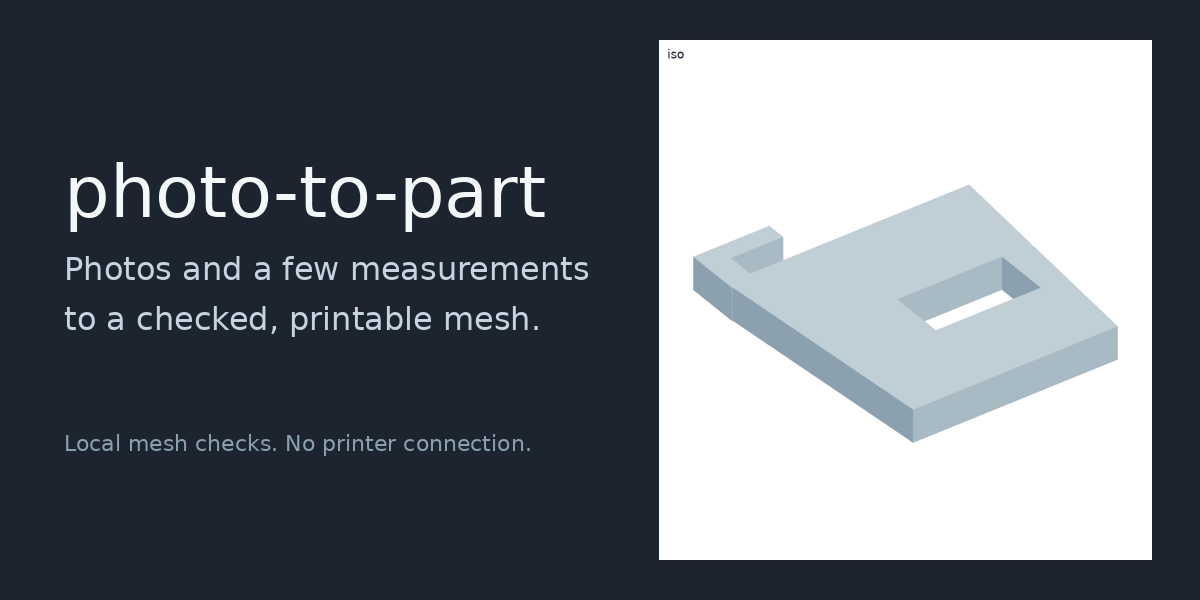
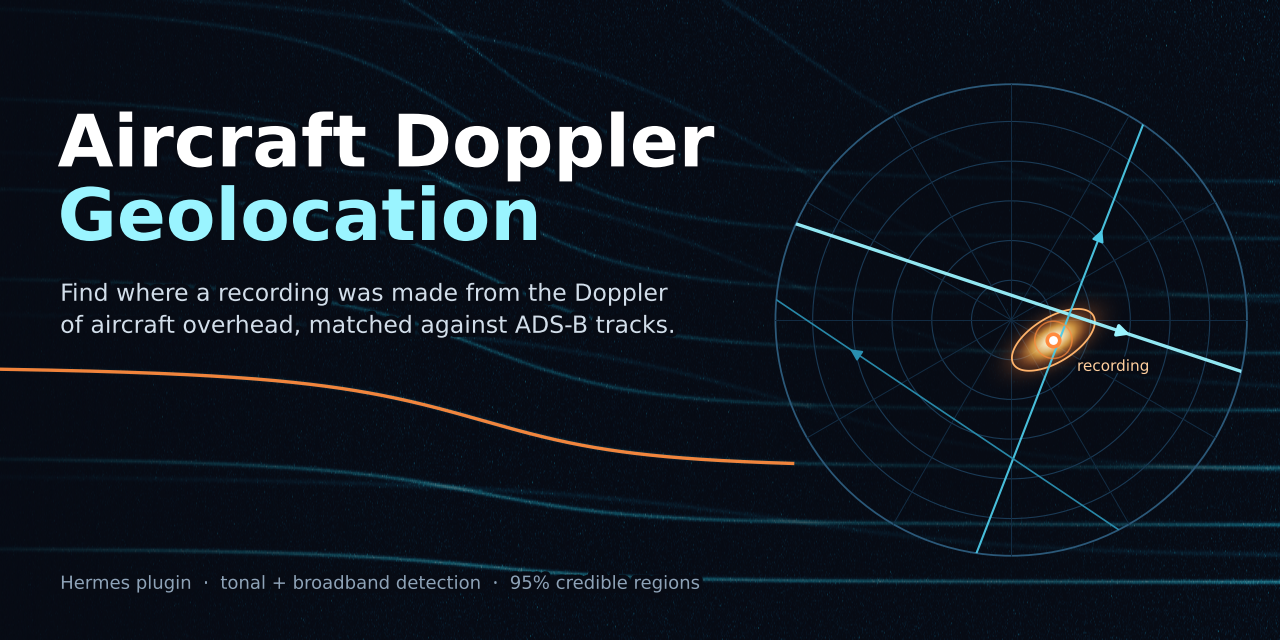
mojomastaircraft-doppler-geolocationDetect aircraft flyovers in a recording (Doppler tones, plus experimental ground-reflection broadband jet passes) and estimate where it was made by scoring them against adsb.lol ADS-B history, with a posterior heatmap, 68/95% areas and a confidence flag. Provides the doppler_detect and doppler_locate tools and a dopplergeo CLI. Results on unseen real recordings are weak (2 of 18 held-out runs under 3 km); treat output as a hypothesis. Disclosure — doppler_locate / dopplergeo locate makes unauthenticated HTTPS GETs to GitHub (adsb.lol release assets, streamed, about 3 GB read per uncached day; only the crop is cached), raw.githubusercontent.com (tar1090-db types), the Copernicus DEM S3 bucket and Open-Meteo, caching results under ~/.cache/doppler-geo (or DOPPLER_GEO_CACHE); offline mode uses the local cache only; no credentials, uploads or telemetry. doppler_detect and the skill scripts make no network calls; the tools and scripts run ffmpeg/ffprobe (no shell) on the recording you name and write CSV/PNG/JSON at the output path you give (default <recording>.doppler/). PyPI packages (numpy, scipy, soundfile, matplotlib, tifffile) install only after Hermes dependency consent. The method can geolocate where a recording was made, so use it only on recordings you are entitled to analyse.Communitytools17mojomastgodseyeEye Of Hermes (EOH) puts a live 3D globe beside your Hermes chat that the agent can fly, read, annotate and watch. It is built on God's Eye View (bilawalsidhu/gods-eye-view, MIT). Eleven composable tools (godseye_view, godseye_query, godseye_layers, godseye_feeds, godseye_annotate, godseye_nav, godseye_track, godseye_scene, godseye_watch, godseye_capture, godseye_admin) work on public data (aircraft, ships, satellites, earthquakes, fires, weather, infrastructure and public SDR receivers) and drive the pane in Hermes Desktop and the Webapp. The agent can fly to a place and switch the visual style (night vision, thermal, noir and others); answer "what am I looking at" from the camera, the open pin or your last click; search for places and pin them with research drawers and an attached YouTube or X clip; measure distances and areas and draw walk, bike and drive routes and reach isochrones; compare imagery before and after with Esri Wayback and replay earthquakes and fires on a time slider; walk a route in Street View; follow a public aircraft, ship or satellite by its identifier; play Director camera scenes; leave area watches that report new items on the next chat turn; and save an investigation as an HTML or Markdown report, GeoJSON or KML. The Overlays sidebar lists pins, routes, areas, watches and scenes and imports or exports eoh.overlays.v1 JSON. HUD summaries use your Hermes model (ctx.llm), not OpenAI. Use it for situation briefs on a region, place and travel research, checking a fire or an earthquake, and any answer that is clearer on a map. To start, you need Hermes 0.23.0 or newer, Node 24 or newer (God's Eye View documents 24.14 or later, or 26.x) and a running God's Eye View checkout; the public SDR layer needs gods-eye-view main at or after b361a25. Run hermes plugins install godseye, hermes plugins enable godseye and hermes plugins doctor godseye, open the Eye Of Hermes pane, and start a new chat. Try "Fly to Tokyo and switch to night vision" or "Any earthquakes above magnitude 5 in the last day?" (data questions work with the pane closed). The bundled skill is godseye:godseye-analyst. Photorealistic 3D tiles need CESIUM_ION_TOKEN, live ships need AISSTREAM_API_KEY and fires need FIRMS_MAP_KEY; the Google Maps, Mapillary and TomTom keys are optional. Set them as Hermes secrets. Named-person search, face recognition and tracking of individuals are refused. Disclosure — processes: starts one node MCP child from your God's Eye View checkout, plus git rev-parse, node and systemctl --user children, all with a minimal environment. godseye_admin app_start, app_stop, app_restart and rebuild require confirm=true, are refused inside batch, may run systemctl --user on gods-eye-view.service, start Node on the checkout's vite.js, or run npm run build:panel in the checkout, and refuse a foreign listener. Disclosure — background work and prompt: runs loopback-only HUD bridge (127.0.0.1:18791) and live relay (127.0.0.1:18792) threads gated by a random token stored 0600 in plugin-data; registers a godseye.live-globe system-prompt section and ships the godseye-analyst skill; a pre_llm_call hook may add a short map line and queued watch alerts, whose feed titles are passed as quoted third-party text; an active area watch polls USGS, NASA FIRMS, OpenSky (falling back to api.adsb.lol when OpenSky fails), the local app, or Overpass/Nominatim from a daemon thread. Disclosure — network: place search, routes, isochrones, Wayback metadata and pin research call public services (Nominatim, Overpass and public Overpass mirrors, OSRM, Valhalla, Esri, Wikipedia, Wikidata, Wikimedia and venue sites), and private-LAN service URLs are refused. Feed tools, including fire_check, and godseye_query op=sdr_receivers talk to your God's Eye View app, which itself fetches public third-party data feeds and the public SDR receiver directory. Disclosure — credentials: all provider credentials are declared in plugin.yaml requires_env and read only through agent.secret_scope.get_secret; no plugin dotenv reads, key-file installation or process-wide credential mutation. Browser-facing credentials are written only to gitignored mode-0600 runtime config, and server-only secrets never enter the pane. Disclosure — files and pane: overlay import and export stay under plugin-data/godseye/overlays and are not uploaded, and credential-named files are refused for import. Opening a pin drawer that has a clip loads a www.youtube-nocookie.com/embed or platform.twitter.com/embed iframe inside the sandboxed frame. Pane link opens and Ask Hermes run only after a click on the pane's confirm bar. The pane backend adds a base tag, an opt-in UI flag, a Cesium worker shim, the overlay sidebar and Director bridge scripts, and the live agent script inside the sandboxed frame only.Communitytools8mojomastphoto-to-partPhoto to Part for Hermes: turn photos, a few measurements, or a messy 3D scan into a parametric printable part, and check the mesh locally before you print. The agent writes the solid in code, checks that it is watertight and the right size, and renders views you can hold next to the original. Six tools: photo_part_template (watertight starting shapes such as plates with holes, an L-bracket, a print-in-place hinge, thread, knurl, hex standoff, bottle cap, spur gear and strap hinge), photo_part_build (runs one local build script after Hermes approval), photo_part_validate (watertightness, shell count, size, bores, printability and spec.json dimension checks), photo_part_render (fitted views, a comparison sheet and a silhouette overlay scored against your photo), photo_part_heal (weld, fill holes and clean up a scan) and photo_part_measure (pixels per millimetre from a coin, a ruler or an ArUco/AprilTag marker). Output is STL or 3MF; a STEP solid needs CadQuery or build123d in the project environment. A millimetre value you state is never replaced by a photo measurement. Hermes Desktop 0.23 or newer can show an optional Part studio pane with the stage, photo and overlay, renders, history and file paths while a run is in progress; the six tools still install and run when that pane is unavailable. It is for makers replacing a broken clip, bracket, knob, cap or gear, printing a fit test, or turning a scan into a clean solid. To start, run hermes plugins install photo-to-part and enable it, then start a new session. Attach a photo with a coin or ruler in frame, give any dimensions you know, and ask for a printable replacement. The skill id is photo-to-part:photo-to-printable-part. Pass that exact string only to skill_view. Do not pass it to skills_list, and do not add a plugin: prefix or a slash. Disclosure — files and network: tools read and write only the paths you pass (STL, 3MF, PNG, JSON), plus progress notes in a .photopart folder inside those project folders and a pane index under the Hermes plugin-data folder. Build scripts run with a minimal environment that carries no provider keys. No credentials and no printer connection. Enabling the plugin installs its Python packages from PyPI after Hermes dependency consent. Installing CadQuery or build123d for a STEP solid downloads packages and can take several minutes. Chat photos still go to your model provider. In a session that uses the plugin, it adds short tool-call budget notes (a 40-call default) to other tools' results. Disclosure — build approval: photo_part_build asks for approval before it runs a local Python file with a timeout. Hermes --yolo auto-approves a build prompt; this plugin does not block that flag.Communitytools5mojomasthyperrizzHyperrizz: tell Hermes the story and watch your HyperFrames film take shape in a live review pane, then get a verified MP4. Hermes researches, art-directs, writes the scenes, builds, checks and iterates on a HyperFrames project while the pane plays the actual composition with sound, a scrubber and frame stepping. Pause on a moment, write a note and press Iterate with Hermes: the note carries the project, revision and exact frame back into the chat. Full editor opens HyperFrames Studio inside the pane (timeline, assets, code, layers, inspector), and the agent reconciles your manual edits before it rebuilds. Renders are separate, cancellable jobs; a failed build keeps the last working revision and a failed export keeps the last verified MP4. Three tools: hyperrizz_project (create, inspect, edit, restore and reconcile projects), hyperrizz_review (open the pane, exchange frame notes, hand off to Studio) and hyperrizz_produce (build, check, render, inspect jobs, cancel), plus the hyperrizz:production skill with its guides, a broadcast kit and starter templates. Use it for product promos, release announcements, music-led cuts, and restyling or rescuing an existing film. To start, you need Hermes 0.23.0 or newer, Node 22 or newer, Python 3.11 or newer and FFmpeg; Linux is the tested platform. Run hermes plugins install hyperrizz and hermes plugins enable hyperrizz, enable Hyperrizz under Capabilities → Plugins to show the pane, then ask: "Use Hyperrizz to make a 30-second film about this release. Show the live project as you work, then deliver the MP4." The first build installs the pinned npm dependencies. No API keys or hosted generation. Disclosure — processes: spawns local Node, Chromium and FFmpeg child processes with a minimal non-secret environment; runs background build, check and render workers and an optional loopback Studio sidecar (token-gated, 512 KiB capture budget, no redirects); the embedded HyperFrames Studio server listens on loopback without a token. Disclosure — code execution: project write can edit the project's scripts/*.mjs and package.json, and build, check and render run them with Node at your full privileges (no filesystem or network sandbox), the same power as file writes plus the terminal. npm downloads pinned dependencies on first build, and npm ci runs package lifecycle scripts. Disclosure — data: projects are stored in profile-scoped plugin data; the Desktop pane uses ctx.rest only; a post_tool_call hook binds projects to the host session. No credentials, no telemetry, no self-update.CommunityDesktop app4

Developer Mode

Explore built-in Hermes toolsets and actions.

HermesAgent

Developer?

Create a Hermes extension for Desktop or agent workflows.

Developer Section