 rkfshakti
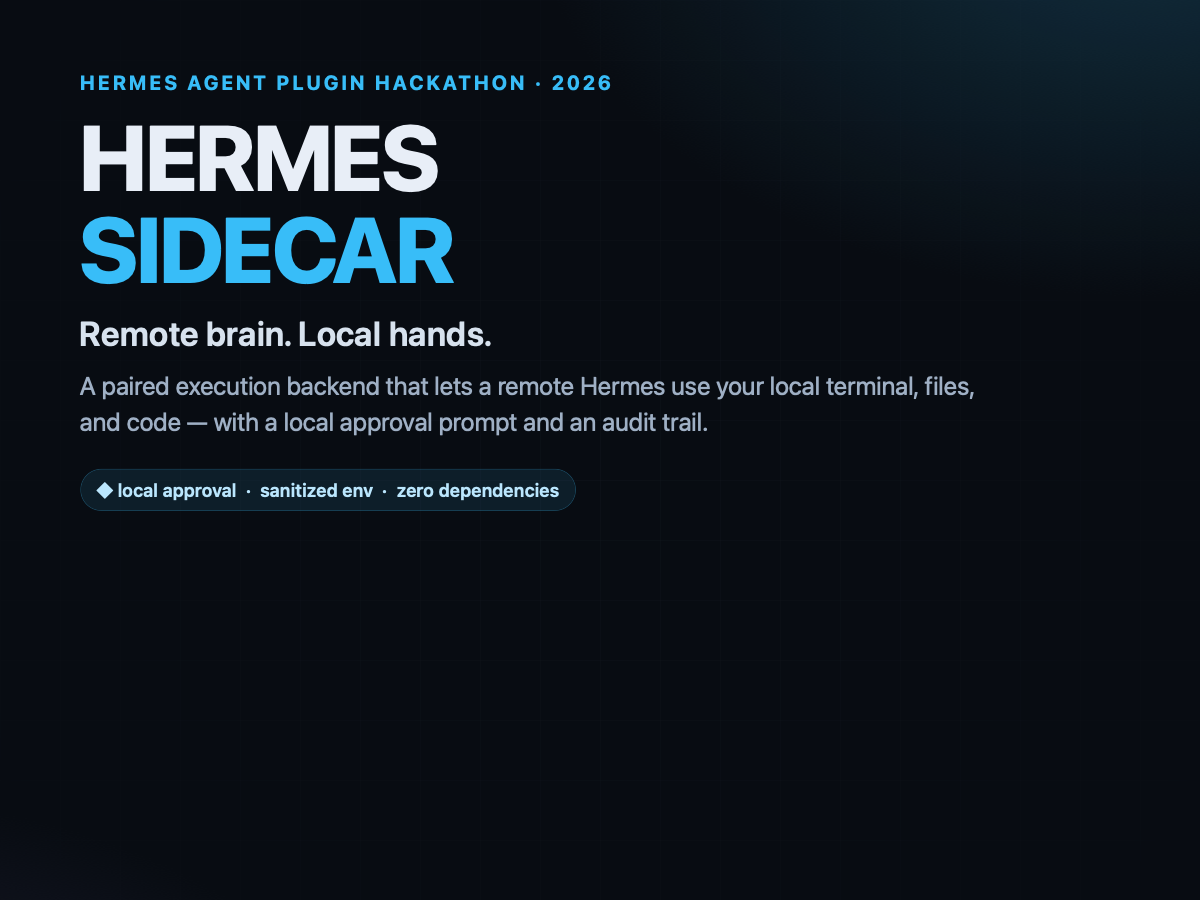
Sidecar
Remote brain, local hands.
Sidecar is a Hermes Agent terminal backend for the split-runtime case: the agent
runs on a server, but its terminal and file tools run on your machine. The
remote Hermes keeps its skills, memory, sessions and model configuration; the
local workspace, tools and credentials stay local. Every command that needs it
is approved by the person at the local keyboard, and every decision is written to
a local audit log.

┌─────────────────────────────┐          ┌──────────────────────────────┐
│  Remote Hermes (VPS)        │          │  Your machine                │
│                             │          │                              │
│  model · skills · memory    │  paired  │  Sidecar daemon              │
│  sessions · provider config │◄────────►│  approval prompt             │
│  terminal.backend: sidecar  │   HTTP   │  local workspace + audit     │
└─────────────────────────────┘          └──────────────────────────────┘
This is the plugin answer to hermes-agent#18715 — “Support remote Hermes agent
with local tool execution”:
the remote instance is the brain, the local instance is the hands.
Why
Running Hermes on a VPS gives you a persistent agent with your skills and memory.
But the files you are working on, the local services, the browser, the internal
network and the credentials are on your laptop — not on the VPS. Pointing the
remote agent at an SSH backend only moves the problem: it still cannot see the
laptop that is sitting in front of you.
Sidecar closes that gap without patching Hermes. It registers a normal terminal
backend; when Hermes selects it, terminal, read_file, write_file, patch,
search_files and execute_code all travel over a paired HTTP connection to a
small daemon on the local machine. The daemon applies a local policy, optionally
asks the local user, runs the command, and returns the output. The remote agent
never receives a shell on your machine; it receives one command at a time,
subject to your approval.
Install
On the remote Hermes:
hermes plugins install rkfshakti/hermes-sidecar
hermes plugins enable sidecar
hermes config set terminal.backend sidecar
On the local machine (the one with the workspace):
hermes sidecar serve --workspace /Users/you/Projects/acme
serve prints the listening URL and creates a pairing token under
~/.hermes/plugin-data/sidecar/token (mode 0600). On the local machine, run:
hermes sidecar pair --workspace /Users/you/Projects/acme
It prints the token and the exact hermes config set commands for the remote
profile. Then, on the remote:
hermes config set plugins.entries.sidecar.settings.url http://127.0.0.1:8765
hermes config set plugins.entries.sidecar.settings.workspace /Users/you/Projects/acme
export SIDECAR_TOKEN=<the-token>
hermes sidecar test
The token is a secret, so keep it in the remote profile's environment or .env
as SIDECAR_TOKEN; the pairing command prints that route by default. Avoid
hermes config set plugins.entries.sidecar.settings.token unless you deliberately
want the bearer credential stored in config.yaml.
Use the local machine's absolute path. A ~ is resolved by the daemon, but
the remote process's home is not the local home, so an absolute path is the least
surprising configuration (and avoids YAML treating a bare ~ as null).
hermes sidecar test round-trips a harmless command through the real daemon and
prints PASS when the bridge is working.
If the remote is a different machine, put the daemon behind Tailscale or an SSH
tunnel. The daemon binds to127.0.0.1by default and never needs a public
port. Do not expose it directly to the internet.
What it feels like
$ hermes sidecar demo
Sidecar demo
─────────────
  local workspace  /Users/you/Projects/acme
  transport        http://127.0.0.1:59749

  ✓ pwd
    where am I?
    → /Users/you/Projects/acme
    exit=0 decision=allow 5ms
  ✓ printf 'hello from the local machine\n'
    a local command returns output
    → hello from the local machine
  ✓ printf 'written on the local disk\n' > sidecar-demo.txt
    write a file on the local disk
  ✓ cat sidecar-demo.txt
    read it back
    → written on the local disk
  ✓ sh -c 'exit 7'
    exit codes survive the bridge
    exit=7 decision=allow 6ms
  ✓ osascript -e 'return 1'
    the deny list stops Apple Events automation
    → Sidecar denied this command: Apple Events automation
    exit=125 decision=deny 0ms

All demo checks passed.
With the default ask policy, a command that is not in the small safe list
produces a local prompt:
┌─ Sidecar approval ─────────────────────────────────────────────
│ 19:42:10  from hermes-sidecar/1.0
│ cwd: /Users/you/Projects/acme
│ timeout: 300s
│ command:
│   git status --short
└────────────────────────────────────────────────────────────────
Approve? [y/N]
The remote agent gets the output only after you answer. A denial is returned as a
clear tool error; the agent is instructed not to retry it verbatim.
Security model
Sidecar is a consent gate and transport, not an OS sandbox. An approved
command runs with your user's privileges. The boundary is:
- The pairing token. A 32-byte bearer token, generated locally, stored mode
0600, compared in constant time, and required on every request. - The local policy. Hard-denied patterns (privilege escalation, recursive
root deletes, download-to-shell, Apple Events, keychain access, outbound
network shells, shell-history clearing, …), an optional local allow/deny
regex list, and a workspace boundary. The remote agent cannot change these
settings. - The approval prompt. By default, anything that is not a side-effect-free
command (pwd,echo,date, …) waits for a person. There is no interactive
TTY? The command is denied. The person can answery,n, or let it time out. - The sanitized environment. The daemon runs commands with a small
environment:PATH,HOME,USER,SHELL,LANG,TERM,TMPDIR. Provider
keys, cloud credentials andSSH_AUTH_SOCKare not passed. A command can still
read a credential file if you approve it; that is what the prompt is for. - The local audit log. Every command, cwd, decision, approval, exit code and
duration is written to a local JSONL file (capped and rotated). Command output
is not stored. Common secret shapes are redacted from the stored command.
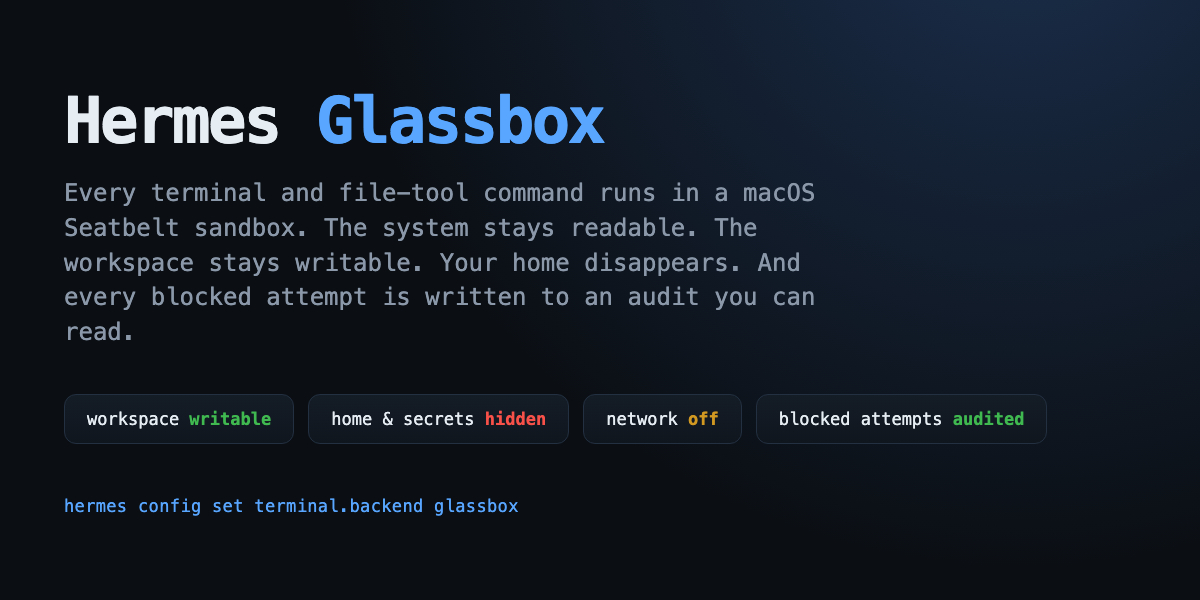
For kernel-enforced containment on macOS, pair Sidecar with
Glassbox: Glassbox can constrain
what an approved command can touch, while Sidecar decides whether it runs at all.
Disclosure
- Runs commands on your local machine, as your UNIX user, for a remote Hermes
you paired with a token. - Reads the local workspace and whatever paths an approved command touches.
- Writes only its own plugin data (token, audit log) and whatever approved
commands write. - No network calls of its own. The daemon listens on
127.0.0.1by default.
The remote plugin talks to the daemon URL you configure; it does not phone home,
use telemetry, or contact a third-party service. - The token is a bearer credential. Prefer Tailscale/SSH, or set
SIDECAR_TOKENin the remote environment instead of putting it in shell
history. - Not a sandbox and not a defense against a kernel exploit. It does not isolate
the command from your user account.
Configuration
Remote-side settings live under plugins.entries.sidecar.settings:
| Key | Default | Meaning |
|---|---|---|
| url | http://127.0.0.1:8765 | Local daemon URL. Keep it loopback or tunnel it. |
| token | — | Pairing token from hermes sidecar pair. |
| workspace | ~ | Local directory commands start in and may use. |
| timeout | 300 | Default command timeout, clamped by the daemon. |
Local daemon options (hermes sidecar serve):
| Flag | Default | Meaning |
|---|---|---|
| --host | 127.0.0.1 | Bind address. Non-loopback prints a warning. |
| --port | 8765 | Port. |
| --workspace | current directory | Local workspace boundary. |
| --approval | ask | ask, allow, read-only or deny. |
| --timeout | 300 | Default command timeout. |
| --max-timeout | 600 | Upper bound a remote request may ask for. |
| --allow | — | Extra allow regex (repeatable). Local only. |
| --deny | — | Extra deny regex (repeatable). Local only. |
| --allow-outside-workspace | off | Allow requests whose cwd is outside the workspace. |
| --no-audit | off | Do not write the local audit log. |
| --rotate-token | off | Rotate the pairing token before serving. |
--approval allow runs commands without a prompt (the hard deny list still
applies). It is intended for a disposable machine or a fully trusted remote, not
for a laptop with credentials. The default is ask.
CLI
hermes sidecar serve           # local daemon
hermes sidecar pair            # print the URL, token and remote setup commands
hermes sidecar status          # remote config + daemon health + effective policy
hermes sidecar test            # round-trip through the real daemon
hermes sidecar log             # remote audit (fetches from the daemon)
hermes sidecar log --local     # read this machine's audit file
hermes sidecar demo            # self-contained transport/backend demo
hermes sidecar verify          # eight-check self-test (local ephemeral daemon)
hermes sidecar verify --remote # same checks against the configured daemon
Inside a session: /sidecar status, /sidecar test, /sidecar audit [limit].
The agent also gets two tools:
sidecar_status— daemon, workspace, effective policy, audit count.sidecar_audit— recent decisions and exit codes, no output.
How it works
Hermes tool call
      │
      ▼
SidecarProvider (TerminalEnvironmentProvider)
      │  builds SidecarEnvironment for the workspace
      ▼
BaseEnvironment hands Sidecar the raw command and cwd
      │  Sidecar sends data only: command, cwd, cwd-marker
      ▼
POST /v1/exec  (Bearer token, JSON)
      │
      ▼
Local daemon
      ├─ parse the data envelope, never a client-supplied wrapper
      ├─ classify exactly the command it will run (allow / ask / deny)
      ├─ ask the person at the keyboard if needed
      ├─ build the cd/eval/cwd-marker wrapper itself
      ├─ run bash -c with a sanitized environment
      ├─ enforce the timeout and kill the process group
      ├─ cap and return stdout+stderr
      └─ append metadata to the local audit log
The daemon builds the wrapper because the policy, the approval prompt, the audit
entry and the executed command must be the same string. The old protocol carried
the policy command and a separate shell wrapper in one request; a client could
show pwd to the policy and execute something else. Protocol v2 rejects that
marker outright.
The daemon is deliberately small: standard library only, no database, no
background workers, no outbound network. The plugin has zero Python
dependencies, so it cannot move Hermes's dependency pins.
Limitations
- Terminal, file and code tools follow the backend. Browser and MCP servers
configured on the remote still run remotely; local MCP routing is future work. - No streaming. A command's output is returned when it exits or times out.
Long-running interactive programs are a poor fit; use a normal SSH session. - The local person must be present for
ask. Cron, a headless server, or a
closed laptop will deny anything outside the safe list. Useallowor
read-onlydeliberately if that is what you want. - Not a sandbox. Use Glassbox or a container when you need kernel
enforcement. - macOS and Linux. The local shell is
/bin/bash(falling back to
/bin/sh). Windows is not declared.
Development
python -m pytest -q
# integration tests for the Hermes BaseEnvironment need a Hermes checkout:
PYTHONPATH=/path/to/hermes-agent python -m pytest -q
The test suite covers the policy, audit redaction/rotation, token handling,
HTTP auth, approval allow/deny, timeouts, workspace escape, exit codes, the
sanitized environment, and the real BaseEnvironment round trip.
hermes plugins validate . --install-deps
hermes plugins doctor . --ci
Hackathon
Built for the Hermes Agent Plugin Hackathon.
The plugin is the entry; the demo and the catalog PR are linked from the
submission form.
MIT.
README from the reviewed commit 3335172; it updates when the author re-pins.