
Official Marketplace
HermesMarketplace
Give Hermes new powers; in memory, voice, messaging, and browsing. Built by the community, for the community.
Updated 23 minutes ago · 977 plugins
Featured Plugins
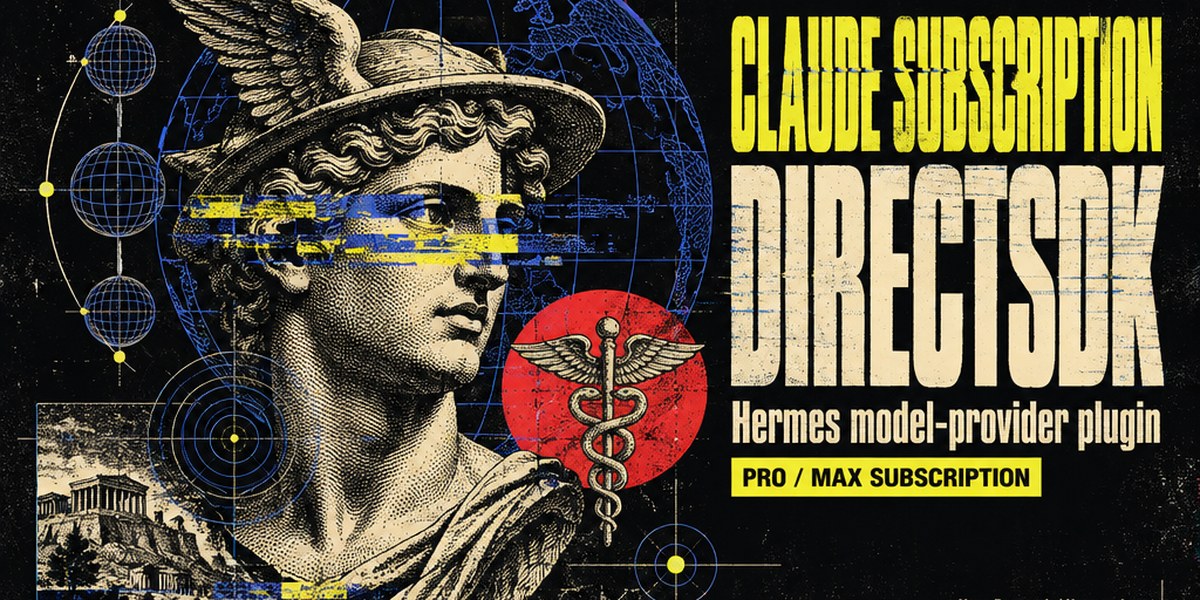
Claude Subscription
Experimental model provider that runs Hermes turns on a Claude Pro/Max subscription through the official Claude Code CLI (the Agent SDK path), so no separate API key or per-token bill. Requires the claude CLI installed and logged in; the plugin checks for it at load, in hermes model, in the pickers and before every request, and refuses cleanly with the install hint when it is missing. Disclosure — every turn is billed against your Claude subscription's Agent SDK allowance, and the provider inherits whatever account claude is logged into.
hermes plugins install claude-subscription-directsdk
by NousResearch
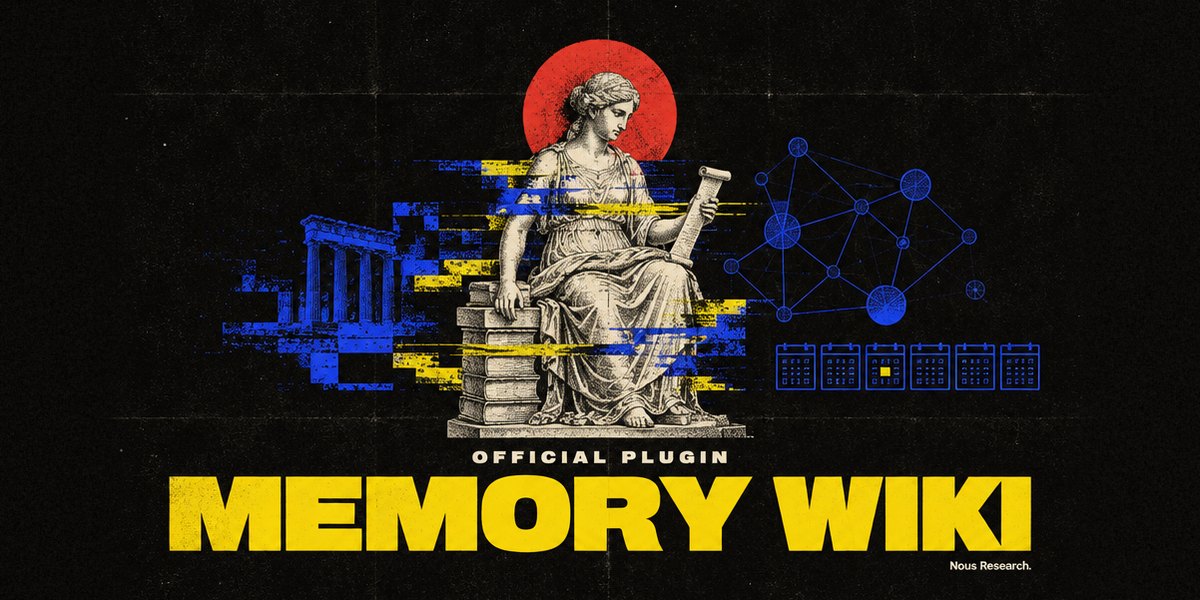
Memory Wiki
Memory Wiki dashboard tab and opt-in native Desktop page: browsable subject pages and daily logs derived from local session history, plus a read-only Persistent Memory (MEMORY.md / USER.md) audit panel.
hermes plugins install hermes-memory-wiki
by NousResearch

Blender
Official Blender Lab MCP server over stdio, pinned to upstream v1.0.3, with a Blender workflow skill. Needs Git and uv; Blender 5.1+ is not needed at install. The skill opens Blender itself when a task needs it and, after you agree, installs Blender and Blender Lab's MCP add-on. First startup downloads Python dependencies; prepare the uv environment before connecting. Disclosure — tools execute arbitrary Python in Blender with your privileges; the skill starts Blender with online access for that session only (your saved preference is unchanged), and the add-on's local server on port 9876 has no password, so any program on this computer can use it while Blender is open; only after you agree does the skill download Blender from download.blender.org (about 400 MB, about 1.5 GB unpacked), check it against blender.org's sha256 list and install it in your own folder without administrator rights (Linux ~/.local/opt, macOS ~/Applications, Windows %LOCALAPPDATA%\Programs\Blender Foundation; never over an existing Blender), and download the v1.0.3 add-on, check its hash and install or enable it; first start downloads the pinned Blender Lab MCP server and its Python dependencies with uv. Server discovery does not prove scene readiness.
hermes plugins install blender
by NousResearch

TouchDesigner
Drive a live TouchDesigner session through the twozero MCP server (Streamable HTTP on 127.0.0.1:40404), with the touchdesigner-mcp workflow skill bundled. Portable Agent Plugins v1 package (mcp.json + skills/); TouchDesigner itself runs on macOS/Windows.
hermes plugins install touchdesigner
by NousResearch

Telegram Business
Observe-with-approval Telegram Business Mode (secretary bot): Hermes drafts replies to your customers' messages and DMs each draft to you with Send, Edit and Discard buttons; nothing reaches a customer until you tap Send. A Hermes Labs plugin: built by Nous Research, not supported. Disclosure — each customer message is sent to your active Hermes model to draft the reply, and drafts and connection records are stored locally in <HERMES_HOME>/telegram-business/state.db.
hermes plugins install hermes-telegram-business
by NousResearch
Quality of Life Improvements
The most-starred desktop and tool plugins in the catalog.


Spotlight: Adolanium
4 picks from the community maintainer with the most plugins in the catalog.



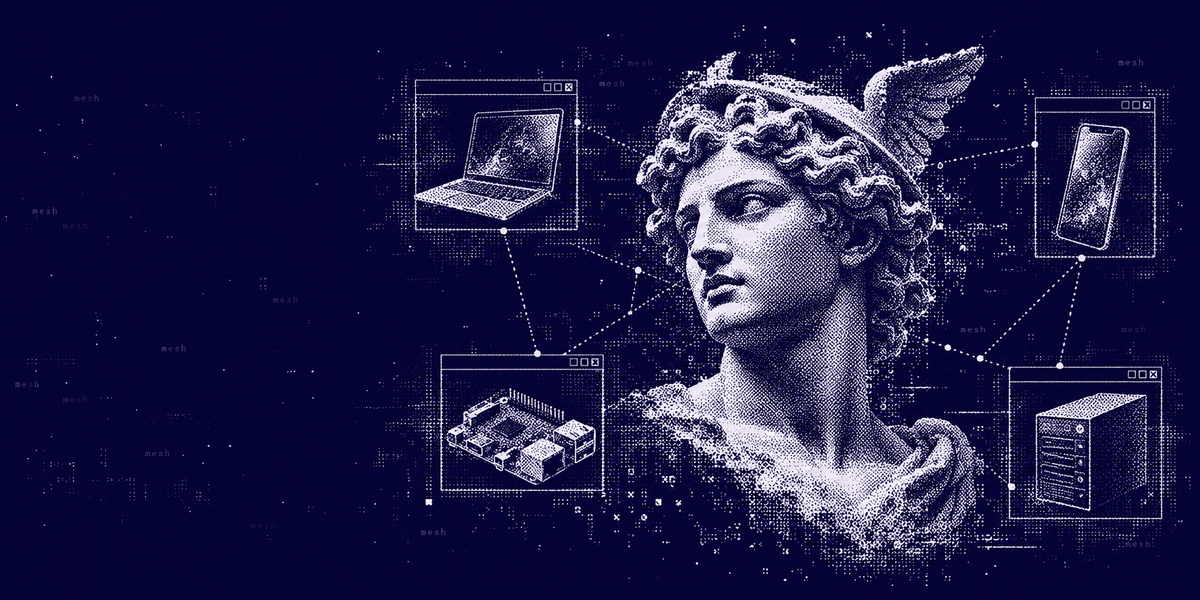
Talk to Hermes Anywhere
Chat where you work, connect models and extend Hermes with trusted services.
 DiscordBring Hermes into servers and direct messages.Available
 SlackConnect Hermes to your Slack workspace.Available
 WhatsAppMessage your agent through WhatsApp.Available
 SignalReach Hermes through private Signal chats.Available
 TelegramChat with Hermes through a Telegram bot.Available
 MatrixConnect rooms and direct messages to Hermes.Available
Connectors
Connect Hermes to the apps you already use: 54 services, one sign-in each from the portal.
Developer Mode
Explore built-in Hermes toolsets and actions.