Composio Connections
Connect and disconnect Composio accounts from Hermes. The same page runs in Hermes Desktop and in the web dashboard.
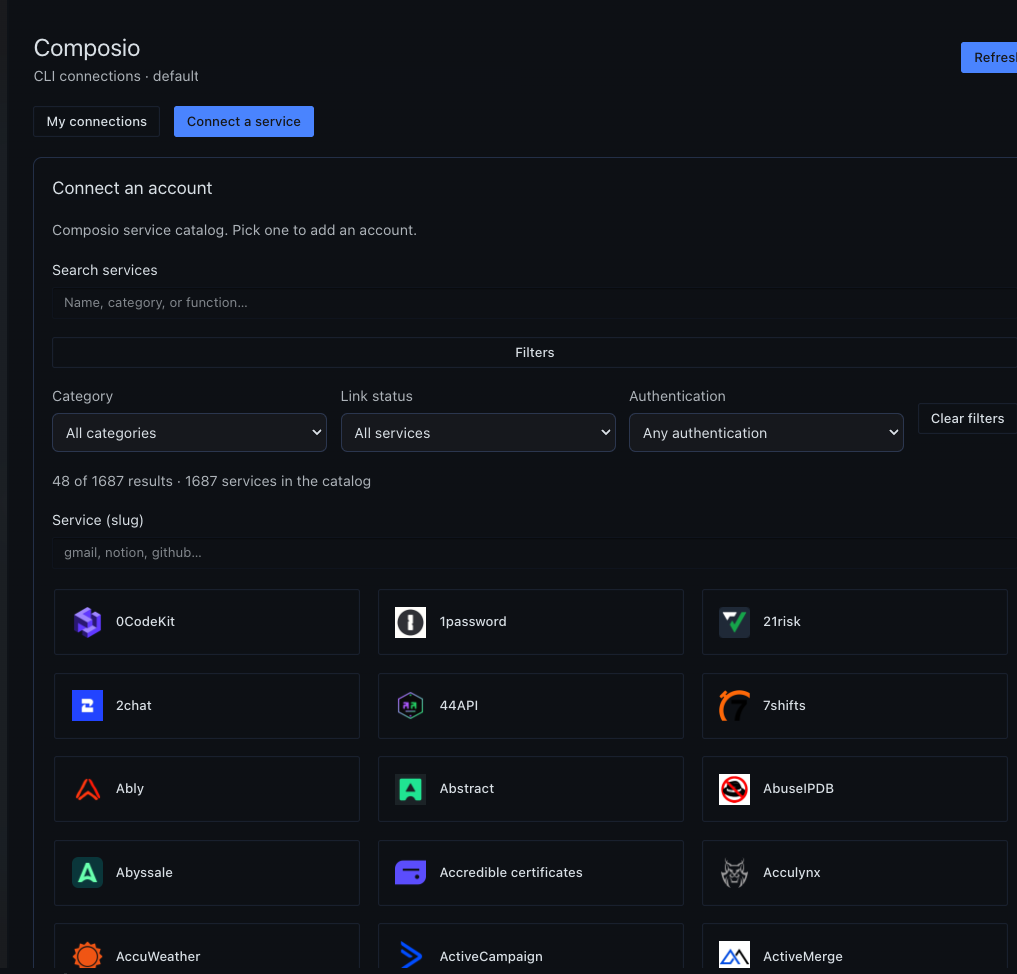
It lists every row the Composio CLI returns: active, expired, duplicated, and accounts with no alias. OAuth opens in your browser. Disconnect names the exact account and checks that it is gone. The assistant keeps using the Composio CLI. This plugin does not add agent tools.
The account pictures use example data. The first picture is Hermes Desktop. The next ones are the Hermes web dashboard.
Hermes dashboard
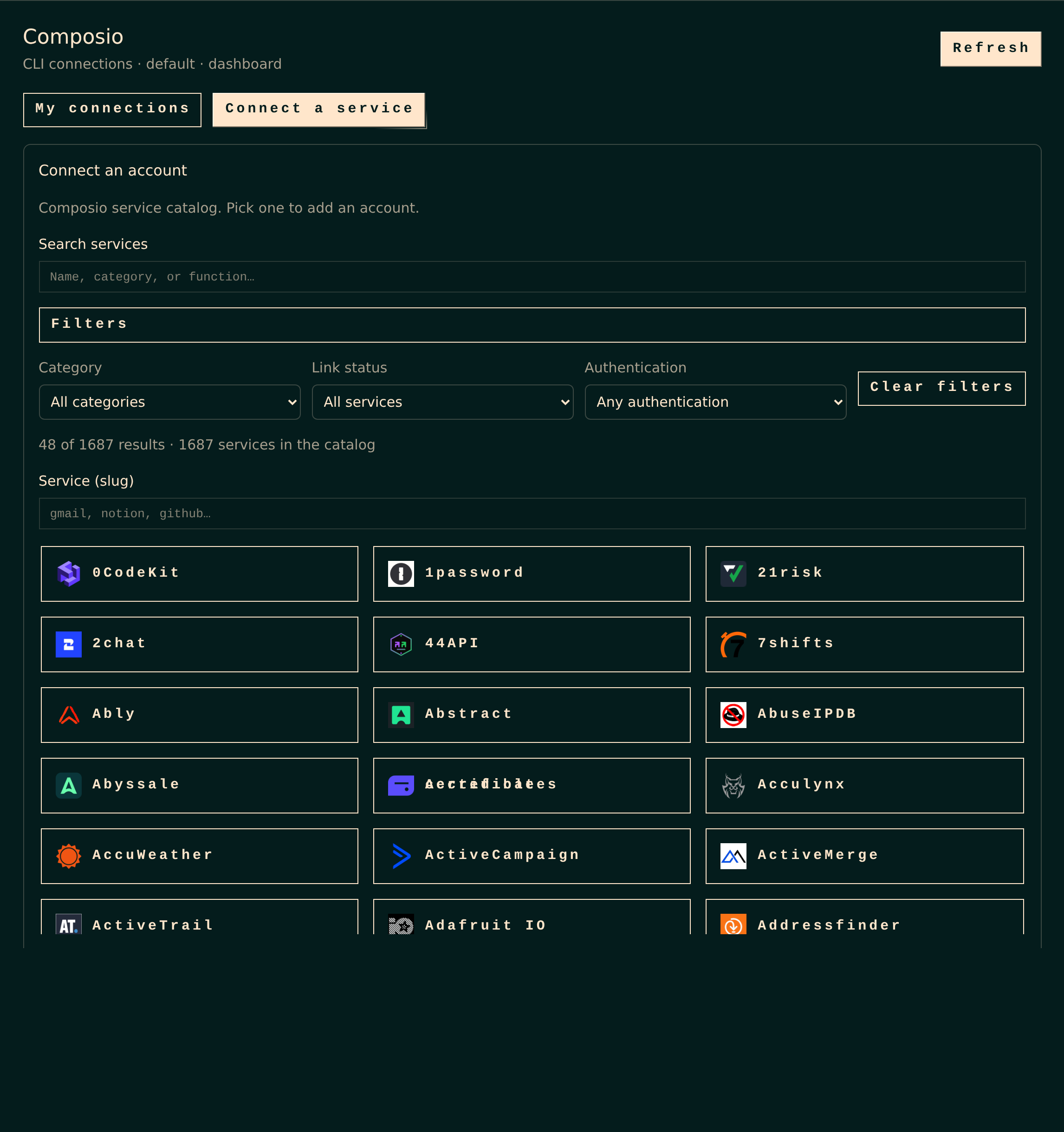
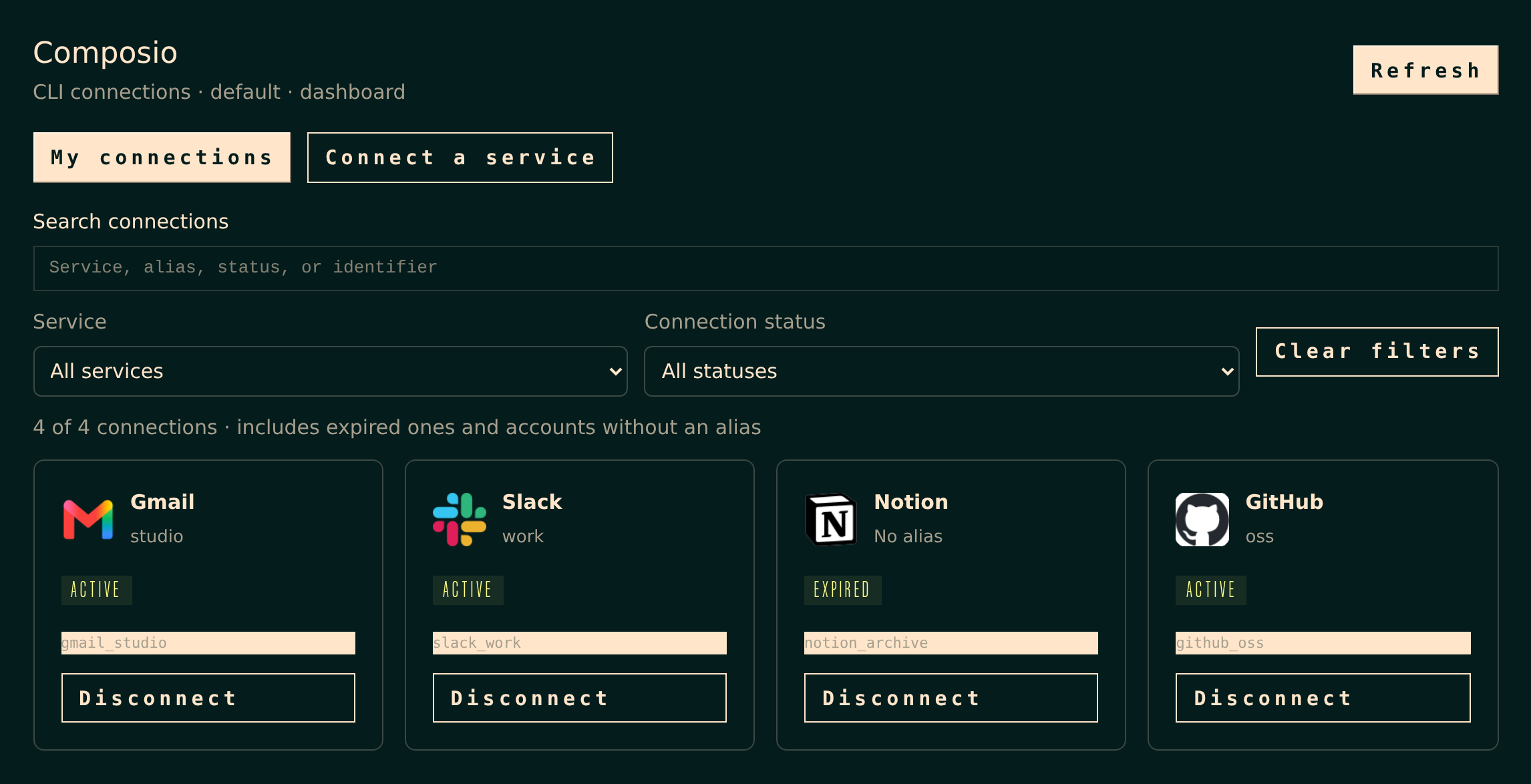
Connect a service
The catalog is the official Composio toolkit list, not only the services you already have. Logos are packed into the plugin, so opening the page does not call an image host. Search and filters apply before the list pages itself.
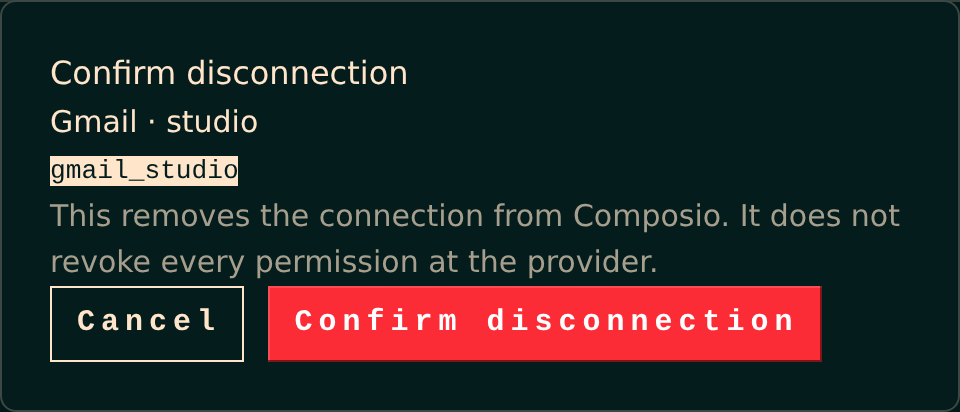
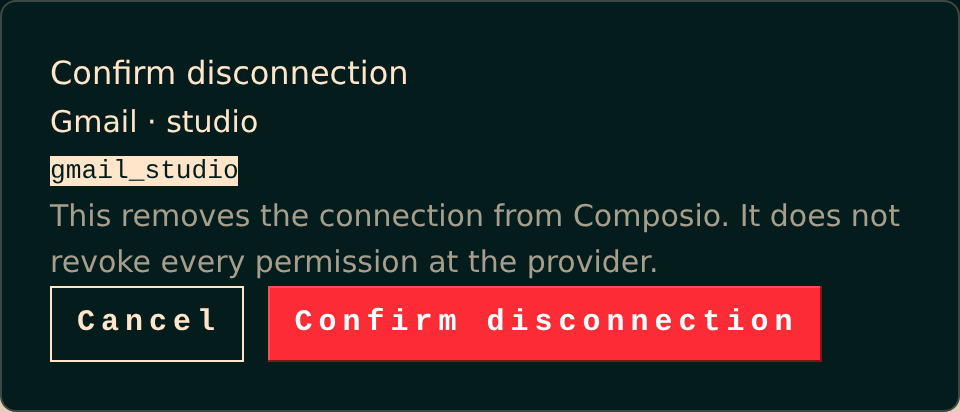
Disconnect one account
Confirmation shows the alias and the exact identifier. Removing the connection from Composio does not revoke every permission at Google, Slack, GitHub, or any other provider.
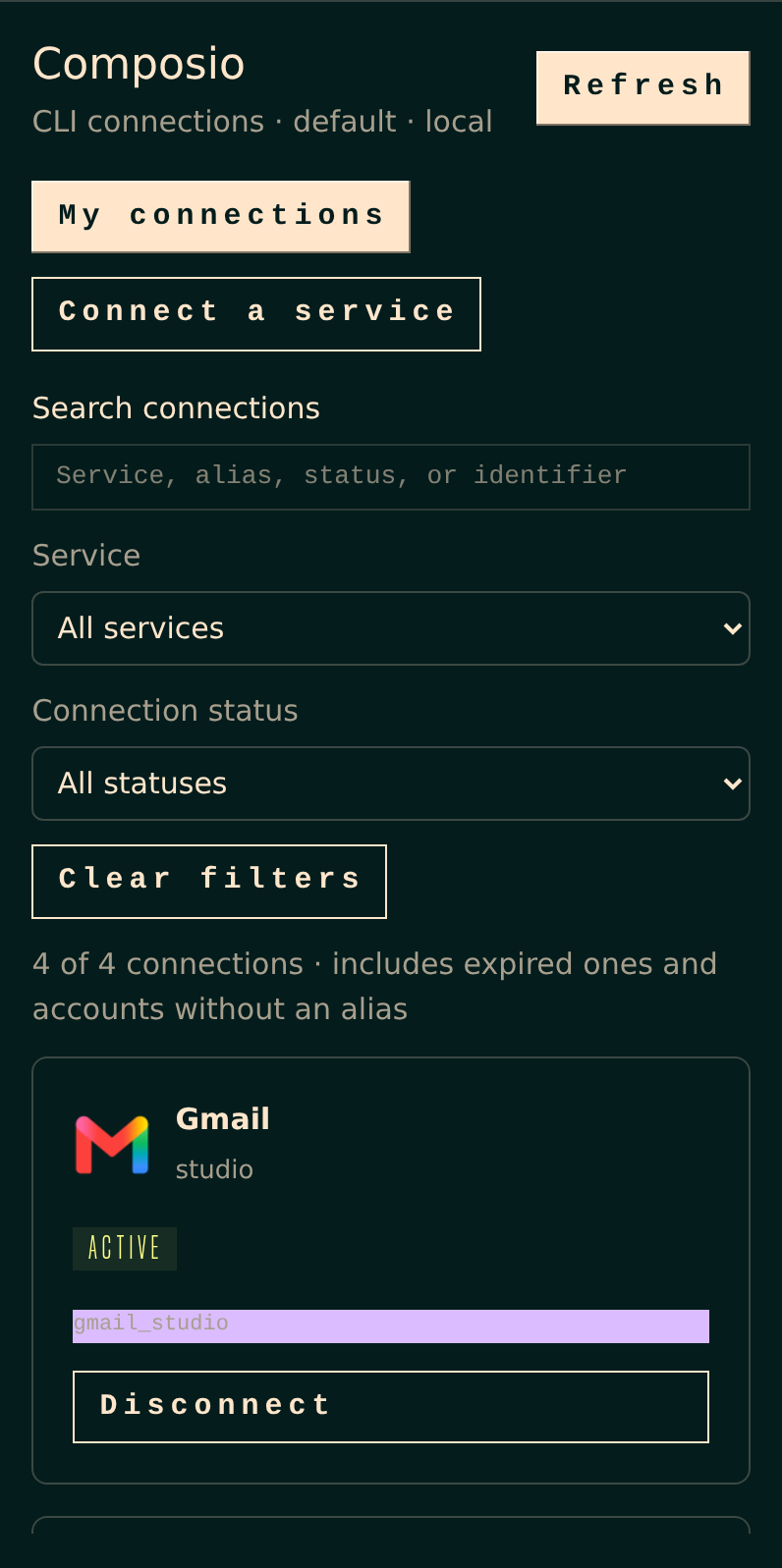
Narrow layout
Filters stack. The first account stays on screen. Nothing has to scroll sideways.
Install
Hermes 0.22.5 or newer. The packaged release is v0.1.7.
From Git, which tracks this repository:
hermes plugins install luisced/hermes-composio-connections
hermes plugins enable composio-connections
Or install the release package. It unpacks to composio-connections/ with plugin.yaml at the top of that folder:
unzip composio-connections-0.1.7.zip -d ~/.hermes/plugins
hermes plugins enable composio-connections
Check SHA256SUMS before unpacking. The catalog needs COMPOSIO_USER_API_KEY in the Hermes secret store for that profile. Inventory, connect, and disconnect use a logged-in composio CLI on the gateway. The key never goes to the browser.
On the machine that runs Hermes Desktop, install the desktop file as well:
python3 install-desktop.py
That copies only desktop/plugin.js into ~/.hermes/desktop-plugins/composio-connections/. It does not install the backend and it refuses to overwrite a different file. Then reload desktop plugins.
What it follows
The page uses the active Hermes language: English, Spanish, simplified and traditional Chinese, Japanese, Arabic, Russian, French, German, Turkish, Ukrainian, Afrikaans, Korean, Italian, Irish, Portuguese, and Hungarian. Anything else falls back to English. Service names, categories, and raw Composio statuses stay as Composio sends them.
An expired account still counts as a service you have added. It does not count as a live authorization.
Limits
- The scope is the Composio context of the CLI. Other organizations, and Hermes connectors that are not Composio, do not appear.
ACTIVEdoes not prove that every granted permission has been used.- The confirmation step needs a Unix PTY. If the CLI prompt changes, the mutation fails closed.
- This repository is the installable plugin. It is not yet a listing in the official Hermes catalog.
Development
uv venv .venv
uv pip install --python .venv/bin/python pytest pytest-asyncio httpx fastapi pyyaml
.venv/bin/python -m pytest -q
node scripts/build-dashboard.mjs
node dashboard/web-test.mjs
UI tests live in tests/ui. They drive the shipped page with fixture accounts. They do not touch a real Composio account.