Burnclock for Hermes
A Hermes Desktop status-bar chip that shows the provider balance and runway tracked by burnclock — an MIT-licensed, local-first CLI for answering “how much is left, and how long will it last?”

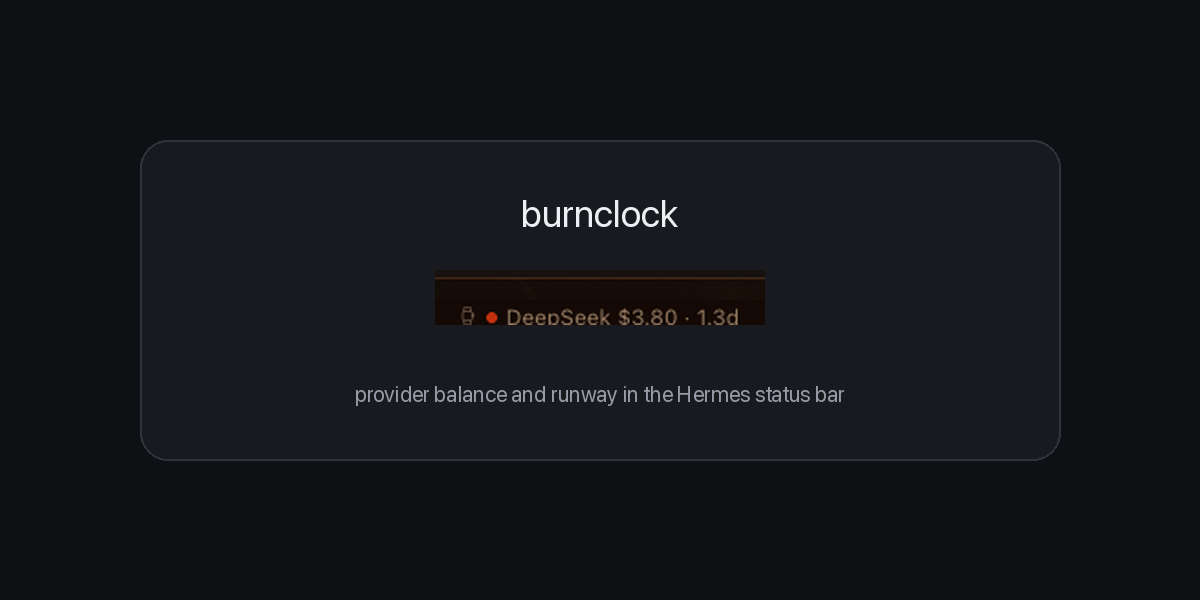
DeepSeek $3.80 · 1.3d is one line from burnclock's cache: provider, remaining
balance, and estimated runway at the current burn rate. The dot is green above
five days, amber under five, red under two.
What it does
- Adds a small watch chip to
statusBar.right. - Every 60 seconds it reads burnclock's cache files (
badge.txtfor the line,badge.jsonfor status and runway). It never spawns the CLI. - Clicking the chip shows the full reading (provider, balance, runway, cache timestamp) and re-reads the cache.
- When there is no cache yet, it shows
burnclock —and explains how to populate one. It never invents a number.
Requirements
- Hermes Desktop 0.22.0 or newer.
- The burnclock CLI installed with
pip install burnclock(0.1.2+) or pipx, to populate the cache. The plugin does not need the CLI on itsPATH; it reads the cache files directly. - Burnclock configured with at least one provider key, and one successful
burnclock badge --refreshso a cache exists.
The plugin does not install the CLI, ask for keys, or configure providers. That separation is deliberate: credentials stay with burnclock, not in a renderer plugin.
Install
From the catalog (after listing):
hermes plugins install burnclock
Manual install, for development:
git clone https://github.com/jersilb/burnclock-hermes
mkdir -p ~/.hermes/desktop-plugins/burnclock
cp burnclock-hermes/desktop/plugin.js ~/.hermes/desktop-plugins/burnclock/plugin.js
Then reload the Desktop plugins (⌘K → “Reload desktop plugins”, or restart the app). The chip appears at the right end of the status bar.
Populate the first reading in a normal terminal, where your provider keys are available:
pip install burnclock
burnclock badge --refresh
What it reads, and what it does not
Reads: burnclock's own cache files, resolved the same way the CLI resolves
them ($BURNCLOCK_BADGE_CACHE, then $XDG_CACHE_HOME/burnclock/badge.json,
then ~/.cache/burnclock/badge.json). badge.txt supplies the one-line label;
badge.json supplies the provider row, status, runway and timestamp.
Does not read: environment files, ~/.hermes/.env, Hermes credentials,
provider keys, browser profiles, or any file outside burnclock's own cache.
It has no telemetry, no analytics, no update checker, and makes no network
calls itself.
Shell command: each refresh runs exactly one command via the Desktop SDK's
shell.exec: a cat of those two cache files, bound to the active session. It
never executes the burnclock CLI, so it cannot trigger a collection or write to
the cache. Populating the cache stays a user action in their own terminal,
where their provider keys are available.
Notes
- This is a read-only view. “Estimates, not billing truth” applies: burnclock converts balances to runway using published rate cards, and actual billing can differ.
- The chip is cache-first by design. If the cache is stale, it shows the last known line rather than blocking the status bar on a network call.
- Uninstall by removing the plugin in Settings → Plugins, or deleting the plugin folder.
License
MIT. The burnclock CLI is a separate MIT project; this repository contains only the Hermes Desktop plugin and its documentation.