Plexus
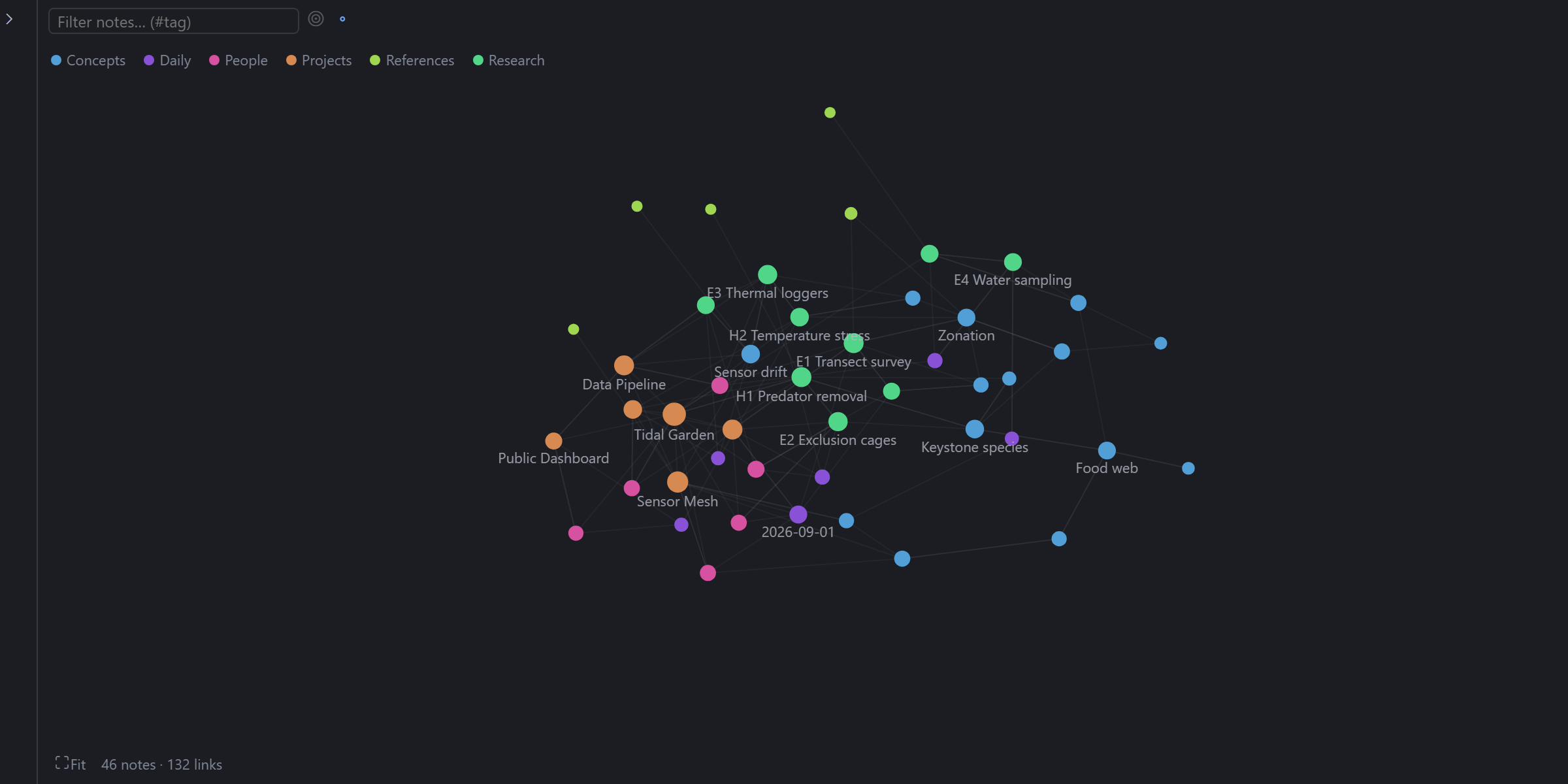
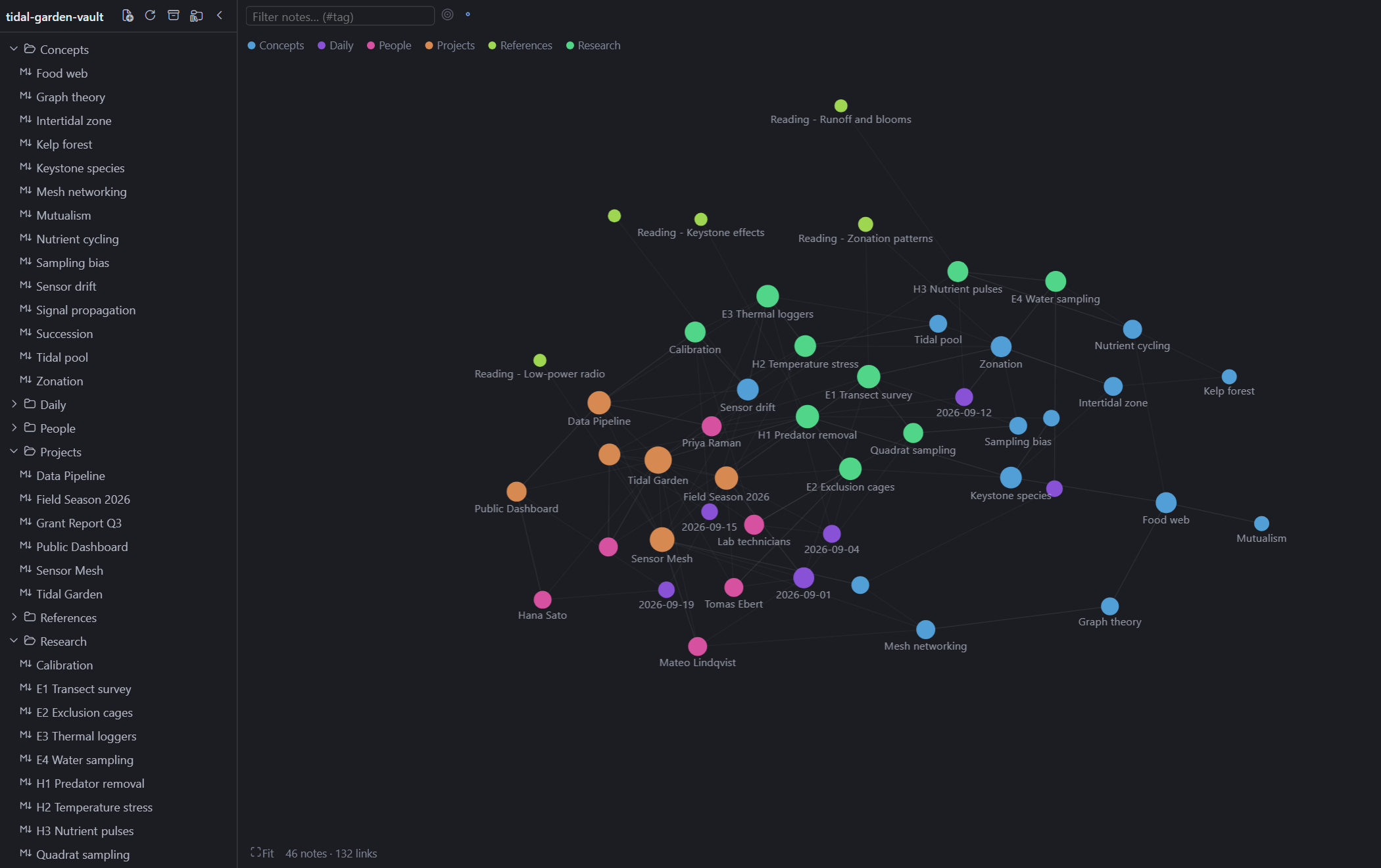
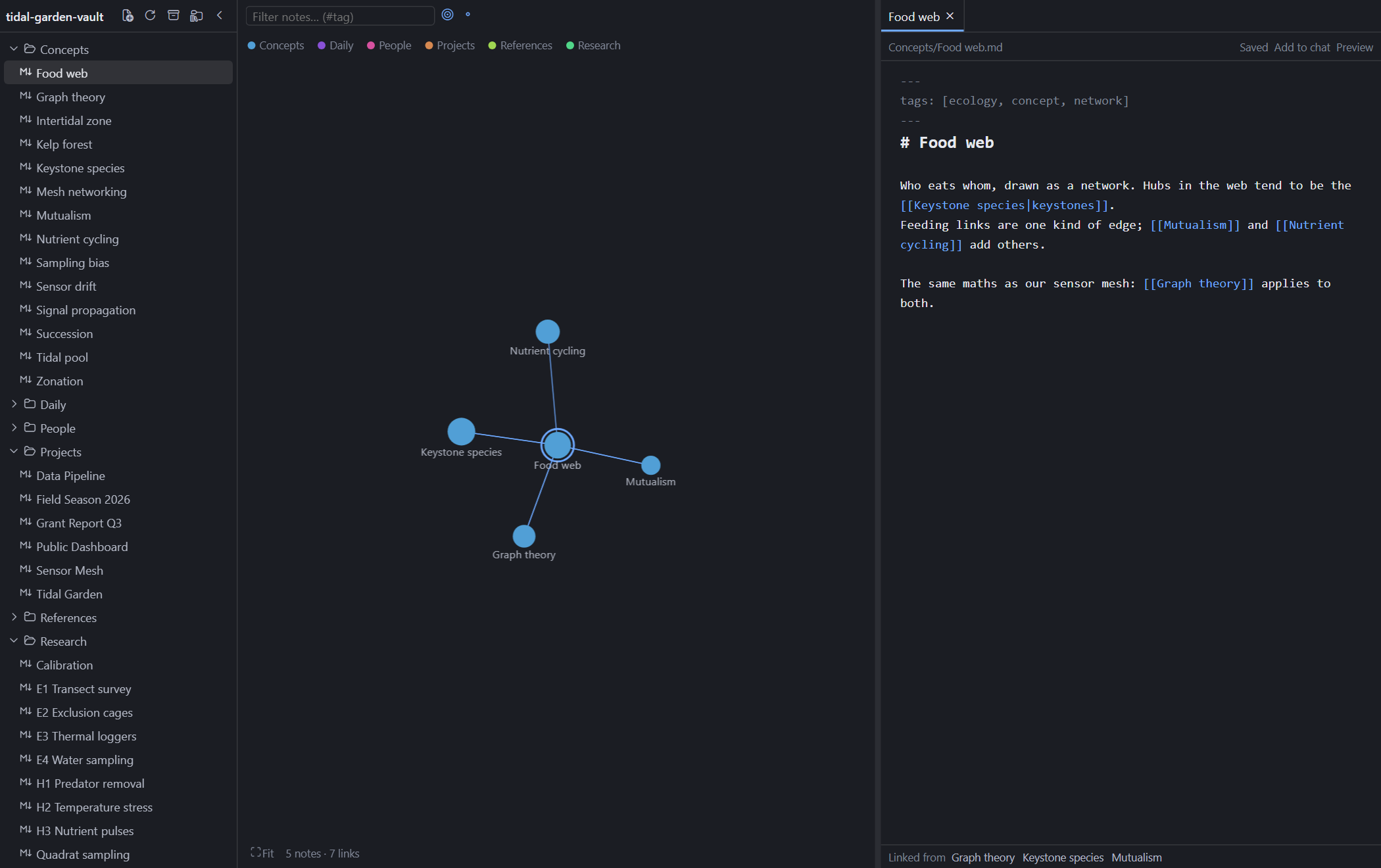
Your markdown vault as a constellation, inside Hermes Desktop. One workspace tab holds a file tree, a force-directed graph of your notes and their [[wikilinks]], and a tabbed editor; drag the divider to fold either side away. Notes are read and written on your own machine, with no backend and no network (images that notes link from the web load only if you turn that on). Unofficial: not affiliated with Nous Research or Obsidian.




Graph, tree and editor in one tab · Obsidian-style wikilinks · Link notes from chat
Quick start
What it does
- A graph of your vault. Notes are nodes and
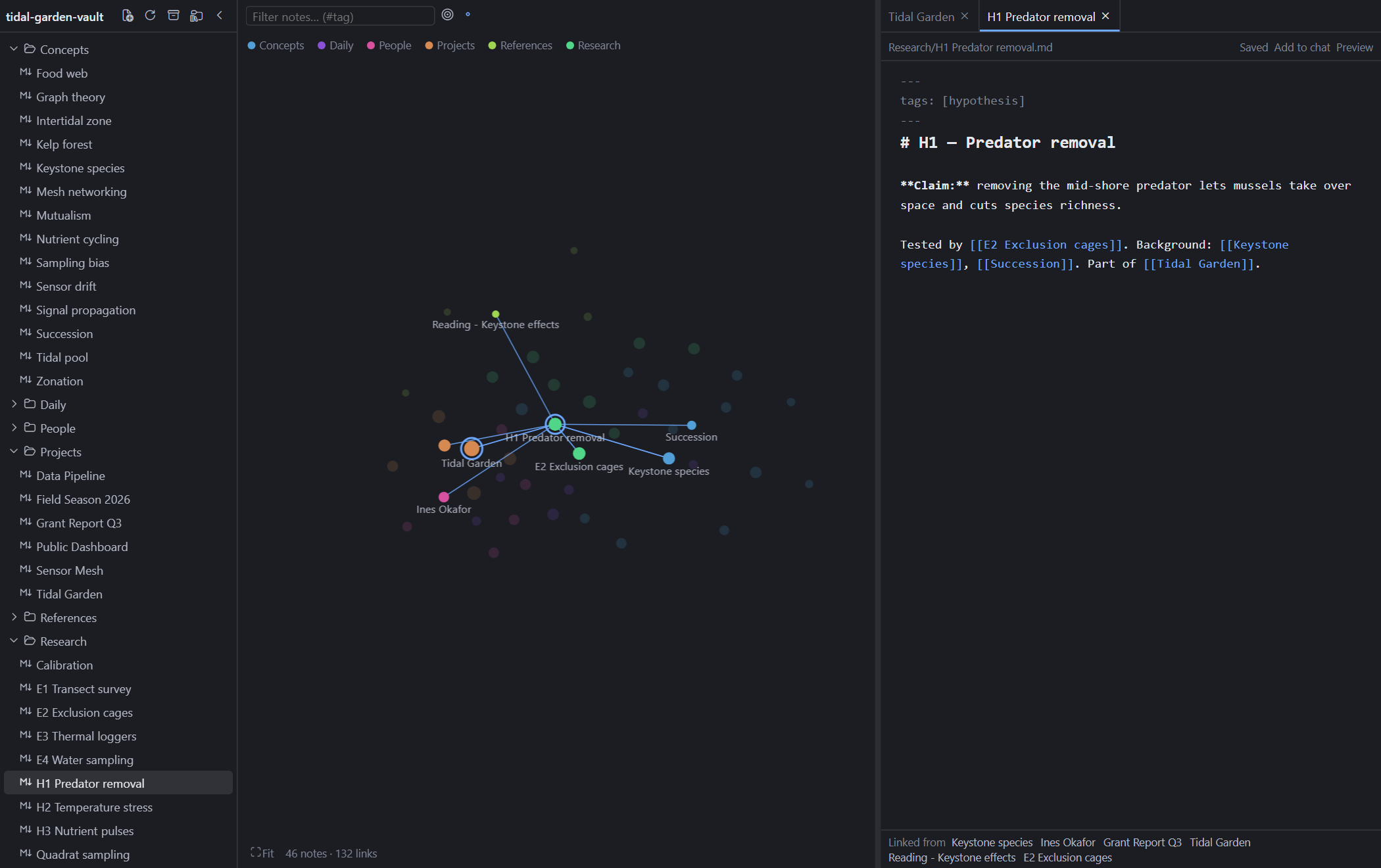
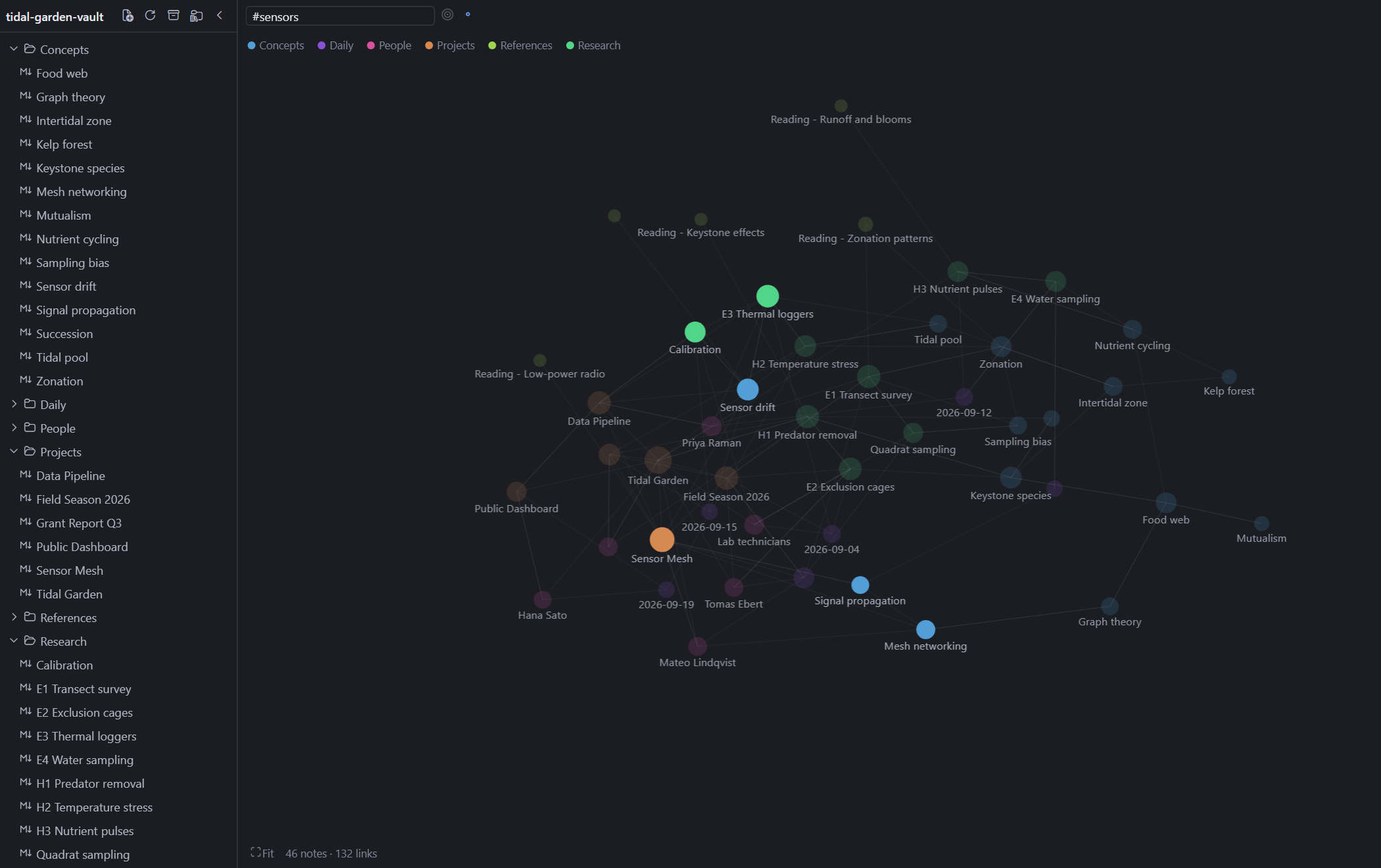
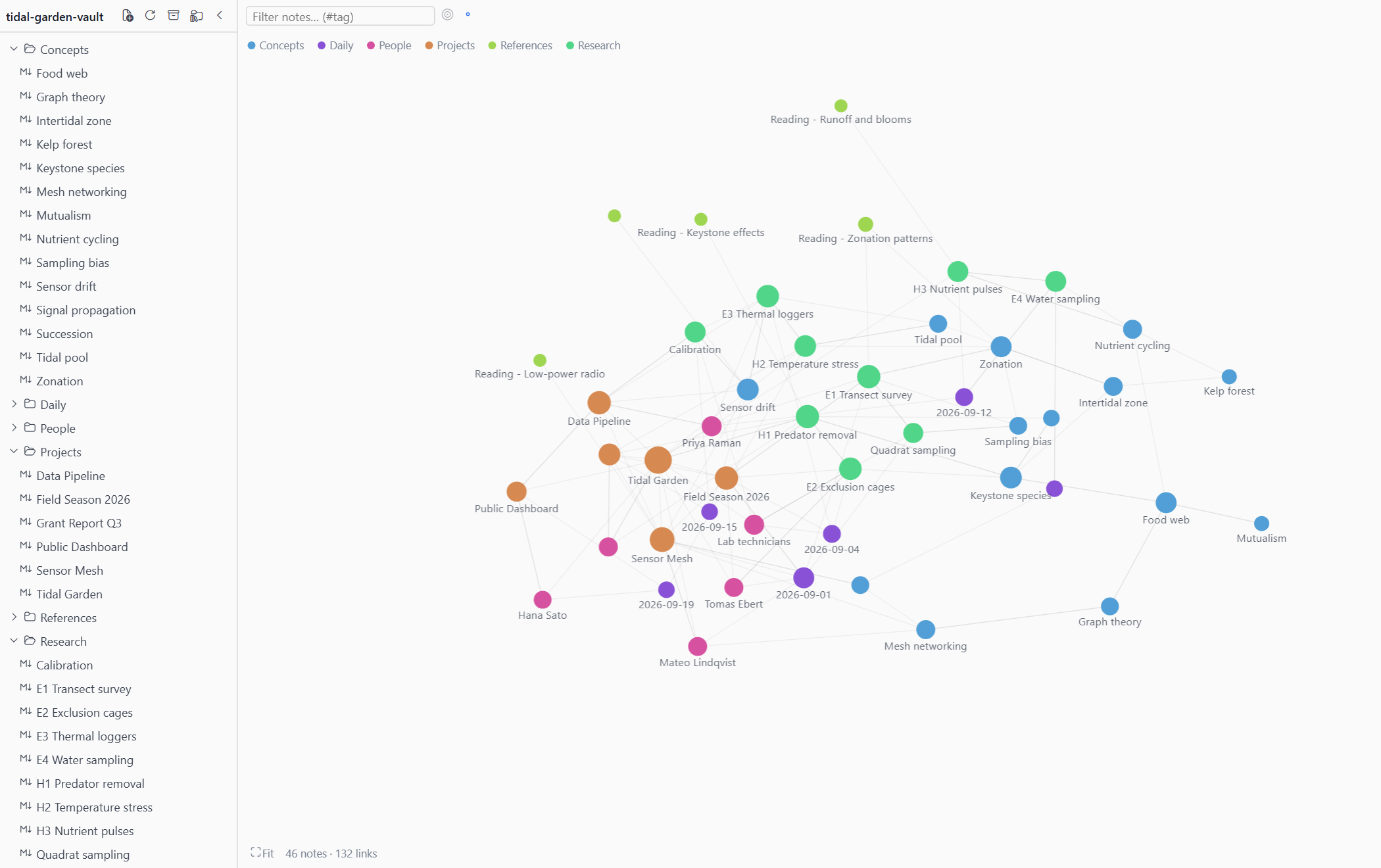
[[wikilinks]]are edges, clustered and coloured by top-level folder. Scroll to zoom, drag to pan or move a node, click to open, Shift+click to pin. The filter box dims everything that does not match (#tagworks too), the target button shows just the open note and its neighbours, and the legend hides whole folders. Notes changed by something else, such as the agent, get a dashed halo for ten minutes. - A file tree you can hide.
.mdnotes by folder, with new, rename, move to trash (recoverable) and drag-to-move. Moving or renaming rewrites the links that pointed at the note, keeping aliases, headings and embeds. - A tabbed editor beside the graph. Markdown source with autosave,
[[autocomplete, Ctrl/⌘-click to follow a link (a missing target is created next to the current note), an Edit/Preview toggle and a backlinks list. The divider between graph and editor snaps to 0% or 100%, so either side can vanish. - Real wikilinks.
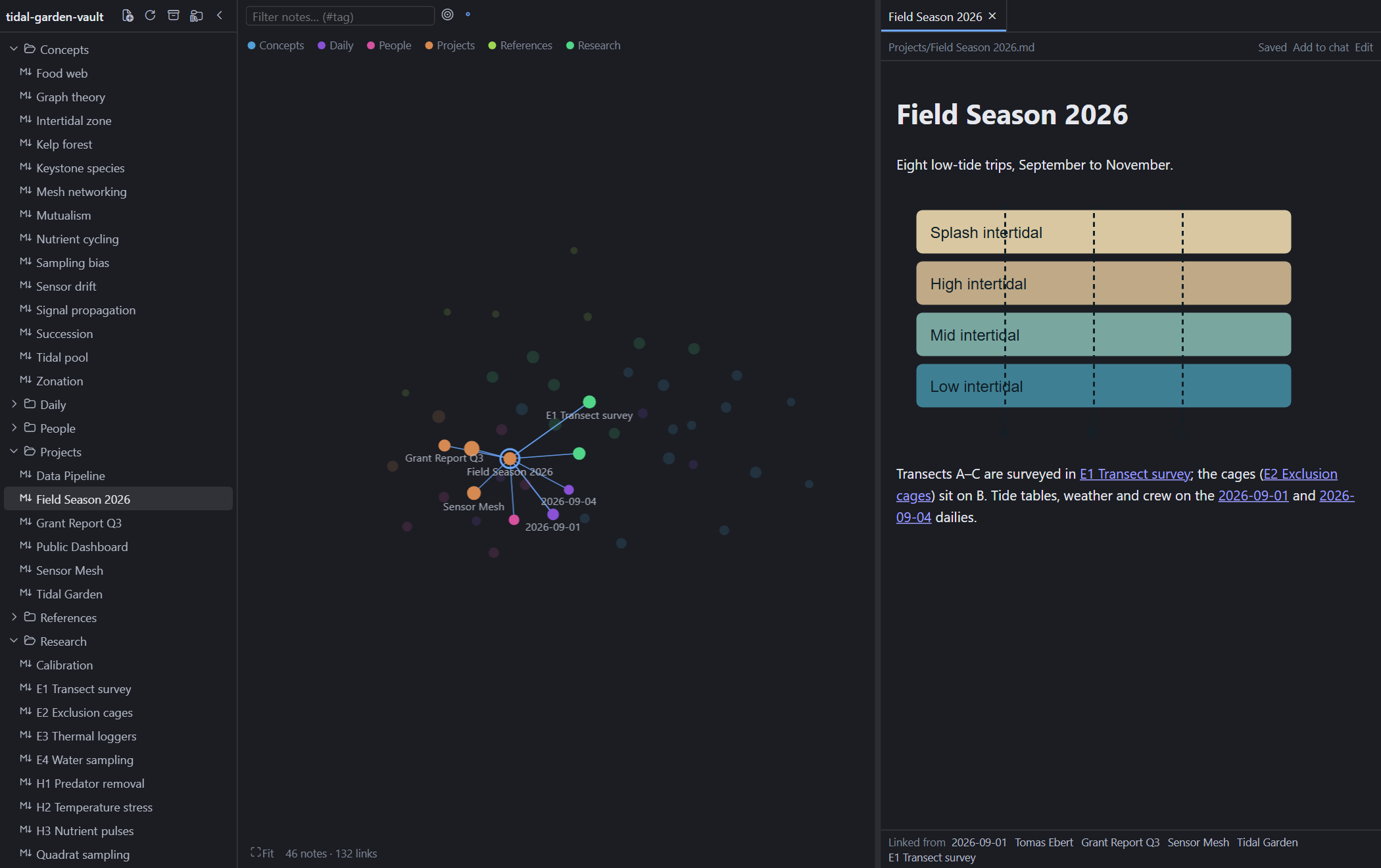
[[Note]],[[Note#Heading]]and[[Note#^block]]jump to the heading or block. Preview shows vault images (![[pic.png|300]],) and embeds a note or one of its sections (![[Note#Heading]]). - Safe saves. If a note changes on disk while you have unsaved edits, saving is refused until you choose Reload from disk or Overwrite. A clean open note simply reloads.
- Remembers where you were. Open tabs, expanded folders, pinned nodes and the graph layout are kept per vault, with a switcher for several vaults.
These are rendered from the fictional demo vault in demo/vault (a made-up tide-pool research project; every name and result is invented) by a small harness that mounts the real plugin components in headless Edge or Chrome. Only the host app around them (Hermes' SDK, theme colours, the markdown renderer) is simulated, so treat them as representative rather than literal Hermes Desktop captures.
Use it from Hermes
Open it from the Vault button in the status bar (right-click the bar to hide it), the command palette (Open Vault), or Ctrl/⌘+Shift+G (rebindable in Hermes settings). The first time, choose the folder that holds your notes. Settings are under Settings → Plugins → Plexus.
Link notes from chat. The plugin registers a transcript directive, so the agent can point at a note and you open it with one click:
::vault{note="Projects/Hermes setup#Install"}
The chip opens or re-fronts the tab on that note. A name that does not exist is reported, never created. Hermes' agent only uses the directive if you tell it; add something like this to a skill or SOUL.md:
When you mention a note from the user's Obsidian vault, link it with
::vault{note="<Folder/Note name>"}(optionally#Heading) on its own line instead of pasting its path.
Add a note to chat. The note pane's Add to chat button inserts @file:<path> into the composer.
What it reads and writes
| What | Where |
|---|---|
Your notes (.md) and images used by Preview |
Read and written inside the one vault folder you pick, through the desktop app's folder-scoped file API (ctx.files). Hermes enforces the boundary: nothing outside that folder is reachable, and the grant is listed (and revocable) under Capabilities → Plugins → Folder access. Edits are written back as UTF-8 text. Deleting moves a note to the OS trash. |
| Settings, open tabs, graph layout | Hermes plugin storage on this machine, keyed per vault. |
| Network | None by default. There is no backend, REST route or agent tool. The one exception is opt-in: images that a note links from the web (, including reference-style links) show as a placeholder in Preview, and load only after you click Load remote images (or tick it in Settings → Plugins → Vault). Loading one tells its host your IP address and when you opened the note. Raw HTML in notes is shown as text while the setting is off. |
Dotted folders (.obsidian, .git) and skipped folders (archive, _archived by default) |
Not scanned. |
Install
Copy desktop/plugin.js to <HERMES_HOME>/desktop-plugins/hermes-plexus/plugin.js (the folder name must equal the plugin id), or from a checkout:
npm install
npm run deploy      # builds, then copies into <HERMES_HOME>/desktop-plugins/hermes-plexus/
Hermes watches that folder and hot-reloads the plugin on every save, so the desktop app needs no rebuild. It needs a Hermes Desktop release that provides ctx.files (folder-scoped file access; first released after v0.22.5).
To try it without your own notes, choose demo/vault as the vault folder (or recreate it with node demo/make-vault.mjs).
Develop
npm test                          # builds desktop/plugin.js, then unit, component and bundle smoke tests
npm run typecheck
node scripts/screenshots.mjs      # re-renders docs/screenshots from the demo vault
src/                  the plugin: model.ts (links, tags, graph, rewriting), store.ts (scanning, tabs, file
                      operations), vault-fs.ts (the disk door), files.ts (the `ctx.files` adapter), graph-view.tsx, editor.tsx, preview.tsx, …
desktop/plugin.js     the built bundle Hermes loads (committed)
demo/                 fictional demo vault and the screenshot harness
docs/screenshots/     README images
scripts/              build.mjs, deploy.mjs, screenshots.mjs
test/                 in-memory disk, stub SDK, bundle smoke test
plugin.yaml           catalog manifest
model.ts, store.ts and vault-fs.ts are framework-free and tested against an in-memory disk (test/fake-disk.ts). test/bundle.test.tsx loads the built file against a stub SDK. Set PLEXUS_EVAL="<js>" when running the screenshot script to print an expression evaluated in the settled page, which helps when debugging a layout.
Known limits
- No live file watching: the vault rescans when the window regains focus (a full re-read up to 1,500 notes, folder listing only above that), after saves, and on the rescan button.
- A save is check-then-write.
ctx.fileshas no compare-and-swap, so an edit made by another program in the few milliseconds between the check and the write can be lost. - A note larger than 4 MiB (the file API's read limit) or not UTF-8 text cannot be opened. A vault with a symlink loop is scanned to 32 levels deep, and the workspace shows a warning. Images are shown in Preview only; other attachments (PDFs, audio) are not handled. Embedded notes render two levels deep.
- The editor's highlighting is regex-based, not a full markdown parser.
- UI strings are English only; add a locale object in
src/i18n.ts.
Build notes
desktop/plugin.js is the built bundle and is committed, because that is the file Hermes installs and loads (hermes plugins validate . checks it). Rebuild it with npm run build after changing src/; npm test rebuilds it first.
Support
Free and open source. If it saved you time, you can chip in toward its upkeep.
Stars, bug reports and ideas for the graph help just as much.
License and credits
The code is MIT licensed. The built bundle includes CodeMirror 6 (MIT) and d3-force (ISC); @vscode/codicons and marked are used only by the screenshot harness. "Obsidian" is a trademark of its owners; this project is not affiliated with or endorsed by them. Every person and result in the demo vault is fictional.