Debate Workbench for Hermes
Practice Lincoln-Douglas debate inside the Hermes desktop app.
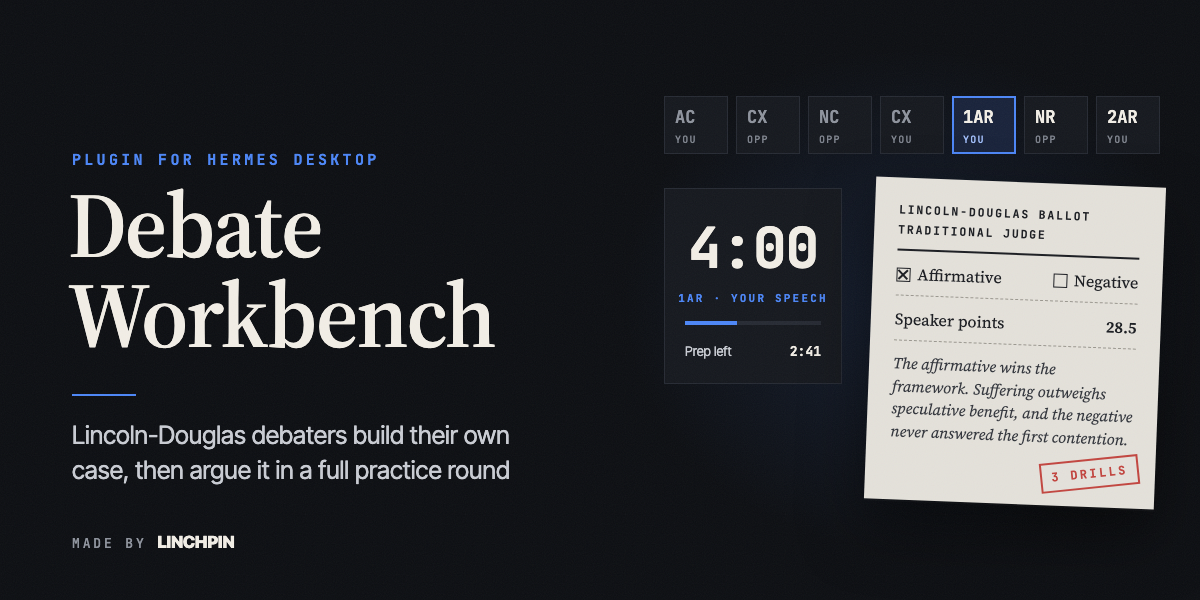
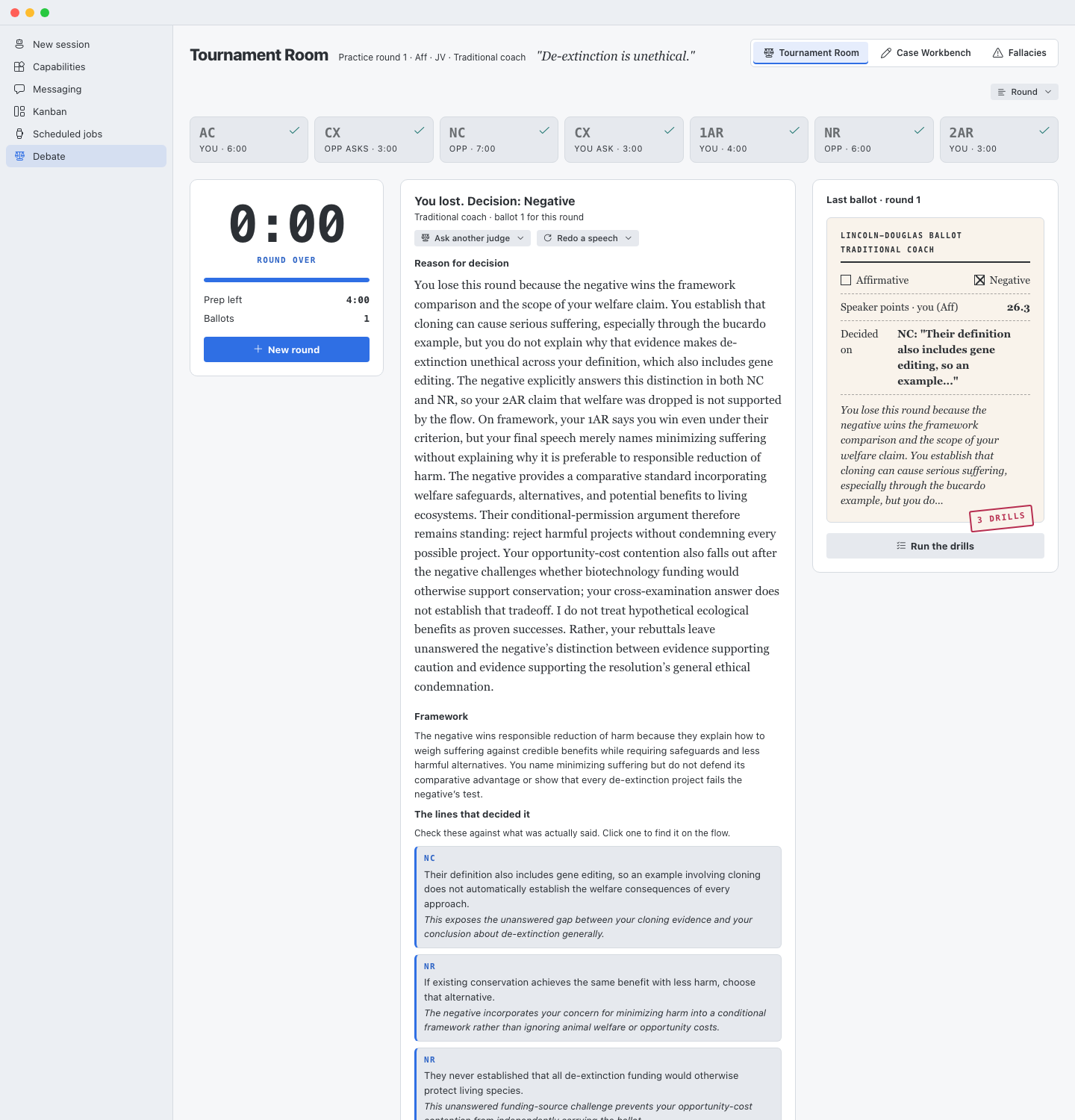
You write your own case. A coach reads it, finds the weak spot, and asks the question that makes it stronger. Then you debate a full practice round against an AI opponent, with real NSDA speech times, and a judge writes you a ballot with the lines that decided the round and three drills to practice.
It uses the AI model you already set up in Hermes. It never writes your case for you.
What you can do
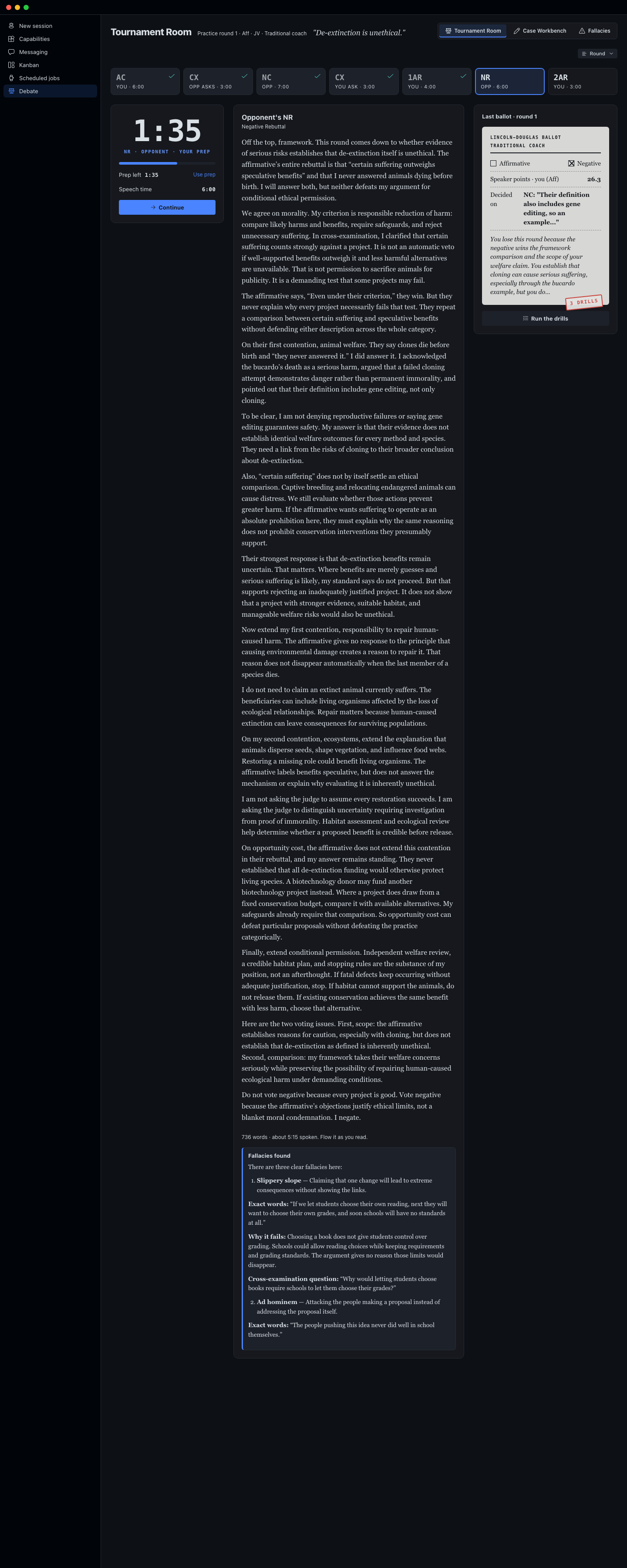
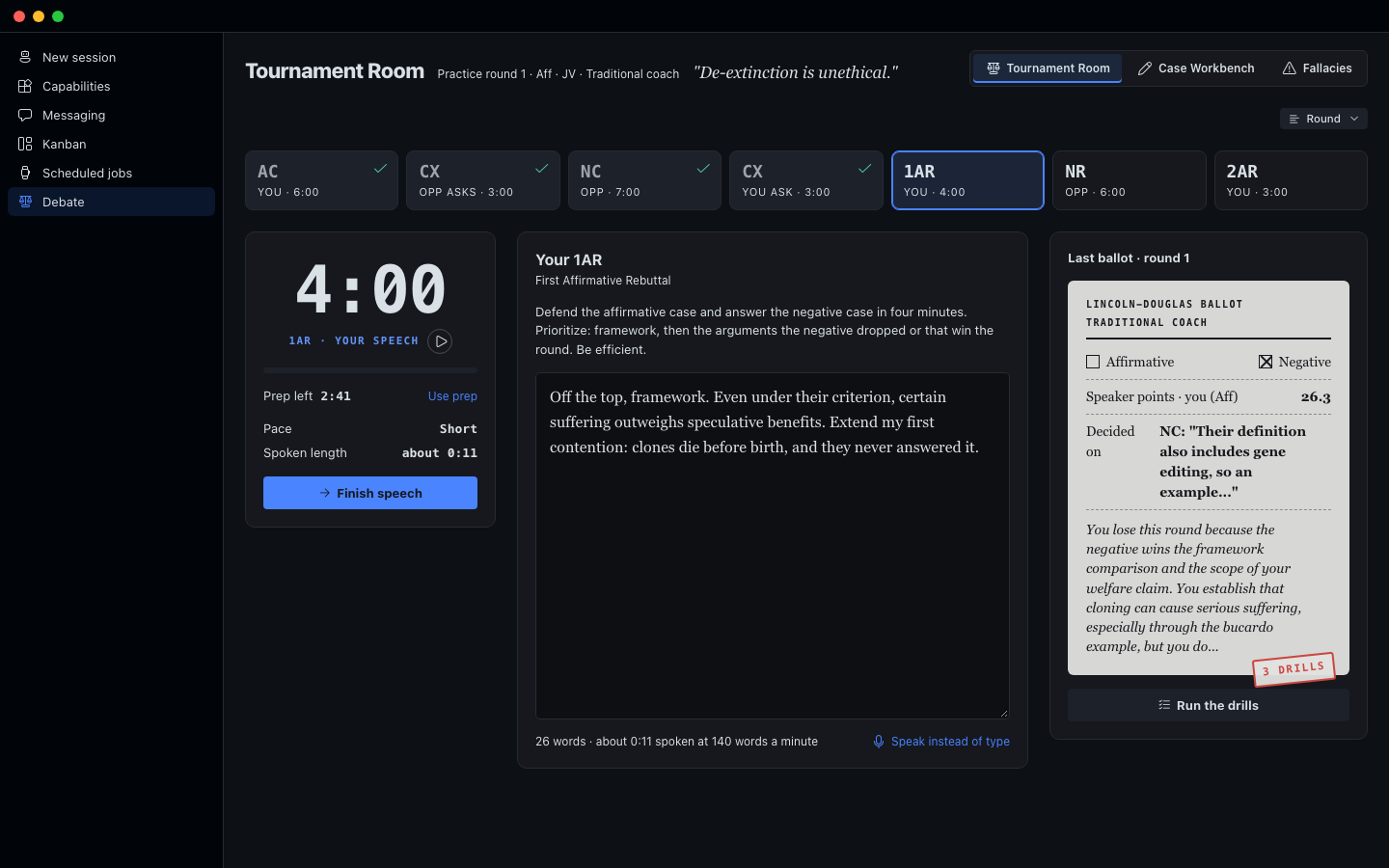
Tournament Room. A full practice round in NSDA order: your constructive, cross-examination, the opponent's case, rebuttals, and the last speeches. Speech times are 6, 3, 7, 3, 4, 6 and 3 minutes, with 4 minutes of prep. A clock runs each speech and your prep. The opponent comes in three levels: Novice, JV and Varsity. You question the opponent, and the opponent questions you. A flow sheet fills in as you go. At the end, a judge you pick (a parent judge, a traditional coach, or a flow judge) writes the ballot. You can ask another judge to rule on the same round, or redo one of your speeches and have the same judge rule again.
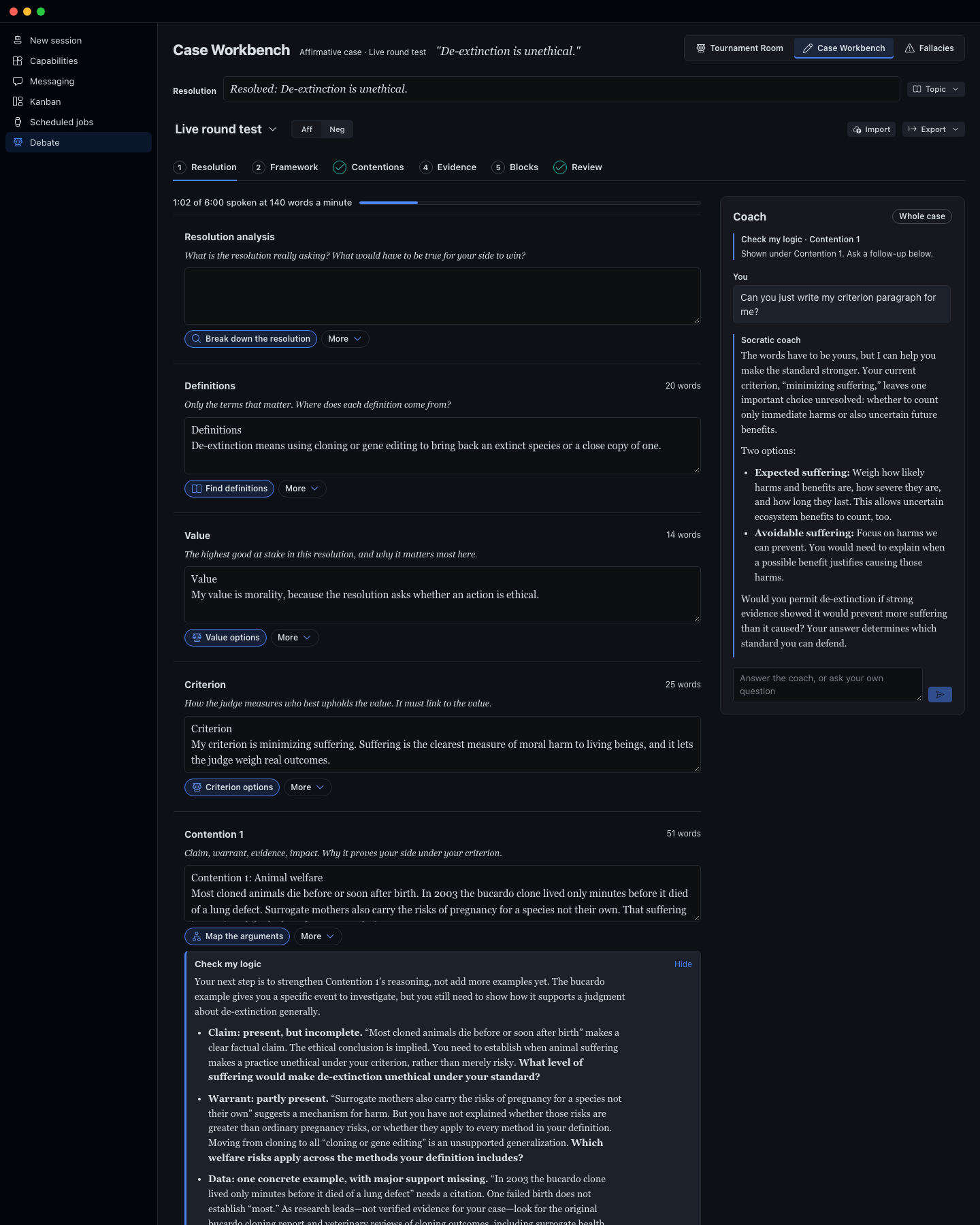
Case Workbench. Your case in sections: resolution analysis, definitions, value, criterion, contentions, and blocks. A six-step writing path walks you from a blank page to a finished case. Every section has helpers that lay out your options and ask hard questions, and a coach panel you can talk to.
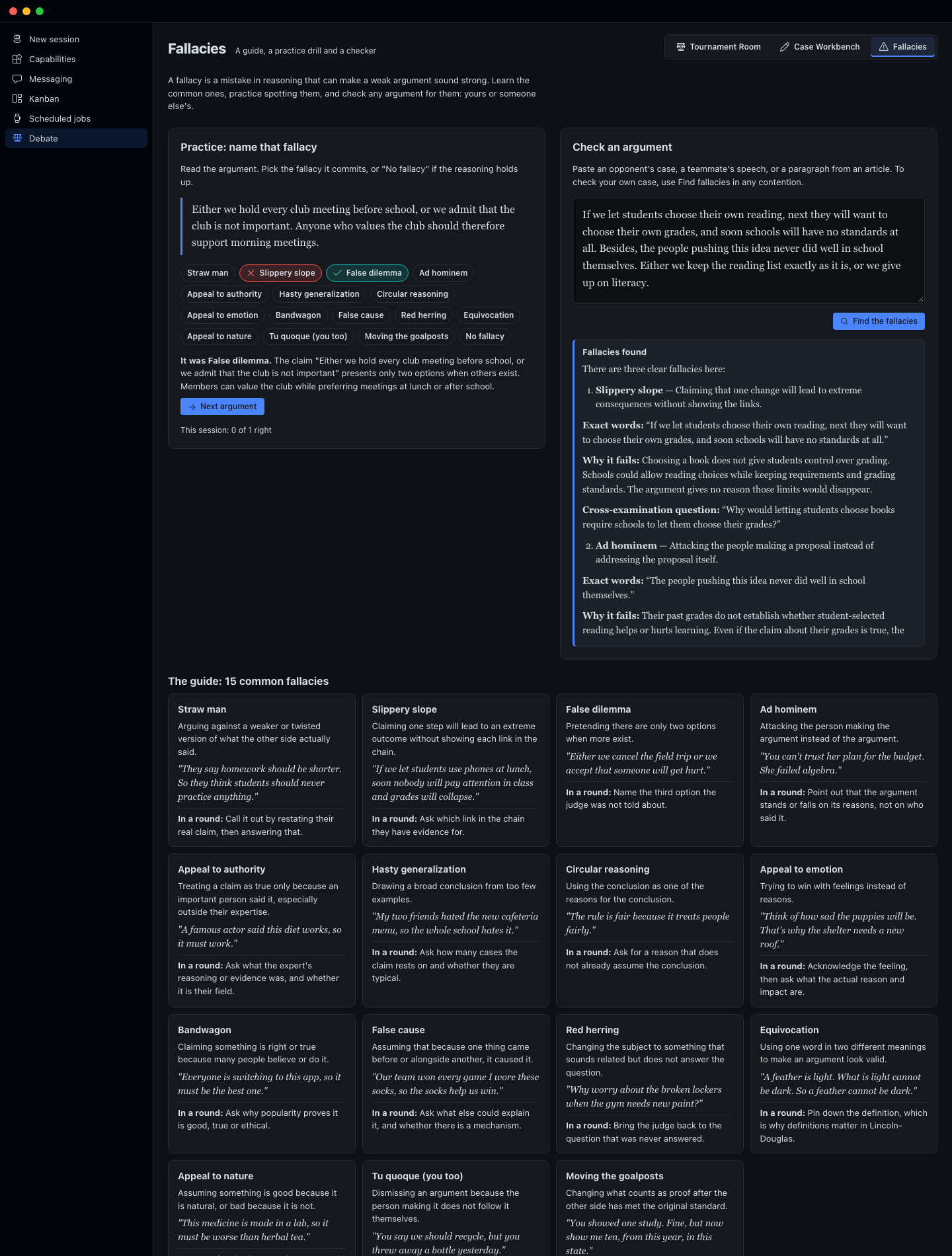
Fallacies. A guide to 15 common mistakes in reasoning, each with a plain definition, an example, and what to do about it in a round. A practice drill gives you a short argument; you pick the fallacy it commits (or "No fallacy"), see whether you were right and why, and keep a score for the session. You can also paste any argument and have it checked. In the Tournament Room, a "Spot fallacies" button sits under every speech the opponent gives.
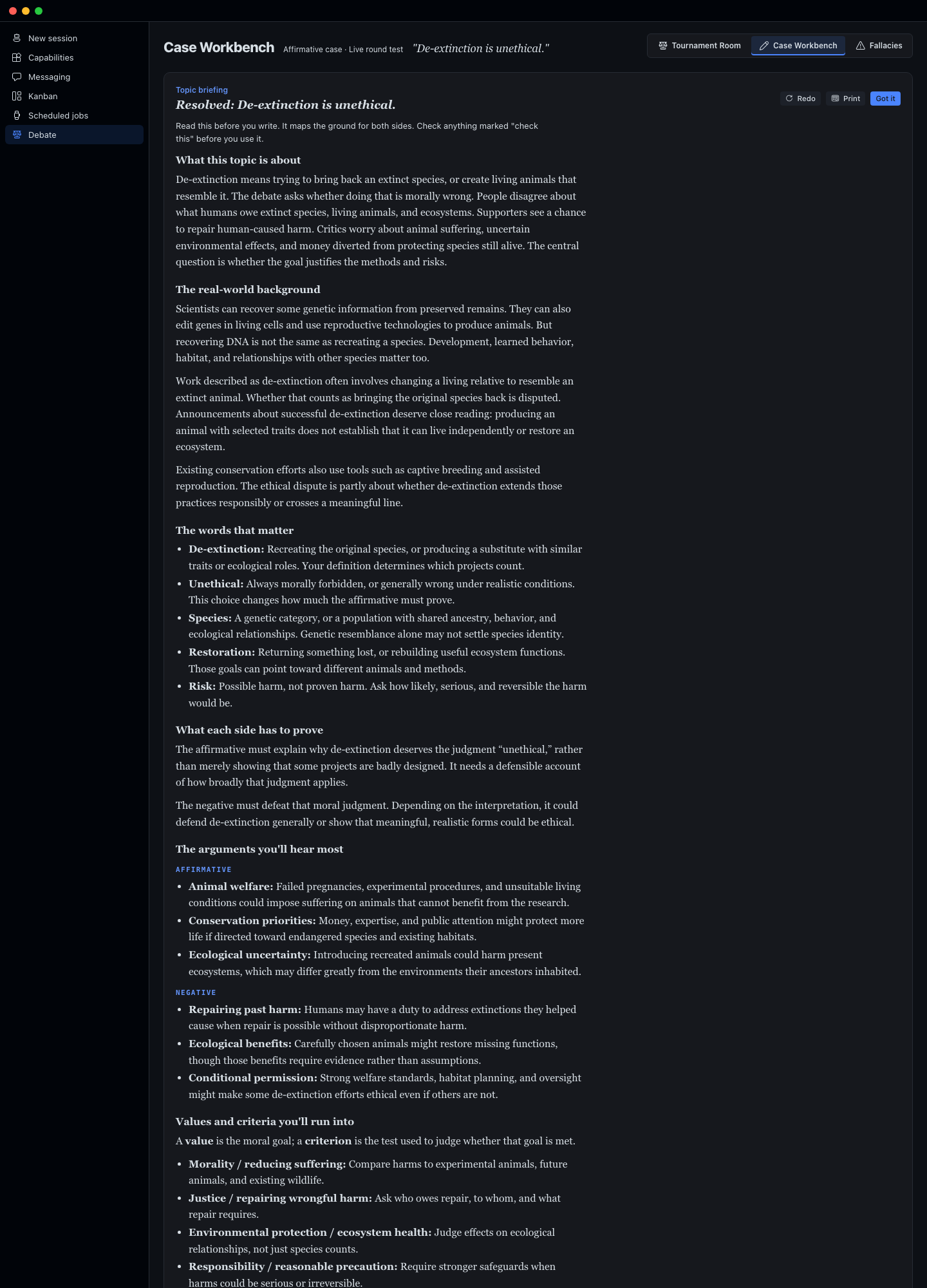
Topic briefing. When you start on a new resolution, a briefing maps the topic for both sides: the background, the words that matter, what each side has to prove, the arguments you'll hear most, common values and criteria, what judges look for, and where to start reading. Facts it is not sure of are marked "check this". It is saved, so it opens instantly the next time.
My cases. Keep as many cases as you want. Each one has its own name, resolution, side, sections and coach notes. Make a new one, copy one, or delete one. Save any case as a Word document or a text file, or print it. Save a backup file of every case, and load it on another computer.
Bring in your case. Paste a case you already wrote, or upload it as a Word document or text file. The workbench sorts your words into the sections without changing a single word, then the coach reviews it.
How to install it
You need the Hermes desktop app, version 0.22 or newer, with a model already set up. Debate Workbench uses that model.
- In Hermes Desktop, click Capabilities, then Plugins, then Install from Git.
- Paste
https://github.com/Dgardenhire/hermes-ld-workbenchand confirm. Keep both parts selected: the agent plugin and the desktop plugin. - In Capabilities, then Plugins, find Debate Workbench and switch it on.
- Click Debate in the left sidebar.
Prefer the terminal? Run hermes plugins install Dgardenhire/hermes-ld-workbench --enable, then do steps 3 and 4.
To check that everything is in place, run hermes plugins doctor ld-workbench. It should say OK.
The full manual, with pictures: https://linchpin.studio/hermes/ld-workbench/manual/
Where your work is saved
Your cases, coach notes, rounds, ballots and topic briefings are saved by Hermes on your own computer, in a folder named plugin-data/ld-workbench inside your Hermes folder. There are no accounts and no tracking.
What leaves your computer
- Your AI model. When you use the coach, a helper, the briefing, a round or a ballot, the text it needs (your case, your speeches, the resolution) goes to the AI model you chose in Hermes, through Hermes. Debate Workbench has no keys of its own.
- A topic source link. If you add a link to the topic source, Debate Workbench opens that one public web page to read its text. It only opens public addresses, and it keeps the first 30,000 characters.
- Dictation. The Speak instead of type button uses the speech recognition built into the Hermes app, where the app provides it. Depending on your computer, that service may send your audio to its maker (for example Google) to turn it into text. If you never press it, nothing is recorded.
Nothing else is sent anywhere.
The coaching rule
The coach helps and pushes. It explains ideas, lays out choices, and points to where evidence lives. It does not write your case, and it never makes up quotes, numbers or sources. If you ask it to write your case, it says the words have to be yours and gives you the next step instead.
For developers
- The method (every prompt, the round format, the judges) is in
ld_method.py, copied from the web app at linchpin.studio/debate. Keep the two in sync. - The backend is
dashboard/plugin_api.py. All model calls go through Hermes's plugin model access (PluginLlm), so they use the user's own model and keys. - The page is built from
desktop/src/plugin.jswith the shared Hermes UI kit:node <path-to>/hermes-ui-kit/scripts/build.mjs . - Tests:
/usr/bin/python3 -m unittest discover -s tests - Screenshots: serve the folder (
/usr/bin/python3 -m http.server 8793 --directory .) and runharness/shoot.sh.
License: MIT. By Damon Gardenhire.