Super Artifacts for Hermes Agent
Publish what your agent builds — a page, a form, a tracker, a proof of a change — at a live URL that opens on a phone, and read back what visitors submit. This folder is a portable Agent Plugins v1 package: the hosted Super Artifacts MCP server and one workflow skill. It has no code.
mcp.json: thesuper-artifactsserver athttps://superartifacts.app/mcp, over Streamable HTTP.skills/super-artifacts/: how the tools fit together, and the rules the agent keeps — check which account it publishes as, publish private, never widen who can open an artifact unless you asked.
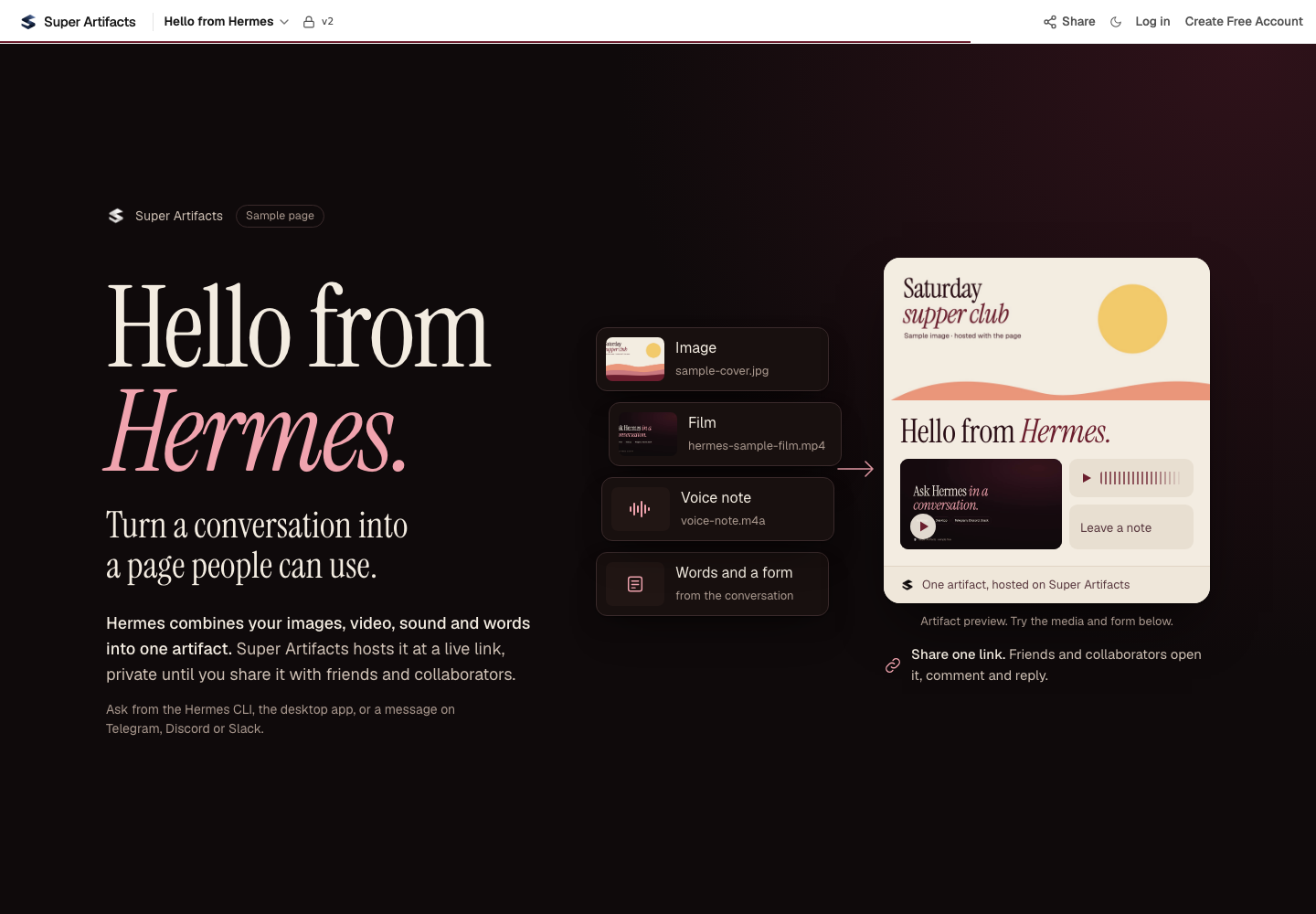
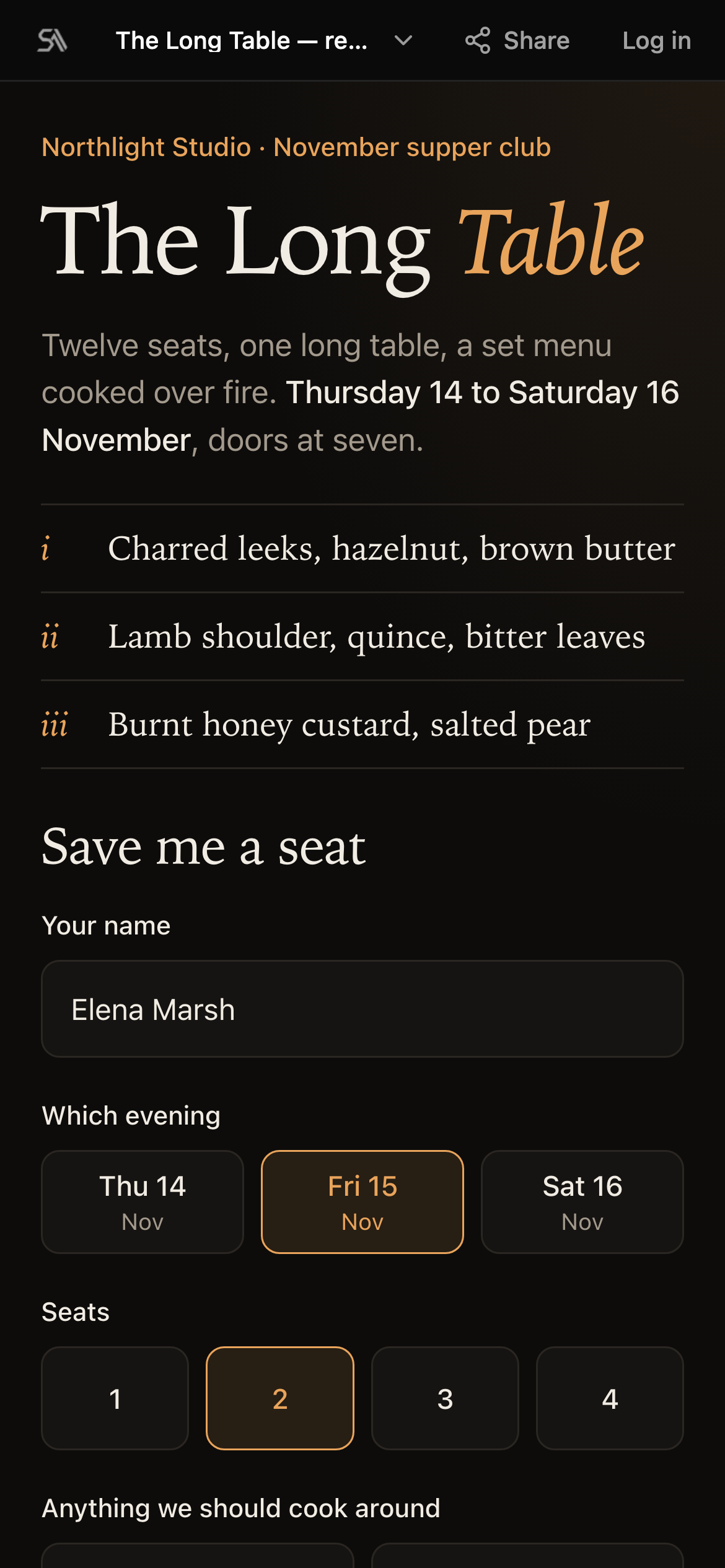
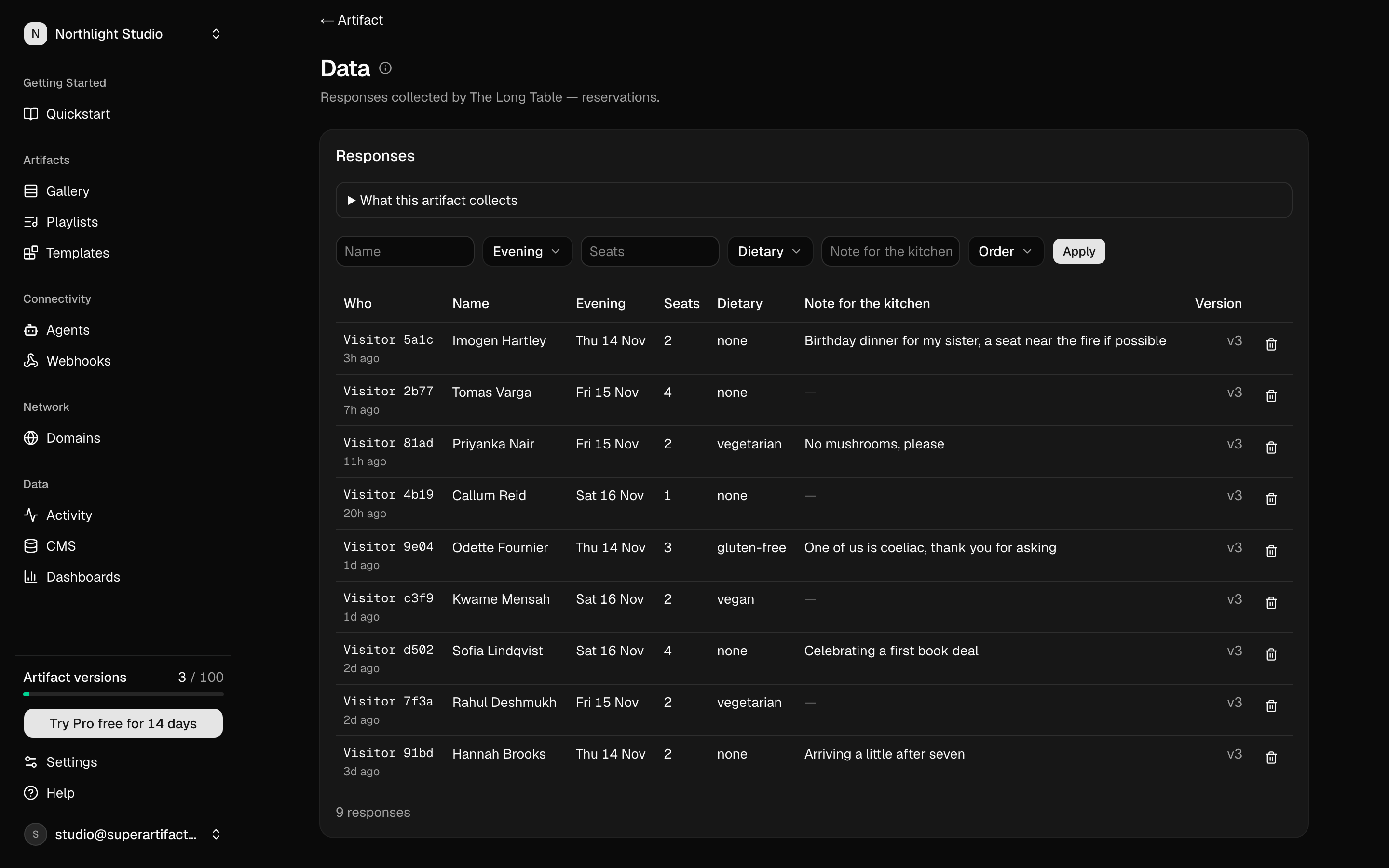
What it looks like
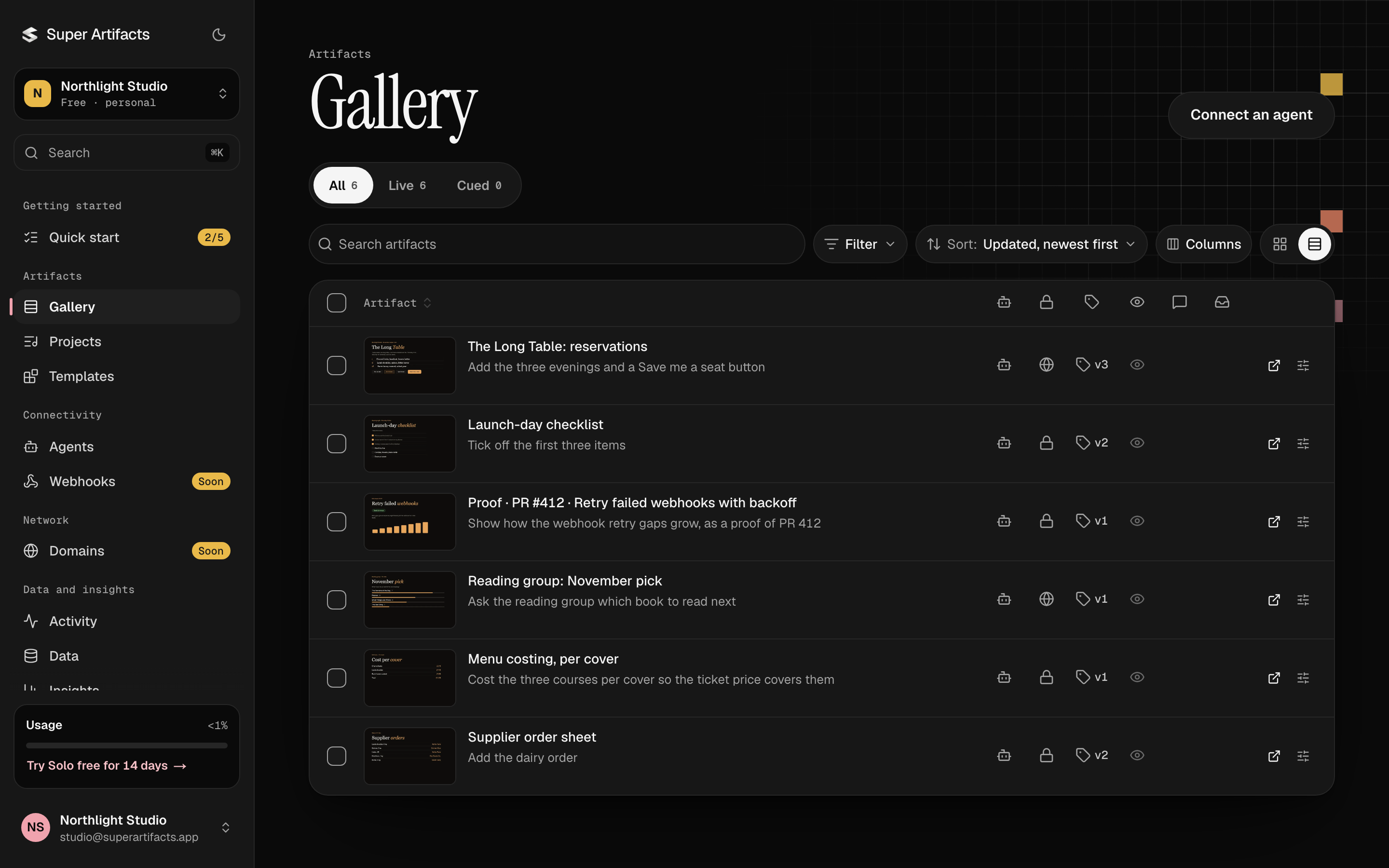
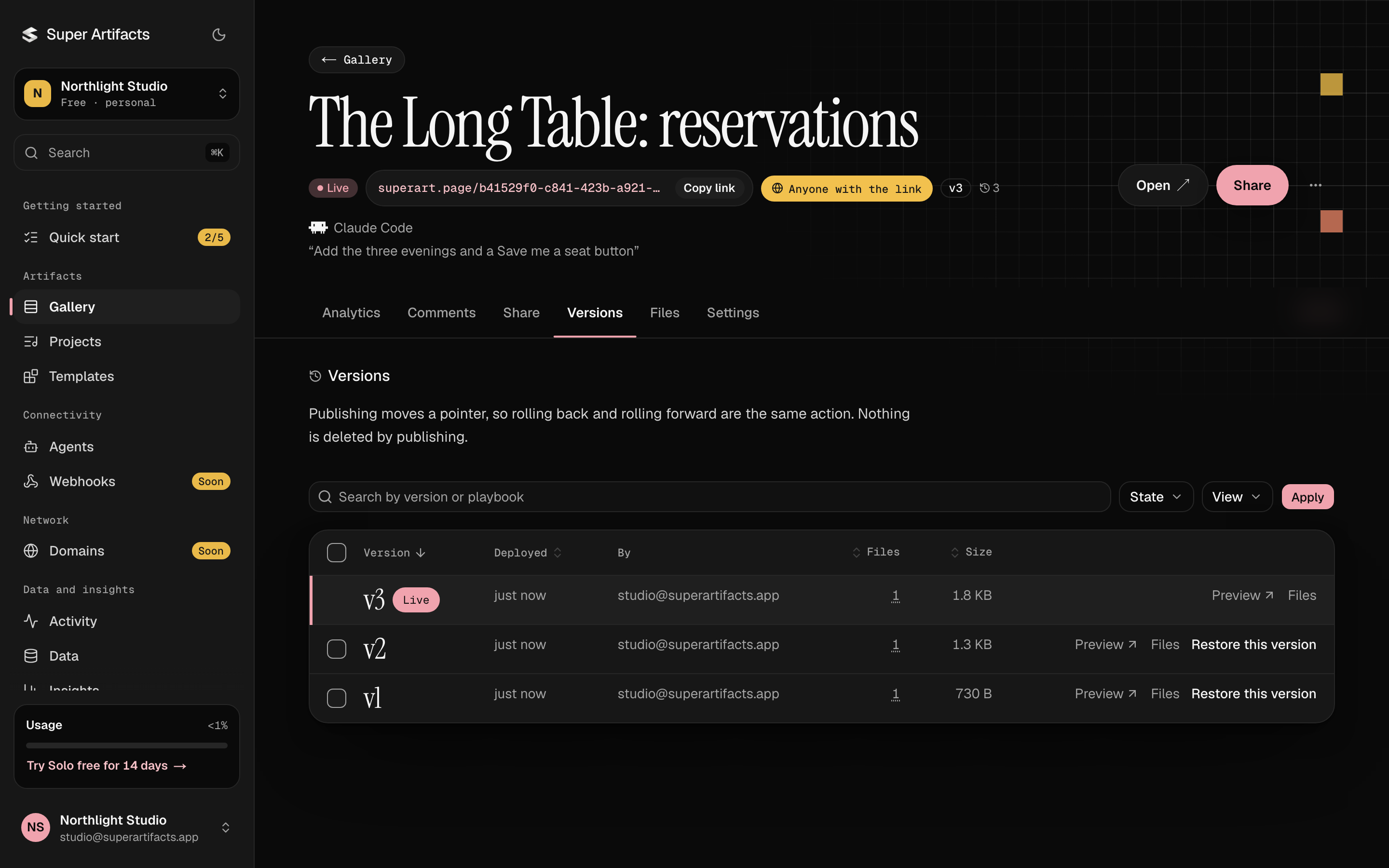
The screens below are the real product with demo data, in the order you meet them.
Try it
- "Publish a one-page supper-club reservation form and give me the link."
- "Show me what people have submitted to my reservation page."
- "Add a vegetarian option to my reservation form and publish a new version."
Connecting publishes nothing: Hermes builds only what you ask for.
Install
hermes plugins install super-artifacts resolves through the Hermes plugin
catalog, so it works once the catalog lists this package. You do not need it to
connect: the command under Sign in gives you every tool on its own, and the
package adds the workflow skill on top.
From the terminal:
hermes plugins install super-artifacts --enable
In Hermes Desktop, install Super Artifacts from the Plugins tab. Then do the one extra step below in a terminal; Desktop does not show it.
Needs Hermes 0.21.5 or later (hermes --version; hermes update). Older Hermes
installs the package anyway, and also loads a second, unauthenticated copy of
the server under a long generated name that fails to connect.
Sign in (once)
Super Artifacts signs in with OAuth 2.1. There is no API key, and nothing secret
lives in this package. A portable mcp.json has no field for OAuth, so tell
Hermes once that this server uses it:
hermes mcp add super-artifacts --url https://superartifacts.app/mcp --auth oauth --connect-timeout 300
A Super Artifacts page opens in your browser and names the account the agent
would publish to. Press Allow only if that account is yours. Connecting
publishes nothing. Keep --connect-timeout 300: it gives you five minutes on
that page. Hermes then asks which tools to enable; all of them is fine.
Send /reload-mcp in an open chat, or start a new one. The package's
mcp.json entry and your config.yaml entry share the name super-artifacts;
on 0.21.5 or later yours replaces it, and the package still supplies the skill.
Headless host or gateway. Over SSH, or on Linux without a display, the same
command prints the address instead of opening it. Open it on any device, press Allow, then paste the address your
browser lands on back into the prompt. See Hermes'
OAuth over SSH guide.
Once the server is added, hermes mcp login super-artifacts --flow device signs
in again with a short code typed on any device.
Revoke
Revoke the key from your agents page.
hermes mcp remove super-artifacts removes your sign-in and the server entry
from this machine; hermes plugins disable super-artifacts stops the package's
own server and skill.
Privacy
- Every tool call goes to
https://superartifacts.app/mcpover HTTPS. The package makes no other network call, runs no command and sends no telemetry. - Hermes stores the OAuth tokens in its own
mcp-tokens/directory and refreshes them. The package never reads them. - What you publish, and what visitors submit to a page, is stored on Super Artifacts' servers and read back by the account that published it.
- Artifacts are private by default: only your account and the people you share one with can open it.
Docs: superartifacts.app/docs.