 forefy
Costs, quality and security for Hermes Desktop
https://github.com/user-attachments/assets/9edb1fa1-7460-437f-a577-f987e93c1042
hermetic
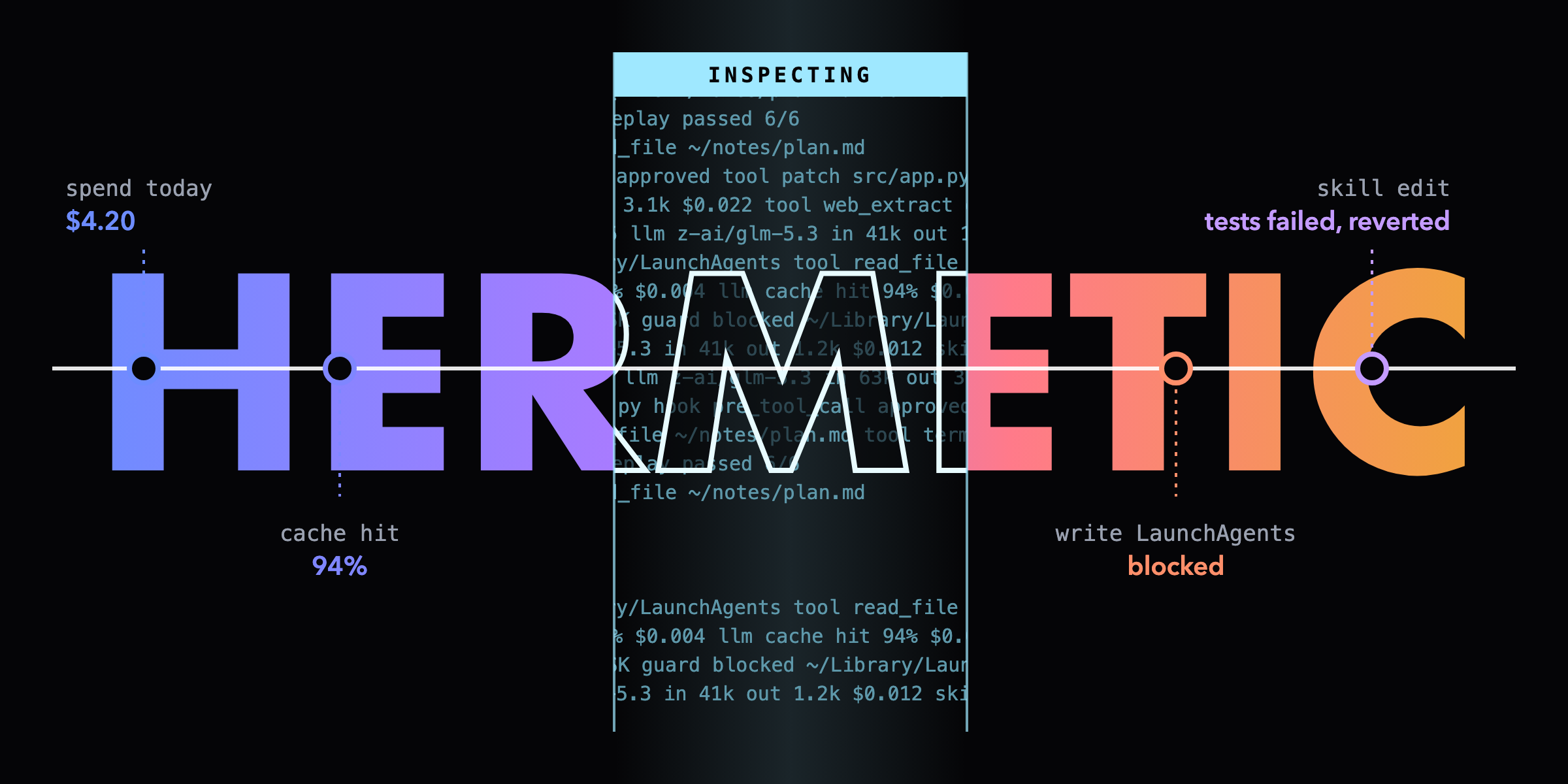
hermetic is a hermes-agent desktop app plugin that shows what your agent costs, whether its skills and replies are getting better or worse, and what the harness itself is doing. Install it from Here.
- hermetic Costs
- hermetic AAI (applied-AI quality)
- hermetic HDR (harness detection and response)
- What it does on your machine
hermetic adds a tiny hermes status bar visual which covers all that was missing for me to be able to use it as a security researcher: deep costs tracking, evals and proofs for auto-improvements, and harness internals security.
Costs
Deep and analytical cost tracking especially when using multi-provider routing (e.g. OpenRouter)
- Spend analytics per day, per session and live $/hour while turns run
- Cache hit rate: how much of each prompt came from the provider's cache, and what cache resets cost you.
- Pricing drift: what you were billed compared with list prices, on OpenRouter and, call by call, on Nous Portal.
- OpenRouter spend limits and workspace budgets, and Nous Portal spend caps, colored by how soon each one stops your requests at the recent pace
- Providers (OpenRouter): which providers actually served your calls, where they are based, and your routing rules, with an extra verbose policy editor for them.
- Quality by provider (OpenRouter): whether one provider's copy of a model answers worse than the others, judged by the replies you pushed back on. A box per day gives the quick look, with each provider's declared precision and when it changes, and one click skips a provider for that model. An optional daily check catches a model changed behind the same name.
- Improvement suggestions: one-click config fixes, for example routing to the cheapest provider, running background tasks on a cheaper model, turning fallback on when calls fail on rate limits, or turning on Hermes' proactive prune of old tool output when, at the prices your chats were actually served, the re-sends it saves outweigh the full-price re-send each prune causes. Every fix shows the exact
config.yamlchange before it writes anything, and writes on top of the config as it is at that moment.
AAI (applied-AI quality)
Evals, model-as-a-judge, and the missing layer for hermes auto-improve (randomly changing skills without proof they improved adds nothing)
- Ratings: rate replies 1 to 5 stars, the ones you pushed back on first ("no, …", "wtf, still broken"). A reply rated 3 or less becomes a test, checked against your reasons, your note or what you said next
- Evals: your saved tests replayed on your current routing, each coloured by its last result. A replay reads the last few turns of the chat by default, which is cheaper and steadier than the whole chat. From 5 tests on, compare your two most-used providers and a second model on the same tests
- LLM as a judge: grades replays with a rubric drafted from each skill. It has to earn trust against your ratings first (20 of them, 5 low) and fail most replies you corrected, and hermetic warns when it runs on your agent's own model family
- Proof for auto-improve: skill changes from the background review are tested automatically (off, ask me, or revert), and a change that tests worse can be reverted. An untrusted judge never decides a revert
- Skill fixes: for a skill whose tests fail, a new version is drafted and tried beside the current one on those tests and on rewordings of them, each replayed best of 3. One card shows the result ("fix passes 7 of 9, current passes 3 of 9") and you decide whether to apply it. Once a skill has 3 failing tests this can run on its own (off by default), and it never applies a fix itself
- Timeline and versions: every skill change, routing change and rate-limit day, with changes that added links, code blocks or script files flagged, and every saved skill version to compare
- Cleanup: archive skills that were never used, saving tokens on every call
HDR (harness detection and response)
Security monitoring for the harness itself: what it touched, where your data went and how exposed you are, with a guard that can ask you or block before the riskiest tool calls
- Guard: watch, ask or block the risky tool calls Hermes doesn't check itself (reading keys and logins, writing startup items and key places Hermes doesn't list), allowed or blocked once, per chat or always
- Hooks: every shell and gateway hook, what it can do, and what Hermes keeps quiet about: scripts edited after you approved them, new hooks, hooks running unasked under auto-accept
- Where data went: every host your agent reached, and the chats behind it
- Files and secrets: sensitive places tools touched, scored, with the line that ran and an expected list for jobs that read them on purpose
- What runs on its own: scheduled jobs, ports, subagents and background processes
- What shapes every prompt: SOUL.md and memory against Hermes' limits, and the writes chats made to them
- Plugins and middleware: where each plugin sits on model requests and tool calls, and what it registers without declaring
What it does on your machine
Model requests
When using a model provider (e.g. openrouter which this plugin supports best) hermetic adds an llm_request middleware that adds the routing fields from provider_routing in your config.yaml that Hermes does not send on its own:
- fallbacks
- zero data retention
- distillable text
- quantizations
- max price
- minimum throughput and maximum latency
It also adds your ignore list as config.yaml has it now, to what Hermes already skips. Hermes reads that list only when a chat starts, so a provider you skip, from Costs or the rules editor, stops serving open chats at their next call.
On Nous Portal it adds only your data collection and zero data retention rules, the two provider fields the Portal accepts, and the Portal refuses a model with no endpoint that meets them.
The llm_execution middleware only reads the generation id and finish reason off the result, or on Nous Portal the cost it billed.
Tool calls
A pre_tool_call hook checks each tool call against HDR's rules (hdr_rules.py). hermetic HDR has these settings configurable:
Watch(default) does nothing.Askthe call waits until 6 seconds before Hermes' hook limit (plugins.hook_callback_timeout, 24 seconds by default), while hermetic asks how to act (question waits at~/.hermes/hermetic/hdr/asks/) - no answer, or no popover checking in, blocks the call.Blockstops the tool call. Rules you save are kept in each profile'shermetic/hdr/guard.json, and every decision is noted inhermetic/hdr/guard.jsonl. The guard never approves anything Hermes would ask about, and if its own check fails, the call goes ahead as if the guard were off.
Plugin-initiated model calls
On AAI, only when you press replay, compare, judge or try a fix, or when you turn on automatic tests or automatic fix attempts. On Costs, only when you turn on the daily check.
- Fix drafts, rewordings, the judge and rubric drafts use Hermes' plugin model access (
ctx.llm) on your main model. To let the judge use a different model, allow it inconfig.yamlunderplugins.entries.hermetic.llm(allow_model_override: trueandallowed_models). - Replays go to OpenRouter with the
OPENROUTER_API_KEYHermes holds for the profile, read through Hermes' secret scope and following your routing rules. On a Nous Portal profile they need OpenRouter for now, until Hermes lets plugins use the Nous sign-in. They appear in your spend like any other call. A replay costs about $0.01 per test; automatic tests stop at $0.50 a day. Trying a fix takes one draft and 36 to 54 judged replays (3 tests and 2 rewordings of each, on both versions, 2 or 3 times), and the card shows the estimate before you press. Fix attempts made on its own share the $0.50 a day. - The daily check sends one tiny fixed prompt ("Reply with exactly one word: ok") once a day to each provider that served your models this week, pinned to it through OpenRouter with the same key and your privacy rules, a few cents a month. It records the answer, how sure the model was and the prompt's token count.
- No API key ever reaches the popover - we're proud of this achievement as hermetic itself is a security-awareness tool, so we always try to act like one.
Plugin-initiated network calls
Network calls are only done to supported providers (e.g. OpenRouter) to get latest price information, usage limits etc. no API keys sent through those calls, and only few requests a day are sent for different model informatics. The one exception is OpenRouter's workspace and guardrail budgets, which Hermes does not report, so hermetic reads them with the profile's OpenRouter key, sent only to openrouter.ai. Once a day it also reads OpenRouter's public endpoint list (no key) for the models you use, to show each provider's declared precision and when it changes, and, with the same key, the generation record of one of your recent calls per provider, for the exact model version behind it. These lookups cost nothing. Twice a day the popover also reads hermetic's own plugin.yaml on GitHub and its entry in the Hermes plugin catalog (no key, nothing sent), so it can say when a machine runs an older hermetic than it could update to and Hermes will not update it by itself.
Disk reads
We gave hermetic just enough power to provide extended security, while limiting anything that is not needed for these ops.
- Hermes' session database (read-only, through Hermes'
SessionDB). For Costs, HDR and AAI it also reads a few columns of each message straight from that database, read-only (role, time, tool output size, tool calls, the start of your messages and replies), so a big history loads without opening every message. config.yaml- the skills and their change history
- scheduled jobs
- SOUL.md and the memory files (sizes and change times)
- installed plugin sources (to see what each registers)
- shell hooks in
config.yaml - Hermes' hook approvals (
shell-hooks-allowlist.json), gateway hooks inhooks/, the hook scripts themselves (a copy of each, as first seen, is kept inhermetic/hdr/hooks.jsonto show later edits), and its own routing records. - HDR runs
psandlsoflocally to list ports opened under Hermes.
Chats on another machine
The popover follows the chat in front of you. When the window itself is connected to another machine (a server over SSH, for example), the SDK sends hermetic's requests there, so what you see and change is that machine's. Where that machine has no hermetic, Costs shows what Hermes itself keeps for each chat (tokens, cost, model and times), read through the SDK's own chat list, plus the live token count of the chat in front of you. A bar on top then offers a request to paste to that machine's own agent, which installs hermetic there. hermetic itself installs and runs nothing on that machine. See INSTALL.md.
A bot on a second connection runs on its own machine, with its own hermetic. On a Hermes whose plugin SDK has ctx.restProfile, which names that connection, the popover asks that hermetic, so the costs, providers, HDR and AAI you see there are that machine's, and a tag next to the total names the bot as its own machine calls it. The guard's questions then come from every connection that runs hermetic, and each answer goes back to the machine that asked. A Hermes without that call cannot reach hermetic on a second connection, so such a bot gets a limited view: its bill from the report its own Hermes prints for /usage (asked through the SDK's profile request), its name, and the chats Hermes lists for plugins, which leave out a bot's own chat. HDR, AAI and the guard's questions then stay with the window's own machine.
Disk writes (only when you ask)
- Routing rules and the fixes you apply (through Hermes' own config functions, shown before writing)
- background tasks you chose to give your routing rules, kept in step when your main provider changes
- archived skills
- skill fixes you apply and versions you revert
- the guard's level and your guard rules
- places you mark as expected (
hermetic/hdr/expected.json) - test results.
- Everything Hermetic records stays in
$HERMES_HOME/hermetic/(ratings, tests, replay results, tried fixes and their drafts, saved skill versions, routing history with each call's OpenRouter generation id, endpoint list snapshots, model versions and daily check results).
What can run in the background
- A thread checks every 5 minutes for skill changes made by the background review, and acts only if you turned automatic tests on. The same thread tries a fix for a skill with 3 new failing tests, only if you turned that on. A short-lived thread stores the billed-spend snapshot.
- At most once a minute, a short-lived thread checks that background tasks given your routing rules still match the main provider.
- When the daily check is on, opening Costs starts a short-lived thread for it if the last run is a day old.
Plugin updates
Hermes auto-manages plugin updates for you after installation, from this repo we bump version in plugin.yaml, commit, then run scripts/release.sh --pr.
It runs the tests and Hermes' validation, pushes, fills the catalog entry with the new commit, and opens the pin-bump PR on NousResearch/hermes-agent. Catalog users get the update once a maintainer merges it.
Check the package with hermes plugins validate .
README from the reviewed commit 06a3fca; it updates when the author re-pins.