All plugins

Official

singularity

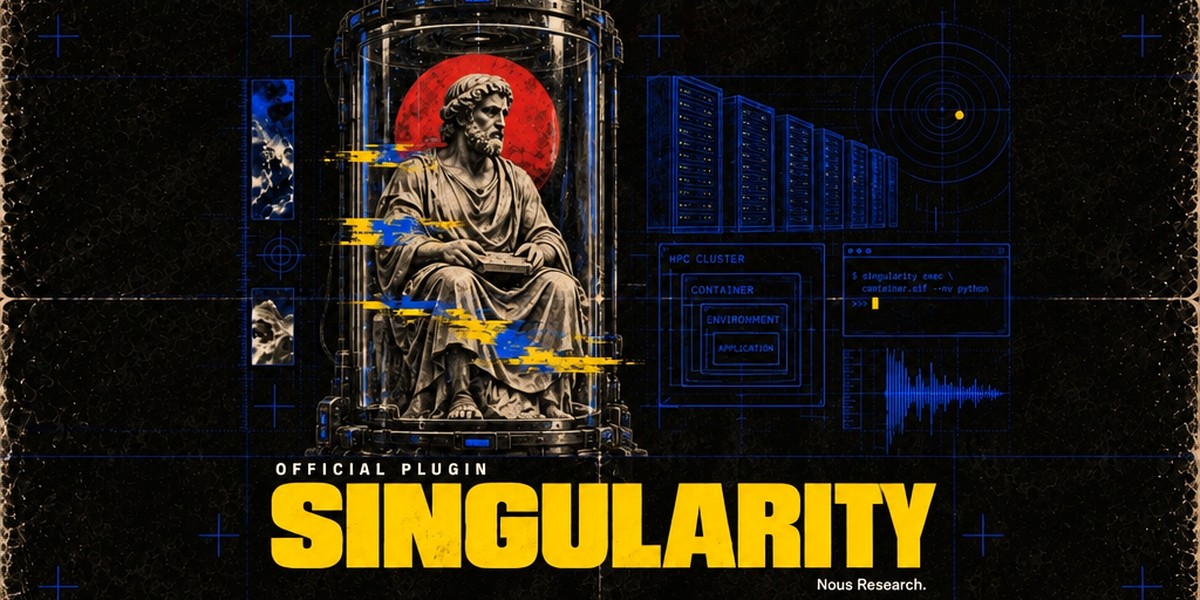
Singularity/Apptainer terminal backend: Hermes's terminal, file and code tools run inside a hardened, rootless container on this machine (--containall --no-home), with CPU/memory limits and an optional per-session persistent overlay (hermes config set terminal.backend singularity; image from terminal.singularity_image). Formerly built into Hermes core; existing users are migrated automatically. Disclosure — no Python dependencies and no network calls of its own: it drives the apptainer (or singularity) CLI you install, which pulls the configured image (default docker://nousresearch/hermes-sandbox:desktop) and caches a SIF under your scratch directory. Your skills and registered credential files are bind-mounted read-only into the container, and because the container is a disposable sandbox Hermes skips its dangerous-command prompts there, as for its other container backends.

NousResearch676Toolsv1.0.0Updated 23 days ago

About

Singularity/Apptainer terminal backend: Hermes's terminal, file and code tools run inside a hardened, rootless container on this machine (--containall --no-home), with CPU/memory limits and an optional per-session persistent overlay (hermes config set terminal.backend singularity; image from terminal.singularity_image). Formerly built into Hermes core; existing users are migrated automatically. Disclosure — no Python dependencies and no network calls of its own: it drives the apptainer (or singularity) CLI you install, which pulls the configured image (default docker://nousresearch/hermes-sandbox:desktop) and caches a SIF under your scratch directory. Your skills and registered credential files are bind-mounted read-only into the container, and because the container is a disposable sandbox Hermes skips its dangerous-command prompts there, as for its other container backends.

Singularity/Apptainer for Hermes Agent

Part of the Hermes Official Plugins, Nous Research's official plugins for Hermes Agent. Formerly built into Hermes core as tools/environments/singularity.py.

A terminal backend for Hermes Agent: the terminal,
file and code tools run inside a Singularity/Apptainer container on this
machine. It is meant for HPC clusters and shared machines where Docker isn't available.

  • Hardened: --containall --no-home, so the container gets its own namespaces and never sees your
    home directory. Your skills and registered credential files are bind-mounted read-only.
  • Rootless: runs as you, through apptainer (preferred) or singularity.
  • Limits: terminal.container_cpu and terminal.container_memory become --cpus / --memory.
  • Persistence: with terminal.container_persistent: true (the default) each session writes to an
    overlay directory that outlives the container instance until the Hermes process exits; with false
    writes go to a tmpfs and vanish with the instance.
  • Screen and browser: Bot Desktop, computer_use and the browser follow the terminal into the
    container (the image needs the desktop stack; nousresearch/hermes-sandbox:desktop has it).

Install

hermes plugins install singularity

or straight from this repo: hermes plugins install NousResearch/hermes-official-plugins#singularity.

Already used Singularity in Hermes? You don't need to do anything. hermes update, or the first
start after updating, installs this plugin from the catalog for every profile whose terminal.backend
is singularity. Your config keys and env vars are unchanged.

Needs the apptainer or singularity binary on PATH
(install Apptainer). Linux only.

Use it

hermes config set terminal.backend singularity

or pick Singularity/Apptainer in hermes setup terminal. Settings (all optional):

terminal:
  backend: singularity
  singularity_image: "docker://nousresearch/hermes-sandbox:desktop"  # default: Hermes' sandbox image
  container_cpu: 1             # CPU cores (0 = no limit)
  container_memory: 5120       # MB (0 = no limit)
  container_persistent: true   # writable overlay per session (false = tmpfs)
SettingEnv varWhat it does
terminal.singularity_imageTERMINAL_SINGULARITY_IMAGEImage to run. docker://... URLs are built into a SIF once and cached; an existing .sif file (or sandbox directory) is used directly; library://, oras:// work as Apptainer takes them. A bare reference like python:3.12 means docker://python:3.12. config.yaml wins over the env var.
TERMINAL_SCRATCH_DIRWhere overlays and the SIF cache live. Default: /scratch/$USER/hermes-agent when /scratch is writable (HPC convention), else TERMINAL_SANDBOX_DIR/singularity (~/.hermes/sandboxes/singularity).
APPTAINER_CACHEDIRSIF cache directory (default: <scratch>/.apptainer).
TERMINAL_DISK_WARNING_GBWarn in the log when the scratch overlays exceed this many GB (default 500).

Batch runs (batch_runner.py) that give each prompt its own image register it for this backend too.

What's different from the built-in backend

Nothing you configure. Two internals changed:

  • Core's process-exit sweep of <scratch>/hermes-* (which removed persistent overlays) now runs in the
    plugin, and only in a process that started a Singularity instance; core no longer creates the
    scratch directory on every exit.
  • The write-only singularity_snapshots.json file is gone: nothing ever read it.

Development

cd singularity
HERMES_AGENT_REPO=../../hermes-agent PYTHONPATH=../../hermes-agent python -m pytest -q

On a Hermes core that still ships the built-in backend the plugin registers nothing (core reserves the
singularity name and serves it itself), so it is safe to install ahead of the core update.

README from the reviewed commit d46aced; it updates when the author re-pins.
More by NousResearch

29 plugins by NousResearch in the catalog.

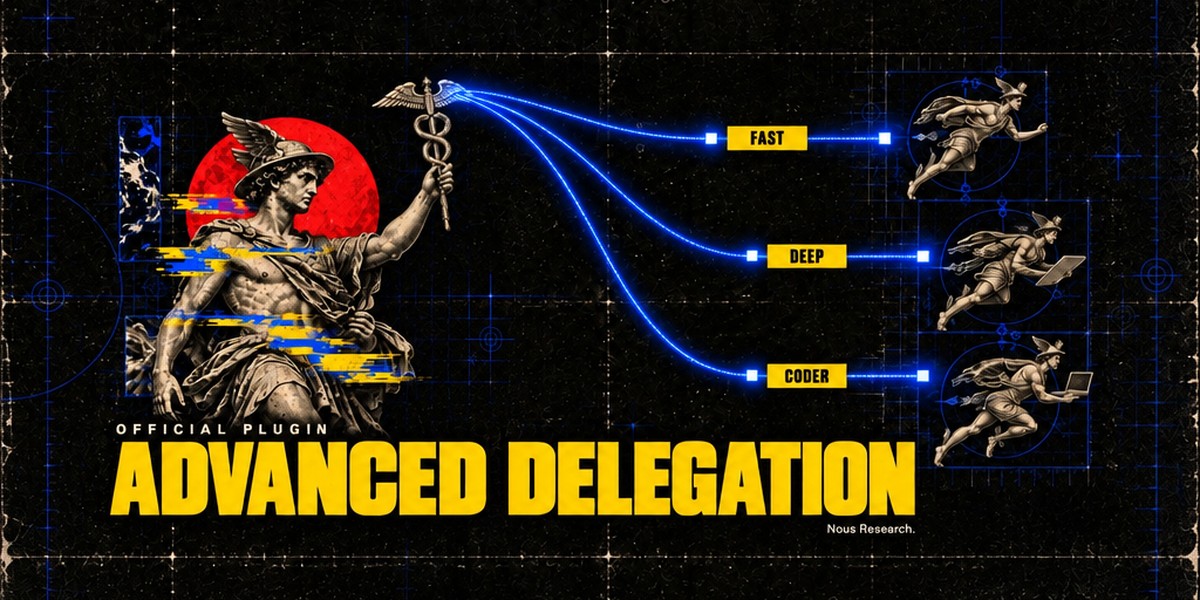
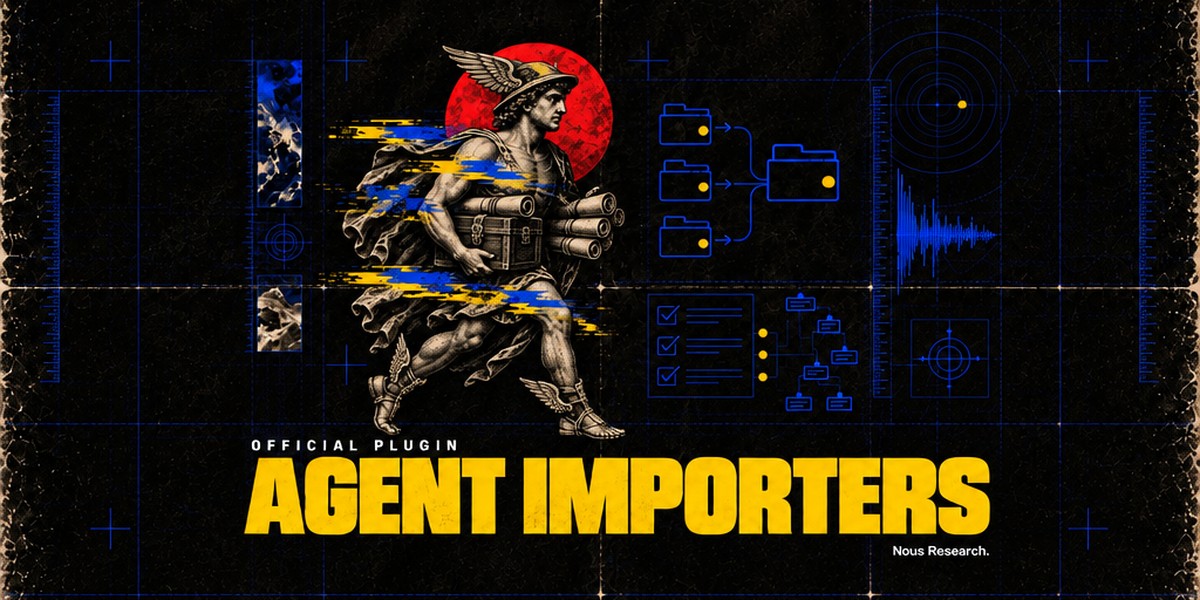
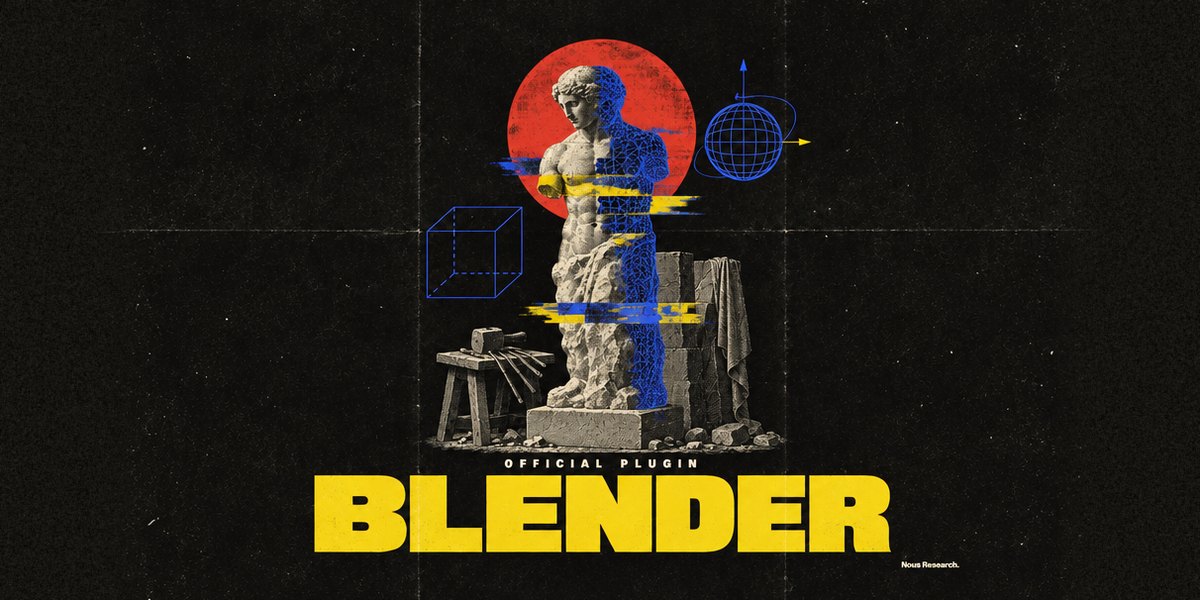
NousResearchaccent-pickerOKLCH accent colour picker for the Hermes Desktop status bar: drag it and the whole theme retints live, with palette commands to reset to the theme default or copy the current colour. A theme-authoring tool; the colour is scratch state and is never persisted. Desktop-only (desktop/plugin.js inside the plugin SDK surface); no agent tools, hooks, middleware or env vars.OfficialDesktop app676NousResearchadvanced-delegationTwo extra delegation modes for delegate_task, next to the built-in default. Model routes (delegation.backend: model_map): the agent picks a named model route per subagent from a list you define (e.g. fast, deep, local). Profile routes (delegation.backend: profile_routes): the agent runs a subagent as one of your Hermes profiles, with that profile's own model, credentials, skills and SOUL.md. Only route names and their one-line descriptions reach the model. Adds hermes delegation config (pick the mode and edit its routes; --show prints the setup) and the /delegation slash command (save a mode for the next session, or --now to apply it to the current chat). Needs Hermes 0.22.5 or newer, the first release with pluggable delegation providers; Hermes 0.22.0 to 0.22.4 refuses to install it, and on a core older than 0.22.0 it installs, logs one warning and does nothing. A model route can set daybreak: true to run its model with OpenAI's Daybreak trusted-access program; it is sent only from your own CLI, TUI or Desktop chats, on openai-codex, for models your Codex catalog lists, and a route that breaks a rule is refused. Disclosure — no Python dependencies and no network or model calls of its own, except that a Daybreak route checks the Codex catalog through core's cached lookup with your existing Codex login; subagents run through core's delegate_task on the routes you configured. Writes only delegation.backend and delegation.backends.* (model_map / profile_routes) in the active profile's config.yaml, through core's config writer. A model route's optional api_key is stored in config.yaml in plain text (provider: keeps keys in .env / auth.json). Listing a profile under profile routes lets this profile's subagents use that profile's credentials, SOUL.md and terminal policy.Officialtools676NousResearchagent-importershermes import-agent: import an OpenClaw (~/.openclaw, or legacy ~/.clawdbot / ~/.moltbot), Claude Code (~/.claude), Codex CLI (~/.codex), Cursor (~/.cursor), Grok Bot (a self-export the Bot writes from a prompt the importer prints) or OpenBot desktop (its openbot.db) setup into Hermes in one command; always previews first and asks before applying. Claude Code / Codex / Cursor: instructions, Cursor rules and memories become memory entries, Bash permission rules become command allow/deny lists, MCP servers land in config.yaml, skills are copied, and --sync re-imports sources that changed. OpenClaw (core's former hermes claw migrate; the plugin keeps that spelling, hermes claw cleanup and the openclaw-migration skill): persona, memories, skills, model and messaging settings, MCP servers and agent behaviour. Formerly built into Hermes core; hermes setup offers to install it when it finds one of these agents, and profiles with a registered sync source are migrated automatically. Disclosure — no Python dependencies, no network calls and no model calls. Claude Code / Codex / Cursor: reads those agents' local config trees (never their credential files; secret-looking MCP env vars and headers are stripped and listed) and writes only into the active profile (memories/MEMORY.md with a backup, config.yaml, skills/ and import-sync.json). OpenClaw: reads the OpenClaw dir (openclaw.json, its .env, workspace files such as SOUL.md / MEMORY.md / USER.md, skills); API keys and bot tokens come over only with --migrate-secrets (allowlisted names, shown in the preview). It writes into the active profile (config.yaml, .env, SOUL.md, memories/, skills/openclaw-imports/, a migration/openclaw/<time>/ report with item backups, and a backups/pre-migration-*.zip restore point), plus a workspace dir only when --workspace-target names one. It runs local pgrep / systemctl / tasklist checks to warn when OpenClaw or a Hermes gateway is still running, and hermes claw cleanup renames the OpenClaw dir to *.pre-migration after a confirmation. Grok Bot / OpenBot: instructions become SOUL.md, memories and user facts become memory entries, skills land in skills/<source>-imports/, scheduled routines become paused cron jobs (--activate-routines to start them) and event routines a notes file; credential-looking export keys refuse the file, and secret MCP env vars and headers are stripped and listed. OpenBot's database is opened read-only (or read from a scratch copy that is deleted after the read).Officialtools676NousResearchblenderOfficial Blender Lab MCP server over stdio, pinned to upstream v1.0.3, with a Blender workflow skill. Needs Git and uv; Blender 5.1+ is not needed at install. The skill opens Blender itself when a task needs it and, after you agree, installs Blender and Blender Lab's MCP add-on. First startup downloads Python dependencies; prepare the uv environment before connecting. Disclosure — tools execute arbitrary Python in Blender with your privileges; the skill starts Blender with online access for that session only (your saved preference is unchanged), and the add-on's local server on port 9876 has no password, so any program on this computer can use it while Blender is open; only after you agree does the skill download Blender from download.blender.org (about 400 MB, about 1.5 GB unpacked), check it against blender.org's sha256 list and install it in your own folder without administrator rights (Linux ~/.local/opt, macOS ~/Applications, Windows %LOCALAPPDATA%\Programs\Blender Foundation; never over an existing Blender), and download the v1.0.3 add-on, check its hash and install or enable it; first start downloads the pinned Blender Lab MCP server and its Python dependencies with uv. Server discovery does not prove scene readiness.Officialtools676

Developer Mode

Explore built-in Hermes toolsets and actions.

HermesAgent

Developer?

Create a Hermes extension for Desktop or agent workflows.

Developer Section