All plugins

assetrizz

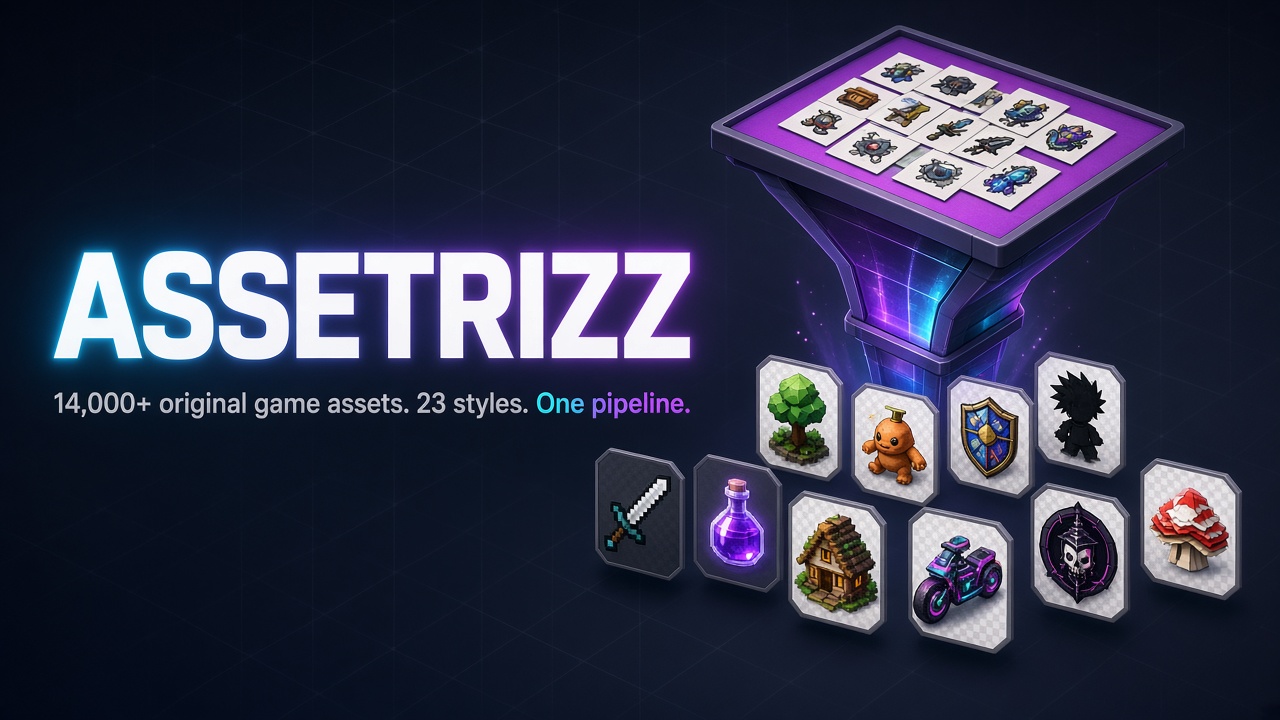
Assetrizz for Hermes: search 14,641 original 2D game assets and have the agent compose them into rendered scenes, with a live preview pane. assetrizz_search runs full-text search over slugs, tags, descriptions, styles and categories across 23 style packs (for example pixel_32 and cozy_cartoon). assetrizz_scene creates a canvas, tiles floors and walls, places, moves, scales, flips and layers props and characters, renders a PNG, and saves or loads scene JSON. Its op=compose builds a whole scene from one compact spec using four gameplay templates (topdown_farming, topdown_shooter, dungeon_crawler, side_platformer) and returns layer lint for collisions, HUD/playfield overlap and off-canvas items. Skill id assetrizz:assetrizz-composer. On Hermes Desktop 0.23 or newer, a dark Assetrizz pane live-previews the current scene through ctx.rest, browses assets and installs or removes a local library (deletion needs confirmation). The two tools also run without the pane. It is for game jams, prototypes, level mockups and pitch art that need consistent tiles and sprites quickly. To start, run hermes plugins install assetrizz and hermes plugins enable assetrizz, then ask: "Search assetrizz for pixel_32 grass and dirt path tiles, then compose a 640×320 meadow with a path, a couple of trees, a ranger and a hare. Render a PNG." Search works at once from the bundled catalog; the first search builds a lean SQLite + FTS5 index in the plugin data directory. Renders come back as file paths. No keys are needed. Disclosure — in the default on_demand mode the plugin downloads individual PNGs from raw.githubusercontent.com/mojomast/assetrizz at the pinned v0.1.0 tag (SHA-256-verified against the bundled catalog) and caches them under the plugin data directory; the Desktop pane and CLI can download whole style packs (up to about 1.65 GB) to a local folder and delete that folder or the cache after confirmation; rendered scenes are written to the plugin data directory or the user's configured export directory.

mojomastToolsv0.2.0Updated 44 minutes ago

About

Assetrizz for Hermes: search 14,641 original 2D game assets and have the agent compose them into rendered scenes, with a live preview pane. assetrizz_search runs full-text search over slugs, tags, descriptions, styles and categories across 23 style packs (for example pixel_32 and cozy_cartoon). assetrizz_scene creates a canvas, tiles floors and walls, places, moves, scales, flips and layers props and characters, renders a PNG, and saves or loads scene JSON. Its op=compose builds a whole scene from one compact spec using four gameplay templates (topdown_farming, topdown_shooter, dungeon_crawler, side_platformer) and returns layer lint for collisions, HUD/playfield overlap and off-canvas items. Skill id assetrizz:assetrizz-composer. On Hermes Desktop 0.23 or newer, a dark Assetrizz pane live-previews the current scene through ctx.rest, browses assets and installs or removes a local library (deletion needs confirmation). The two tools also run without the pane. It is for game jams, prototypes, level mockups and pitch art that need consistent tiles and sprites quickly. To start, run hermes plugins install assetrizz and hermes plugins enable assetrizz, then ask: "Search assetrizz for pixel_32 grass and dirt path tiles, then compose a 640×320 meadow with a path, a couple of trees, a ranger and a hare. Render a PNG." Search works at once from the bundled catalog; the first search builds a lean SQLite + FTS5 index in the plugin data directory. Renders come back as file paths. No keys are needed. Disclosure — in the default on_demand mode the plugin downloads individual PNGs from raw.githubusercontent.com/mojomast/assetrizz at the pinned v0.1.0 tag (SHA-256-verified against the bundled catalog) and caches them under the plugin data directory; the Desktop pane and CLI can download whole style packs (up to about 1.65 GB) to a local folder and delete that folder or the cache after confirmation; rendered scenes are written to the plugin data directory or the user's configured export directory.

Assetrizz for Hermes

Assetrizz is a native Hermes plugin. Ask the agent for a meadow, a ranger, a roadside inn — it searches the catalog, places tiles and props, and renders a PNG. On Hermes Desktop 0.23 or newer, the Assetrizz pane live-previews the scene in dark mode while you watch.

This repository is just the plugin (about 16 MB installed, including a 15 MB scannable JSONL catalog). The art itself — 14,641 PNGs across 23 style packs, about 1.65 GB — stays in mojomast/assetrizz and is pinned at tag v0.1.0 (commit 05339c228f55ac95ad21b5c947db0c6e36207cd4). Hashes in the catalog match that tag, so a fetch is verified before it is kept.

  • Skill id: assetrizz:assetrizz-composer (pass that exact string to skill_view)
  • Tools: assetrizz_search, assetrizz_scene
  • Requires Hermes >=0.23.0 (the Desktop pane uses ctx.rest)
  • Version: 0.2.0 — compose-v2 (op=compose, four gameplay templates, layer lint, canvas HUD). See CHANGELOG.md.
  • License: MIT for the plugin code. The assets remain “original, generated for Kyle Durepos” — see the library license.

Asset modes

Set Settings → Plugins → assetrizz → Asset mode (asset_mode / ASSETRIZZ_ASSET_MODE):

| Mode | What happens |
|---|---|
| on_demand (default) | Search uses the bundled catalog. When you place, render, or preview an asset, the plugin downloads that one PNG from the pinned GitHub raw URL, verifies its SHA-256 against the catalog, and caches it under the plugin data directory. |
| local | Same catalog, but PNGs are read from a library directory you install once — the full 1.65 GB tree, or chosen style packs (for example pixel_32 is 872 files, about 4 MB; cozy_cartoon is 854 files, about 118 MB). Missing files may still be fetched one at a time into that directory. |
| offline | No network. Search still works; placing or rendering fails unless the PNG is already in the local library or the on-demand cache. Optional library_path / ASSETRIZZ_LIBRARY still prefers a complete library checkout when you have one. |

A bulk download of the library or a style pack is user-initiated only. Use the Download library button in the Assetrizz pane (size estimate per pack, progress, cancel) or run the CLI yourself. It is not a model tool, and the agent cannot start a 1.65 GB download on its own.

python -m assetrizz_plugin.cli status
python -m assetrizz_plugin.cli download --style pixel_32
python -m assetrizz_plugin.cli download --all --yes
python -m assetrizz_plugin.cli cancel
python -m assetrizz_plugin.cli remove --yes

Downloads use the same pinned tag (mojomast/assetrizz v0.1.0), SHA-256 verification, at most four concurrent requests, and resume-on-retry (files already on disk whose hash matches are skipped). The pane shows disk usage for the local library and the on-demand cache. Remove local library (or cli remove --yes) needs confirmation and will not delete a source checkout.

Set Local library directory (local_library_dir / ASSETRIZZ_LOCAL_LIBRARY) if you want the download somewhere other than the plugin data library/ folder. It must not be a filesystem root.

Install

hermes plugins install mojomast/assetrizz-hermes

To pin a release, pass the 40-character commit SHA of the v0.2.0 tag as --ref (--ref does not accept a tag name). The open catalog listing still needs a separate, approved SHA pin.

Search works immediately from the bundled catalog. You do not need a 1.65 GB clone for that. Leave Asset mode at on_demand, or open the Assetrizz pane and click Download library to keep a complete local copy.

If you already have a checkout of mojomast/assetrizz, set Library path (ASSETRIZZ_LIBRARY) to that folder (assets/ plus a catalog at db/assets.db or db/assets.db.xz). Leave it empty to auto-detect a checkout next to this plugin, or set it to none to force the bundled catalog. The first search builds a lean SQLite + FTS5 index from db/assets.jsonl into the plugin data directory.

Optional: set Export directory (ASSETRIZZ_EXPORT_DIR) for rendered PNGs. It must not be a filesystem root. The default is the plugin data exports/ folder, which survives hermes plugins update.

The two tools work without the Desktop pane. On Hermes Desktop 0.23 or newer, open the Assetrizz pane to watch the current scene, browse assets, inspect layers, and download or remove a local library. The pane talks only through ctx.rest — it never dials loopback or attaches authorization headers.

Scene workflow

Ask the agent to find tiles or characters and lay out a scene, for example:

Search assetrizz for pixel_32 grass and dirt path tiles, then compose a
640×320 meadow with a path, a couple of trees, a ranger, and a hare.
Render a PNG.

Typical tool flow:

  1. assetrizz_search op=stats or op=search with q, style, category.
  2. assetrizz_scene op=create with width, height, optional background.
  3. op=tile to fill floors or walls; op=place for props, characters, foliage.
  4. op=move / scale / flip / layer / remove as needed (layer=L1…).
  5. op=render writes a PNG under the export directory and refreshes the pane.
    The tool result is a path, not an embedded image.
  6. op=save / op=load persist scene JSON in the plugin data dir.

Prefer assetrizz_scene op=compose when the agent should build a scene
from a declarative spec in one step. Pass spec as one JSON string
naming a template (topdown_farming, topdown_shooter,
dungeon_crawler, or side_platformer) and a style, plus terrain,
place, and optional hud. The compiler coalesces terrain, assigns
bands and y-sorted world z, and returns issues (overlap, density,
HUD/playfield, off-canvas, and so on) so you can revise the spec instead
of nudging individual layers. You can still use op=create / op=tile /
op=place for direct layer control.

Every handler returns a JSON string: {ok: true, ...} or
{ok: false, error, code, fix}.

Disclosure

  • Network (on demand and user-initiated downloads only). In on_demand or
    local mode the plugin may fetch individual PNGs from
    https://raw.githubusercontent.com/mojomast/assetrizz/v0.1.0/assets/…
    (the pin is the asset_ref setting; default v0.1.0, which is commit
    05339c228f55ac95ad21b5c947db0c6e36207cd4 on the library repo).
    Requests use the Hermes SSRF guard (create_ssrf_safe_client,
    follow_redirects=False, trust_env=False), allowlist only that host and
    assets/ prefix, cap the body at 5 MiB, time out, and refuse off-host
    redirects. Each file is checked against the SHA-256 stored in the catalog;
    a mismatch is not kept. There are no credentials and requires_env is empty.
  • Bulk downloads are not a tool. Only the pane button or
    python -m assetrizz_plugin.cli can start a library or style-pack download.
    A running job can be cancelled; verified files stay on disk so you can
    resume. A background thread exists only while that user-started job runs.
  • Offline / local files. offline mode never touches the network. An
    optional complete checkout of the library repo (library_path /
    ASSETRIZZ_LIBRARY) is used first when present. Paths are confined after
    symlink resolution. Tool arguments cannot point the plugin at an arbitrary
    path or a filesystem root. An extra export directory must be set by you
    (Settings or ASSETRIZZ_EXPORT_DIR), never by a model argument, and must
    not be a filesystem root.
  • Writes. Scene JSON, JPEG previews, rendered PNGs, the built
    catalog (from the JSONL source), the on-demand cache, and (if you download it) the local library
    are written under the plugin data directory and, if you set them, the
    Export directory or local_library_dir. Writes also honour Hermes
    file_safety when the host provides it. Removing a local library from the
    pane requires confirmation and will not delete a source checkout.
  • Untrusted catalog text. Asset names, tags, and descriptions are treated
    as data, not instructions (control characters are stripped in tool results
    and the pane uses text nodes, not HTML).
  • No secrets are logged or printed. No subprocesses are spawned.

The installed plugin (this repository, including the 15 MB scannable JSONL
catalog) is about 16 MB. Committing the uncompressed library SQLite file was
not an option: that snapshot is 147 MB and is mostly generation-pipeline
tables this plugin never queries, and a .db is still a binary. The JSONL
holds only the fields search and compose need (one asset per line) so a
catalog reviewer can read every record. A lean SQLite + FTS5 database is
built in the plugin data directory on first search, typically in a couple
of seconds, and is rebuilt if the source hash changes. A full local library
download is about 1.65 GB plus the catalog; individual style-pack sizes are
listed in the pane.

This repo was split from plugin/
in mojomast/assetrizz (history preserved
via git subtree split). Asset URLs and hashes still point at that library’s
v0.1.0 tag.

Develop

pytest -q tests
python evals/measure_schemas.py
python desktop/build_plugin.py   # rebuild desktop/plugin.js
hermes plugins doctor . --ci
hermes plugins validate . --install-deps

Standalone / mock-host tests cover registration, FTS search, path confinement,
Pillow compositing, JSON handler envelopes, on-demand fetch / local install
with a mock HTTP fetcher, and first-run catalog builds (a tiny fixture plus
one test that builds the real JSONL). They never hit the network and they
do not commit or require a SQLite file in the repo. They are not a live
Hermes Desktop proof — the pane still needs a real host before a catalog
submission.

Schema tokens are measured with tiktoken o200k_base (and cl100k_base for
comparison). Keep the two op-style tools; do not split them into many
fine-grained tools, and do not add a model-callable download tool.

Bump the version in one place with
python scripts/bump_plugin_version.py 0.2.0 (also updates pyproject.toml
and assetrizz_plugin/__init__.py). Tag, release, catalog submit, and deploy
only with an explicit yes from the owner.

README from the reviewed commit e710b89; it updates when the author re-pins.
More by mojomast

11 plugins by mojomast in the catalog.

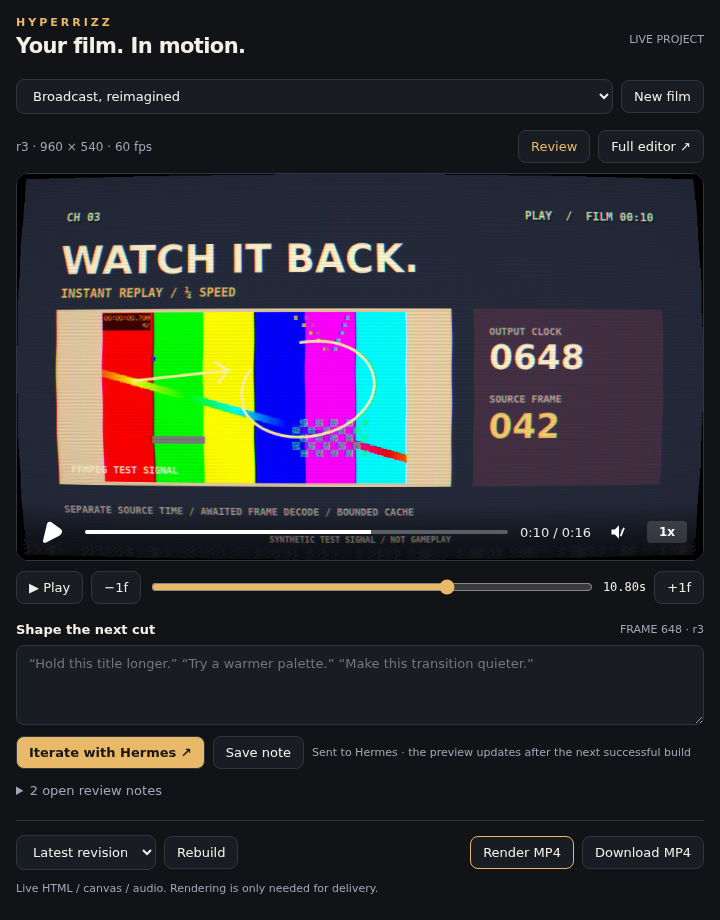
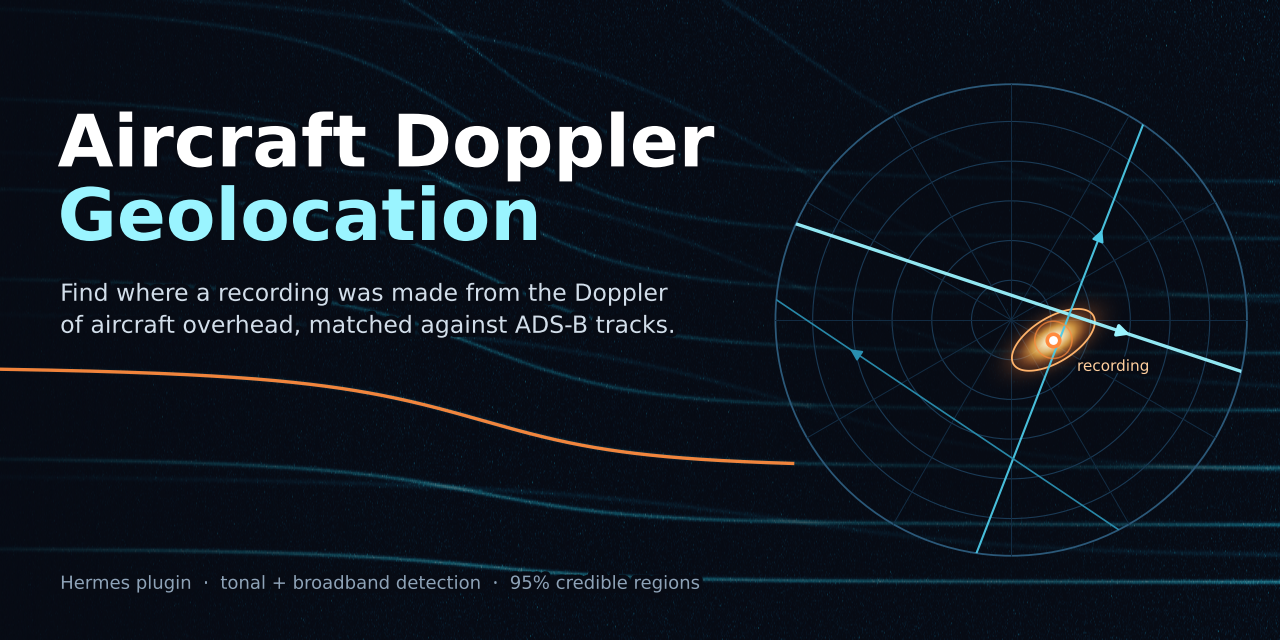
mojomastaircraft-doppler-geolocationDetect aircraft flyovers in a recording (Doppler tones, plus experimental ground-reflection broadband jet passes) and estimate where it was made by scoring them against adsb.lol ADS-B history, with a posterior heatmap, 68/95% areas and a confidence flag. Provides the doppler_detect and doppler_locate tools and a dopplergeo CLI. Results on unseen real recordings are weak (2 of 18 held-out runs under 3 km); treat output as a hypothesis. Disclosure — doppler_locate / dopplergeo locate makes unauthenticated HTTPS GETs to GitHub (adsb.lol release assets, streamed, about 3 GB read per uncached day; only the crop is cached), raw.githubusercontent.com (tar1090-db types), the Copernicus DEM S3 bucket and Open-Meteo, caching results under ~/.cache/doppler-geo (or DOPPLER_GEO_CACHE); offline mode uses the local cache only; no credentials, uploads or telemetry. doppler_detect and the skill scripts make no network calls; the tools and scripts run ffmpeg/ffprobe (no shell) on the recording you name and write CSV/PNG/JSON at the output path you give (default `<recording>.doppler/`). PyPI packages (numpy, scipy, soundfile, matplotlib, tifffile) install only after Hermes dependency consent. The method can geolocate where a recording was made, so use it only on recordings you are entitled to analyse.Communitytools16mojomastorbit-desktopYour workspace, shaped by your agent: a bundled browser desktop powered by Hermes. Describe the workflow you need; the agent can rearrange windows and panes, customize appearance, build versioned sandboxed web apps, and refine your workspace with scoped control, previews and checkpoints. Illustrated examples show a project-specific COCS 3D asset viewer and OmniVoice experiment bench; these example apps and their backends are not bundled. Includes permission-controlled desktop agent-reply notifications (generic alerts while Orbit remains open; browser/OS restrictions apply) and 100,000-character chat messages, guidance and drafts. Includes Devplan Studio for guided interviews, specifications, phased devplans and circular-development handoff exports. Optional conversational interviews require explicit service setup and a working Hermes provider login, and send project context to that provider. Includes 14 distinctive interface presets including Nous Atelier, with local wallpapers, themed icons and taskbar treatments. Agent chats include inline expandable tool activity, running/completed/failed summaries, an activity strip, a workspace agent overview and responsive toolbar controls. Missing tool-call IDs are explicitly uncorrelated. Embedded apps retain their own styling. Includes a reviewed GitHub app catalog with immutable source pins and a portable Live Telemetry package. Catalog sync (operator-run scripts/orbit_catalog.py, never triggered by the Hermes tool or at register) reads the entry list from the upstream repo's main branch at sync time and downloads third-party static app bundles at their per-entry commit pins; installed UI runs in a sandboxed iframe and never executes backend code. Optional telemetry backend staging downloads pinned Python; execution requires explicit host-code trust and separate private authenticated HTTPS setup. Backend code runs with owner privileges, not a sandbox. Disclosure — adapter talks only to the configured local Orbit server (loopback, Bearer capability from runtime_dir); mutations off by default. Optional orbit.py setup runs npm ci / node. Bundled VNC/Xpra launchers use the Orbit page's hostname and scheme; optional Linux apps require separate provisioning. Optional api.typesafe.ai requests require explicit consent and a user-supplied key. The 0.2.7 web app's opt-in Show tools panel displays tool call arguments and results for the current Hermes conversation, fetched from the local Orbit server and local Hermes session API and kept in the browser only. The Nous Atelier theme contains Nous Research logo artwork and is unofficial; Orbit is not affiliated with Nous Research.CommunityDesktop app10mojomastgodseyeEye Of Hermes (EOH), built on God's Eye View (bilawalsidhu/gods-eye-view, MIT): the same 11 composable godseye_* tools (godseye_view, godseye_query, godseye_layers, godseye_feeds, godseye_annotate, godseye_nav, godseye_track, godseye_scene, godseye_watch, godseye_capture, godseye_admin) for public data (aircraft, ships, satellites, quakes, fires, weather, infrastructure) backed by its MCP server, a live 3D globe pane in Hermes Desktop and the Webapp that Hermes can drive and read, and HUD summaries generated with the Hermes model (ctx.llm) instead of OpenAI. An Overlays sidebar (godseye_annotate op=overlays) lists pins, routes and trails, lines, areas, watches, and scenes, and imports or exports eoh.overlays.v1 JSON under plugin-data. godseye_scene director ops build, update, list, play, and stop a Director scene on the pane; godseye_annotate op=clip stores a YouTube or X URL on a pin; godseye_feeds op=fire_check runs FIRMS, the clearest recent image, then imagery before/after, and does not create a watch or a pin. v0.2.2 hardens Wayback imagery releases, overlays when the relay is out-of-process, pane routing timeouts, and layer/user-pref behavior; v0.2.3 keeps a visible imagery surface during compare swipe and the Wayback timeline; v0.2.4 captures the pane after render and falls back to public Overpass mirrors for OSM queries; v0.2.5 restores a clean plugin.yaml and adds a strict duplicate-key test; v0.2.6 declares street-level keys through Hermes requires_env/get_secret and removes the Gods Eye View env-file fallback. v0.2.7 addresses catalog security review (public-only fetches, scoped credentials, confined imports and minimal child environments) and bounds pane captures with explicit transport errors. v0.2.8 documents the public SDR receivers layer (sdr-receivers); the map layer needs gods-eye-view main at or after b361a25 (PR #5). v0.2.9 treats watch-alert titles as quoted third-party data, requires confirm=true for godseye_admin start/stop/restart/rebuild (refused inside batch), gesture-gates pane link opens and Ask Hermes, and stops re-posting runtime config after the app acknowledges it. v0.2.10 adds a read-only godseye_query op=sdr_receivers (nearest public SDR receivers; does not start audio), refuses private-LAN Overpass/Nominatim/OSRM/Valhalla/Wayback URLs, hardens the live relay and HUD bridge, and adds GitHub Actions CI. The same 11 tools also carry the recent God's Eye View v0.3-style ops (imagery before/after, a weather preset, GTFS-RT transit on the app's transit layer, and fire-perimeter watches). Requires Node 24 or newer (God's Eye View documents 24.14 or later, or 26.x) and a running God's Eye View checkout. No named-person search, face recognition, or tracking of individuals. Disclosure — starts one node MCP child from the user's God's Eye View checkout, plus git rev-parse, node and systemctl --user children with a minimal environment; runs loopback-only HUD bridge (127.0.0.1:18791) and live relay (127.0.0.1:18792) threads gated by a random token stored 0600 in plugin-data; registers a godseye.live-globe system-prompt section and ships a godseye-analyst skill; a pre_llm_call hook may add a short map line and queued watch alerts, whose feed titles are passed as quoted third-party text; an active area watch polls USGS, NASA FIRMS, OpenSky (falling back to api.adsb.lol when OpenSky fails), the local app, or Overpass/Nominatim from a daemon thread; place search, routes, isochrones, Wayback metadata, and pin research call public services (Nominatim, Overpass and public Overpass mirrors, OSRM, Valhalla, Esri, Wikipedia, Wikidata, Wikimedia, and venue sites), and private-LAN service URLs are refused; feed tools, including fire_check, and godseye_query op=sdr_receivers talk to the user's God's Eye View app, which itself fetches public third-party data feeds and the public SDR receiver directory; overlay import and export stay under plugin-data/godseye/overlays and are not uploaded, and credential-named files are refused for import; opening a pin drawer that has a clip loads a www.youtube-nocookie.com/embed or platform.twitter.com/embed iframe inside the sandboxed frame, and pane link opens and Ask Hermes run only after a click on the pane's confirm bar; godseye_admin app_start, app_stop, app_restart, and rebuild require confirm=true, are refused inside batch, may run systemctl --user on gods-eye-view.service, start Node on the checkout's vite.js, or run npm run build:panel in the checkout, and refuse a foreign listener; all provider credentials are declared in plugin.yaml requires_env and read only via agent.secret_scope.get_secret; no plugin dotenv reads, key-file installation, or process-wide credential mutation; browser-facing credentials are written only to gitignored mode-0600 runtime config, while server-only secrets never enter the pane; the pane backend adds a base tag, an opt-in UI flag, a Cesium worker shim, the overlay sidebar and Director bridge scripts, and the live agent script inside the sandboxed frame only.Communitytools4mojomasthyperrizzAgent-led HyperFrames films with a live review pane, frame notes, revisions and on-demand full Studio. Runs local Node/Chromium/FFmpeg subprocesses and background jobs; npm downloads pinned dependencies on first build. Project code runs locally. Stores projects in profile-scoped plugin data. No API keys or hosted generation. Disclosure — spawns local Node/Chromium/FFmpeg child processes with a minimal non-secret environment; runs background build/check/render workers and an optional loopback Studio sidecar (token-gated, 512 KiB capture budget, no redirects); project write can edit the project's scripts/*.mjs and package.json, and build/check/render run them with Node at the user's full privileges (no filesystem or network sandbox), the same power as file writes plus the terminal; npm ci runs package lifecycle scripts; the embedded HyperFrames Studio server listens on loopback without a token; Desktop pane uses ctx.rest only; post_tool_call binds projects to the host session; no credentials, no telemetry, no self-update.CommunityDesktop app4

Developer Mode

Explore built-in Hermes toolsets and actions.

HermesAgent

Developer?

Create a Hermes extension for Desktop or agent workflows.

Developer Section