Asgard
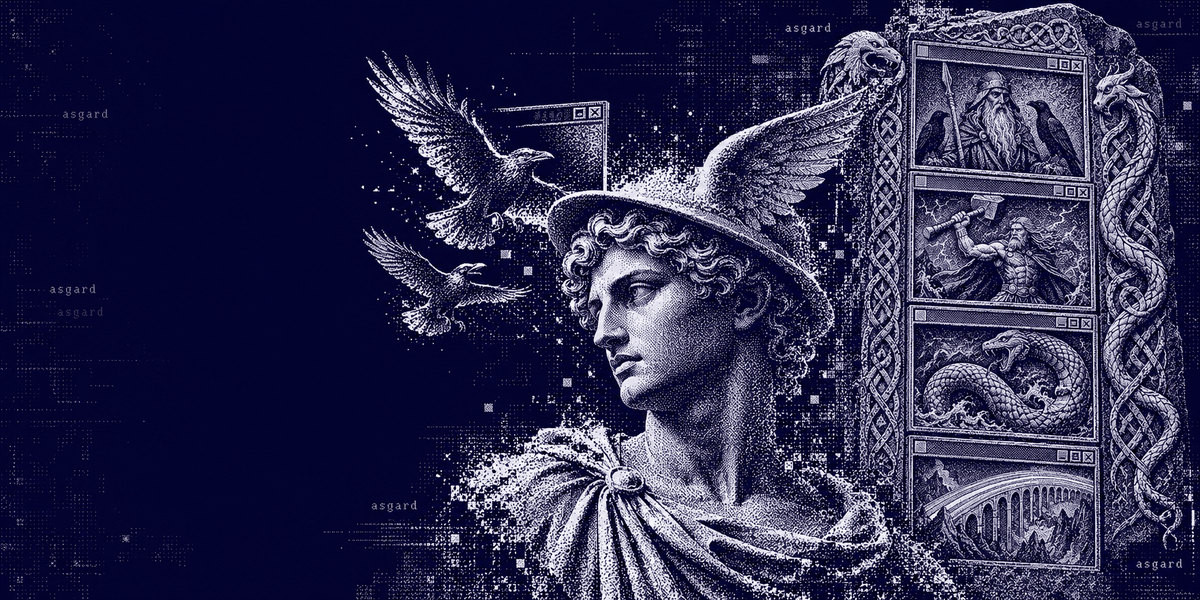
Twelve Norse gods for your Hermes desktop.
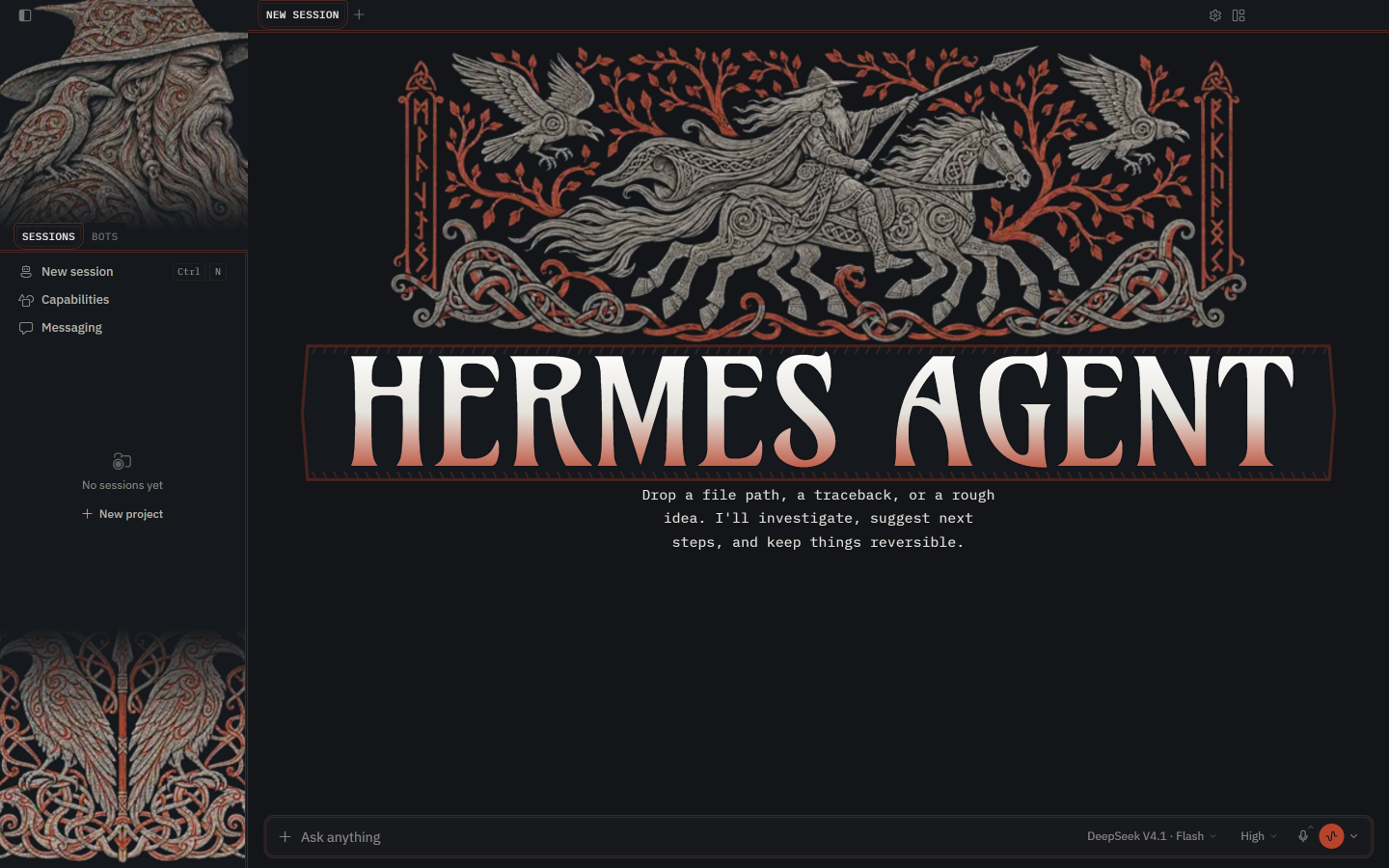
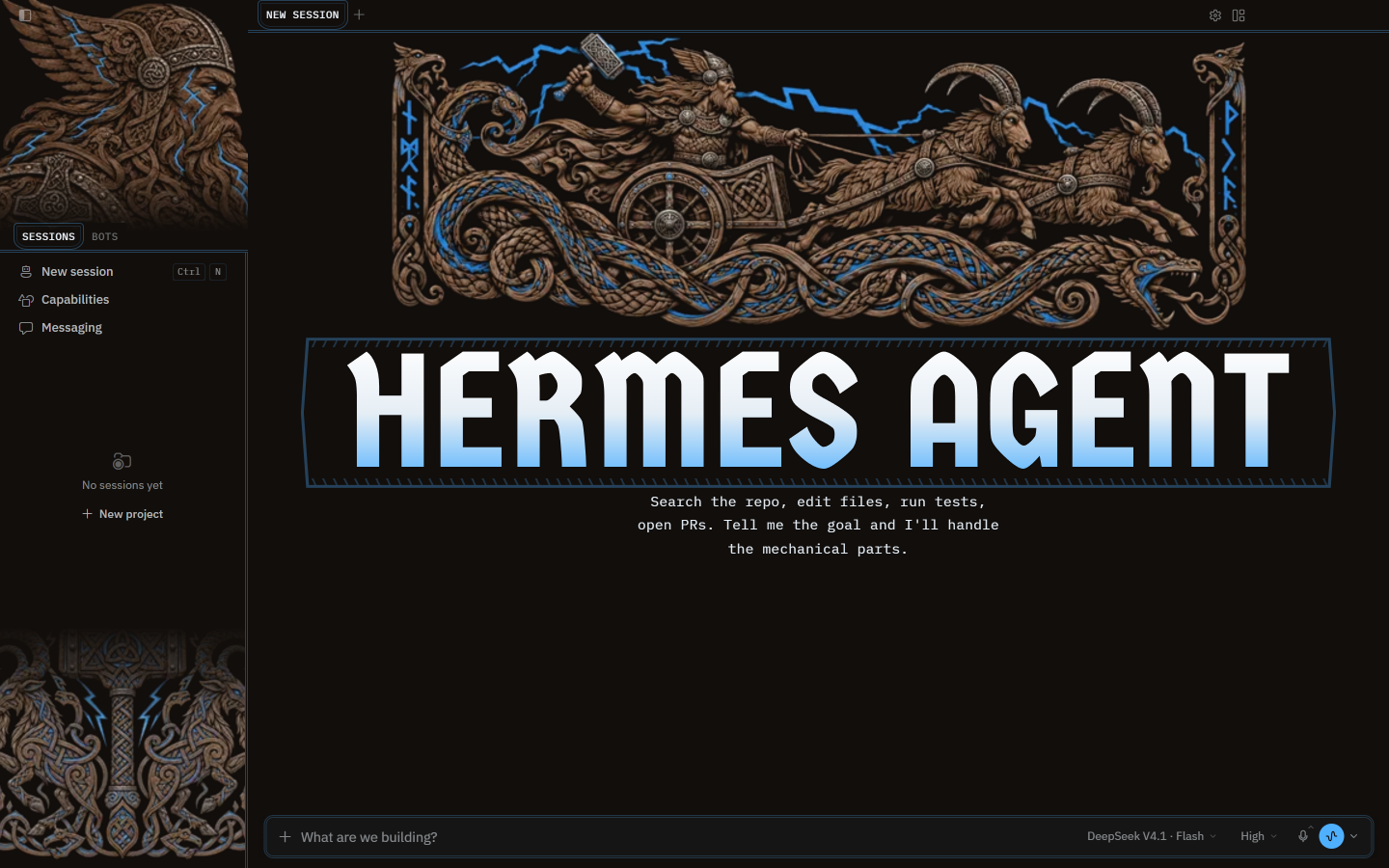
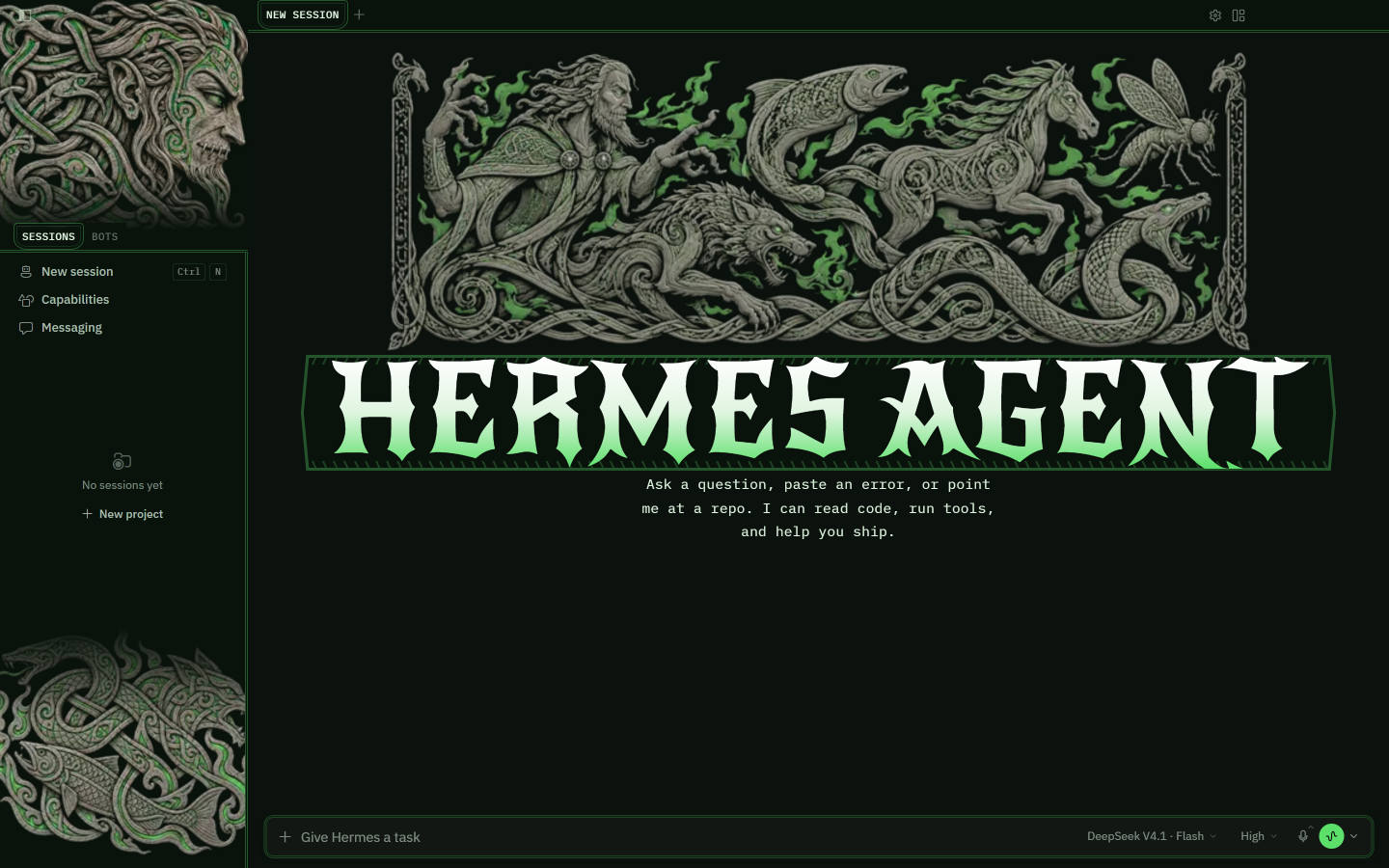
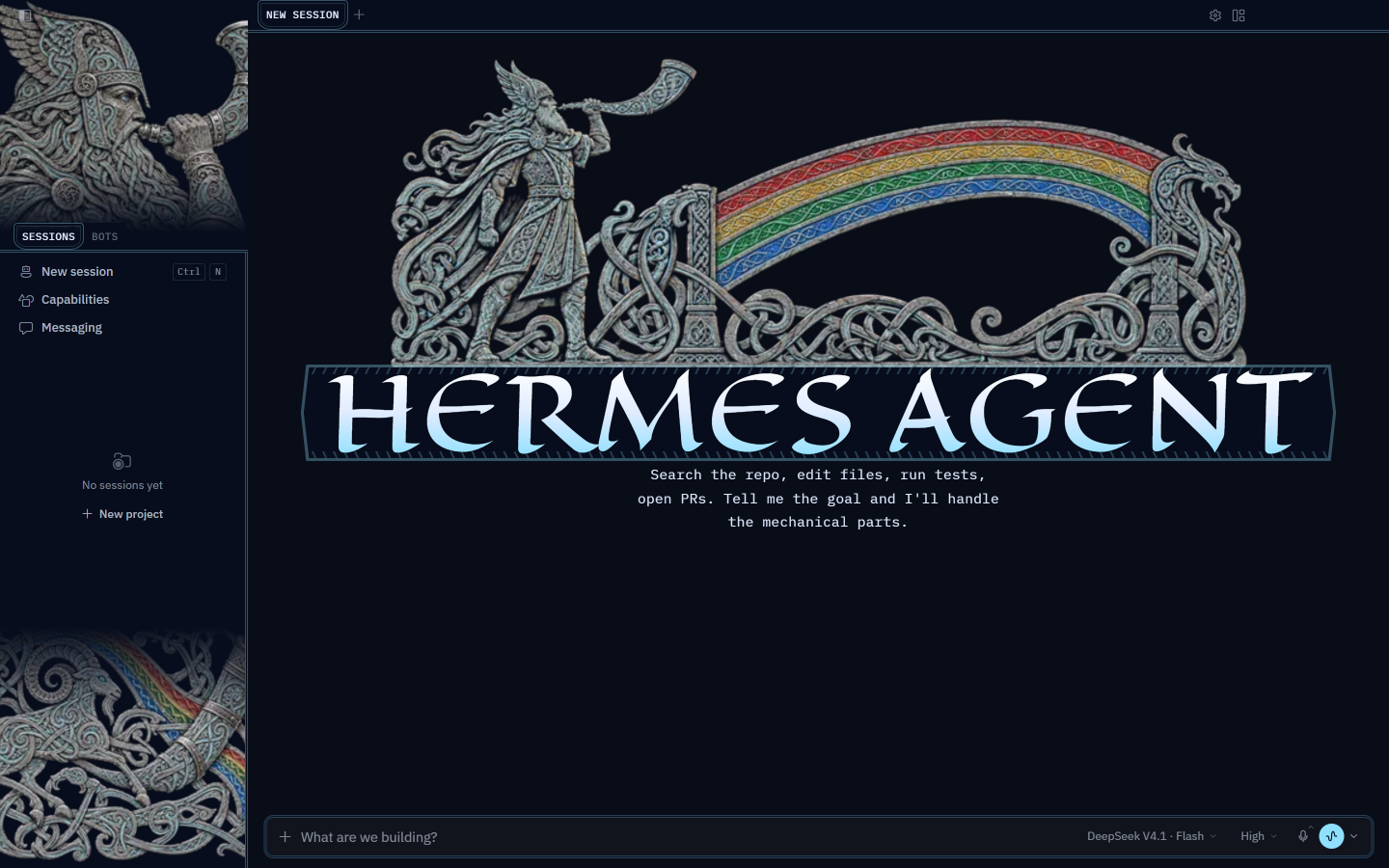
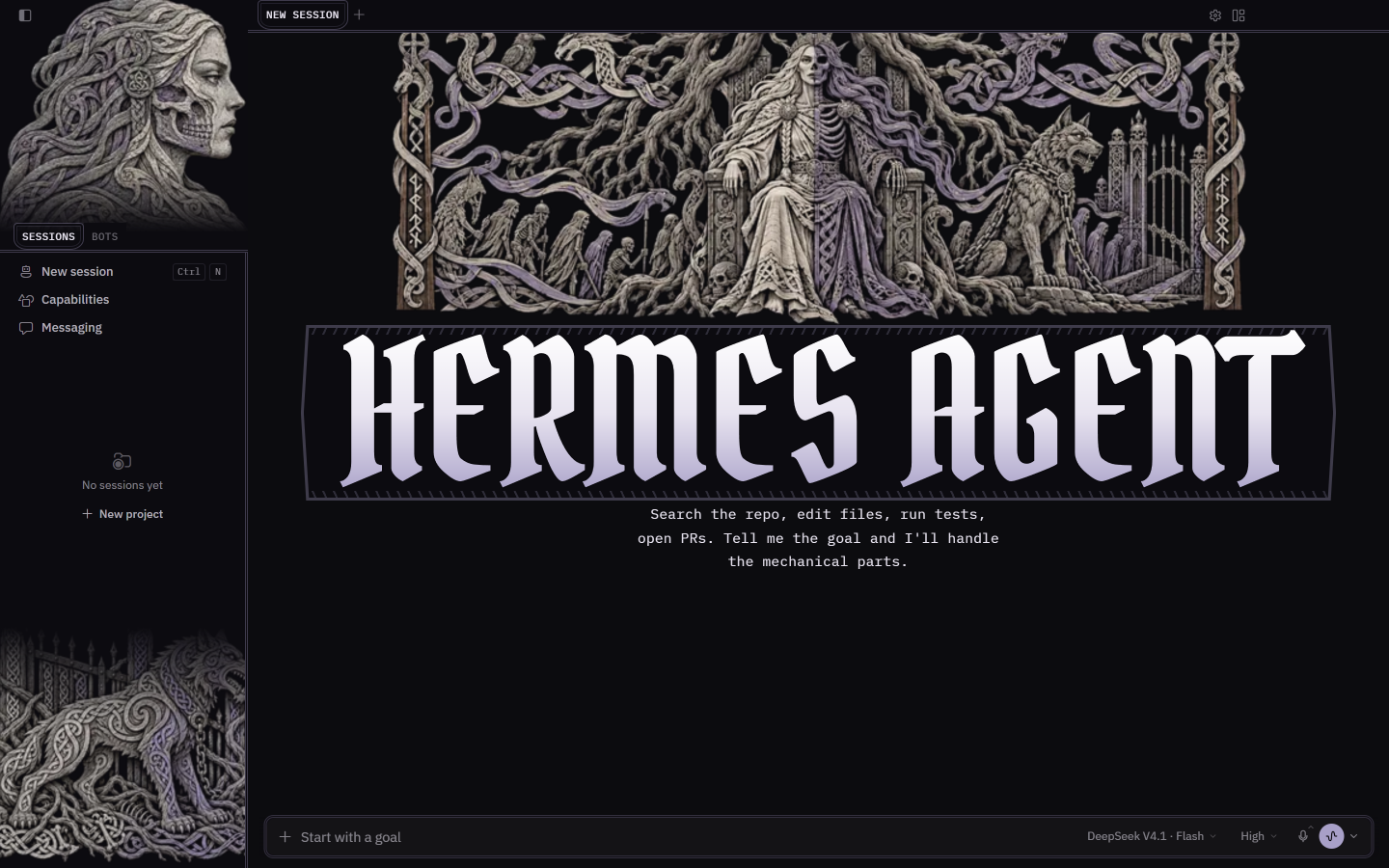
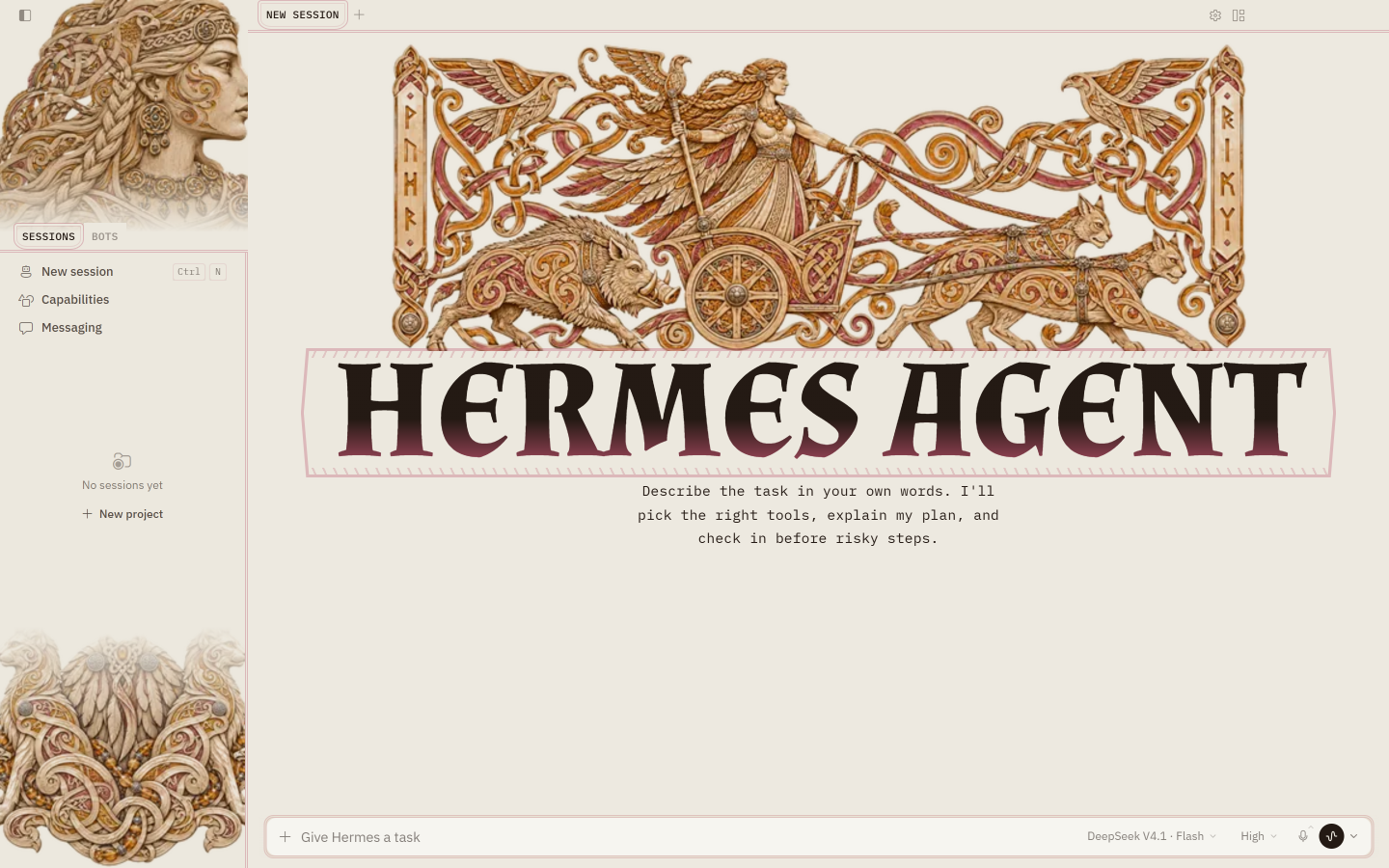
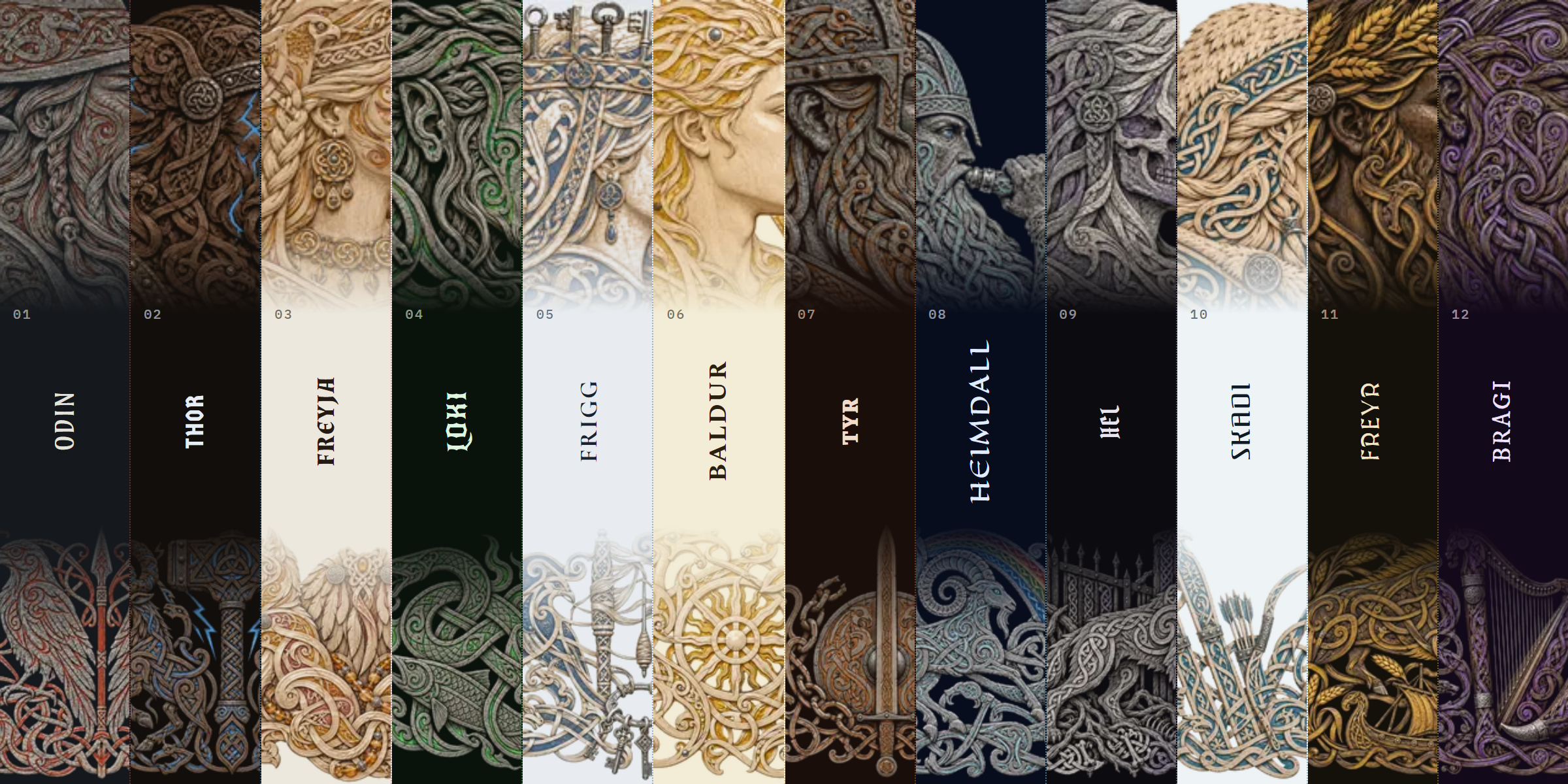
Twelve themes for Hermes Desktop, carved in runestone and wood. Each god fills the carving with their own colour, brings their own lettering, and sets the HERMES AGENT name on a runic band: Odin's red runes, Thor's lightning, Loki's green fire, Heimdall's rainbow.
FOR HERMES DESKTOP · COMMUNITY THEMES · VERSION 0.1.0
See all twelve live · Try it in a minute · Meet the twelve · Switch any time
Try it in a minute
You need Hermes Desktop 0.22.2 or later. You don't need a terminal.
1. Install. In Hermes Desktop, open Capabilities → Plugins and click Install from Git. Paste this address, click Review repository, then install:
https://github.com/Adolanium/hermes-asgard
hermes plugins install Adolanium/hermes-asgard
If it asks whether to enable the plugin, either answer works. That switch is for the agent side, and Asgard has nothing there.
2. Turn it on. Asgard now appears in Capabilities → Plugins. Flip its Desktop switch on. Desktop plugins installed from a package start turned off, and this is the step people miss.
3. Pick a god. Type this in the message box and press Enter:
/skin odin
The whole app changes on the spot, with no restart. Try /skin loki next, or plain /skin to step through every theme you have.
Meet the twelve
Click a card to see the full window.
 |
 |
|---|---|
 |
 |
 |
 |
 |
 |
 |
 |
 |
 |
Switch any time
Every Asgard theme is a normal Hermes theme, so all the usual ways to switch work:
| Where | What to do |
|---|---|
| Message box | /skin <name>, for example /skin freyja. /skin list shows every theme; /skin alone moves to the next one. |
| Command palette | Press Ctrl K (⌘ K on macOS), choose Change theme, and pick one. |
| Settings | Settings → Appearance → Theme. |
The names are odin, thor, freyja, loki, frigg, baldur, tyr, heimdall, hel, skadi, freyr and bragi. To go back to the stock look, type /skin nous.
Hermes remembers your choice for each profile, so a work profile can keep Odin while a personal one keeps Loki.
Small decisions, already made
- One install, twelve themes. All twelve ship in a single plugin. There's nothing to choose at install time and nothing extra to download later.
- Carved, then coloured. The art is incised runestone, oak and birch in the Viking styles, with the grooves filled in each god's colour: red runes for Odin, lightning for Thor, green fire for Loki, a rainbow for Heimdall.
- A frame of its own. The HERMES AGENT wordmark sits on a runic band with notched knotwork edges, the active tab becomes a small shield, and the dividers are double cut lines.
- Your light or dark setting can't break the art. Each theme keeps its own palette in both modes. Four are light (Freyja, Frigg, Baldur and Skadi); the other eight are dark.
- Nothing leaves your machine. The art and the fonts are packed into
plugin.js, so themes switch instantly and work fully offline. - The chat stays readable. The art lives in the sidebar and the empty new-session screen. Once a conversation starts, it's text on a calm ground.
Update or remove
hermes plugins update hermes-asgard
hermes plugins remove hermes-asgard
Or use Capabilities → Plugins: switch Asgard off to hide the themes, or remove it from there. If an Asgard theme was active, Hermes goes back to its default theme.
What it touches
- Theme registration through the Desktop plugin SDK, the same way any theme plugin adds itself to the picker.
- Style rules that apply only while an Asgard theme is active, and disappear when you switch away.
- Fonts, bundled inside the plugin under the SIL Open Font License: IBM Plex Sans and IBM Plex Mono for the interface, and one wordmark face per god: Amarante (Odin), Germania One (Thor), Almendra (Freyja), New Rocker (Loki), Cormorant Unicase (Frigg), Spectral SC (Baldur), Grenze (Tyr), Eagle Lake (Heimdall), Pirata One (Hel), Federant (Skadi), MedievalSharp (Freyr), IM Fell DW Pica SC (Bragi).
It makes no network requests, adds no agent tools, hooks, background processes or settings, and reads none of your data.
The runic band, shield tabs and placement of the art style Hermes Desktop's own markup, because the plugin SDK has no slots for decoration yet. If a Desktop update renames that markup, those touches fall back to the plain palette. Nothing else breaks.
Compatibility
| Hermes Desktop | Platform | Status |
|---|---|---|
| 0.22.2 | Windows 11 | Tested |
| 0.22.2 | macOS, Linux | Expected to work; not yet tested |
More gods
Asgard is one of three packs. They install side by side, and none of their theme names overlap, so every god shows up in the same picker.
- Pantheon: 18 Greek gods in dithered marble, all twelve Olympians and more. See them live.
- Kemet: 12 Egyptian gods in painted relief and gold leaf. See them live.
License
MIT. The bundled fonts are under the SIL Open Font License; see LICENSES.
Community project
Asgard is an independent community theme pack. It is not affiliated with, endorsed by, sponsored by, or officially associated with Nous Research or the Hermes Agent project. Hermes, Hermes Agent, and Nous Research are names and marks belonging to their respective owners.