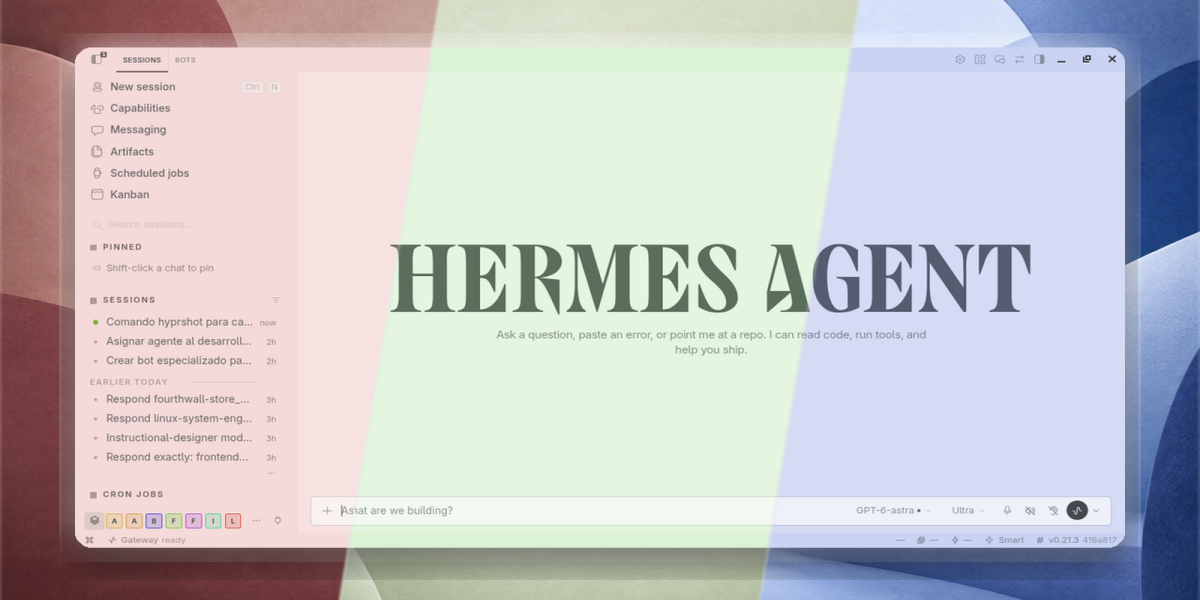
Minimalist Themes for Hermes Desktop
Give Hermes Desktop a warmer, calmer look with 18 balanced palettes.
Version 1.5.0
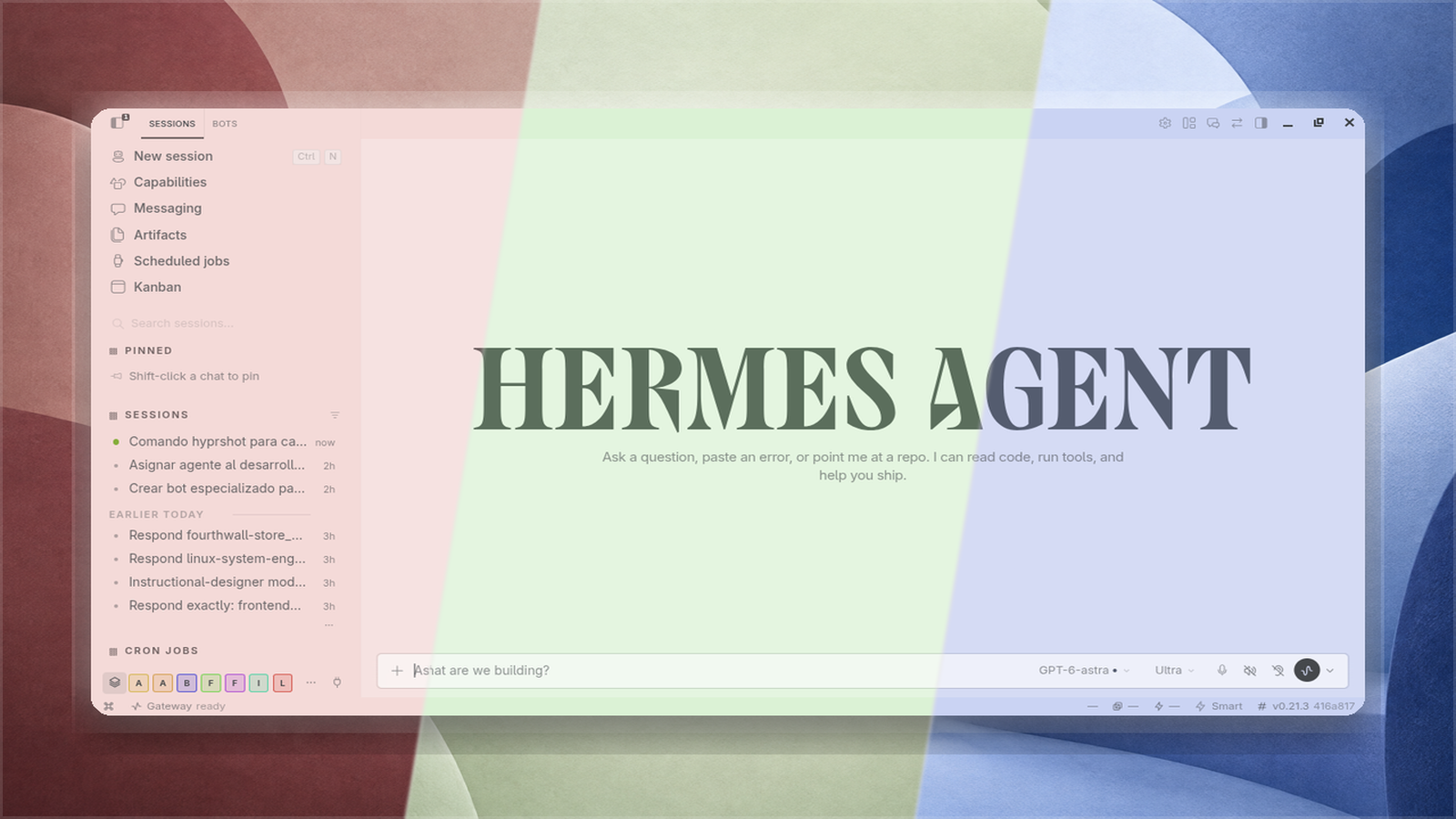
Features
- 18 palettes available in Hermes Desktop's native theme picker.
- Different palettes for different profiles through Hermes Desktop's native appearance preferences.
- One type system for every palette: Figtree for the interface and Geist Mono for code and the terminal, embedded in the plugin and loaded offline.
- Matching terminal colors per palette, so the integrated terminal belongs to the theme instead of fighting it.
- Matching YAML skins for optional CLI/TUI use; Desktop installation does not activate them automatically.
Typography
All eighteen palettes share a single pair of typefaces: Figtree for the interface and Geist Mono for code, the terminal and tabular data. One voice across the collection is what keeps it minimalist; eighteen display faces would be eighteen aesthetic decisions with nothing to gain.
Both fonts ship inside the plugin as latin-subset variable WOFF2, declared once in the plugin's shared stylesheet. Nothing is fetched at runtime and the plugin keeps working offline. Both are licensed under the SIL Open Font License; see LICENSES/.
If you set a custom chat font in Settings, that choice still wins inside the chat and the theme's typeface applies to the rest of the app — Hermes resolves the two in that order by design.
Per-profile themes
Hermes Desktop supports native per-profile theme assignment:
- Switch to the profile you want to customize
- Open Settings → Appearance → Theme
- Select a Minimalist palette
The theme assignment persists per profile. The default profile controls the inheritance slot for profiles without explicit assignments.
Compatibility
The manifest requires Hermes >=0.21.3. Per-profile assignment requires a Hermes Desktop build with native per-profile appearance support.
Typography and terminal palettes are optional theme fields: a build that predates them ignores those parts and paints the palette's colors, so the plugin never breaks an older Desktop. A saved custom accent is supported — the compatibility rules follow the retinted theme instead of dropping out.
desktop/plugin.js is the Desktop entrypoint.
Install from GitHub
Every install resolves to this GitHub repository; the plugin has no other distribution channel. These commands install the published version, not uncommitted changes:
hermes plugins install mykeura/minimalist-themes-for-hermes --no-enable
hermes plugins enable minimalist-themes
Pin a release explicitly with --ref <commit> if you want a version you chose rather than the latest commit. Once the entry is merged into Hermes' plugin catalog you will also be able to install it by name.
Enable the plugin in Hermes' plugin controls if it is not already enabled, then choose a palette in the native theme picker. Use Reload desktop plugins from the command palette if Desktop still shows an older version.
CLI and TUI skins
The repository ships a matching skin per palette, for hermes and hermes --tui. Skins are files, not part of the plugin switch, so copy them once after installing and again after every update:
mkdir -p ~/.hermes/skins
cp ~/.hermes/plugins/minimalist-themes/skins/*.yaml ~/.hermes/skins/
hermes skin list                    # every skin, with * on the active one
hermes skin use minimalist-mango    # change it
The copy takes the skins that ship inside the installed plugin, so it is only as new as that install: hermes plugins list should show the version you expect (1.5.0 today) before you copy. A stale plugin means stale skins.
Inside a running session /skin minimalist-mango does the same without restarting, and /skin on its own cycles through the list.
Every skin is the palette name with minimalist- in front, so it cannot collide with a Hermes skin, or with the Desktop theme of the same name.
Hermes shares the active appearance between surfaces. While the plugin is enabled, activating a minimalist-* skin also switches Desktop to that palette's full theme — typography, terminal colors and compatibility rules included — instead of the flat palette the skin alone would produce. Each profile keeps its own skins, so copy them into ~/.hermes/profiles/<name>/skins/ as well. hermes skin use default goes back to the stock look.
The CLI banner is themed too: the HERMES AGENT wordmark and the emblem beside it are painted with the active palette, so changing skin repaints them as well.
Update or uninstall
hermes plugins update minimalist-themes
hermes plugins remove minimalist-themes
Select another native Desktop theme before removing the plugin if a Minimalist palette is active. Do not delete or edit Hermes core files.
Development and verification
The Desktop SDK loads the JavaScript entrypoint directly; no build step is required to use the plugin. Run these checks from the repository root:
node --check desktop/plugin.js
hermes plugins validate .
hermes plugins validate is the gate the catalog runs. hermes plugins doctor passes too: the package ships an inert __init__.py that satisfies the Agent-side plugin contract without registering any tool, hook or setting.
Automated checks do not replace verifying the native picker, the profile-switch persistence, the terminal pane and the typeface in a compatible Desktop session.
Theme gallery
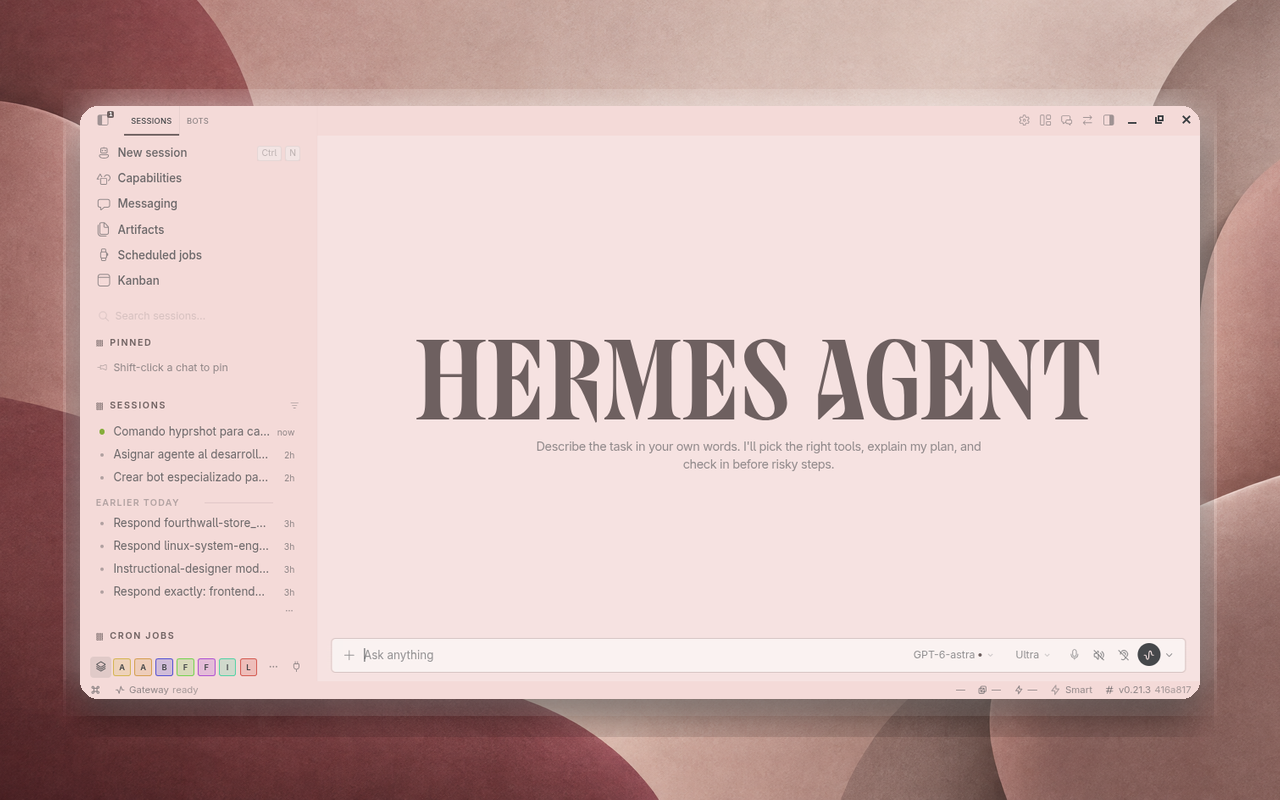 Beetroot Juice Beetroot Juice |
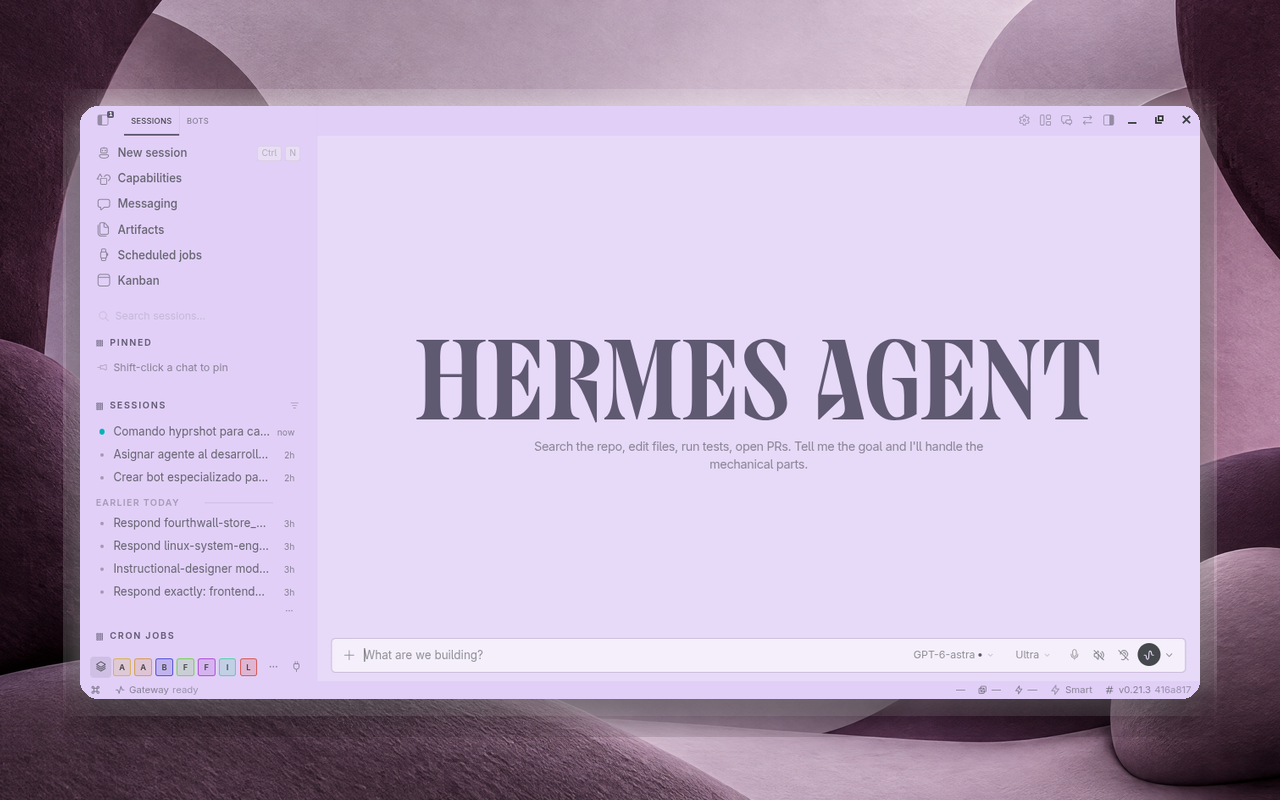 Blackberry Juice Blackberry Juice |
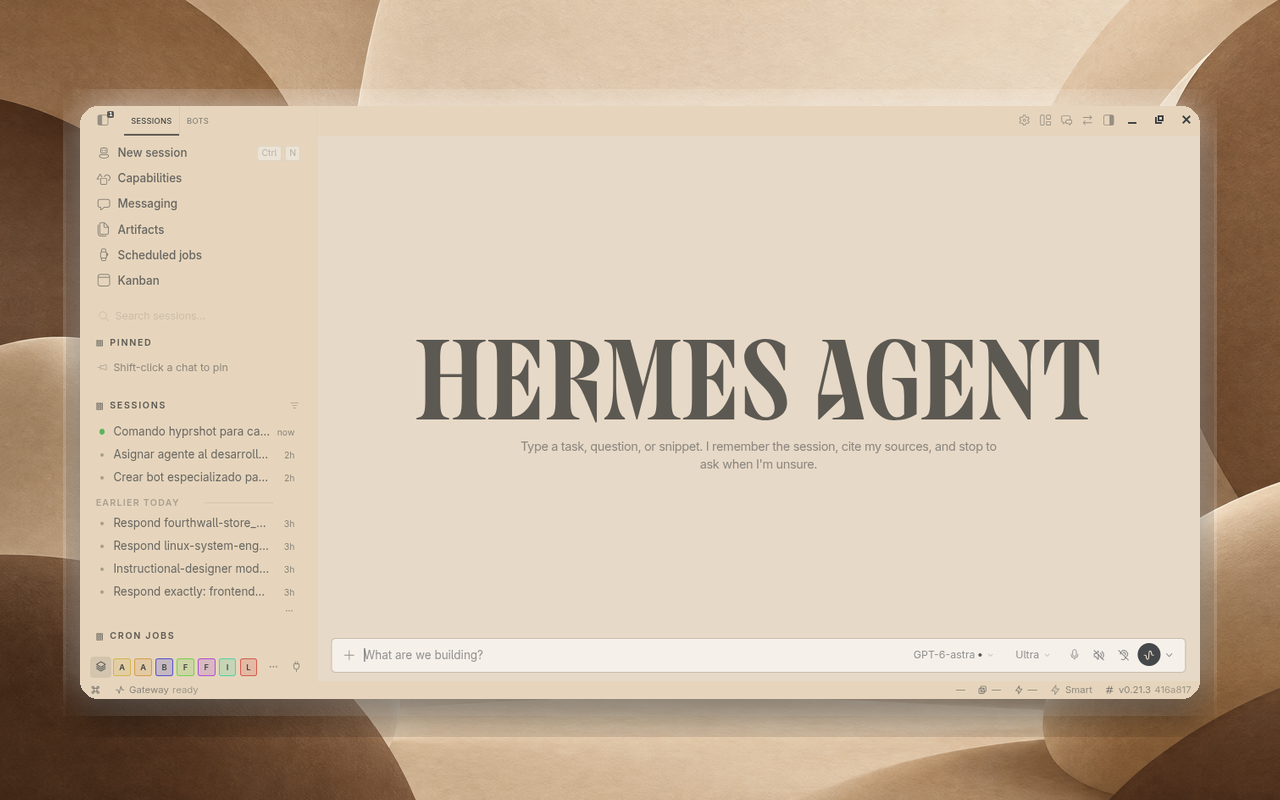 Coffee With Milk Coffee With Milk |
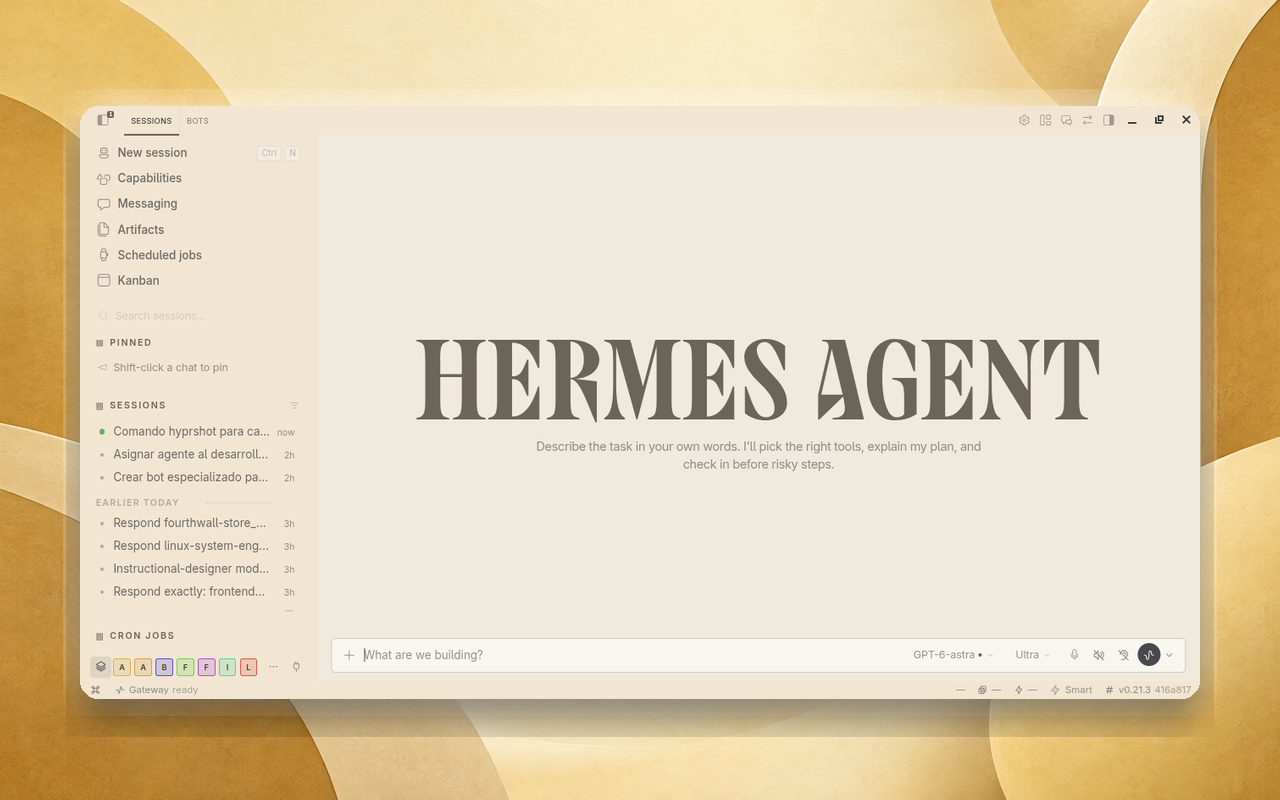 Cornmeal Porridge Cornmeal Porridge |
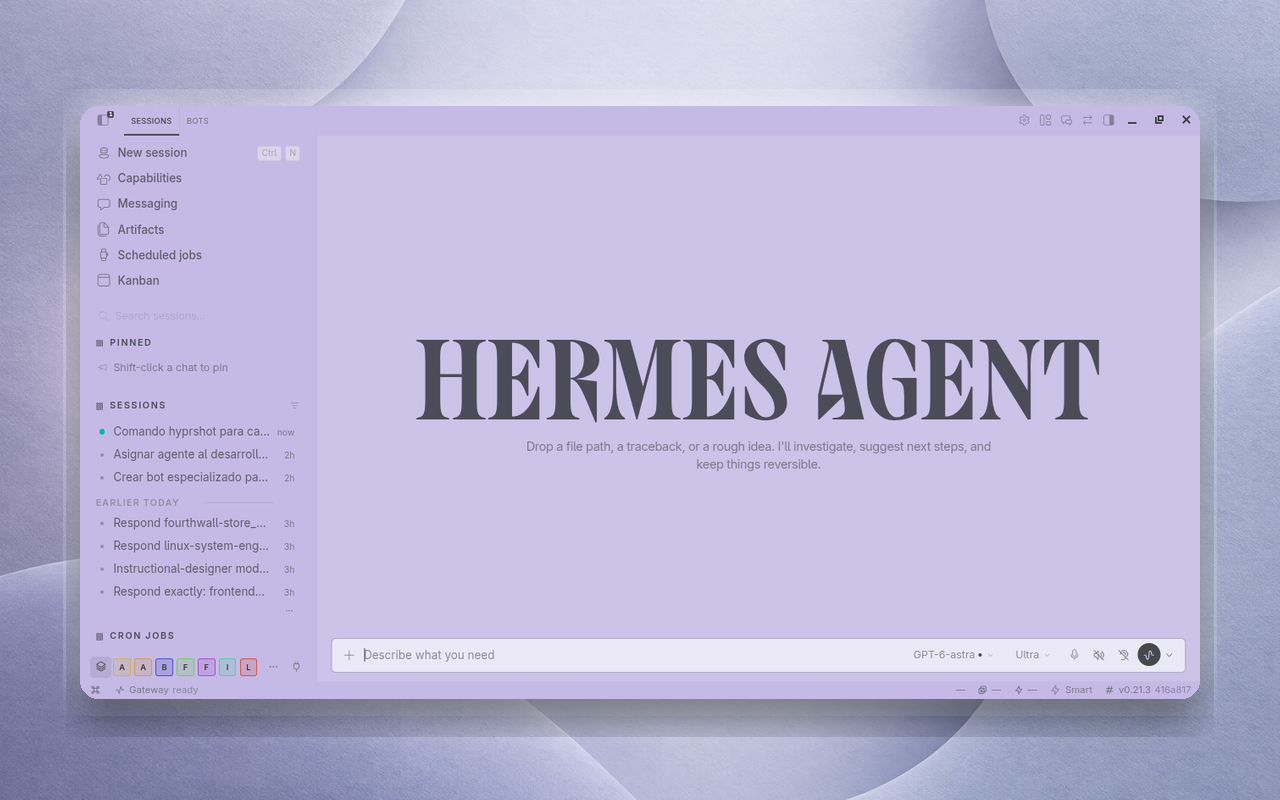 Diana Yin Diana Yin |
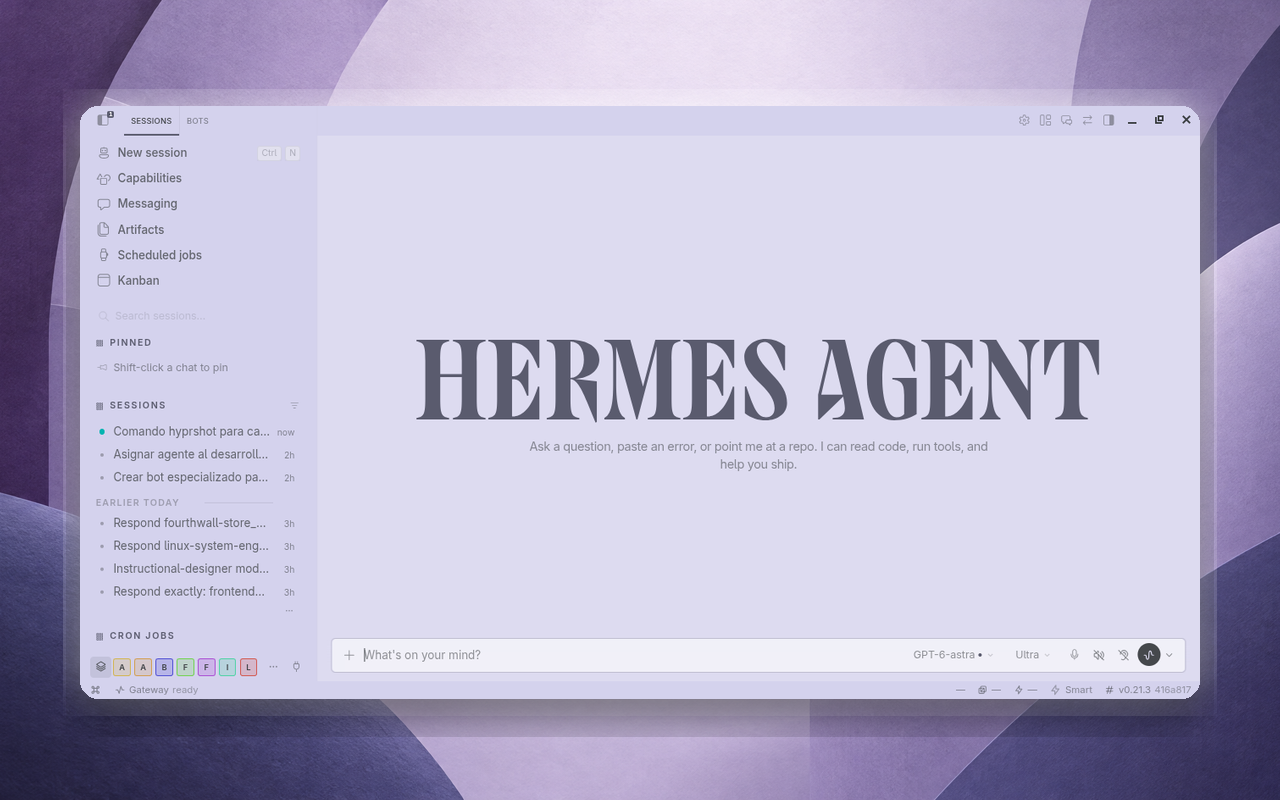 Grape Juice Grape Juice |
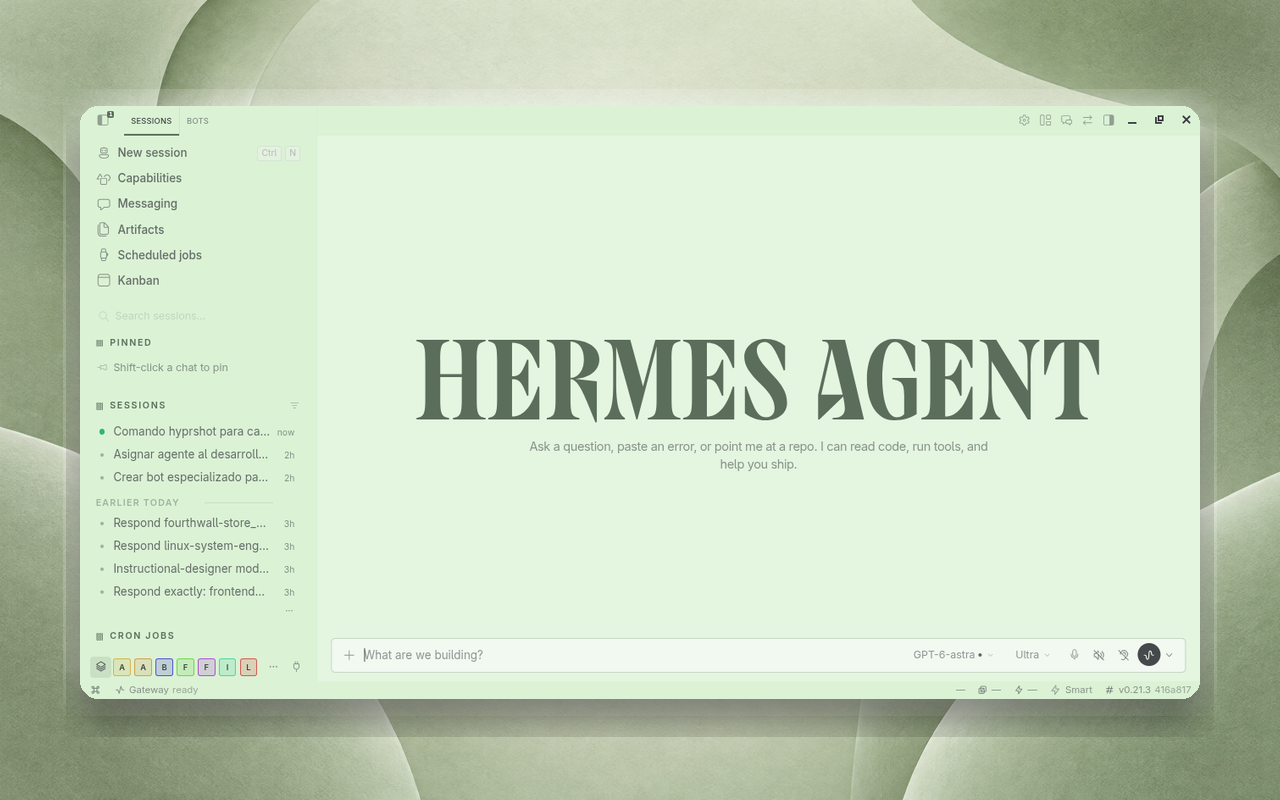 Green Tea Green Tea |
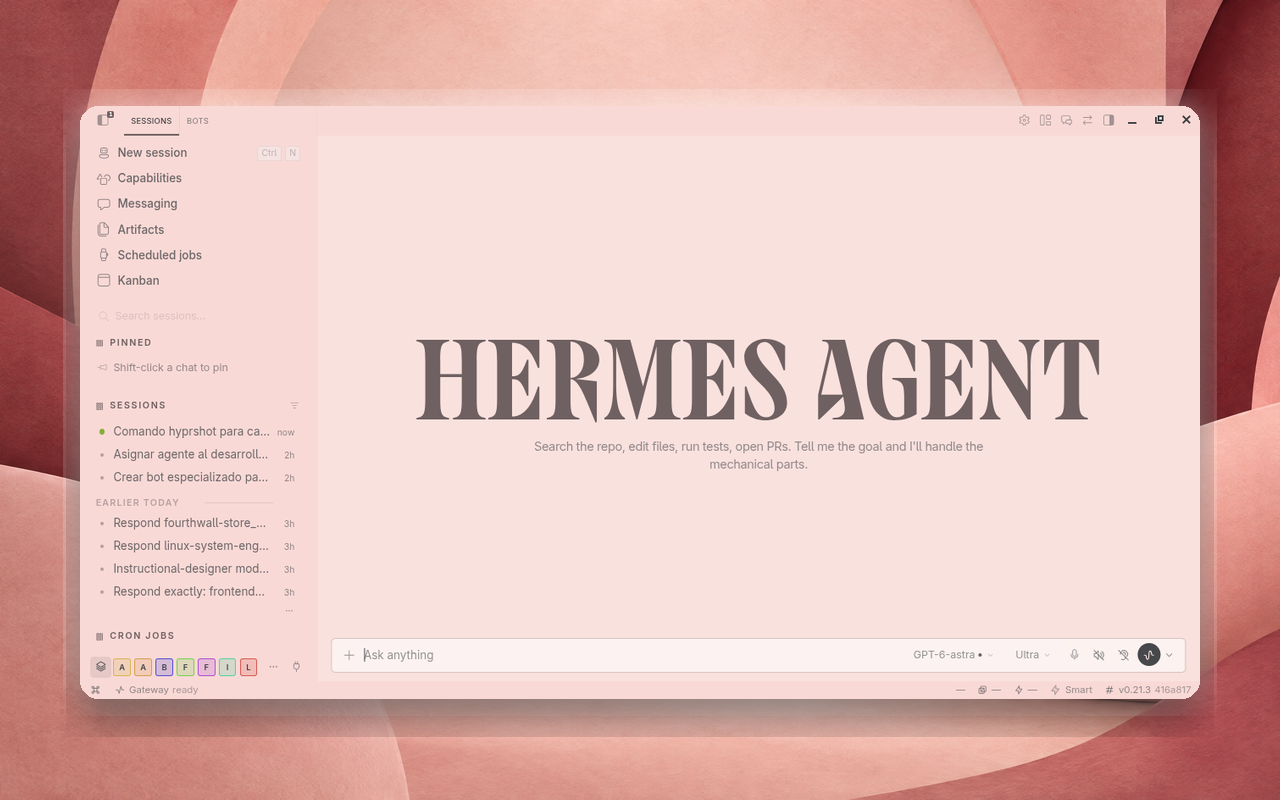 Hibiscus Tea Hibiscus Tea |
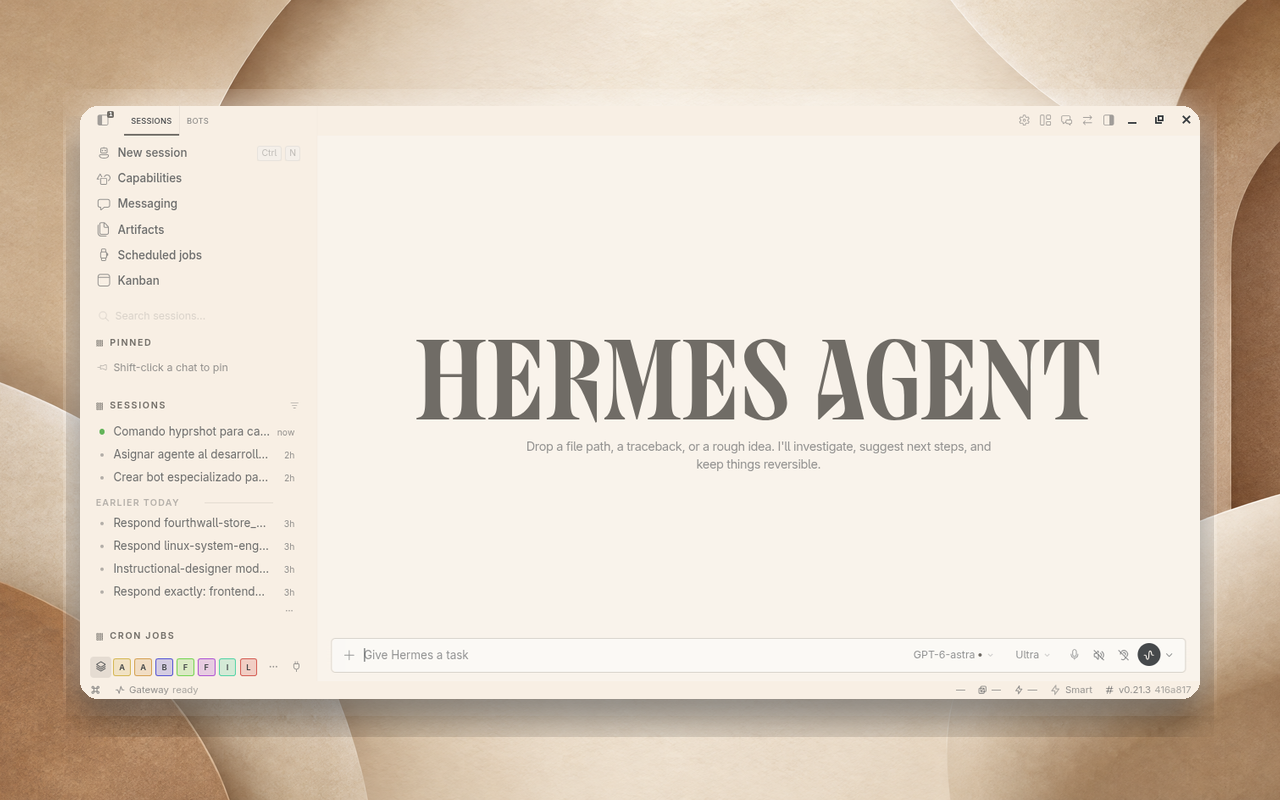 Horchata Horchata |
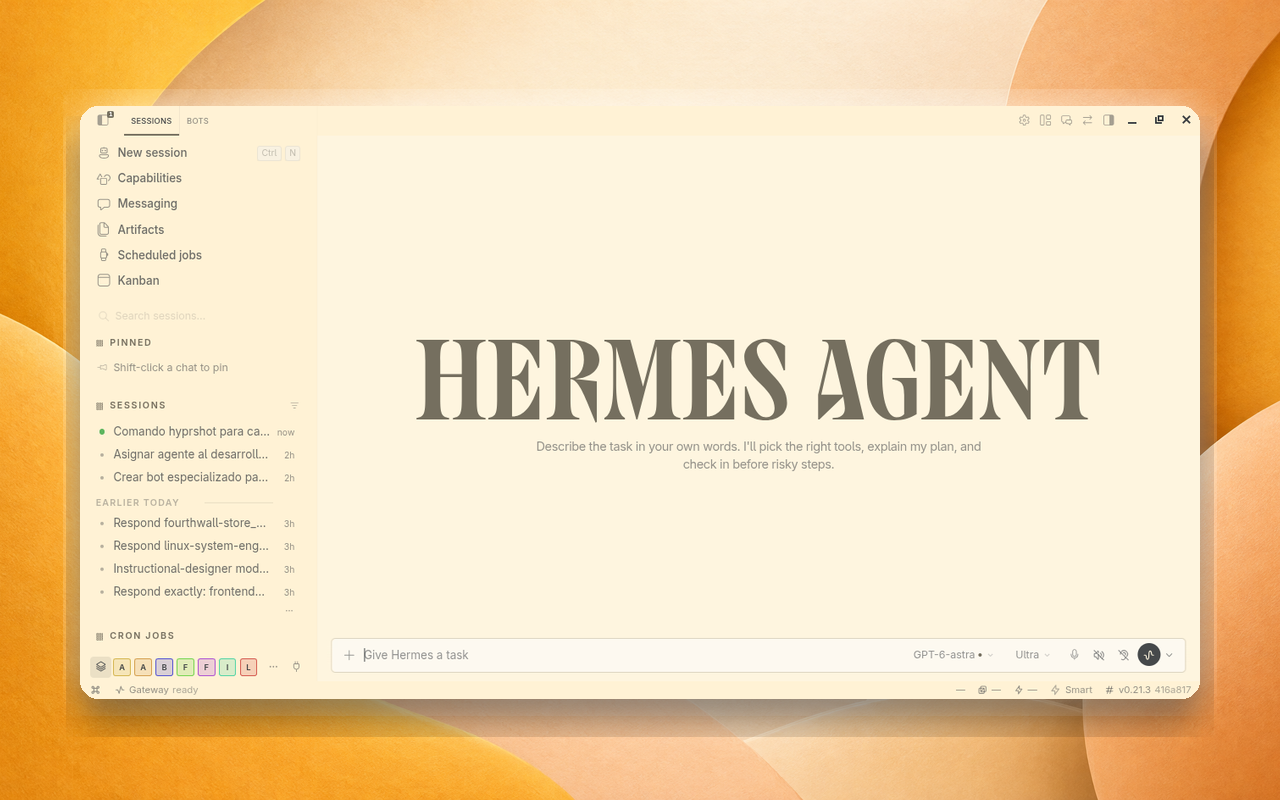 Mango Mango |
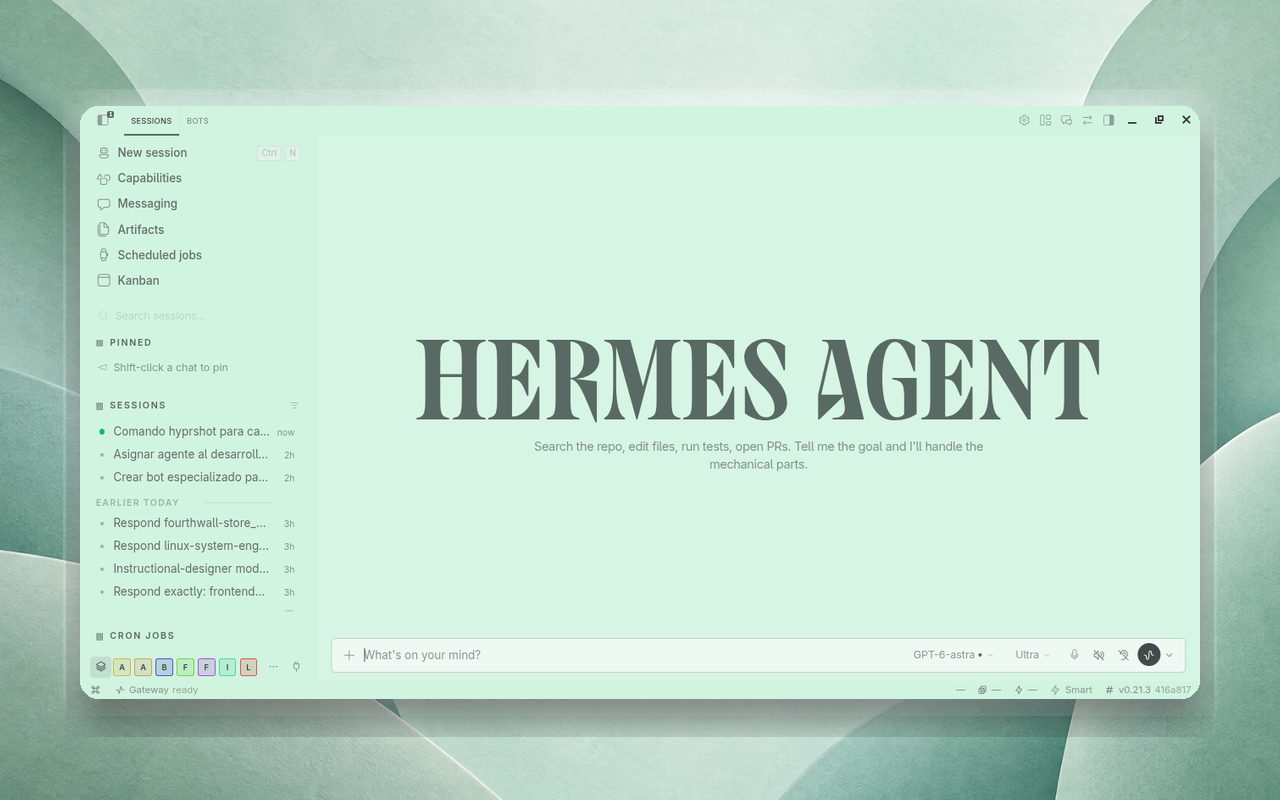 Mint Mint |
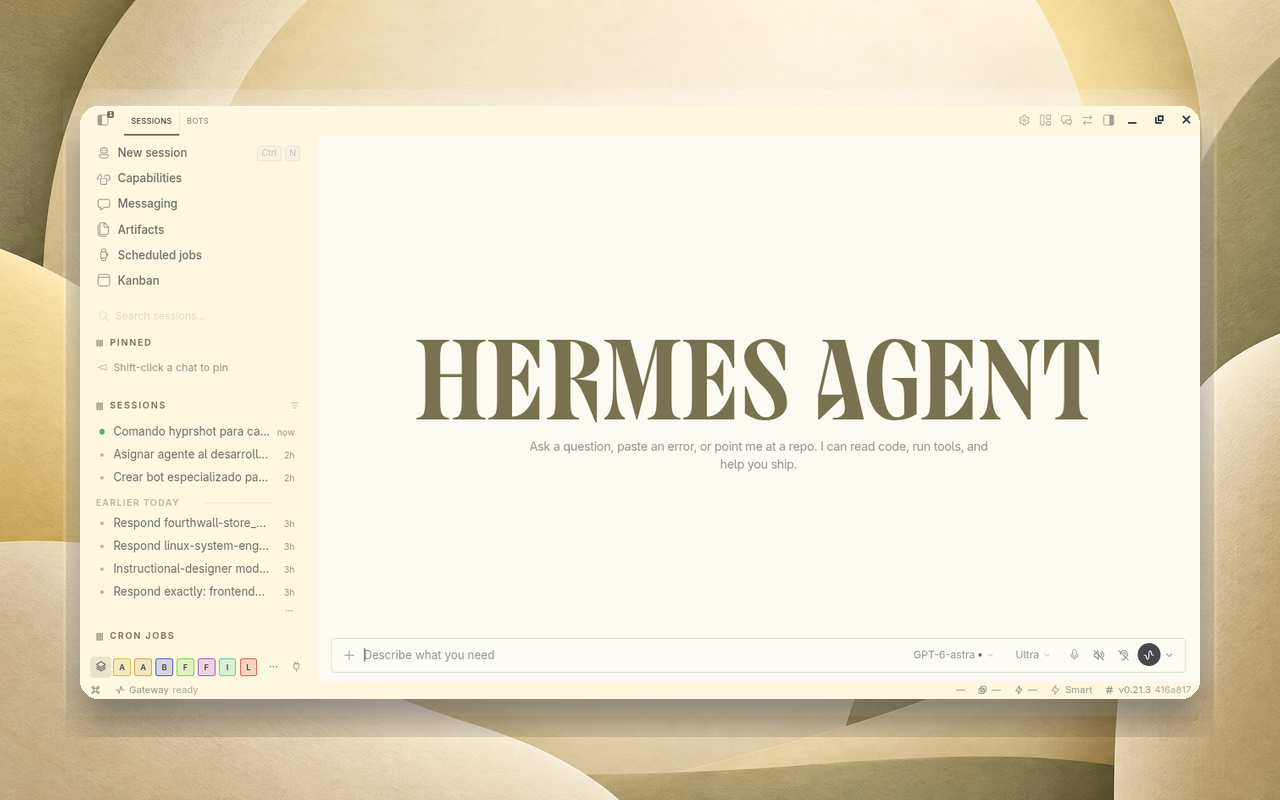 Nance Juice Nance Juice |
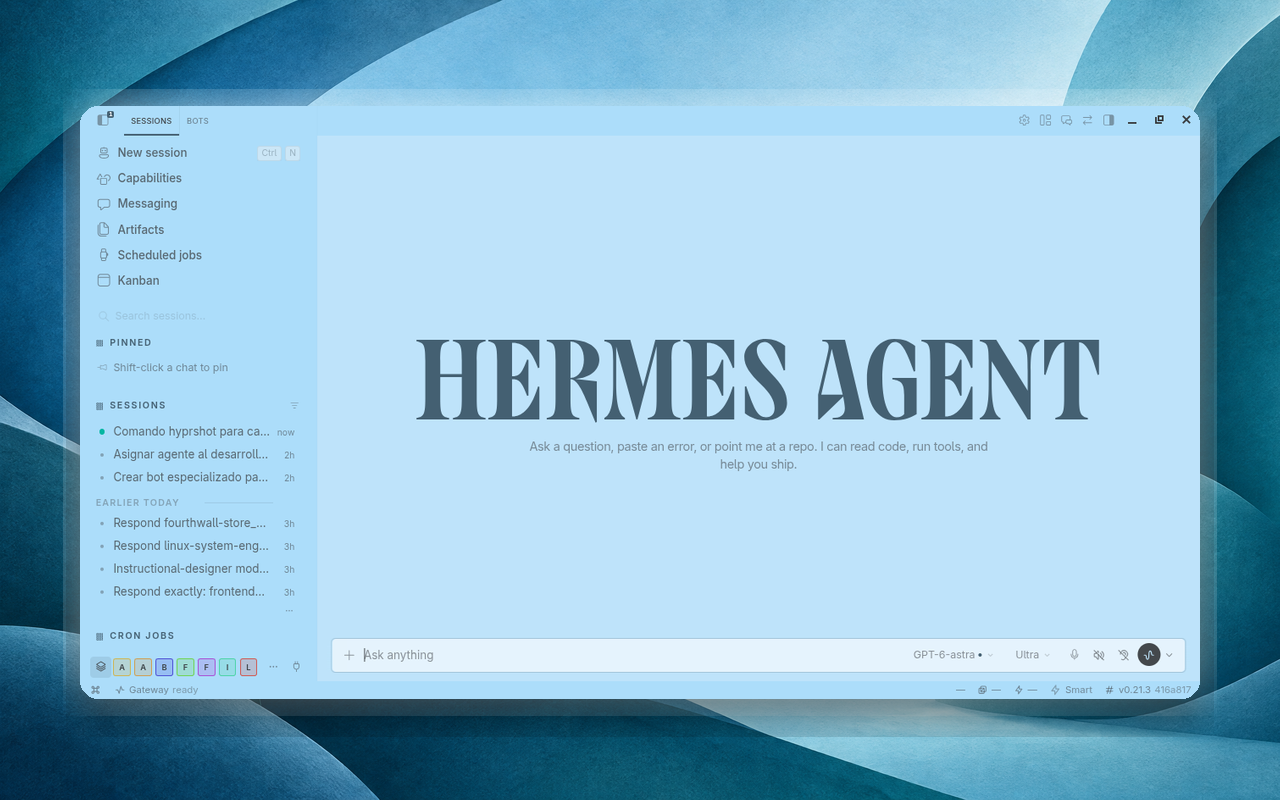 Oceans Oceans |
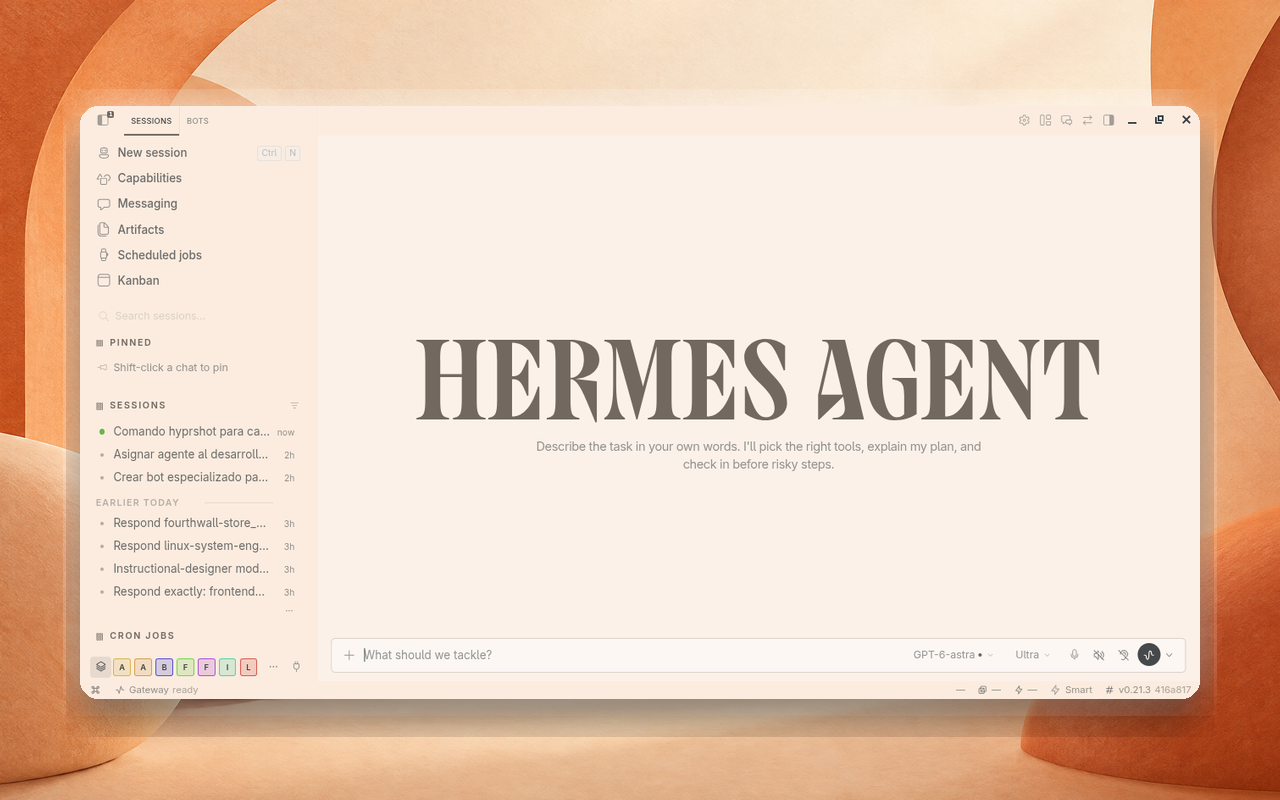 Orange Juice Orange Juice |
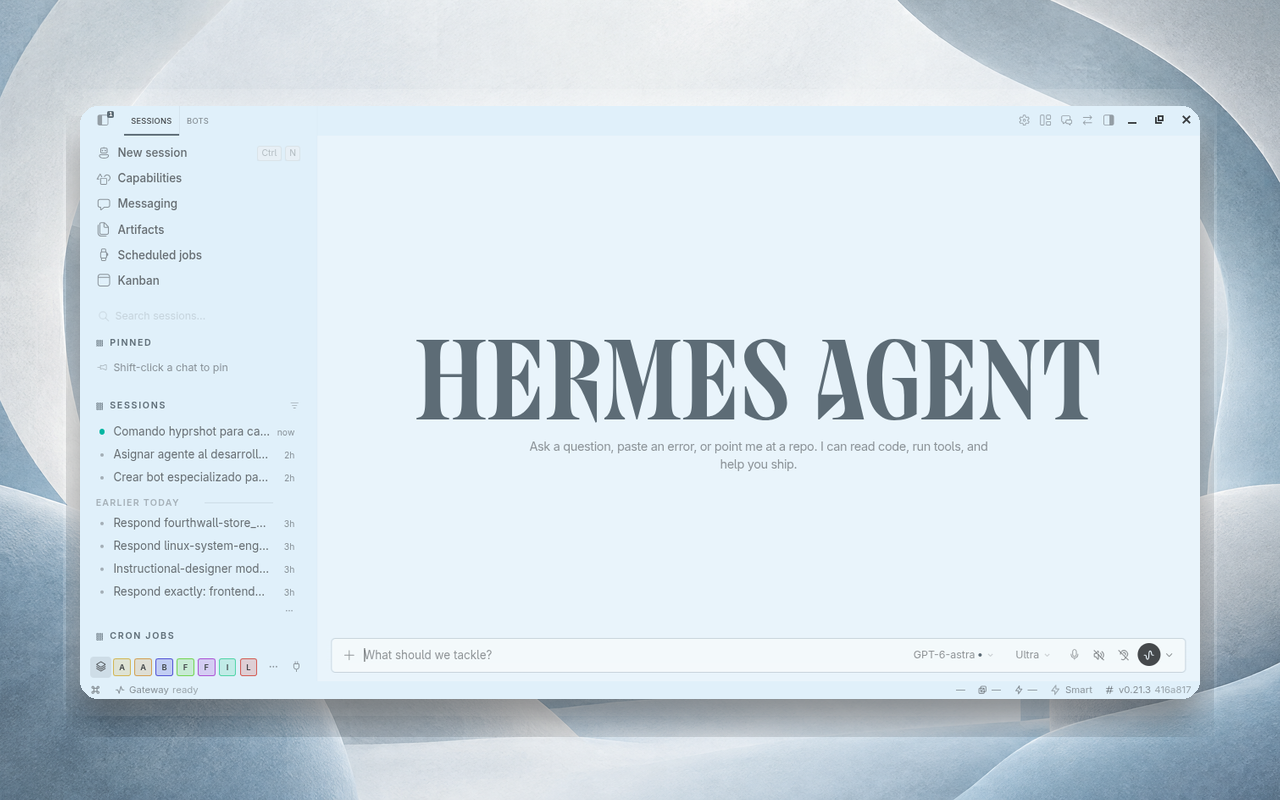 Snow Water Snow Water |
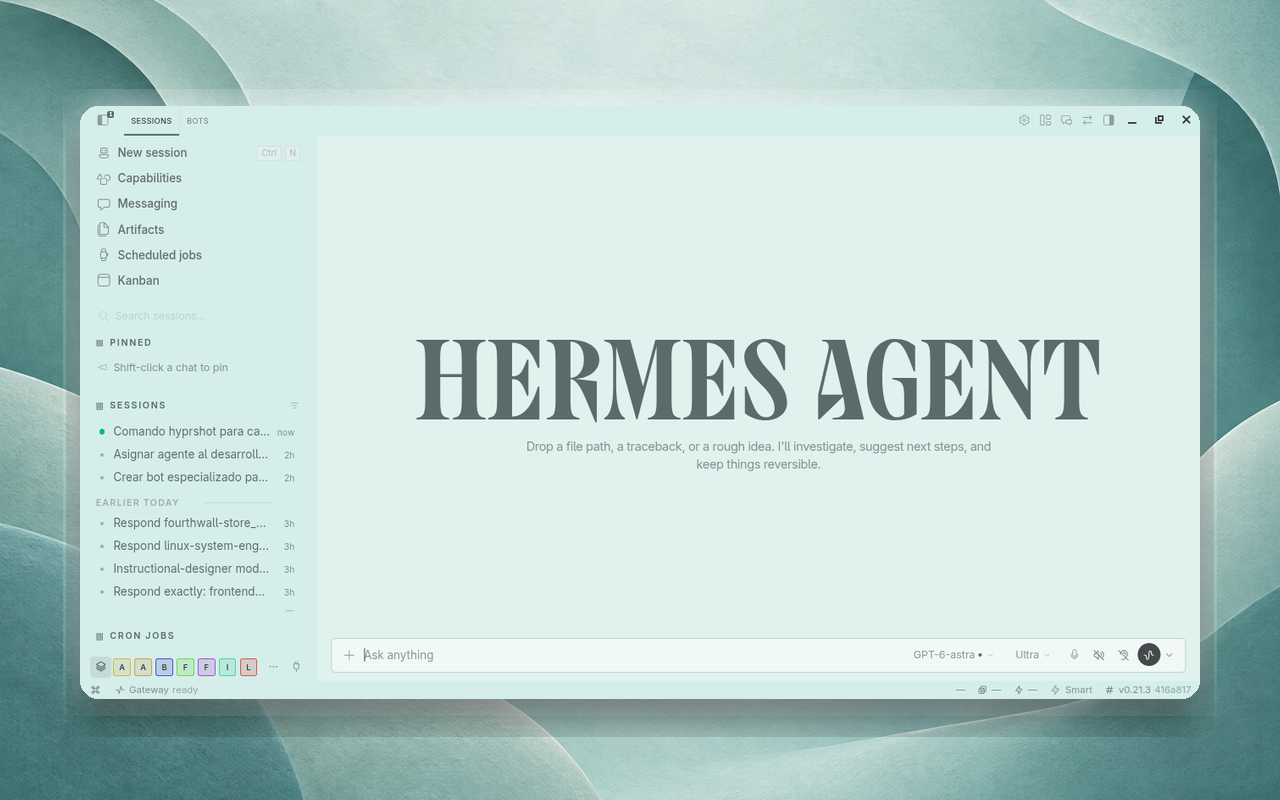 Turquoise Turquoise |
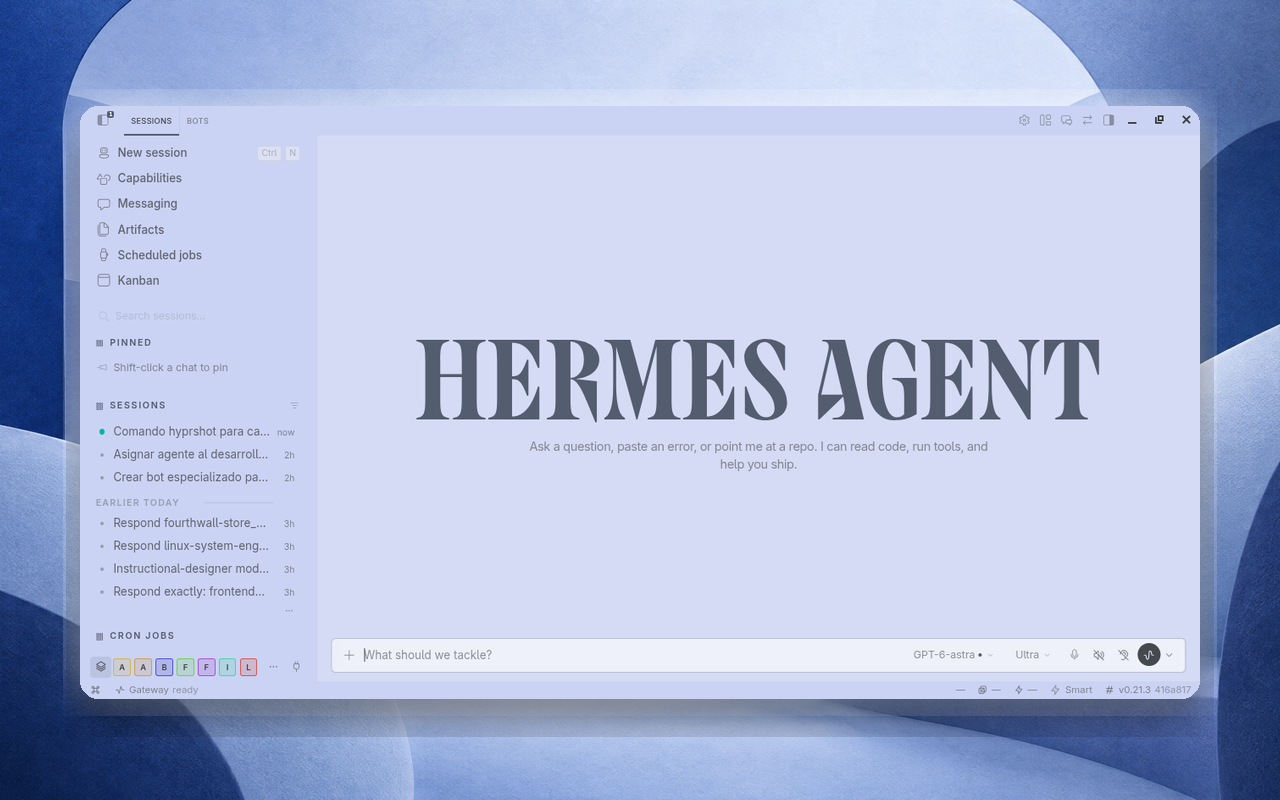 Ultramarine Ultramarine |
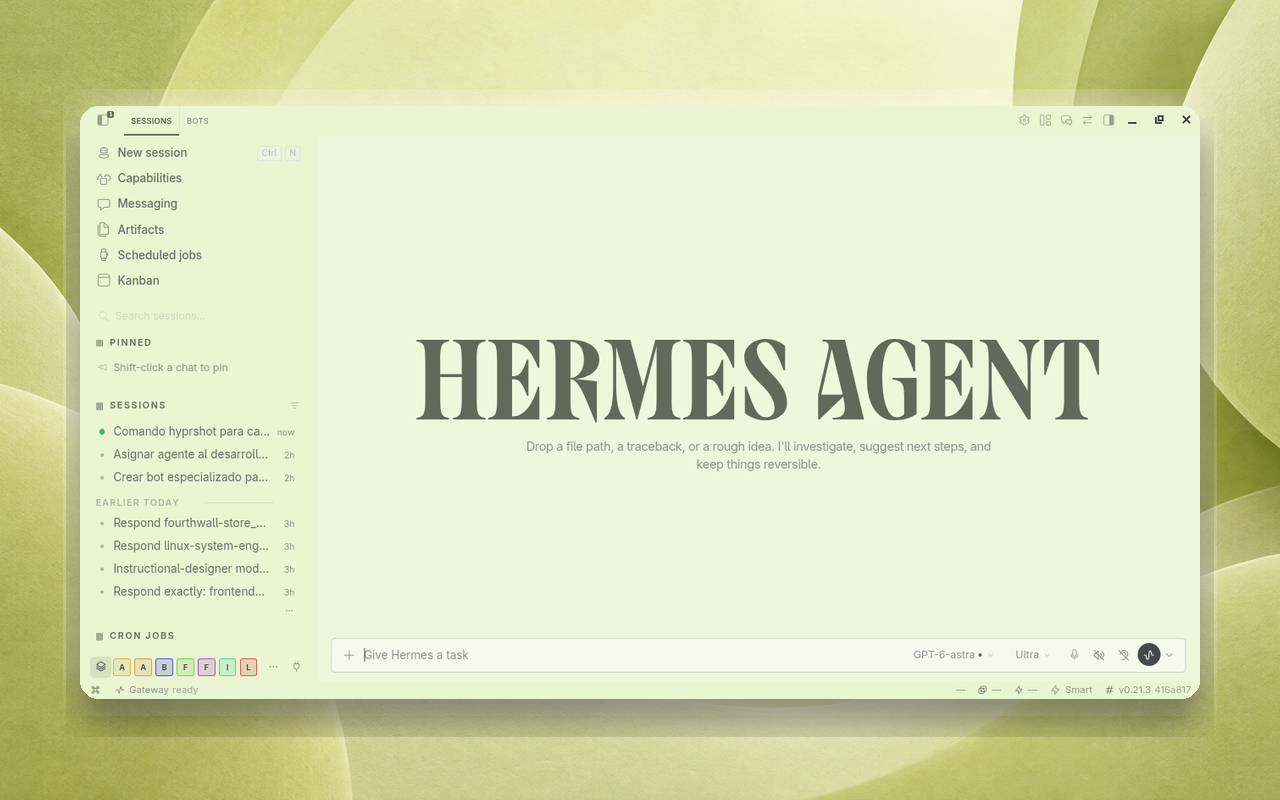 Yuzu Yuzu |
A small way to support the project
If you are considering the Nous Portal Plus plan, you can use my Nous Portal referral link. Your first month costs $5 instead of $20, and I receive a $10 referral credit that helps cover the API usage behind my ongoing work on Minimalist Themes and related Hermes plugins. It is entirely optional, but it is a simple way for both of us to benefit.
The offer is for new customers starting a new Plus subscription. It applies to the first invoice, and each payment card can be used for only one referral. If the card has already backed another referral, the discount is reversed and no referral reward is paid.
If you would rather support my work directly, you can also sponsor me on GitHub. Every bit helps me keep building and maintaining these open-source plugins. Thank you!
License
This project is licensed under the MIT License. The bundled fonts are under the SIL Open Font License; see LICENSES.