GitHub profile
Plugins by flabanabba8
6 plugins by flabanabba8 in the catalog, most-starred first.
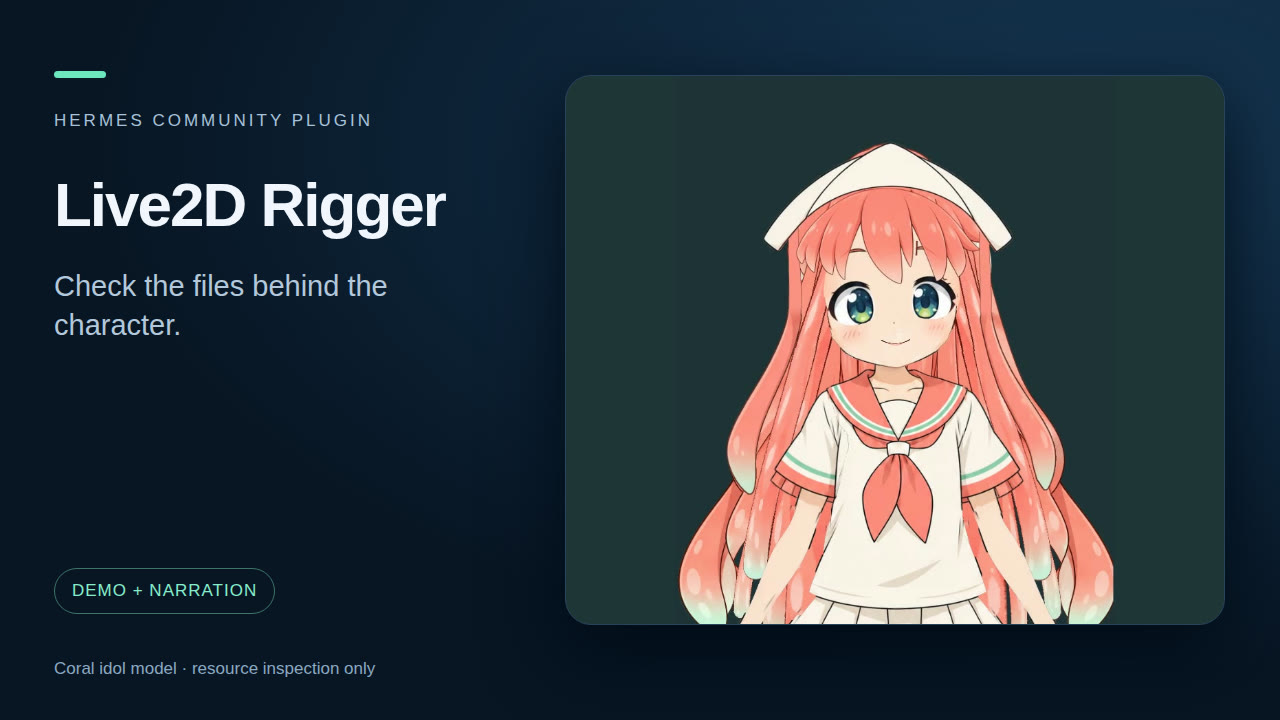
flabanabba8live2d-riggerCreate a provisional Live2D character from a brief with complete image parts, local cutout, placement, an experimental Umamo/JDK rig and Core motion review; also inspect and adjust a copy of an existing model. XY head turns, independent limbs and polished eyes are not provided. Disclosure — runs the Java (JDK) and Kotlin/Umamo classpath, the Python with Playwright and the Cubism SDK viewer folder that you set in the plugin settings (the model cannot name a program, classpath or command), plus FFmpeg and a local headless browser against a viewer served only on a temporary loopback port, each with a minimal environment; on first use it scans PATH and the hardware (read-only) and asks which routes to use; opening an existing model copies its folder into the plugin's data directory; on request it downloads official Live2D sample archives from cubism.live2d.com after you agree to Live2D's licence; the host image tool may use its configured provider; no Cubism SDK, Core, viewer, sample model, layers or textures are bundled, and the catalog thumbnail contains character artwork.Communitytools1flabanabba8case-trailTrace case-history and treatment research to actual opinion passages; analyze supplied sources without a required repository. Disclosure — Sends case search queries and Justia page URLs through the web search/extract provider you configured in Hermes, and can fetch one public OpenJurist case page you select after a robots.txt check (OpenJurist sees the URL and your IP). Reads local opinion files at paths given in chat, refusing kernel and device files, the Hermes home and key stores; the plugin setting opinion_folders can limit it to folders you list. Stores fetched text, review receipts and rendered pages privately in its plugin data folder. Novelty research tool, not legal advice; unaffiliated with Justia or OpenJurist.Communitywebflabanabba8creator-studioMake media with Hermes from one request: researched lesson videos, two-host podcast episodes, captions for any recording, narrated step-by-step tutorials, and clips cut from a YouTube video or stream by reading its transcript. Bundles five plugins (YouTube Studio, Podcast Studio, Caption Studio, Tutorial Creator, Clip Studio) into one entry. Disclosure — Research pages are fetched through the Camoufox browser you set in the plugin settings, in a fresh anonymous profile (public addresses only). On first use it lists the voices and speech recognizers this computer has and asks you which to use; it never picks one for you. If you choose Gemini narration, each spoken line is sent to Google, either to Vertex AI (aiplatform.googleapis.com) with a Google sign-in that Hermes holds for your own OAuth client (hermes auth add creator-studio:google; the plugin never sees the token), or to generativelanguage.googleapis.com with the Gemini API key in this plugin's settings (GEMINI_API_KEY, the same variable Hermes' own Gemini provider uses), behind a spend guard (default 0.50 USD). To find speech servers it sends read-only GET requests (/v1/models, /openapi.json) to 127.0.0.1 only, on ports 2022, 5000, 5002, 7860, 8000, 8001, 8020, 8080, 8880 and 9000, plus any loopback address you set. Caption Studio runs the recognizer command you set in the plugin settings, or uploads audio to the HTTPS speech service you set (public addresses only) or to Groq (api.groq.com) with your key, only when you allow uploads; the model cannot set commands, endpoints, keys or upload consent. Programs it starts get a minimal environment (paths, locale, display/audio session and proxy settings), never your provider keys. Clip Studio runs the yt-dlp you installed (or set in the plugin settings) and makes requests to YouTube only when you give it a link: the video page and one caption track, then the audio track if you ask for speech recognition, the sections you choose to cut, and, if you ask what chat reacted to, the public chat replay of a finished stream (other people's messages and display names; kept in private plugin storage, the raw download deleted once counted, names kept only for paid messages). It never uses browser cookies or a YouTube sign-in. Recognizing a whole recording continues in a background thread inside Hermes until its pieces are done. Clips, joined videos, titles, descriptions and thumbnails are written to plugin storage. Runs FFmpeg and ffprobe, an installed speech program if you choose one (espeak-ng, flite, piper), and for screen tutorials xwininfo, xprop, xdotool, pactl and xclip; the recorder starts one detached FFmpeg worker per take, and tutorial steps click and type through Hermes computer_use, so its approvals apply. Stores projects privately in plugin storage. Nothing is published.Communitytoolsflabanabba8game-labGame Lab combines ModLab, Game Localization Studio, Sprites and experimental Playtest Pilot. ModLab works on a private game copy and invokes separately installed tools; localization drafts and exports RPG Maker MV/MZ text and the text of Unity Mono builds (JSON text assets, script-component strings and Assembly-CSharp string literals; patched copies of changed files only, the game folder is never written); localization companions estimate width and row budgets, merge and audit translation data, and proofread English; Sprites inspects and previews character sheets. Playtest Pilot uses approved X11 input, captures screen pixels within the selected window, stores private evidence frames and returns reduced previews and optional local OCR hints; for a failed check it can build a short captioned MP4 from those frames with your FFmpeg, or cut one from a recording file you point to (that asks for approval). On first use ModLab reads Steam's library list and app manifests to find installed games, lists the files in the chosen game folder, runs read-only hardware checks, and asks which modding route to use. It never fills a disk: a free-space reserve, a total cap, pruning of old revisions and a confirm-first cleanup tool. The Universal Modder and REA programs are the ones you set in the plugin settings or find on PATH (the model cannot name a program), and each toolkit call and each playtest check asks for your approval. Every program it starts gets a minimal environment, never your provider keys. The plugin makes no network calls of its own. Disclosure — Playtest Pilot sends synthetic key presses and clicks to the X11 window you select (via xdotool and Hermes computer_use, each check or batch approved), captures that window's pixels and stores evidence frames in the plugin's data folder; ModLab reads your Steam library and app-manifest files to list installed games, copies the game folder you choose into plugin data (with a disk cap), Game Localization Studio reads the RPG Maker data file or Unity game folder you point it at and copies the files that hold text into plugin data, writes a JSONL units file into the draft folder, and reads translations back from the JSONL file path named in the tool call (absolute path; symlinks, credential folders and the Hermes home are refused); and, after your approval of each call, runs the Universal Modder / REA programs set in the plugin settings or found on PATH.Communitytoolsflabanabba8pagecast-directorEditable cast narration with locked voices, source passage IDs, resumable synthesis and selective regeneration. Disclosure — Stores books and generated audio privately in its plugin data. On first use it lists the speech options on this computer and asks which to use; it never picks one for you, and online engines are blocked if you say no online services. To find local speech servers it sends GET /v1/models only to this computer's loopback address (ports 8000, 8880, 5002, 8020 and 8080, plus any local address you set; no redirects, 1 second timeout). Every program it starts gets a minimal environment (PATH, HOME, LANG), never your provider keys. Voices are local (an installed speech program such as espeak-ng, Flite, Piper or say, or a speech server already running on this computer) unless you choose hosted Inworld, ElevenLabs or Google Gemini, which send passage text and voice choices to that provider with your own key and use your credits; the optional Gemini Vertex route uses a Google sign-in that Hermes holds for your own OAuth client (hermes auth add pagecast-director:google; the plugin never sees the token), sent only to aiplatform.googleapis.com. Can render a short captioned video clip (audiogram) of a finished chapter span into plugin data, with a cover image you point to. Runs local FFmpeg/ffprobe and adb; mpv only plays a preview aloud when you approve it. The optional Android tools check the author's GitHub releases (flabanabba8/PageCast) for the PageCast app and can download the latest APK (checked against that release's own SHA256SUMS); installing it on a phone with adb, replacing a locked voice and playing a preview aloud each ask for your approval (one pre_tool_call hook). No background processes beyond a render or preview you start.Communityvoiceflabanabba8skill-workshopGet new skills for Hermes safely: mine them from your past chats (Skill Miner), build them from a description (First Principles Skill Builder), and guard against prompt injection in skills and content you bring in (Taint Shield). Scans skill writes before they land and holds back flagged external skills at first use (Skill Guard); Workshop installs need your approval. Disclosure: Skill Miner reads the Hermes session database read-only through the public hermes_state module (tool names and counts, plus the first request of each session in abstracted, redacted form; for one session you choose, also the ordered tool steps as argument shapes and your own messages as redacted quotes, to draft a skill from it); Skill Builder runs --version on a fixed list of common tools and nvidia-smi with a minimal environment and reads memory, disk space, skill names and model-cache folder names; Taint Shield watches tool calls in memory; Skill Guard reads the text of skills in your skills folders (and external skill folders named in config.yaml, read through Hermes's config loader) when they are installed or loaded and keeps a hash and a decision for each in plugin storage. Drafts, revisions and the trusted list live in plugin storage; installing a skill writes one file into the skills folder after your approval. Two install approvals, the Shield's block-or-ask rules and Skill Guard's install scan use pre_tool_call; Skill Guard also uses transform_tool_result and pre_llm_call (hold back a flagged skill, once) and on_skill_lifecycle (scan a skill after Hermes reports it installed). No network calls.Communitytools