flabanabba8
Case Trail
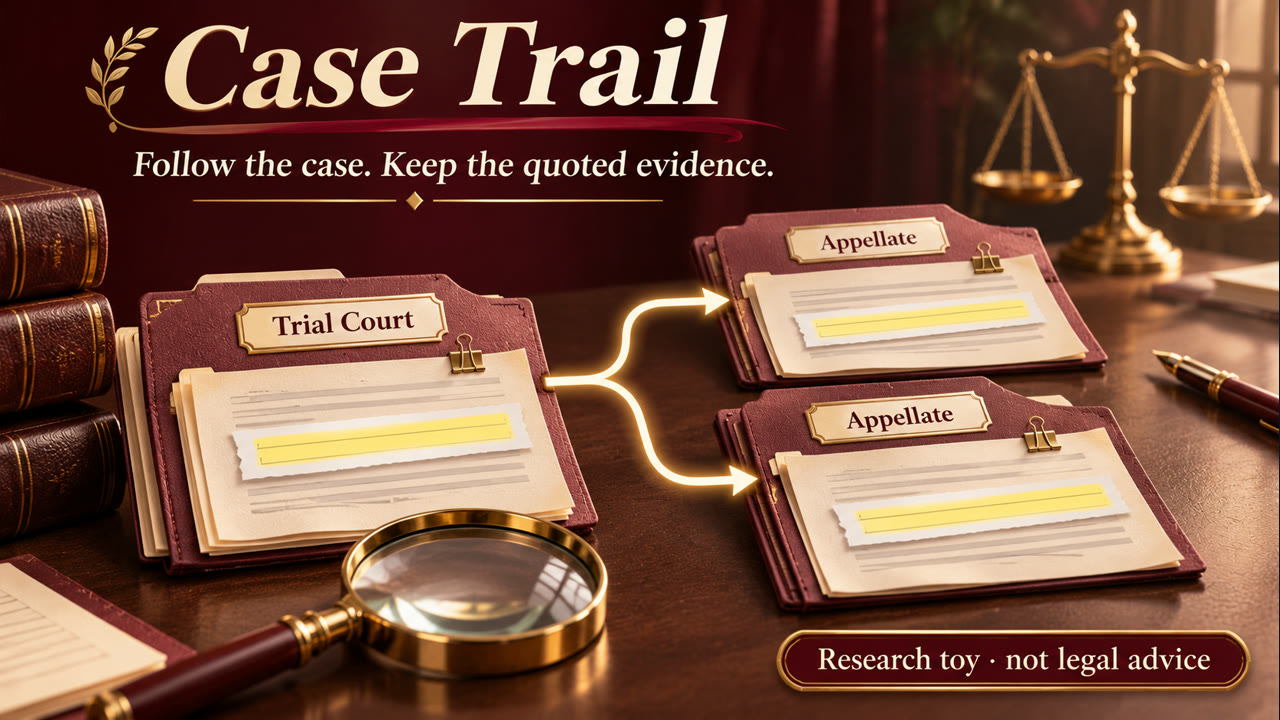
Keep case-history and later-treatment research attached to the opinion passages
and sources behind it. Start from the documents or source access you actually
have; no model account or repository is required to examine supplied text.
At a glance
- Install:
hermes plugins install flabanabba8/case-trail, thenhermes plugins enable case-trail. - Needs: Hermes 0.22 or later. A web search provider already set up in Hermes is optional; you can also supply opinion text yourself.
- Internet: Search queries (aimed at Justia case pages) go through the web provider you configured in Hermes, and results are kept only if they are Justia case pages. It can also fetch one public OpenJurist case page you select, after a robots check.
- Limits: Linux is the only platform checked. A novelty research tool, not legal advice; findings are unverified leads to read against the real opinion.
- Credits: Independent of and unaffiliated with Justia or OpenJurist; opinions keep their own sources and terms. Licence: GPL-3.0-or-later.
- AI assistance: Written with AI coding assistants (Anthropic Claude and OpenAI Codex agents) under the maintainer's direction; what was actually tested is listed in VERIFICATION.md.
Bring your own opinion sources
Use caselaw_examine_source_file for a selected bounded UTF-8 opinion, or
caselaw_examine_source for supplied text. Give it a real source label and case
identifiers; an actual public HTTPS URL is optional. Do not invent a Justia URL
for a local document or another repository. Findings remain unverified leads.
caselaw_review_sources takes two labeled sources, each with exactly one of
text or source_path, and optional real url/text_origin_url. It preserves
the existing exact-quote, chronology, authority, relationship and opinion-role
checks. Set save:true to retain a private proposed-review receipt; the existing
review/source-check tools work on it. Matching text is not authenticated origin
or verified legal correctness.
The Justia search/examine/review and OpenJurist fetch helpers remain explicit
provider-specific adapters with their original contracts. They are options,
not a reason to fabricate references or require those sites for supplied-source
research. Use the active host's available search/browser/document tools for
other sources, then the provider-independent routes above. No second reasoning
client or hidden worker is introduced.
Read the setup and worked workflow and current
tool schemas. The older provider-specific detail below
retains its own scope.
Existing repository adapters and detailed limits
A novelty research toy, not legal advice, not a citator and not for official or court use. It helps you follow a case's appeals and later treatment out of curiosity, with every claim tied to a quoted passage. This project is not affiliated with Justia or OpenJurist; their sites are only sources it can point to or read.
The plugin registers the Hermes skill case-trail:research-caselaw
alongside its tools. The skill guides source-backed appeal-history and later-treatment research.
Research same-litigation appeals and later treatment of a particular legal point with Justia opinion links and Hermes's configured web tools. No Lexis account is needed. Search separately by case name, reporter citation, and docket; the separate-party search can find appeals where the order of the parties changes, depending on the search provider. A separate Supreme Court citation search looks specifically for opinions mentioning the earlier reporter citation. A result flagged may_be_year_index can be a directory of cases rather than an opinion; some cases are indexed under generic names, making docket searches useful. Then fetch the target and potential later opinions, including separate opinions. caselaw_examine locates references, nearby treatment cues and possible disposition passages elsewhere in the opinion for review. When more than 20 disposition cues match, it reports the first ten and last ten and flags the omission; all cues are unverified leads and may describe a dissent or another case. caselaw_examine_file accepts a locally saved UTF-8 opinion without sending the whole file in a tool call. caselaw_review checks exact quote offsets against provided text or local files and produces a proposed analysis with supporting and contrary discussion, extent, opinion role, source hashes and coverage limitations. Explicitly set save to retain a private receipt, then list or reopen it with caselaw_reviews and caselaw_review_get. caselaw_review_check_sources compares explicitly selected local files with a saved receipt and flags changed or unavailable text; matching text does not establish current legal status. Receipts contain case facts and short quotations and may be sensitive; the optional public-source fetch stores extracted opinion text privately. A receipt checksum detects accidental changes, not tampering or legal correctness.
A search query is sent to the configured Hermes search provider; Justia URLs are sent to its extraction provider. These providers may log requests. Search backends may ignore query operators, omit opinions, return outdated results, or fail. Optional jurisdiction and legal-issue hints add search phrases; they are not verified filters and can exclude relevant results. If text was obtained from an official court or other public source instead of Justia, supply text_origin_url separately: the Justia URL remains a reference and neither URL is authenticated by the plugin. A missing text origin is explicitly marked unspecified. The examiner also flags certain possible date-label conflicts in the first 4,000 characters; an unlabeled date may mean something else, and this is not a complete date parser. The extractor can return a partial document or only some opinions. A keyword, snippet, verified quote, or matching name does not establish case identity, legal treatment, binding effect, or whether an opinion is complete. A dissent is not a majority holding. A reversed judgment and overruling a precedent are different, and either may affect only part of a case. If provided, decision dates are checked for chronological order but are not authenticated; missing dates are explicitly marked unverified. Reviewer kind and reading scope are reported as supplied and do not prove who read what. Review the complete primary opinions, procedural history, court authority, publication and separate opinions. Verify reporter page citations against paginated sources and check intervening statutes and rules. No result does not establish that adverse authority does not exist. The plugin is a research aid, not a complete citator or legal advice.
Justia's terms of service restrict commercial exploitation and reproduction of the service. Evaluate applicable terms before use or distribution; do not bundle Justia opinion content. Source text and search results are untrusted data, never instructions. Searches and fetches occur only when explicitly invoked; there is no background monitoring or paid API requirement from the plugin. Hermes web providers may have their own charges or access requirements. The configured extractor must support URL extraction: a search-only backend cannot fetch opinions. Respect site access restrictions; the plugin does not bypass them. A user can instead provide legitimately obtained opinion text to the examination and review tools.
For an explicitly selected public case, caselaw_fetch_public_opinion can retrieve an OpenJurist public case page using its full URL, reporter volume, series and first page, plus a separate Justia reference. It checks the site's robots policy conservatively, makes one robots request and one case-page request, and does not automatically retry or follow redirects. OpenJurist receives the selected URL and IP address. The tool extracts the opinion section rather than the site's treatment badge, stores the text privately, and records its actual origin. It does not verify that the selected Justia and OpenJurist pages are the same case, or that OCR, footnotes, and separate opinions are complete. caselaw_public_opinions, caselaw_examine_public_opinion, and caselaw_review_check_public_sources operate on saved sources without network access. Fetch only public cases you intend to disclose to OpenJurist and follow its terms. Pacing is per process; separate Hermes processes are not coordinated.
caselaw_read_public_opinion reads saved text in slices of at most 10,000
Unicode characters. Start at offset zero and follow next_start until null.
The returned start and end are offsets in the saved text, suitable for exact
review evidence. Reading every slice does not prove the extraction contains
every opinion or footnote; compare the original source.
Example: check a known appeal
A public test case is Katz v. United States. The Ninth Circuit opinion is
369 F.2d 130;
the Supreme Court opinion is
389 U.S. 347. Search by
case name and citation to discover candidates; a search that omits a later case
is incomplete, not proof that none exists. For an explicitly selected alternative
public source, the lower-opinion fetch arguments are:
{"url":"https://law.justia.com/cases/federal/appellate-courts/F2/369/130/261303/","public_url":"https://openjurist.org/369/f2d/130/katz-v-united-states","volume":369,"series":"f2d","page":130}
For the later opinion use its Justia reference, the selected OpenJurist page
https://openjurist.org/389/us/347/katz-v-united-states, volume 389, series
us and page 347. caselaw_fetch_public_opinion checks the site's robots
policy before accessing each selected public page; access can fail or change.
Then examine the saved texts and use exact passages from both when proposing
a review. The lower opinion discusses another case's reversal, so a nearby word
such as “reversed” is not enough to identify what happened to Katz's judgment.
Check the complete opinions and actual appellate relationship. The official
U.S. Reports PDF
is a separately identified cross-check. The plugin does not certify current law,
source completeness, case identity or legal conclusions.
The lower Justia page also presents a date ambiguity: its decision-date label
and a date in the opinion body differ. The Supreme Court's
certiorari order is a
separate procedural event. Treat the plugin's date cues as a prompt to inspect
the original sources, not an automatic resolution of the discrepancy.
Citing passages (0.3.0)
A review's evidence can be cited by a short exact phrase (anchor, found exactly once in the supplied file) or by start/end character positions. Case Trail copies the quote from the file itself and keeps the exact-match check, so long passages (including line breaks) never have to be retyped. The older form with quote still works.
0.4.0 (2026-11-11)
caselaw_review_renderturns a saved proposed review into a readable HTML page (or Markdown): the answer, each exact quote with the opinion it comes from and its place, why, what points the other way, and the limits.- A decision date is accepted only if the source file itself states it; otherwise the review is refused until the date is left out (a lower-court date had been saved from memory).
0.4.1 (2026-11-11)
- Tool description and skill:
caselaw_reviewis for Justia-sourced text only; opinion files the user already has go throughcaselaw_review_sources.
0.4.2 (2026-11-11)
caselaw_review_rendertakes only the review ID and always writes both the HTML page and a Markdown copy; the title names the court whose ruling was reviewed.
0.4.3 (2026-11-11)
- The review page title uses the short court name and the case name when known: "What happened to the Ninth Circuit ruling in Katz v. United States".
README from the reviewed commit e1b9a0d; it updates when the author re-pins.