All plugins

reaction-ledger

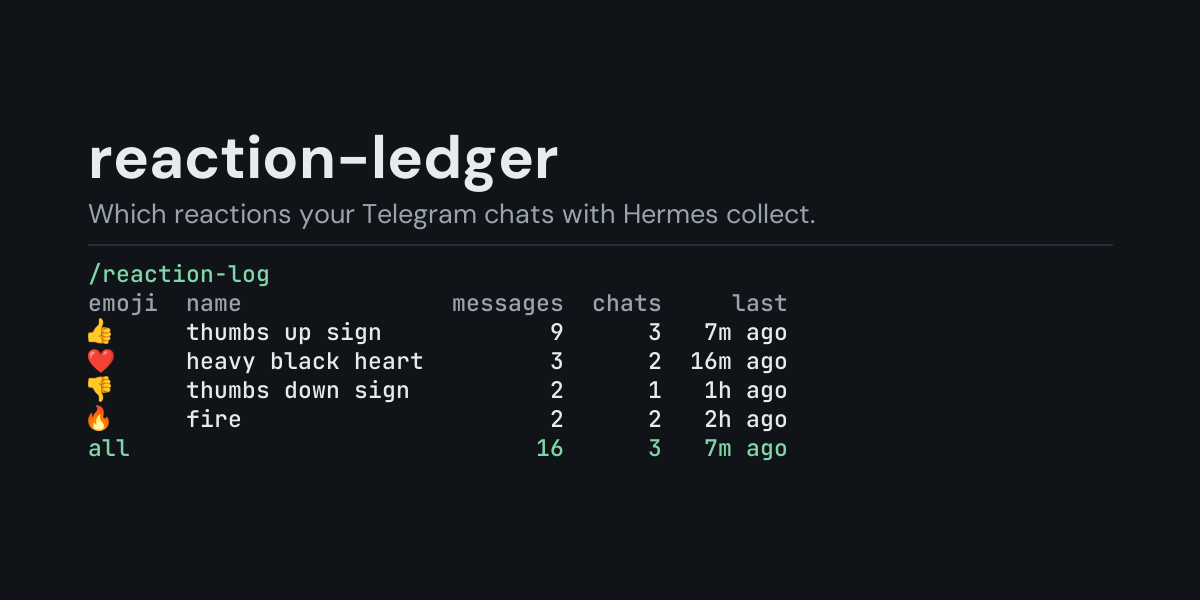
Local ledger of the emoji reactions people leave on messages in your Telegram chats with Hermes: /reaction-log counts each message once, with the reactions it has now, and shows per emoji how many messages carry it, in how many chats and how long ago it was last set, or per day with the day's most used emoji, for the last 24 hours, any number of hours or days, or everything recorded; /reaction-log recent lists the newest reaction changes (ten, or up to 100 with /reaction-log recent 50). Only reactions the gateway authorizes reach it. Disclosure — subscribes to gateway_platform_event as an observer only and ignores every event but a reaction change; writes the emoji a message has after the change, a count of custom emoji and 12-digit hashes of the chat and message ids (never a user id, user name or message text) to plugin-data/reaction-ledger/reactions.jsonl, trimmed to 5,000 rows past 2 MB; no network

olric3015Toolsv1.0.0Updated 1 month ago

About

Local ledger of the emoji reactions people leave on messages in your Telegram chats with Hermes: /reaction-log counts each message once, with the reactions it has now, and shows per emoji how many messages carry it, in how many chats and how long ago it was last set, or per day with the day's most used emoji, for the last 24 hours, any number of hours or days, or everything recorded; /reaction-log recent lists the newest reaction changes (ten, or up to 100 with /reaction-log recent 50). Only reactions the gateway authorizes reach it. Disclosure — subscribes to gateway_platform_event as an observer only and ignores every event but a reaction change; writes the emoji a message has after the change, a count of custom emoji and 12-digit hashes of the chat and message ids (never a user id, user name or message text) to plugin-data/reaction-ledger/reactions.jsonl, trimmed to 5,000 rows past 2 MB; no network

reaction-ledger

A local ledger of the emoji reactions people leave on messages in your Telegram chats with
Hermes, and a /reaction-log command that shows which emoji were used, on how many messages, in
how many chats and how recently.

A 👍 or 👎 on a reply is the quickest feedback anyone gives an assistant, and it is gone from
view as soon as the chat scrolls. reaction-ledger subscribes to gateway_platform_event, which
Hermes fires when an authorized Telegram user sets, changes or removes the reactions on a
message, and keeps one row per change. You can see afterwards that this week's replies collected
eleven 👍 and three 👎, or that the 👎 all came on one day.

Install

hermes plugins install reaction-ledger --enable

Requires Hermes 0.21.5 or newer and the Telegram gateway. No API key, no configuration, no
dependencies.

Use

/reaction-log             last 24 hours, by emoji
/reaction-log all         everything in the ledger
/reaction-log 7d          the last 7 days (any number of hours or days: 6h, 30d)
/reaction-log days        add to any of the above to group by day, newest first
/reaction-log recent      add to any of the above to list the newest 10 reaction changes instead
/reaction-log recent 25   the newest 25 instead (1 to 100)
/reaction-log clear       delete the ledger

Example (/reaction-log all, from the end-to-end test: in one chat a message got 👍 and then 👎
instead, another got ❤️ that was taken back again, and in a second chat a message got 🔥 and a
custom emoji):

Reactions, all recorded:

emoji   name              messages  chats    last
👎       thumbs down sign         1      1  2s ago
🔥       fire                     1      1  2s ago
custom  custom emoji             1      1  2s ago
all                              2      2  2s ago

Each message counts once, with the reactions it has now.
Reactions were removed again from 1 message(s).
  • Each message counts once, with the reactions it has after its latest change in the chosen
    window: the 👍 that became 👎 counts as 👎 only, and the ❤️ that was taken back counts nowhere.
  • name is Unicode's name for the emoji. Telegram's custom (premium) emoji have no Unicode
    form and are counted together as custom.
  • messages is how many messages carry that emoji now, chats in how many chats, and
    last how long ago it was last set. The emoji on the most messages comes first; all
    counts every message that still has a reaction (one message can carry several emoji).

/reaction-log recent lists the newest ten reaction changes of the chosen window, newest first
(/reaction-log recent 25 lists 25, up to 100), including the ones that were later changed or
taken back. From the same run:

Reaction changes, all recorded, newest 5 of 5:

when    reactions       message          chat
2s ago  (removed)  d64a5e92aff0  534d342c1a85
2s ago  🔥 custom   aa4c3f356c10  ca0b080adc88
2s ago  👎          46c4ac9c4d6e  534d342c1a85
2s ago  ❤️         d64a5e92aff0  534d342c1a85
2s ago  👍          46c4ac9c4d6e  534d342c1a85

message and chat are short hashes that tell messages and chats apart without naming them.

/reaction-log days puts one day on each line, newest day first, with the day's most used emoji
(top); a message counts on the day its reactions last changed, in your computer's local
time. A time window counts back from now (/reaction-log 6h, /reaction-log 7d days). The
ledger keeps its newest 5,000 rows, so a long window on a busy install reaches back only as far
as those rows do.

What it does not see

  • Other platforms: today Hermes reports reactions as platform events on Telegram only.
  • Reactions from users the gateway does not authorize: Hermes checks the reacting user against
    the same allowlists (TELEGRAM_ALLOWED_USERS and the rest) before any plugin hears of it.
  • Reactions set by bots, Hermes's own included: Telegram does not send those. In a group,
    Telegram sends reactions only to a bot that is an administrator of the group.
  • Which message was reacted to: Telegram reports only the message's id, so a reaction to a
    message someone else wrote in the chat counts the same as one to Hermes's reply.

What is recorded

One JSON line per reaction change in <HERMES_HOME>/plugin-data/reaction-ledger/reactions.jsonl
(per profile):

ts, platform, chat, message, emojis, custom.

emojis are the standard emoji the message has after the change (an empty list when its
reactions were removed) and custom how many custom emoji it has. chat and message are the
first 12 hex digits of a SHA-256 of the chat id (and of the chat and message ids), not the ids
themselves: a Telegram chat id names a person or a group. No user id, user name, custom emoji id
or message text is kept; message text never reaches this hook.

The file is bounded: once it passes 2 MB it is rewritten to its newest 5,000 rows.

Security and footprint

  • register() only registers one hook (gateway_platform_event) and one command
    (/reaction-log).
  • Observer only: it cannot change or block anything the gateway does. A reaction change appends
    one line to the ledger; every other platform event (such as an edited message) is ignored
    without writing anything.
  • No network access, no subprocesses, no downloads, no credentials read.
  • Writes only reactions.jsonl under its own plugin data directory. /reaction-log clear
    deletes it.
  • The hook never raises: if the ledger cannot be written, the failure is logged at debug level.
  • Standard library only.

Development

python -m pytest tests                                                # unit tests, no Hermes needed
PYTHONPATH=<hermes checkout> python tests/e2e/reaction_ledger_e2e.py   # Hermes's own Telegram adapter and gateway
hermes plugins validate reaction-ledger

Changes

  • 1.0.0: first release.

MIT licensed.

README from the reviewed commit c3cf4f4; it updates when the author re-pins.
More by olric3015

18 plugins by olric3015 in the catalog.

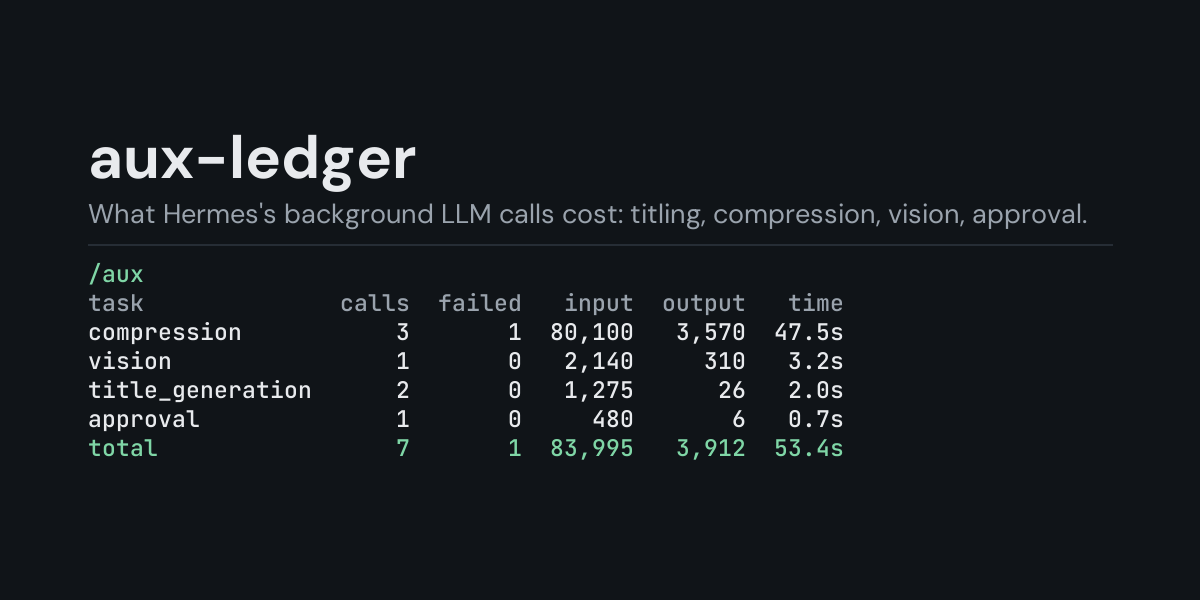
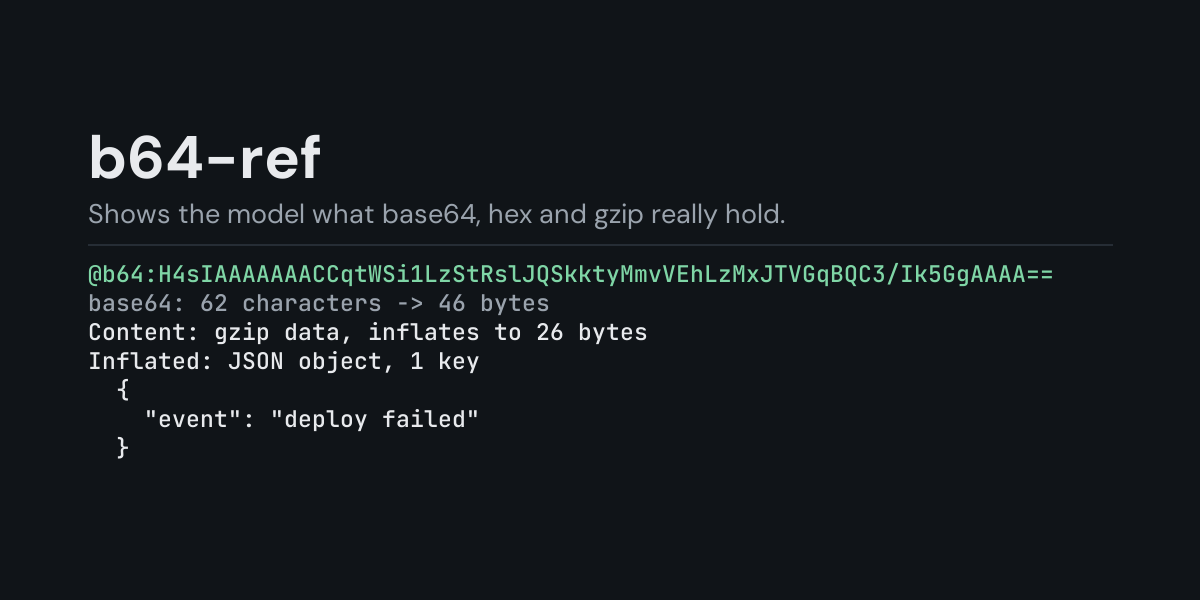
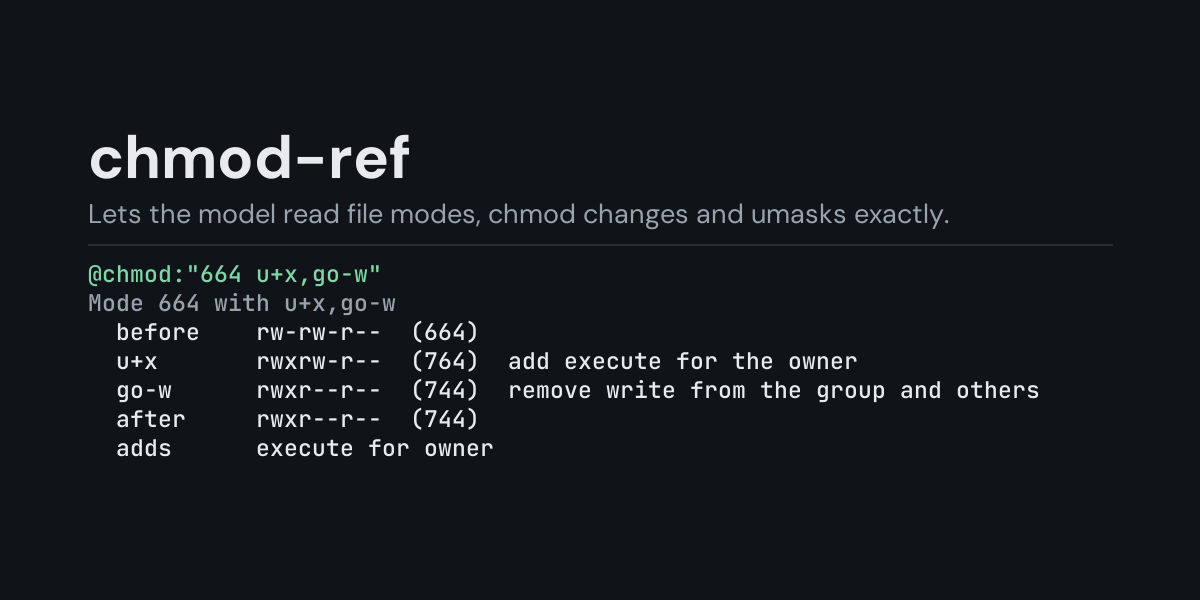
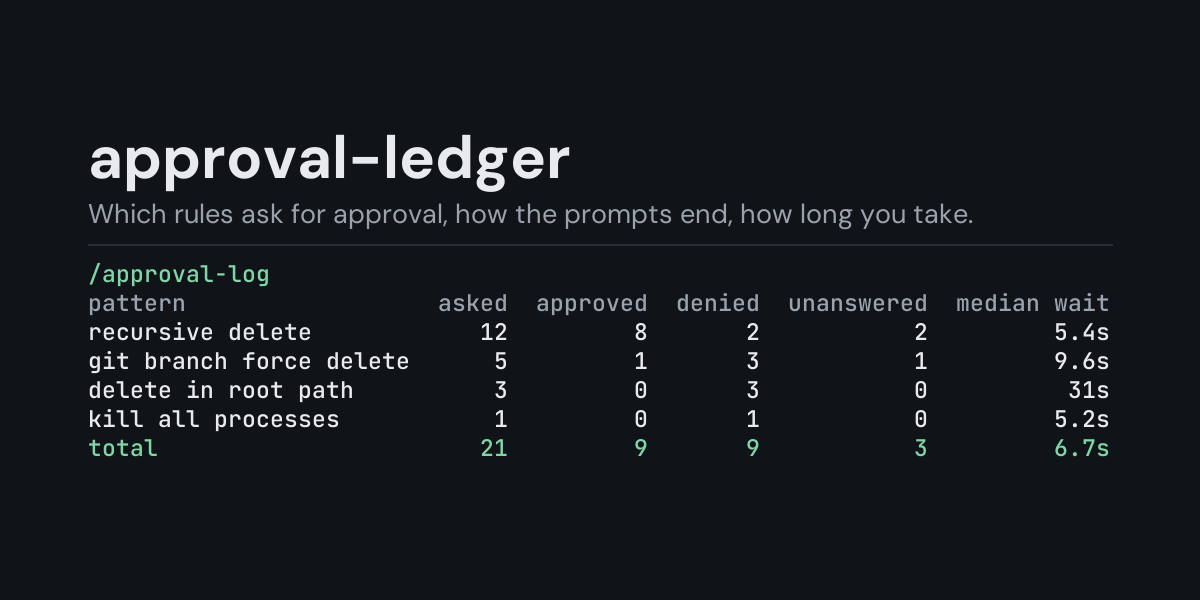
olric3015approval-ledgerLocal ledger of Hermes's approval prompts (dangerous commands, protected writes, MCP consent, smart-mode verdicts): /approval-log shows how often each rule asked, how many prompts were approved, denied or left unanswered, and how long a person took to answer, per rule, per surface or per day, for the last 24 hours, any number of hours or days, the latest session or everything recorded; /approval-log recent lists the newest decisions (ten, or up to 100 with /approval-log recent 50). Disclosure — writes decision metadata (session id, surface, rule label, answer, timings; no command, description or session key) to plugin-data/approval-ledger/approvals.jsonl, trimmed to 5,000 rows past 2 MB; observer only, cannot answer or change an approval; no networkCommunitytoolsolric3015aux-ledgerLocal ledger of Hermes's auxiliary LLM calls (titling, compression, vision, approval): /aux shows tokens, time and failures per task, model, provider or day, or lists the newest calls (ten, or up to 100 with /aux recent 50), for the last 24 hours, any number of hours or days, the latest session or everything recorded. Disclosure — writes auxiliary-call metadata (ids, models, timings, token counts, no prompt or response text) to plugin-data/aux-ledger/calls.jsonl, trimmed to 5,000 rows past 2 MB; no networkCommunitytoolsolric3015b64-ref@b64: context references that decode encoded text for the model: @b64:<value> takes base64 (standard or URL-safe, padded or not), hex (0x48656c6c6f, 48:65:6c, \x48\x65), percent-encoding or a data: URI, told apart by the value's shape or picked with base64:, base64url:, hex: or url:, and attaches what it holds: text as text with control and invisible characters escaped, JSON pretty-printed, gzip and zlib inflated in memory (at most 1 MiB, one layer), and binary named by its format (PNG and GIF with their size, JPEG, PDF, ZIP, ELF, SQLite and more) with a hex dump of its first 128 bytes; notes point out a value that was cut short, padding that is off, a second layer of encoding and a JWT inside; the TUI and Desktop composer preview a value as you type it. Disclosure — reads only the text of the reference itself, using Python's base64, json, urllib.parse and zlib; nothing decoded is run, opened or saved; no network, no files read or written, no subprocess, no credentials read; the plugin keeps no copy of what it decodes, but the @b64: reference and the decoded contents become part of the message sent to your model provider and saved in the session history, so decode only values you are willing to share with it; register() only adds the @b64: reference provider.Communitytoolsolric3015chmod-ref@chmod: context references that explain a file permission mode for the model: @chmod:<mode> takes an octal mode (755, 0755, 4755), ls -l text (-rwsr-xr-x, with the file type letter and a trailing + . or @) or an st_mode as stat and git write it (100644), and attaches both forms, each class's rights in words (directory rights named as such), what setuid, setgid and the sticky bit do and where they are ignored, and notes such as a mode everyone can change, one private to the owner, or a class holding rights the class before it lacks; @chmod:"644 u+x,go-w" applies a symbolic change step by step the way GNU chmod does (u g o a, + - =, r w x X s t, copies like u=g), @chmod:"100644 100755" shows what changes between two modes, and @chmod:"umask 027" shows what new files and directories get; the TUI and Desktop composer preview a mode as you type it. Disclosure — reads only the text of the reference itself, using Python's re; it never looks at a file on disk; no network, no files read or written, no permission changed, no subprocess, no credentials read; the plugin keeps no copy of what you write, but the @chmod: reference and the explanation become part of the message sent to your model provider and saved in the session history; register() only adds the @chmod: reference provider.Communitytools

Developer Mode

Explore built-in Hermes toolsets and actions.

HermesAgent

Developer?

Create a Hermes extension for Desktop or agent workflows.

Developer Section