Hermes Pokémon · 0.6.2
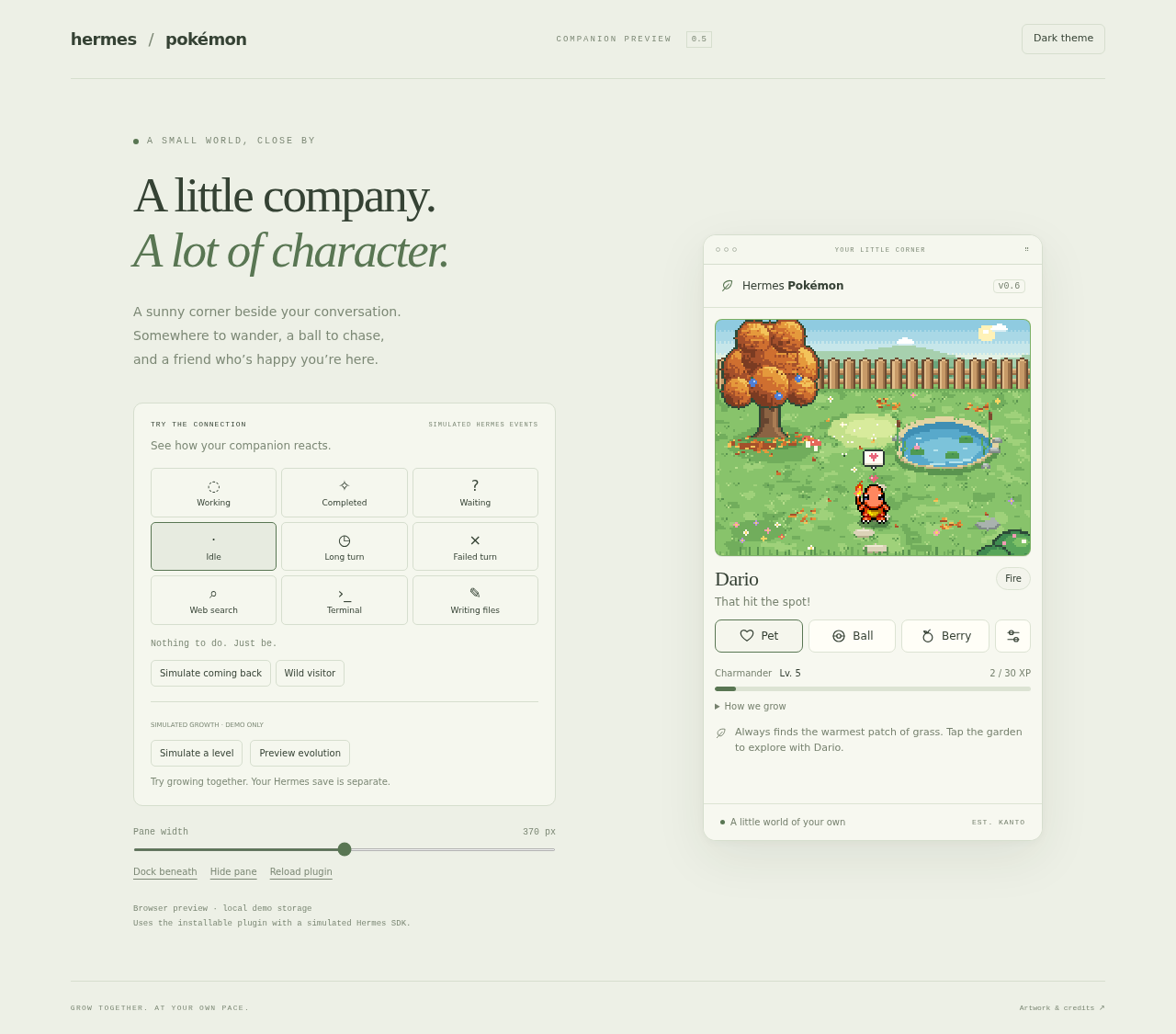
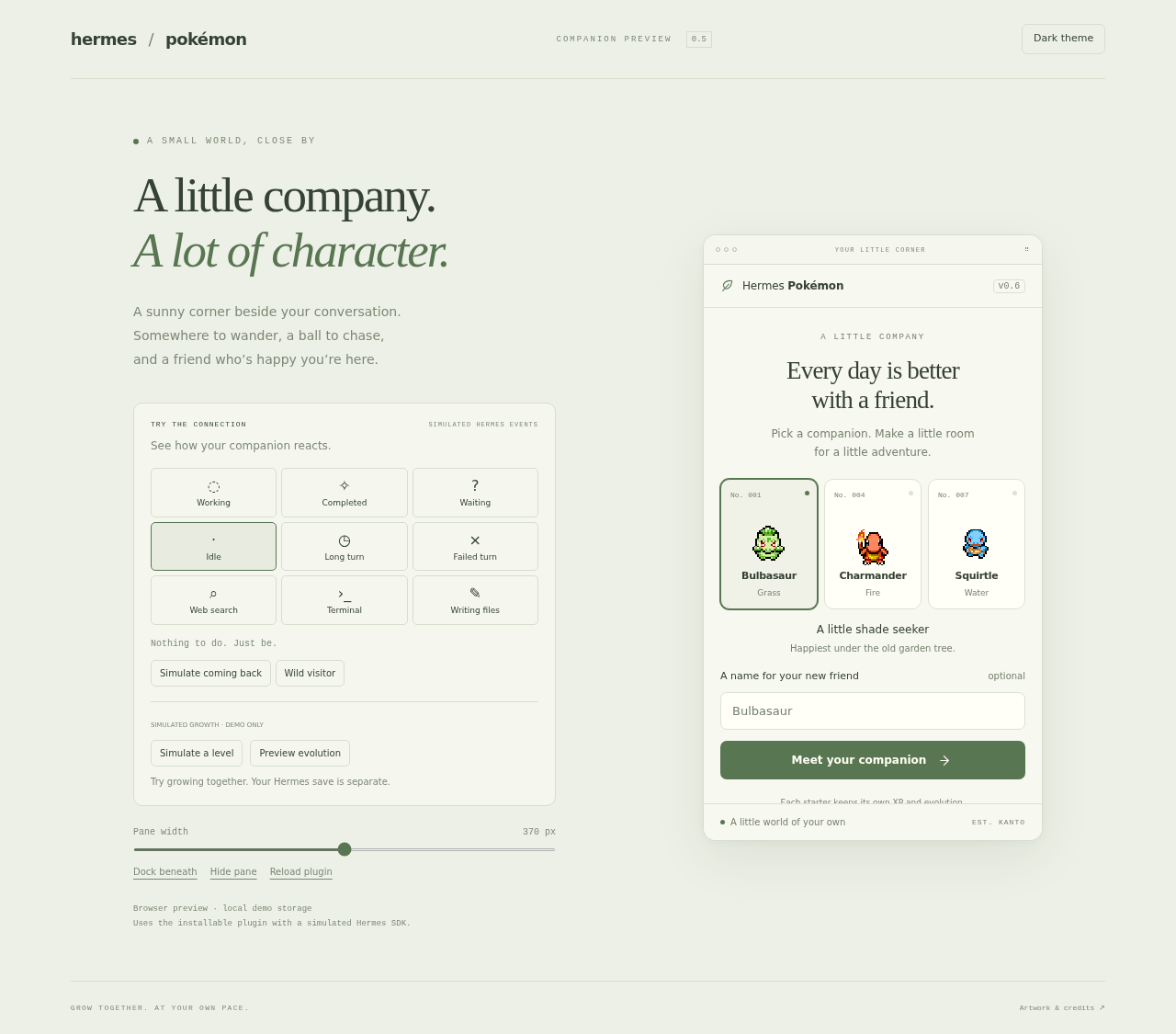
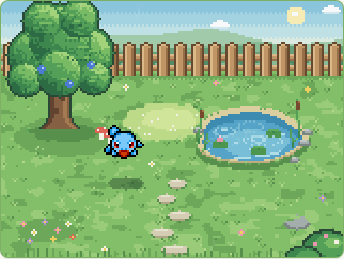
A small pixel-art garden beside your Hermes conversation. Choose Bulbasaur, Charmander, or Squirtle, give it a nickname, and spend a little time together.
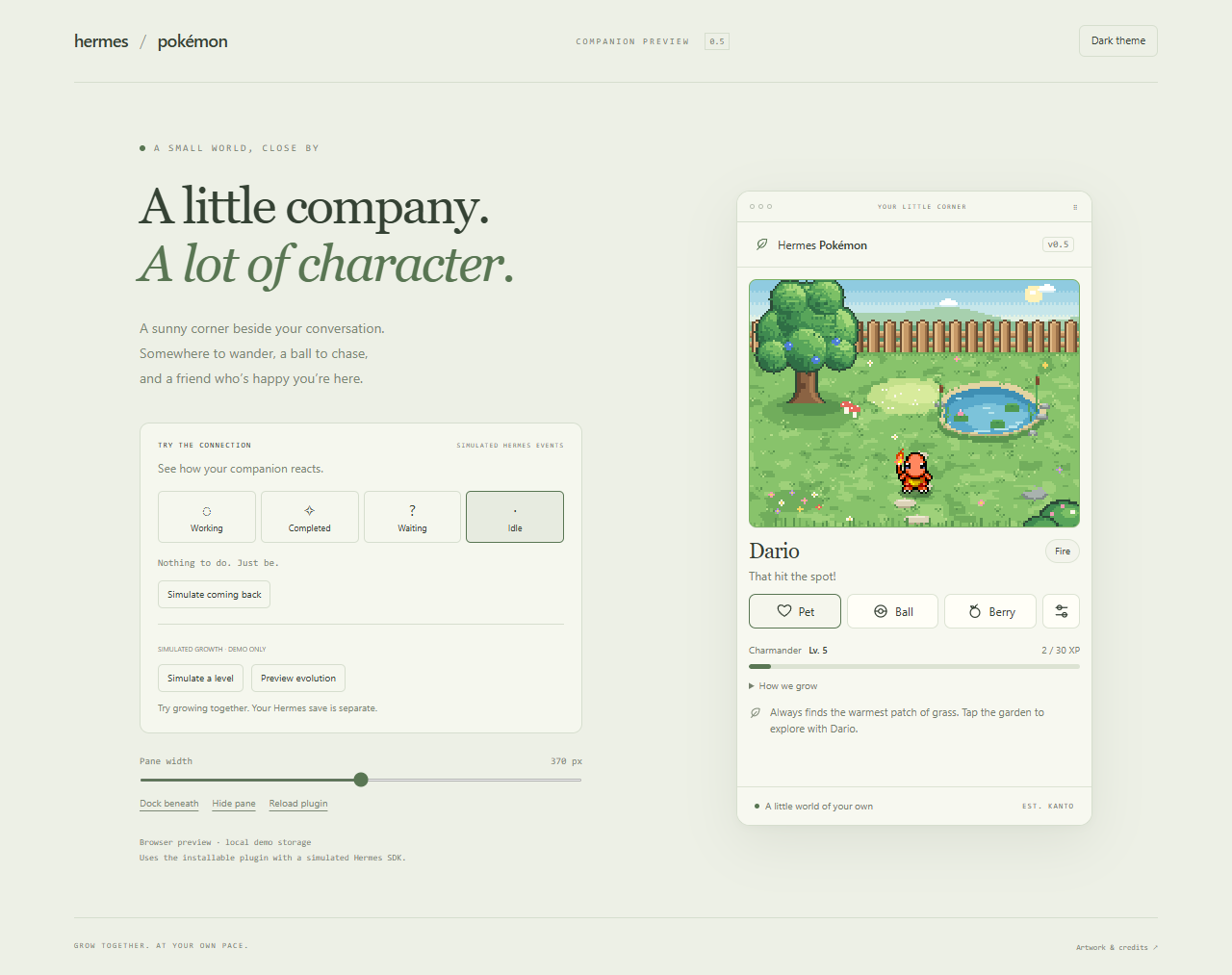
Browser preview with simulated Hermes events.
Install in Hermes Desktop
With Hermes 0.21.5 or later, install directly from this repository:
hermes plugins install sxuff/hermes-pokemon
Open Capabilities → Plugins, rescan if needed, and enable Hermes Pokémon. The repository includes a ready-to-run desktop bundle; users do not need Node.js. Drag the pane tab beside or beneath the conversation.
Alternatively, download the ZIP and matching SHA256 file from Releases. Extract its hermes-pokemon folder into:
$HERMES_HOME/desktop-plugins/hermes-pokemon/
  plugin.js
  README.md
  CREDITS.md
  LICENSE
  build-info.json
  docs/
HERMES_HOME defaults to ~/.hermes (%USERPROFILE%\.hermes on Windows). Run Reload desktop plugins from the command palette if needed. Use one install method: before switching from a manual ZIP install to the repository package, move the old desktop-plugins/hermes-pokemon folder elsewhere, because Hermes preserves hand-installed copies. Closing the only pane disables the plugin; re-enable it in Plugins.
The plugin uses the public Desktop Plugin SDK. All artwork is bundled; it needs no backend, credentials, model calls, or runtime network access.
Controls
- Choose a starter, optionally enter a nickname, then select Meet your companion.
- Click the Pokémon (or Pet) for hearts. Pet it a few times in a row for a happier reaction. Petting a napping Pokémon wakes it gently first.
- Click the grass to call it over. Click the tree, pond or flowers to investigate together, with a different little reaction from each starter.
- Ball throws a Poké Ball. It bounces and rolls; your Pokémon chases it, carries it back, then pauses proudly to present it.
- Berry drops an Oran Berry nearby; your Pokémon looks up in anticipation, nods, walks over and eats it.
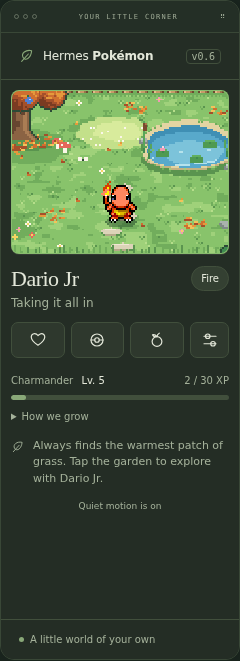
- Settings: rename, change starter, reset position, garden light (follow your clock, or pin dawn/day/dusk/night), season, weather, and extra quiet motion. System reduced motion is always respected. Escape closes settings.
Life in the garden
Each starter has its own routine on top of wandering, napping (lie down → sleep → wake and stretch), playing (spins, hops, a visiting butterfly) and sniffing the flower bed:
- Bulbasaur sits in the shade of the old tree, looking up at the leaves, and sometimes tends the flower bed.
- Charmander takes a deep breath in the sunny patch and lies down to bask, with a little ritual to warm its paws. At dusk and night its tail flame lights up the grass.
- Squirtle sits on the bank watching the ripples, makes a few ripples of its own, and sometimes hops in for a paddle around the pond.
Return after at least one minute away and your companion walks over for a heart and a happy hop. Welcomes have a five-minute cooldown, skip the first visit, and wait for ongoing play to finish. With reduced motion, the greeting stays in place.
When things are quiet, your companion sometimes carries a ball over and rolls it toward you: a small invitation to play. Press Ball for a game, or let it return to its own routine. Reduced motion keeps these autonomous invitations off and turns garden investigations into a glance in place.
The garden itself moves: clouds drift, the pond shimmers and ripples (watch for the fish), reeds and grass sway, leaves fall from the tree, and fireflies come out at night.
Seasons. The garden follows the calendar: blossoms in spring, fireflies in summer, orange leaves that fall and float on the pond in autumn, and gentle snow and frost in winter. Each starter has one seasonal habit: Bulbasaur watches blossoms drift down in spring, Charmander warms itself by its own tail flame in winter, and Squirtle watches leaves (autumn) or snowflakes (winter) settle on the pond. Settings can pin a season or switch to Southern Hemisphere seasons, since a device clock can't tell which hemisphere you're in.
Keepsakes. When you explore the tree, pond or flowers together, your companion sometimes finds something small, like a smooth pebble, a red maple leaf or a snowdrop, and keeps it. There are 13 to find, some only in certain seasons. Settings shows the collection. Each is found once, and nothing needs looking after. Choose Place on up to four of them to set them out in the garden; your companion sometimes wanders over to check on one.
Milestones. Day 30, day 100 and every yearly anniversary get a small celebration, and Settings shows how many days you've been together. Each is celebrated once, only near the day itself, so returning after a long break never replays old ones. Saves from earlier versions start counting from the upgrade.
Showers. On some days a few short showers pass through, 3 to 6 minutes each, fading in and out. They're picked from the date, so no weather service is needed; winter has its snow instead. Squirtle splashes about in the meadow, Charmander shelters under the tree to keep its flame dry, and Bulbasaur turns its bulb up to the rain, then shakes off. Settings can choose Natural, Clear or Rain.
More ways to move. Pounces that sometimes end in a tumble, rolls in the grass, a curled-up sleep pose, a power-up before a big cheer, Charmander scuffing the ground and Squirtle ducking into its shell when a visitor surprises it. Routines never repeat back to back and their pacing changes each time. Evolved forms without one of these sheets reuse their own nearest move.
Late nights. Between 1am and 5am your companion gets sleepy: slow yawns, heavy nods and more naps. Keeping you company through a long turn that late, it may doze off right beside you. Work cues let it sleep; a finished turn wakes it to cheer.
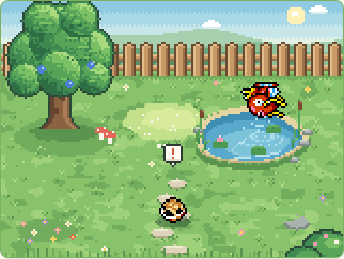
Wild visitors. Every few minutes a wild Pokémon may stop by: a Pidgey lands by the fence, a Caterpie inches along the flower bed, a Magikarp surfaces in the pond, or a Hoothoot comes out at night. Each suits its season and time of day, none come in the rain, and your companion turns to watch. Visitors are just passing through; there is still one companion.
Your rhythm. Your companion learns when you usually arrive. After the same time of day on three different days, it's already waiting for you in its favorite spot when you come back then, instead of walking over. Settings shows the usual times it has learned.
Each starter quietly remembers a favorite resting spot learned from your interactions, the last thing you did together, its keepsakes, and your usual arrival times. It returns to that spot on a later visit and uses it for naps. Settings shows these small memories; there are no hunger meters or chores.
Species, nickname, motion, garden light, season, hemisphere, weather, per-species memories (including placed keepsakes and days together) and growth persist across reloads. Older saves migrate automatically. Exact position and transient reactions are not saved.
XP & evolution
Start at level 5 and earn 30 XP per level, up to level 50. The growth strip below the controls shows your current form, level and XP. Each starter keeps its own progress when you switch companions.
| Time together or activity | XP | Reward frequency |
|---|---|---|
| Visible garden while Hermes has focus | 3 | Every active minute |
| Pet | 2 | Once per 30 seconds |
| Throw ball | 8 | Once per minute |
| Give berry | 5 | Once per minute |
| Call over or investigate scenery | 2 | Shared 30-second cooldown |
Activities stay playable during their XP cooldown. Autonomous behavior and Hermes messages do not award interaction XP. Hidden, unfocused and offline time earns no XP; nothing decays while you are away. Reloading preserves cooldowns and partial active minutes.
| Starter | First evolution | Final evolution |
|---|---|---|
| Bulbasaur | Ivysaur · level 16 | Venusaur · level 32 |
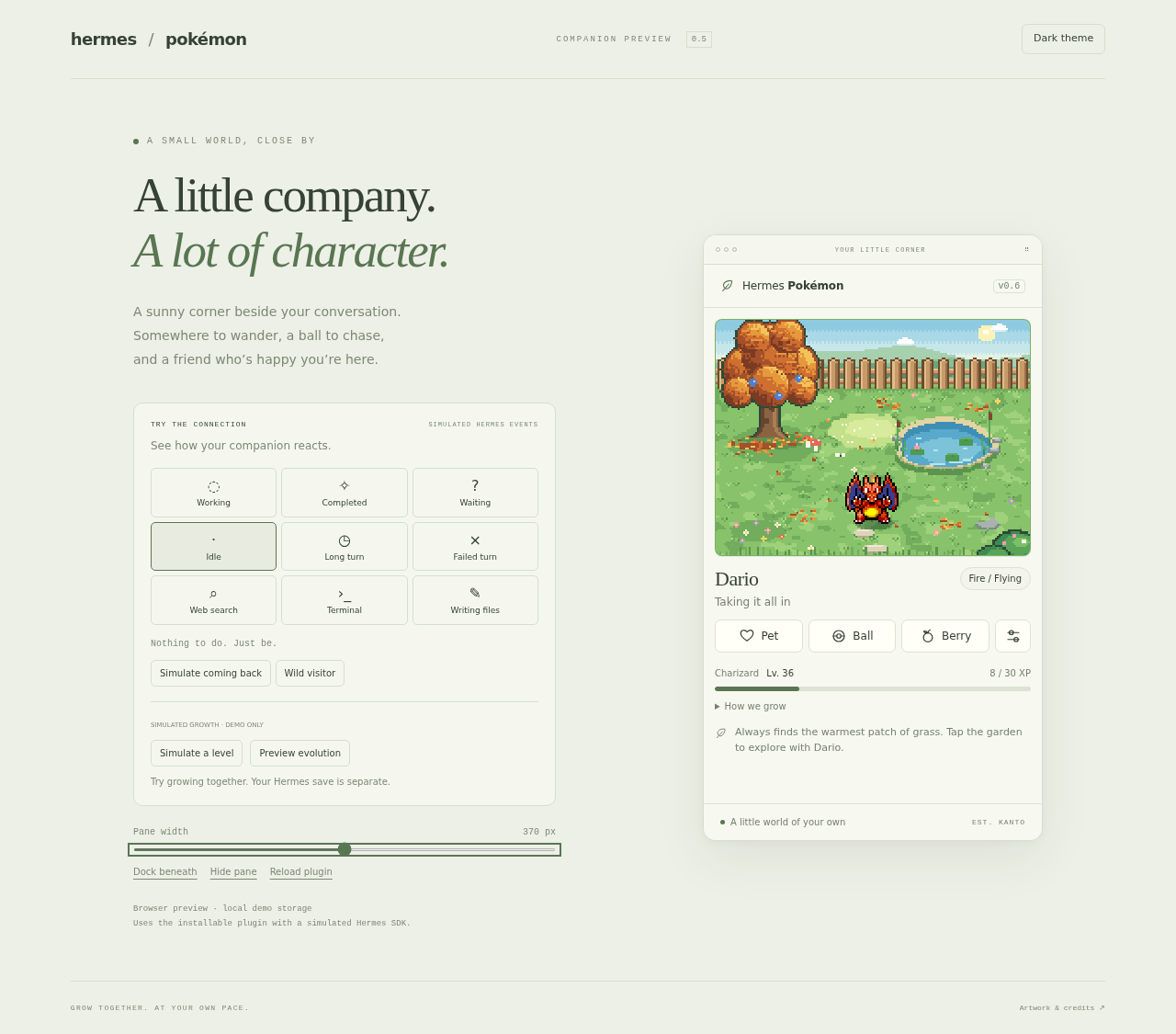
| Charmander | Charmeleon · level 16 | Charizard · level 36 |
| Squirtle | Wartortle · level 16 | Blastoise · level 36 |
Evolution is optional. When ready, choose the evolution offer, preview the next form, and confirm—or choose Not now. Your companion finishes its current activity before evolving. The short transition has no flashing effect and becomes a still cue with reduced motion. Nickname, XP and memories carry over. You can keep a form indefinitely and keep leveling; each evolution is a separate choice. Reset position never resets growth.
All nine forms, and the four wild visitors (Idle, Walk and Hop only), use bundled real sprite sheets. Some evolved forms have fewer source poses and reuse their own idle pose for unavailable gestures; see CREDITS.md for exact mappings.
The preview's Simulate a level and Preview evolution buttons let you try growth immediately. These controls exist only in the browser demo and never change your Hermes save.
Browser preview & development
For development, use Node.js 22+:
npm ci
npm run build
npm test
npm run package
npm run demo
Open the local preview. It loads the actual built plugin with a simulated SDK and explicitly labeled simulated events, including a simulated return to preview the welcome, a Long turn (the preview clock jumps three minutes into a running turn) and a Failed turn, simulated Web search, Terminal and Writing files tool calls, and a Wild visitor. Seasons and weather can be pinned from Settings. Its localStorage is separate from Hermes plugin storage. Resize the pane, dock it beneath, switch themes, hide it, or reload it. npm run install:plugin installs the build into your local Hermes plugin directory, backing up an existing plugin.js first.
npm run build updates the committed desktop/plugin.js and the disk-install folder. npm run package verifies the bundle checksum and creates release/hermes-pokemon-0.6.2.zip with a matching .sha256 file. The package uses plugin.yaml + desktop/plugin.js; source structure, storage and release details are in docs/SDK.md.
Hermes awareness & compatibility
- Working: your Pokémon turns to you, nods, and shows a “…” bubble.
- Completed: a successful turn gets a hop, a pose and a little confetti.
- Long turns: when Hermes has been working for 3 minutes or more, your Pokémon stops wandering and sits beside you, keeping the “…” bubble while it waits with you. When that long turn finishes, it gets a bigger reaction: a stretch, two hops and extra sparkle.
- Failed turns: an error or a turn you stop gets a quiet look and a small nod, with no bubble and no confetti. After two errors in a row, it brings you the ball, a small invitation to take a break (at most once every 10 minutes; never with reduced motion; your Stop never counts as an error).
- What Hermes is doing: when Hermes starts a web search or browser tool, your Pokémon looks out over the fence; a terminal command gets a curious head tilt; writing or patching files gets a little dig in the grass. Only the tool's name is read, never its arguments or results; other tools get no reaction, and reactions are at least 20 seconds apart because agents call tools in bursts.
- Waiting: a focused
clarifytool call gets a “?” bubble. Other kinds of pending input may not be detectable. - Cues never cancel a fetch, a berry, a pet or a nap (a napping Pokémon just shows the bubble). Keeping company and the break offer wait until play finishes. Missing activity APIs leave the garden fully usable.
- Animation pauses while hidden. Narrow panes, light/dark themes, reduced motion and clean disable/reload are supported.
Verification
See docs/VERIFICATION.md for completed checks and remaining limits. Browser simulation and native Hermes checks are recorded separately; the hero image above is a browser preview.
This is an independent fan project. Original code is MIT-licensed; bundled Mystery Dungeon artwork is excluded from that license. See CREDITS.md for sources, rights and asset replacement. Battles, trading, multiple pets and additional habitats are left for later.